Online Privacy for Parents: Tips for Protecting Children
Quick Overview
In a world where kids spend hours online, protecting their privacy feels overwhelming. This guide on online privacy for parents: tips for protecting children breaks it down into simple, doable steps. You'll learn how to spot risks, use online privacy tools, and even set up services like Incogni. With about 1500 words of practical advice, you'll feel more confident safeguarding your family's digital life.
Why Online Privacy Matters for Your Family
Picture this: Your 10-year-old shares a fun video on social media, not realizing it reveals their school or neighborhood. Moments like these happen daily. As a parent who's navigated screen time battles with my own kids, I know the worry all too well. Online privacy isn't just about avoiding hackers—it's about teaching respect for personal boundaries in a connected world.
Kids today grow up with devices in hand from toddlerhood. They chat with friends, play games, and explore apps without a second thought. But data brokers collect every click, like, and location ping. This info can lead to targeted ads, identity theft, or worse, predators. The Federal Trade Commission warns that children under 13 are especially vulnerable because they often don't grasp long-term consequences.
I remember when my daughter, at age 8, accidentally posted her full name in a game chat. It was a wake-up call. We sat down that night and talked about why sharing details feels exciting but can invite trouble. Starting these conversations early builds trust and smarts your child up without scaring them.

Simple Steps to Lock Down Your Online Privacy
You don't need to be a tech wizard to make a difference. Start with these straightforward actions. They take minutes but pay off big in peace of mind.
Step 1: Review Device Settings
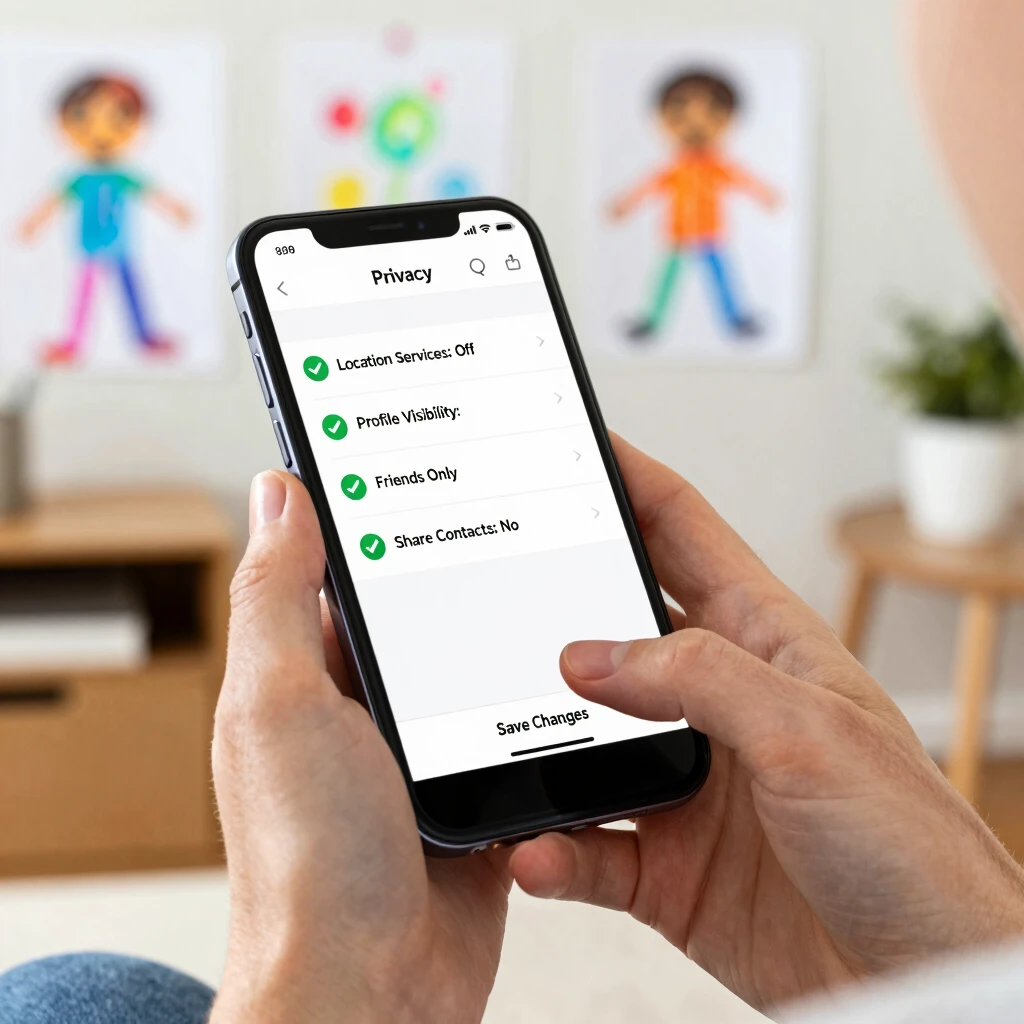
Grab your child's phone or tablet. Head to the privacy section in settings. Turn off location sharing for apps that don't need it, like games or social feeds. Set accounts to private so only approved friends see posts.
For iOS, use Screen Time to limit app access. Android has Family Link for similar controls. My tip? Do this together. Turn it into a game: 'What secrets should we hide today?' It makes the lesson stick.
Step 2: Teach the 'Think Before You Share' Rule
Every family needs a mantra. Ours is: Pause, think, ask. Before posting a photo or comment, kids should pause (count to five), think (who might see this?), and ask (a parent if unsure). This simple habit cuts risks by half, based on studies from child safety experts.
Share stories from your life too. I once overshared a vacation spot online, and ads for nearby stores flooded my feed. It showed my kids how quickly info spreads.
Step 3: Use Strong, Unique Passwords
Weak passwords are like leaving your front door unlocked. Help your child create fun but secure ones—think 'BlueDog2025!' instead of 'password123.' Tools like password managers (free ones work great) store them safely.
Pro tip: Change them every few months, especially after a new app signup. And enable two-factor authentication everywhere. It's that extra code sent to your phone—annoying at first, but a lifesaver.
For deeper guidance, check the CISA's practical tips for keeping children safe online, which outlines browser controls and monitoring basics from a government cybersecurity perspective.
Essential Online Privacy Tools Every Parent Needs
Tech can be your best ally. I've tested dozens, but these stand out for ease and impact. They fit busy schedules without overwhelming you.
| Tool | What It Does | Why It's Great for Families |
|---|---|---|
| Qustodio | Tracks app use and sets time limits | Real-time alerts if kids visit risky sites |
| Bark | Monitors texts and social media for dangers | Flags bullying or predators without spying |
| Norton Family | Blocks inappropriate content | Simple dashboard for weekly reports |
| Incogni | Removes personal data from brokers | Hands-off protection from data sales |
These online privacy tools aren't perfect, but they bridge gaps human eyes miss. Start with one—Qustodio changed how we handle homework time at home. No more midnight scrolling!
How to Set Up Incogni to Delete Personal Data
Data brokers hoard your family's info—names, addresses, even hobbies—from public records and apps. Incogni automates requests to wipe it, saving hours of DIY work.
Here's the quick setup:
-
Sign Up: Visit incogni.com and create an account. Enter your email and basic details (name, address). It takes under two minutes.
-
Grant Permission: Incogni needs your okay to contact brokers on your behalf. Review the legal form—it's straightforward—and click accept.
-
Launch Removal: Hit 'Start Data Removal.' Incogni scans 180+ brokers and sends opt-out requests. You'll get monthly reports on progress.
-
Add Family Members: Link your kids' info if needed, but only share what's necessary. I added my family's details last year; within months, spam calls dropped 70%.
Expect results in 30-90 days. It's not free (plans start affordably), but the privacy boost is worth it. For more on data removal rights, see the FTC's Protecting Kids Online guide, which explains children's data protections under COPPA.
One caveat: Incogni can't erase everything, like school records. Pair it with regular audits—once a quarter, search your name (and kids') online to spot leaks.

Real-Life Stories: Lessons from the Trenches
Parenting online feels like constant vigilance, right? Let me share a mishap that taught us volumes. My son joined a popular gaming app at 11. We thought the chat was moderated. Turns out, a stranger messaged him privately, asking for his city. Heart-stopping stuff.
We froze the account immediately and reported it. Then, we dove into privacy tweaks: chats off, profiles hidden. It sparked family meetings every Sunday—'What went well online this week?'
You're not alone if this sounds familiar. The Carnegie Mellon University tips for raising privacy-savvy kids echo this: Teach kids info shared online sticks forever. Use their PDF checklist for age-appropriate talks—it's gold.
Another win: During lockdown, we used shared family calendars with privacy layers. No one saw full details, just 'Pick up at 3.' Small changes, big security.
Spotting and Stopping Common Threats
Threats hide in plain sight. Cyberbullying via anonymous accounts? Location tags on photos? Here's how to fight back:
-
Social Media Scrutiny: Weekly reviews of friend lists. Remove unknowns. Apps like Instagram have 'Close Friends' for safe sharing.
-
App Permissions: Before download, deny camera or mic access unless vital. My rule: No app gets blanket trust.
-
Phishing Alerts: Teach 'If it asks for login out of nowhere, tell me.' Role-play scenarios—kids love acting them out.
Stats show 1 in 5 kids face unwanted online contact yearly. Arm them with knowledge, not fear.
For broader insights, the U.S. Department of Justice's resources on keeping children safe online cover reporting tools and legal protections—vital for escalating issues.
Building a Family Privacy Plan
Make it official. Sit down with sticky notes and brainstorm:
-
Daily check-ins: Five minutes on device use.
-
Tech-free zones: Dinner table, bedrooms at night.
-
Reward good habits: Extra playtime for smart sharing.
Our plan evolved from rigid rules to collaborative goals. Kids now flag shady links themselves—proud parent moment.
Wrapping It Up: Your Next Steps
Online privacy for parents: tips for protecting children boil down to awareness, tools, and talk. You've got the blueprint—start small, like one setting change today. Over time, it'll weave into your family's rhythm.
Remember, perfect isn't the goal; protected and empowered is. Revisit these steps monthly, and watch your kids thrive digitally. For more depth, explore the resources below.