Simple Steps to Enhance Your Online Privacy
Your online privacy matters more than ever. With hackers and data collectors lurking, a few simple steps can safeguard your information. This guide offers easy ways to lock down your online privacy, from strong passwords to tools like Incogni.

Why Online Privacy Is a Big Deal
Every click you make online leaves a trace. Social media posts, shopping habits, even casual browsing—all of it can be tracked. I didn’t realize this until my email got hacked years ago. Someone used a weak password I’d reused everywhere to break in. It was a mess to clean up, and it taught me a hard lesson: online privacy isn’t optional. Hackers want your data. Advertisers want it too. Even data brokers sell it without asking you. But you can fight back with simple steps to enhance your online privacy. I’ve been doing this for years now, and I’ll show you how I keep my digital life secure.
Lock Down Your Accounts
Your accounts are the gateway to your digital world. Securing them is step one.
Create Strong, Unique Passwords
Think of passwords as the locks on your doors. Weak ones are easy to pick. After my hack, I stopped using ‘password123’ and started using a password manager. These tools make long, random passwords for every site—stuff like ‘X7kP!m9qL2’ that nobody can guess. I use Dashlane, but LastPass or 1Password work great too. They store everything safely, so I only need to remember one master password. It’s a game-changer for online privacy.
Add Two-Factor Authentication
A strong password isn’t enough sometimes. Two-factor authentication (2FA) adds another lock. It asks for a second proof it’s you—like a code sent to your phone. I turn this on for my email, bank, and social media. Once, someone tried logging into my account from miles away, but 2FA stopped them cold. Use an app like Google Authenticator instead of text messages if you can—it’s safer.
Control Your Digital Footprint
Every post and search leaves a mark. Managing that mark keeps your privacy intact.
Be Smart on Social Media
Social media can expose a lot. I used to share everything—vacation plans, my dog’s name, you name it. Then I learned that oversharing makes you a target. Now, I lock down my profiles. Check your privacy settings monthly. Don’t post your address or phone number. And think twice about friend requests from strangers. These simple steps to enhance online privacy really cut down the risks.
Handle Cookies and Trackers
Websites track you with cookies—tiny files that watch what you do. Some are fine, but others feed advertisers. I go into my browser settings and block third-party cookies. It’s easy: find the privacy tab and flip a switch. I also use tools like uBlock Origin to stop trackers. It’s like putting up a ‘do not disturb’ sign online.
Browse Safely
How you surf the web matters. A few tools can make it private.
Use a VPN
A Virtual Private Network (VPN) hides your connection. It’s like a secret tunnel for your data. I use NordVPN when I’m on public Wi-Fi—like at a coffee shop. Once, it kept my info safe while I paid bills at an airport. ExpressVPN or ProtonVPN are solid picks too. Paid ones are faster, but free versions work in a pinch.
Switch to Privacy-Focused Tools
Big browsers and search engines track you. I ditched them for Brave, a browser that blocks trackers automatically. For searches, I use DuckDuckGo—it doesn’t save what I look up. Since switching, I see way fewer creepy ads. These online privacy tools are simple to use and make a big difference.
Keep Everything Updated
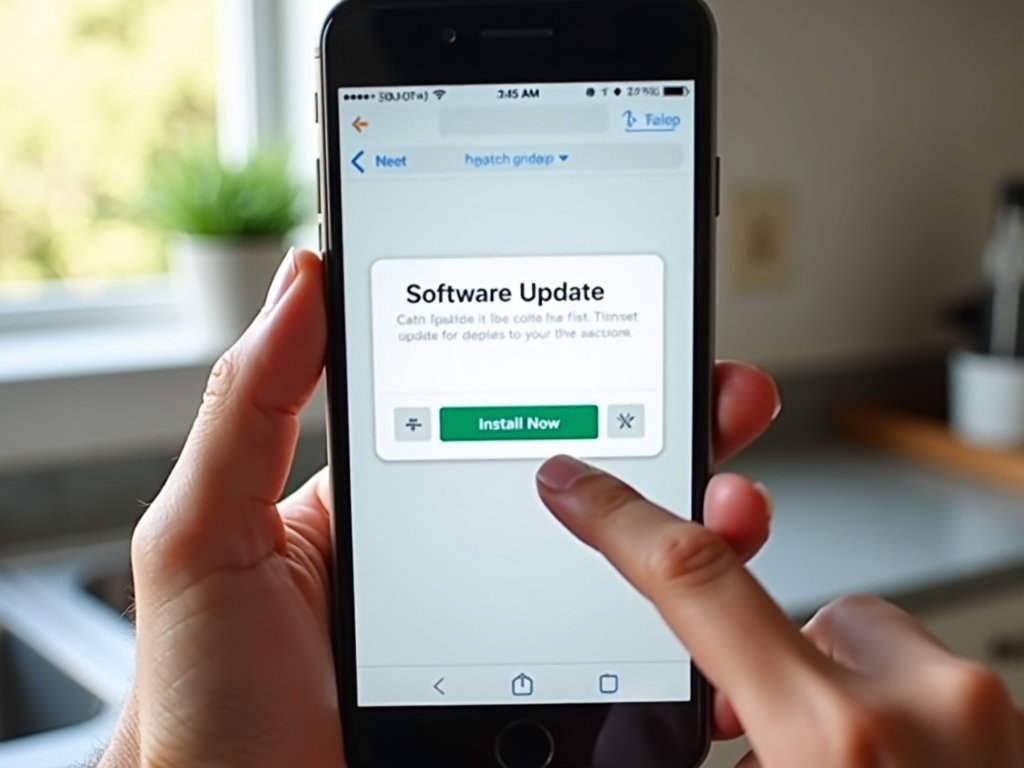
Old software has holes hackers love. Updates fix those holes. I check my phone and laptop weekly for updates. Turn on automatic updates if you can—it’s one less thing to worry about. And delete apps you don’t use. Fewer apps mean fewer risks.
Try Privacy Tools
Special tools can boost your privacy even more.
How to Set Up Incogni to Delete Personal Data
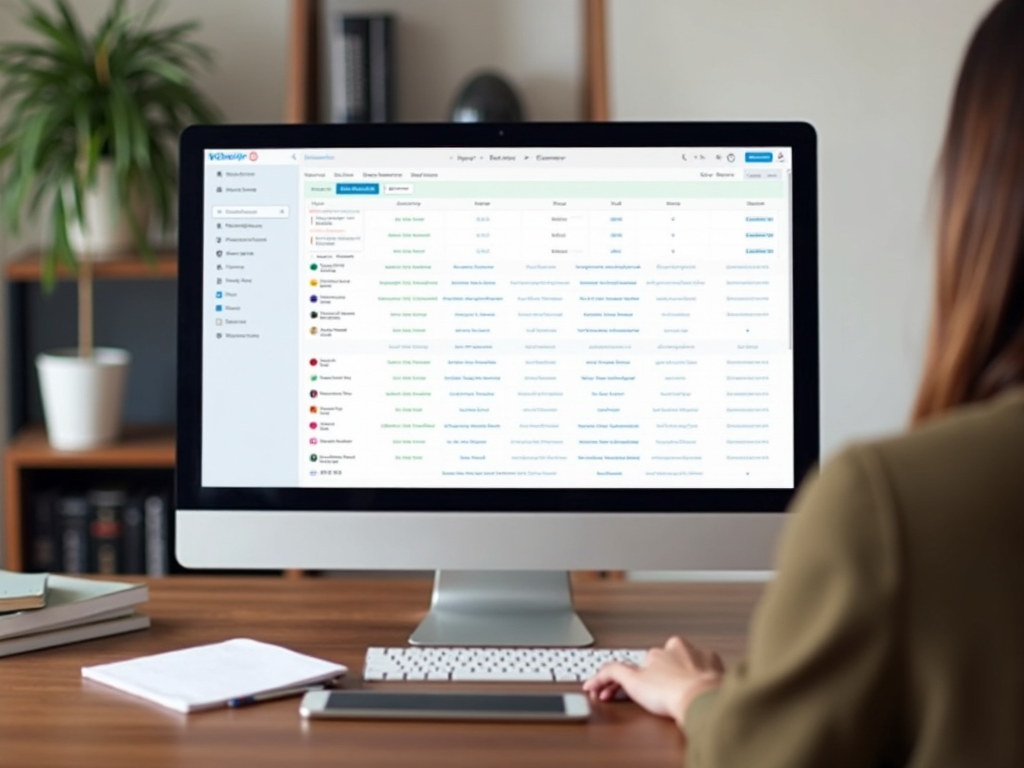
Data brokers grab your info and sell it. Incogni stops them by asking them to delete it for you. Here’s how to set up Incogni to delete personal data:
- Go to their website and sign up.
- Fill in your details—name, email, address.
- Let Incogni send removal requests.
- Check your dashboard to see progress.
I tried it and saw less junk mail in weeks. It’s a powerful way to take back control.
More Online Privacy Tools
Incogni isn’t the only helper. ProtonMail hides your emails from snoopers. Signal keeps your chats private—I use it with friends. Tresorit locks up your files safely. These tools are easy to add to your routine and strengthen your online privacy.
Wrapping Up
You don’t need to be a tech wizard to protect yourself online. Simple Steps to Lock Down Your Online Privacy—like strong passwords, 2FA, careful sharing, VPNs, updates, and tools like Incogni—go a long way. I’ve used these myself and feel safer every day. Privacy takes effort, but it’s worth it. Start small, stay consistent, and you’ll see the difference.