Top Tips for Safe Browsing: Protect Your Online Privacy
Overview:
In today’s digital world, browsing the internet safely is more important than ever. With cyber threats like hacking, phishing, and data breaches on the rise, protecting your online privacy should be a top priority. This article shares top tips for safe browsing, including how to choose the right online privacy tools for your needs. Whether you’re a casual internet user or someone who spends hours online, these tips will help you stay secure.
Why Safe Browsing Matters
Safe browsing isn’t just about avoiding viruses or malware—it’s about protecting your personal information, financial data, and online identity. Every time you go online, you’re potentially exposing yourself to risks. But with the right habits and tools, you can significantly reduce those risks. Let’s dive into the top tips for safe browsing.
1. Use Strong, Unique Passwords
One of the simplest yet most effective ways to protect your online accounts is by using strong, unique passwords. Avoid using the same password across multiple sites, as this makes it easier for hackers to access multiple accounts if one is compromised. Instead, use a password manager to generate and store complex passwords for each site.
Pro Tip: Enable two-factor authentication (2FA) wherever possible. This adds an extra layer of security by requiring a second form of verification, like a code sent to your phone.
2. Be Cautious with Public Wi-Fi
Public Wi-Fi networks, like those in coffee shops or airports, are convenient but often unsecured. This makes it easy for cybercriminals to intercept your data. If you must use public Wi-Fi, avoid accessing sensitive information like bank accounts or personal emails. Better yet, use a Virtual Private Network (VPN) to encrypt your connection and keep your data private.
Personal Insight: I once had my email hacked while using public Wi-Fi without a VPN. Since then, I never connect to public networks without one. It’s a small step that can save you a lot of trouble.

3. Keep Your Software Updated
Outdated software is a common entry point for hackers. Whether it’s your operating system, browser, or apps, make sure everything is up to date. Updates often include security patches that fix vulnerabilities. Set your devices to update automatically so you don’t have to remember.
Did You Know? According to a report by Kaspersky, 63% of cyberattacks exploit vulnerabilities for which patches are already available.
4. Use Online Privacy Tools
Online privacy tools are essential for protecting your personal information. But with so many options, how do you choose the right one for your needs? Here are a few types of tools to consider:
- VPNs: Encrypt your internet connection and hide your IP address.
- Ad Blockers: Prevent ads from tracking your online activity.
- Privacy-Focused Browsers: Browsers like Brave or Firefox offer enhanced privacy features.
- Antivirus Software: Protect against malware and viruses.
When choosing a tool, consider your specific needs. For example, if you frequently use public Wi-Fi, a VPN is a must. If you’re concerned about targeted ads, an ad blocker might be more important.
5. Be Wary of Phishing Scams
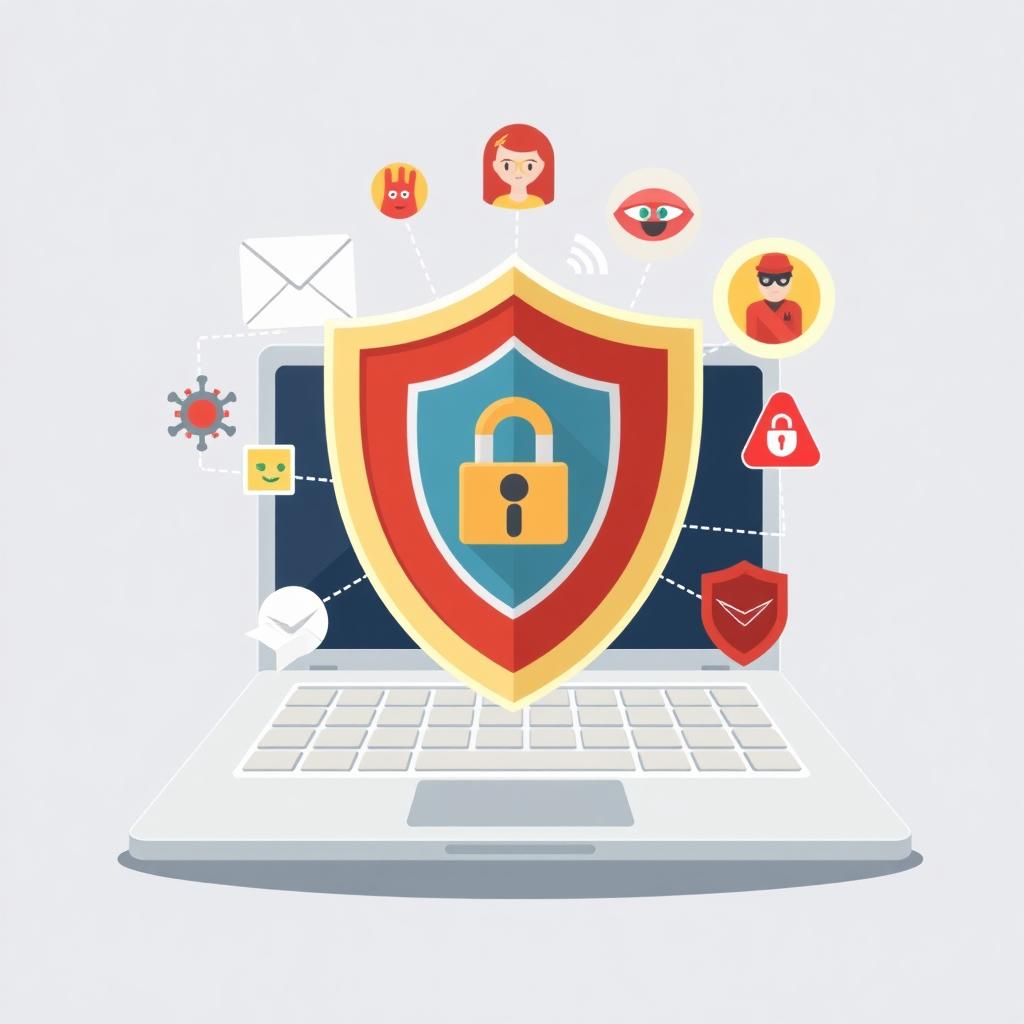
Phishing scams are attempts to trick you into revealing personal information, like passwords or credit card numbers, by pretending to be a legitimate organization. Always be cautious when clicking on links or downloading attachments from unknown sources. Look for signs of phishing, such as misspelled URLs or urgent requests for personal information.
Actionable Tip: If you receive an email that seems suspicious, don’t click on any links. Instead, go directly to the organization’s website by typing the URL into your browser.
6. Limit the Information You Share Online
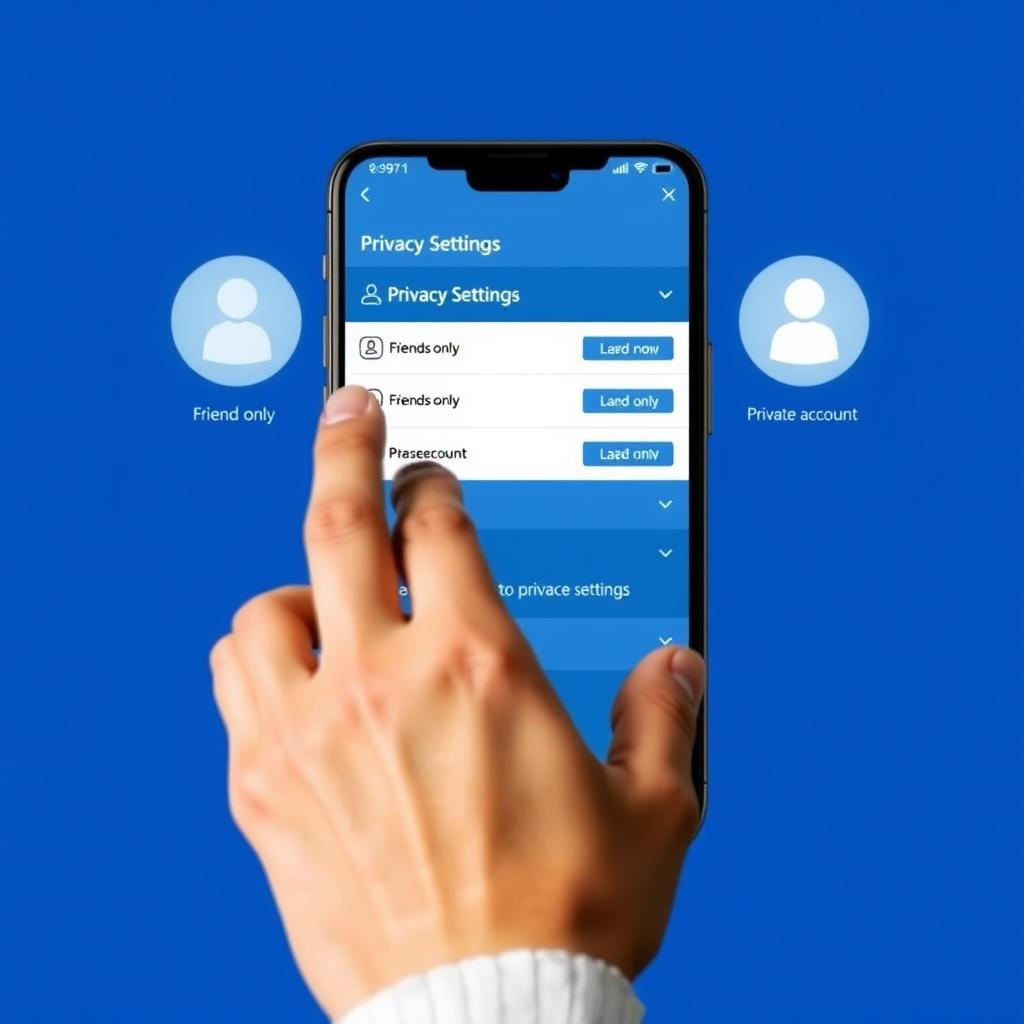
The less personal information you share online, the better. Be mindful of what you post on social media, and adjust your privacy settings to control who can see your information. Avoid sharing sensitive details like your home address or phone number publicly.
Personal Insight: I once shared a photo of my new car on social media, not realizing it showed my license plate. A friend pointed out that this could be used to track my location. Since then, I’m much more careful about what I share.
7. Use Secure Websites
When entering personal information, make sure the website is secure. Look for “https://” at the beginning of the URL and a padlock icon in the address bar. These indicate that the site uses encryption to protect your data. Avoid entering sensitive information on sites that don’t have these security features.
8. Regularly Review Your Privacy Settings
Many websites and apps collect data about you, often without you realizing it. Regularly review the privacy settings on your accounts and adjust them to limit data collection. For example, you can turn off location tracking or limit ad personalization.
Pro Tip: Use tools like Privacy Badger to automatically block trackers and protect your privacy.
Summary
Safe browsing is essential for protecting your online privacy and personal information. By following these top tips—using strong passwords, being cautious with public Wi-Fi, keeping software updated, using online privacy tools, and more—you can significantly reduce your risk of falling victim to cyber threats. Remember, the key to staying safe online is being proactive and informed.
For more information on online privacy and security, check out the recommended readings below.