Advanced Tools for Anonymous Browsing
Why Anonymous Browsing Matters
Before diving into the tools, it’s essential to understand why anonymous browsing is crucial. Every time you go online, your data is at risk. Internet service providers (ISPs), advertisers, and even hackers can track your activity, collect personal information, and compromise your privacy. Using advanced tools for anonymous browsing helps you stay hidden, ensuring your data remains yours.
Think of it like walking through a crowded street. Without protection, everyone can see where you’re going and what you’re doing. But with the right tools, it’s like wearing an invisibility cloak—suddenly, you’re untraceable.
Other Essential Tools for Anonymous Browsing
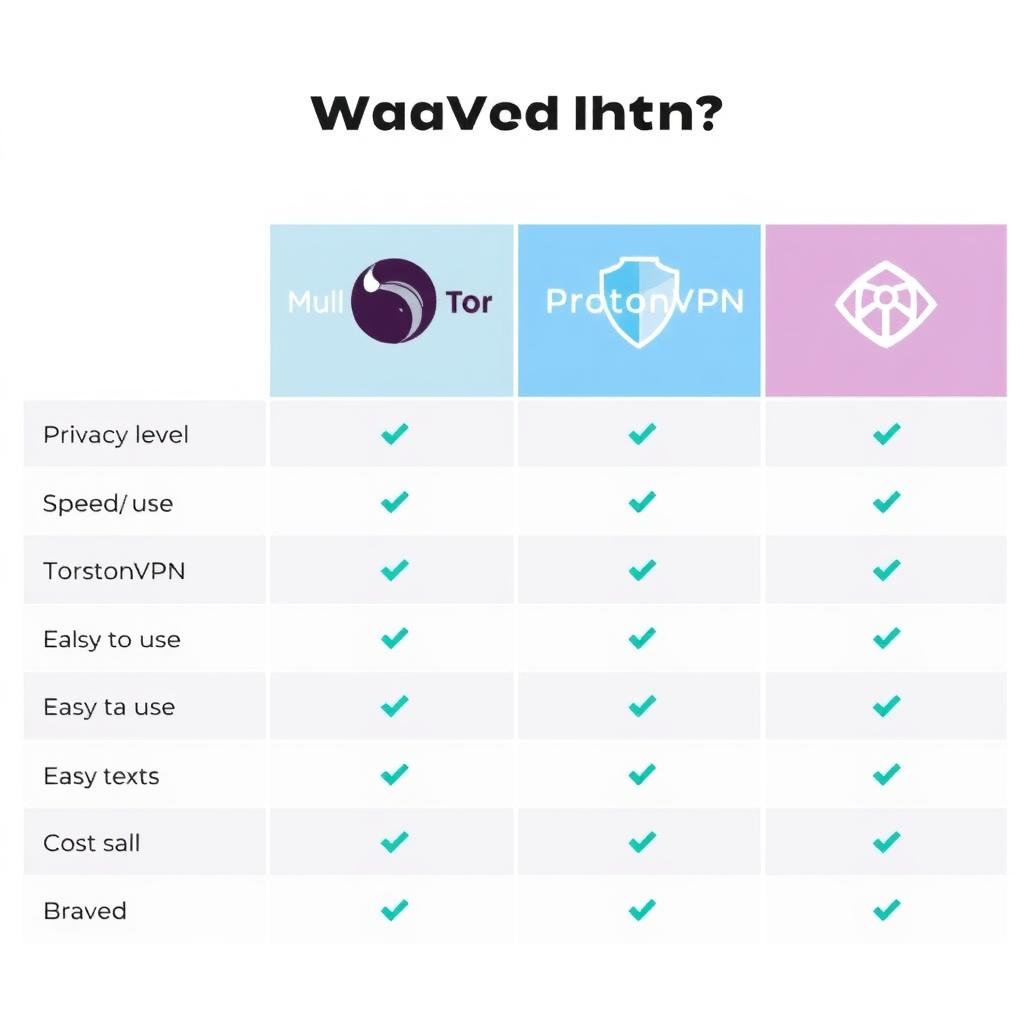
While Mullvad is a top choice, there are other advanced tools that can enhance your online privacy. Here’s a breakdown of the best options:
1. Tor Browser
Tor is one of the most well-known tools for anonymous browsing. It routes your traffic through multiple servers (called nodes), making it nearly impossible to trace your activity.
- Pros: Free, highly secure, great for accessing restricted content.
- Cons: Slower speeds, not ideal for streaming or heavy browsing.
I’ve used Tor for sensitive research, and while it’s not the fastest, it’s incredibly reliable for privacy.
2. ProtonVPN
ProtonVPN is another excellent VPN option, especially for those who prioritize security. It offers a free tier and advanced features like Secure Core, which routes traffic through multiple servers.
- Pros: Strong encryption, no-logs policy, free version available.
- Cons: Slower speeds on free tier, more expensive than some competitors.
3. Brave Browser
Brave is a privacy-focused browser that blocks ads and trackers by default. It also has a built-in Tor mode for extra anonymity.
- Pros: Fast, user-friendly, great for everyday browsing.
- Cons: Limited compared to a full VPN.
I switched to Brave as my default browser last year, and the difference in speed and privacy is noticeable. It’s a great starting point for anyone new to online privacy tools.
4. Signal Messenger
While not a browsing tool, Signal is essential for private communication. It uses end-to-end encryption, ensuring your messages stay between you and the recipient.
- Pros: Highly secure, easy to use, supports voice and video calls.
- Cons: Requires both parties to have the app.
Personal Insights: Why I Prioritize Online Privacy
I started using anonymous browsing tools after a close call with identity theft. A hacker gained access to my email, and it was a nightmare to resolve. Since then, I’ve made privacy a priority. Tools like Mullvad and Tor have given me peace of mind, knowing my data is safe from prying eyes.
If you’re on the fence about using these tools, consider this: your online activity is like a digital footprint. Without protection, it’s easy for anyone to follow your trail. But with the right tools, you can erase those footprints entirely.
Common Misconceptions About Anonymous Browsing
There are a few myths surrounding anonymous browsing that I’d like to clear up:
- "It’s only for criminals." Not true. Anonymous browsing is for anyone who values privacy—journalists, activists, or everyday users like you and me.
- "It slows down your internet." While some tools like Tor can be slower, modern VPNs like Mullvad offer fast speeds with minimal impact.
- "It’s too complicated." Most tools are user-friendly. Setting up Mullvad’s DNS over VPN took me less than five minutes.
Don’t let these misconceptions hold you back from protecting your privacy.
Why You Need Anonymous Browsing
Every time you go online, someone could be watching. Your internet provider, advertisers, or even hackers might track your every move. Without protection, your personal info—like where you live or what you buy—could end up in the wrong hands. That’s where advanced tools for anonymous browsing come in. They hide your activity, giving you control over your online privacy.
Imagine walking through a busy mall. Without these tools, it’s like everyone can see your shopping bags and follow you home. With them, you’re invisible. I learned this the hard way after a hacker got into my email a few years back—it was a wake-up call to start using online privacy tools seriously.
More Tools to Keep You Anonymous
Mullvad isn’t the only option. Here are other advanced tools for anonymous browsing worth checking out:
1. Tor Browser
Tor hides your activity by bouncing it through several servers worldwide. It’s like sending a letter through multiple post offices—no one knows where it started.
- Pros: Free, super private, great for blocked sites.
- Cons: Slow, not the best for videos.
I’ve used Tor for research when I needed total privacy. It’s not fast, but it gets the job done.
2. ProtonVPN
ProtonVPN offers strong security and a free version. Its Secure Core feature sends your traffic through extra servers for added protection.
- Pros: No logs, free option, reliable.
- Cons: Free version can be slow, paid plans cost more.
3. Brave Browser
Brave blocks trackers and ads automatically. It even has a Tor mode for extra anonymity.
- Pros: Fast, simple, free.
- Cons: Not as powerful as a VPN.
I switched to Brave last year, and it’s been a huge upgrade from Chrome. Pages load faster, and I feel safer.
4. Signal Messenger
Not for browsing, but Signal keeps your chats private with end-to-end encryption.
- Pros: Secure, easy, great for calls.
- Cons: Both people need it.
My Take: Why Privacy Matters to Me
After that email hack I mentioned, I got serious about online privacy. It wasn’t just about hiding—it was about feeling secure. Tools like Mullvad and Brave have become part of my daily life. They’re like locks on my digital doors. If you’re wondering whether it’s worth it, ask yourself: how much do you value your peace of mind?
Busting Myths About Anonymous Browsing
Some people shy away from these tools because of misunderstandings. Let’s set the record straight:
- “It’s just for shady stuff.” Nope—regular people like me use it to stay safe.
- “It slows everything down.” Tor can, but Mullvad and Brave keep things speedy.
- “It’s too hard.” Most tools are as easy as downloading an app.
Don’t let these stop you from trying them out.
Recommended Readings
- "Top 10 VPNs for Privacy"
- "How to Stay Anonymous Online"
- "The Ultimate Guide to Online Privacy"
- "How to Choose the Right VPN for You"
- "Online Security Basics for Beginners"