How to Stay Anonymous Online: A Comprehensive Guide
How to Stay Anonymous Online: A Comprehensive Guide
Staying anonymous online means browsing the internet without anyone knowing who you are or what you’re doing. It’s about keeping your identity and personal details hidden from companies, hackers, or even governments. I’ve always believed that privacy is a basic right, but it’s something we have to actively protect these days.
Why does this matter? Every click you make—whether it’s searching for a recipe or shopping online—leaves a trail. That trail can be collected, sold, or stolen. For example, the Electronic Frontier Foundation (EFF) points out that trackers follow us on nearly every website we visit. Staying anonymous helps you avoid identity theft, unwanted ads, or even cyberstalking. It’s not just for tech experts; it’s for anyone who values their online privacy.
Tools for Staying Anonymous Online
There are plenty of online privacy tools to help you stay hidden. Here’s a rundown of the best ones I’ve used or researched:
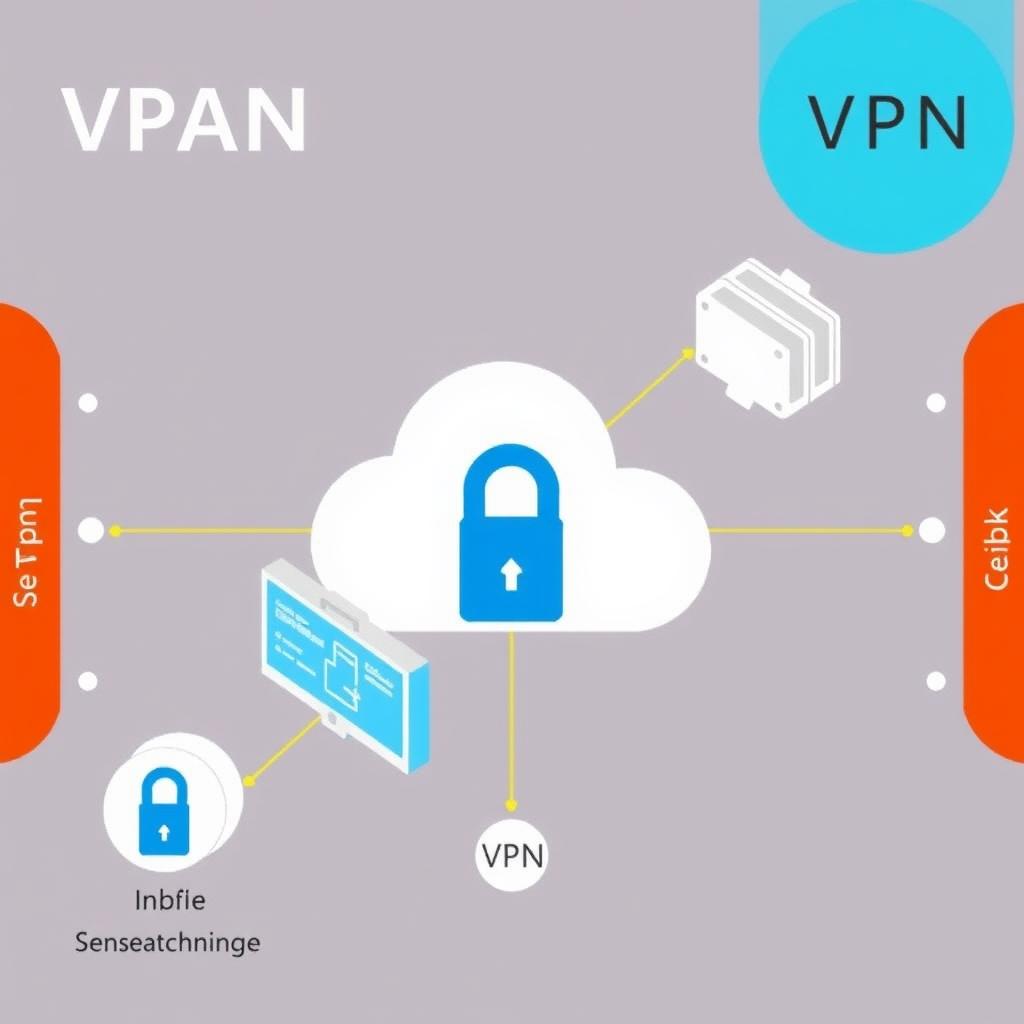
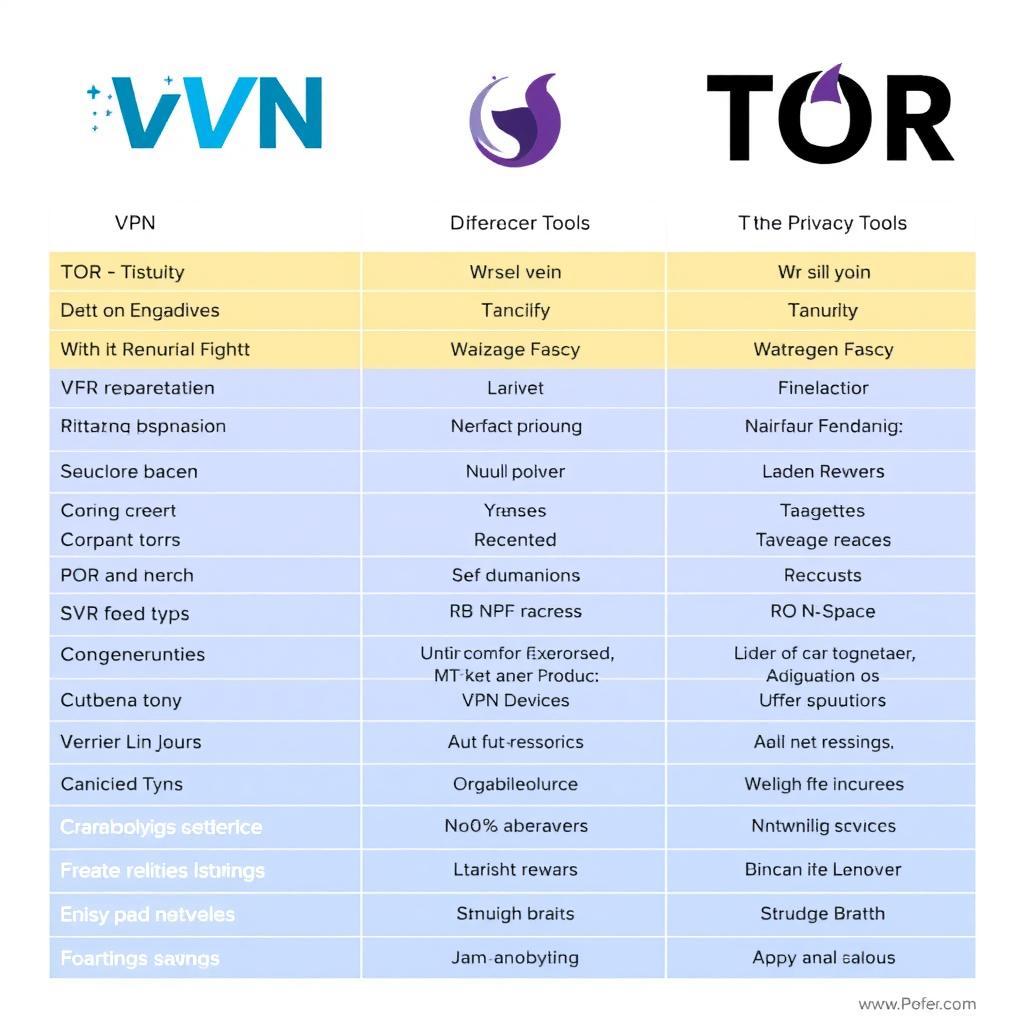
- VPNs (Virtual Private Networks): These tools hide your IP address (your online “location”) and scramble your internet traffic so no one can see it. I think of it like sending your data through a secret tunnel.
- Tor (The Onion Router): Tor bounces your internet connection through several computers worldwide, making it tough to trace back to you. It’s slower than a VPN but great for extra anonymity.
- Private Browsers: Browsers like Brave or Firefox with strict settings block trackers and ads. I switched to Brave last year and noticed fewer creepy ads following me around.
- Encrypted Messaging and Email: Apps like Signal and services like ProtonMail keep your chats and emails private. I use Signal with friends who care about privacy too.
These tools work together to build a strong defense. A study from Stanford University’s Center for Internet and Society shows that combining VPNs with encrypted services is one of the best ways to protect your data from prying eyes.
Configuring IVPN on Android for Maximum Privacy
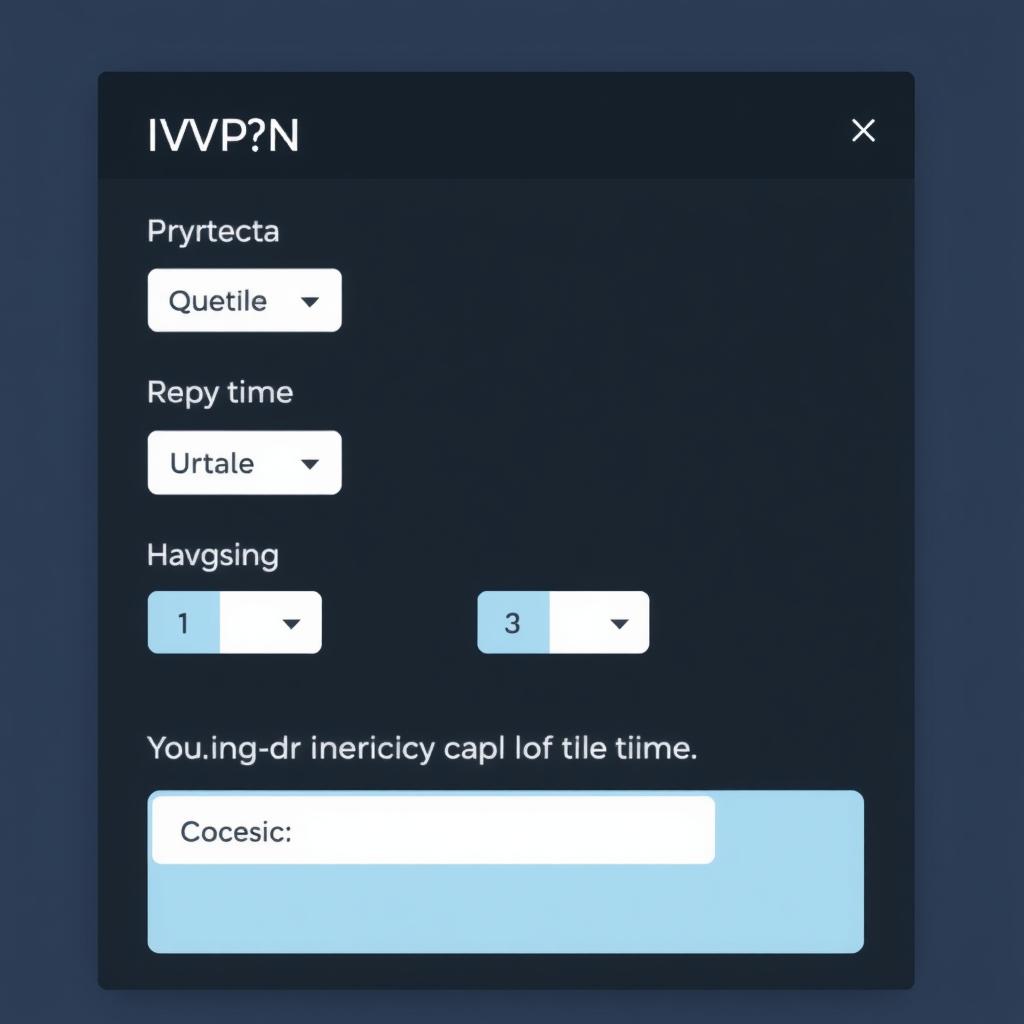
Let’s dive into the main event: how to configure IVPN on Android for maximum privacy. IVPN is one of my favorite VPNs because it doesn’t keep logs of what you do online and uses top-notch encryption. It’s perfect for Android users who want to stay anonymous without complicated setups.
Here’s how to set it up, step by step:
- Download and Install:
- Open the Google Play Store on your Android phone.
-
Search for “IVPN” and tap “Install.” It’s free to download, but you’ll need a subscription later.
-
Sign Up or Log In:
- Launch the app and create an account with an email. IVPN doesn’t store personal info, so I feel safe using it.
-
If you’ve already got an account, just log in.
-
Set Up for Maximum Privacy:
- Go to the settings menu in the app.
- Turn on the kill switch. This cuts your internet if the VPN stops, keeping your data from leaking.
- Pick the WireGuard protocol—it’s fast and secure, which I love for streaming and browsing.
-
If you can, use multi-hop. This sends your traffic through two servers, doubling your privacy.
-
Connect to a Server:
- Choose a server in a privacy-friendly place like Switzerland or Iceland.
-
Hit “Connect” and wait for the green light. You’re now hidden!
-
Extra Privacy Boosts:
- Turn on DNS leak protection to keep your web requests private.
- Enable the anti-tracker to stop ads and trackers in their tracks.
I’ve used IVPN on my Android phone for months, and it’s been smooth and reliable. The kill switch saved me once when my Wi-Fi dropped—no data slipped out. It’s a simple way to stay anonymous online, but it works best when you pair it with other habits we’ll cover next.
Best Practices for Online Privacy
Using IVPN is a solid start, but staying anonymous online takes more effort. Here are some tips I’ve learned over time:
- Make Strong Passwords: Use long, random passwords for every account. I use a password manager to keep track of mine—it’s a lifesaver.
- Skip Public Wi-Fi: Coffee shop Wi-Fi might be free, but it’s a goldmine for hackers. If you have to use it, connect through your VPN first.
- Watch What You Share: Don’t post your address or phone number online. I’ve seen friends regret oversharing on social media when strangers found them.
- Update Everything: Keep your phone and apps up to date. Old software has holes that hackers can sneak through.
These habits make a big difference. The Federal Trade Commission (FTC) says staying proactive about online privacy is the best way to avoid trouble. I couldn’t agree more—little steps add up.
Conclusion
Staying anonymous online doesn’t have to be hard. Tools like IVPN on Android, Tor, and private browsers give you the power to hide your tracks. Add in smart habits—like strong passwords and avoiding public Wi-Fi—and you’re set to protect your online privacy. I’ve shared what works for me, and I hope it helps you feel safer online too.
For more tips, check out the recommended readings below. They’ll take you deeper into keeping your digital life private.