Email Security Tips for Everyday Users
Email is an essential part of our daily lives, but it's also a prime target for hackers and cybercriminals. In this article, we'll explore practical email security tips that everyday users can implement to protect their personal information and maintain their online privacy. We'll also introduce Proton Mail, a secure email service, and discuss how it can enhance your email security. Additionally, we'll touch on other online privacy tools that can help you stay safe in the digital world.
Creating Strong Passwords
One of the simplest yet most effective ways to secure your email account is by creating a strong password. A strong password is one that is difficult for others to guess or crack. Here are some tips for creating a strong password:
- Use a combination of uppercase and lowercase letters, numbers, and special characters.
- Avoid using easily guessable information like your name, birthdate, or common words.
- Make your password at least 12 characters long.
- Consider using a passphrase, which is a sequence of words that are easy for you to remember but hard for others to guess.
For example, instead of using a password like 'password123', you could use something like 'PurpleMonkeyDishwasher!2023'. This passphrase is long, includes a mix of character types, and is not easily guessable.
It's also important to use a unique password for each of your online accounts. This way, if one account is compromised, the others remain secure. To manage multiple strong passwords, consider using a password manager, which can generate and store complex passwords for you. Password managers like LastPass or 1Password are trusted tools that can help you keep track of your passwords securely.

Recognizing Phishing Attempts
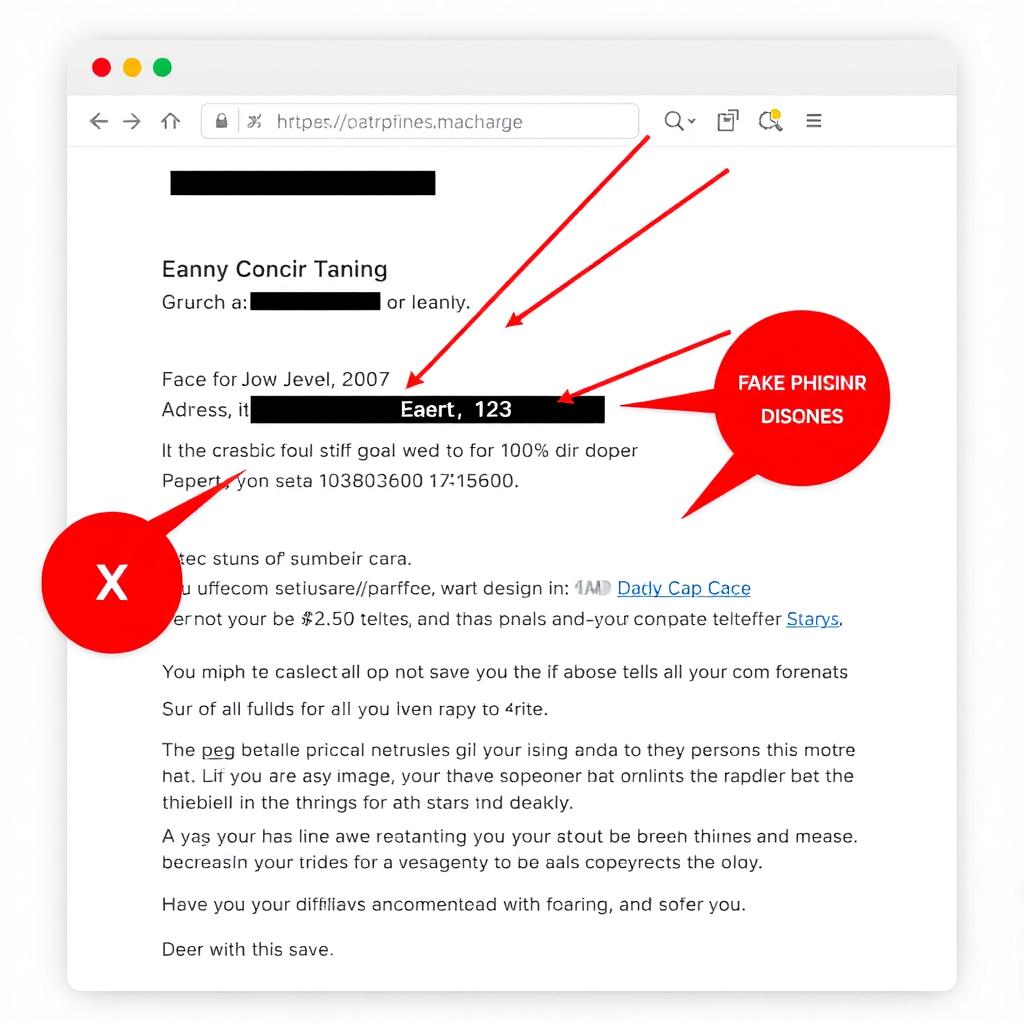
Phishing is a common tactic used by cybercriminals to trick you into revealing sensitive information, like your email password or credit card details. Phishing emails often look like they're from legitimate sources, such as your bank or a well-known company, but they're actually designed to steal your information.
Here are some signs that an email might be a phishing attempt:
- The email asks for personal information, like your password or social security number.
- The email contains urgent or threatening language, pressuring you to act quickly.
- The email has spelling or grammar mistakes.
- The email's sender address looks suspicious or doesn't match the company's official domain.
- The email contains links or attachments that you're not expecting.
If you receive a suspicious email, do not click on any links or download any attachments. Instead, report the email as spam or phishing to your email provider.
To further protect yourself, consider using an email service that offers advanced phishing protection, like Proton Mail. Proton Mail's PhishGuard feature uses advanced technologies to detect and block phishing attempts, keeping your inbox safer. For more tips on identifying phishing emails, visit this resource from the Federal Trade Commission.
Introducing Proton Mail: A Secure Email Service
Proton Mail is a secure email service that prioritizes privacy and security. Founded in 2014 by scientists who met at CERN, Proton Mail is based in Switzerland, a country known for its strong privacy laws.
Here are some key features of Proton Mail:
- End-to-End Encryption: All emails sent between Proton Mail users are automatically encrypted, ensuring that only the sender and recipient can read the message.
- Zero-Access Encryption: Proton Mail stores your emails in an encrypted format, and even Proton Mail's staff can't access your data.
- Open-Source Software: Proton Mail's code is open-source, meaning it can be independently audited for security vulnerabilities.
- User-Friendly Interface: Proton Mail is designed to be easy to use, even for those who aren't tech-savvy.
- Free Plan Available: Proton Mail offers a free plan with basic features, making it accessible to everyone.
Setting up Proton Mail is straightforward:
- Go to the Proton Mail website and click 'Sign Up'.
- Choose a plan (the free plan is sufficient for most users).
- Create your account by providing a username and password.
- Verify your account via email or SMS.
- Once your account is set up, you can start sending and receiving secure emails.
Proton Mail also offers a mobile app for iOS and Android, allowing you to access your secure email on the go.
Other Online Privacy Tools
In addition to using a secure email service like Proton Mail, there are other tools you can use to enhance your online privacy:
- Virtual Private Network (VPN): A VPN encrypts your internet connection, protecting your online activity from prying eyes. Proton also offers a VPN service, Proton VPN, which is designed with privacy in mind.
- Password Manager: A password manager helps you create and store strong, unique passwords for all your online accounts. Proton Pass is a secure password manager that integrates with Proton Mail.
- Encrypted Messaging Apps: For sensitive conversations, consider using encrypted messaging apps like Signal or WhatsApp, which offer end-to-end encryption.
- Browser Extensions: Extensions like uBlock Origin and Privacy Badger can block trackers and ads, enhancing your privacy while browsing the web.
By combining these tools with a secure email service, you can create a robust defense against online threats and maintain your privacy in the digital world.
Summary
In this article, we've explored essential email security tips for everyday users, including creating strong passwords, enabling two-factor authentication, recognizing phishing attempts, and using encryption. We've also introduced Proton Mail, a secure email service that offers end-to-end encryption and other privacy-focused features. Additionally, we've discussed other online privacy tools that can help you stay safe online.
By implementing these tips and tools, you can protect your personal information and maintain your privacy in an increasingly digital world. Remember, email security is an ongoing process, so stay vigilant and keep your security practices up to date.
Recommended Readings: - "The Ultimate Guide to Password Management" - A comprehensive guide to creating and managing strong passwords. - "Understanding Encryption: A Beginner's Guide" - An introduction to encryption and how it protects your data. - "Top 10 Online Privacy Tools for 2023" - A list of the best tools for maintaining your privacy online.