Secure Your Files: A Guide to Encrypted Cloud Storage
In today's digital world, keeping your files safe from prying eyes is crucial. This guide explores encrypted cloud storage options, helping you choose the right one to protect your data effectively.
Why You Need Encrypted Cloud Storage
Imagine storing your important documents, photos, and work files online without worry. Encrypted cloud storage adds a layer of security that regular services often lack. It scrambles your data so only you can access it. I remember when I first switched to an encrypted service after a data breach scare—it gave me peace of mind. Regular cloud storage might be convenient, but it often leaves your files vulnerable to hackers or even the provider itself.
With rising cyber threats, using encryption is a smart move. It ensures your information stays private, whether you're a business owner or just someone who values personal data security.
Understanding Encryption: A Beginner's Guide
Encryption might sound complex, but it's straightforward. At its core, encryption turns your readable data into a coded format that only authorized people can decode. Think of it as locking your files in a safe—only the right key opens it.
There are two main types: symmetric and asymmetric. Symmetric uses one key for both locking and unlocking, like a house key. Asymmetric uses a public key to lock and a private key to unlock, adding extra security for sharing.
For beginners, start with end-to-end encryption, where data is protected from upload to download. Zero-knowledge encryption means even the service provider can't access your files. I learned this the hard way when I used a non-encrypted service and worried about privacy. Sources like Splunk explain that common algorithms include AES for symmetric encryption, which is widely used for its strength (https://www.splunk.com/en_us/blog/learn/data-encryption-methods-types.html).
To get started, use tools that handle encryption automatically. This way, you don't need to be a tech expert to stay safe.
How Encrypted Cloud Storage Works
When you upload a file to an encrypted cloud service, it gets scrambled on your device before sending. The service stores the encrypted version, and when you download, it unscrambles on your end. This process keeps your data safe during transit and storage.
Features like two-factor authentication add another layer. From my experience, setting up these services takes just minutes, but the benefits last a lifetime.
10 Best Secure Cloud Storage Options for 2025
Choosing the right provider can be overwhelming. Here are my top picks based on security, ease of use, and features. I prioritized zero-knowledge encryption and user reviews.
-
Sync.com: Offers end-to-end encryption with zero-knowledge. Great for teams, with unlimited data transfer. Pricing starts at $8/month for 2TB.
-
pCloud: Swiss-based with client-side encryption. Lifetime plans available, and it's user-friendly for beginners.
-
Proton Drive: From the makers of Proton Mail, it provides strong privacy with open-source code. Free tier with 1GB.
-
NordLocker: Backed by NordVPN, it encrypts files easily with drag-and-drop. Secure sharing options.
-
Internxt: Fully open-source and privacy-focused. Decentralized storage for extra security.
-
Mega: Generous free storage (20GB) with end-to-end encryption. Good for large files.
-
IDrive: Combines backup and storage with encryption. Supports multiple devices.
-
Filen: Affordable with strong encryption and no data limits on transfers.
-
Tresorit: Enterprise-level security with compliance features like GDPR.
-
SpiderOak One: Military-grade encryption, ideal for sensitive data.
These options stand out in 2025 for their balance of security and usability. Check PCMag for detailed reviews (https://www.pcmag.com/picks/the-best-cloud-storage-and-file-sharing-services).
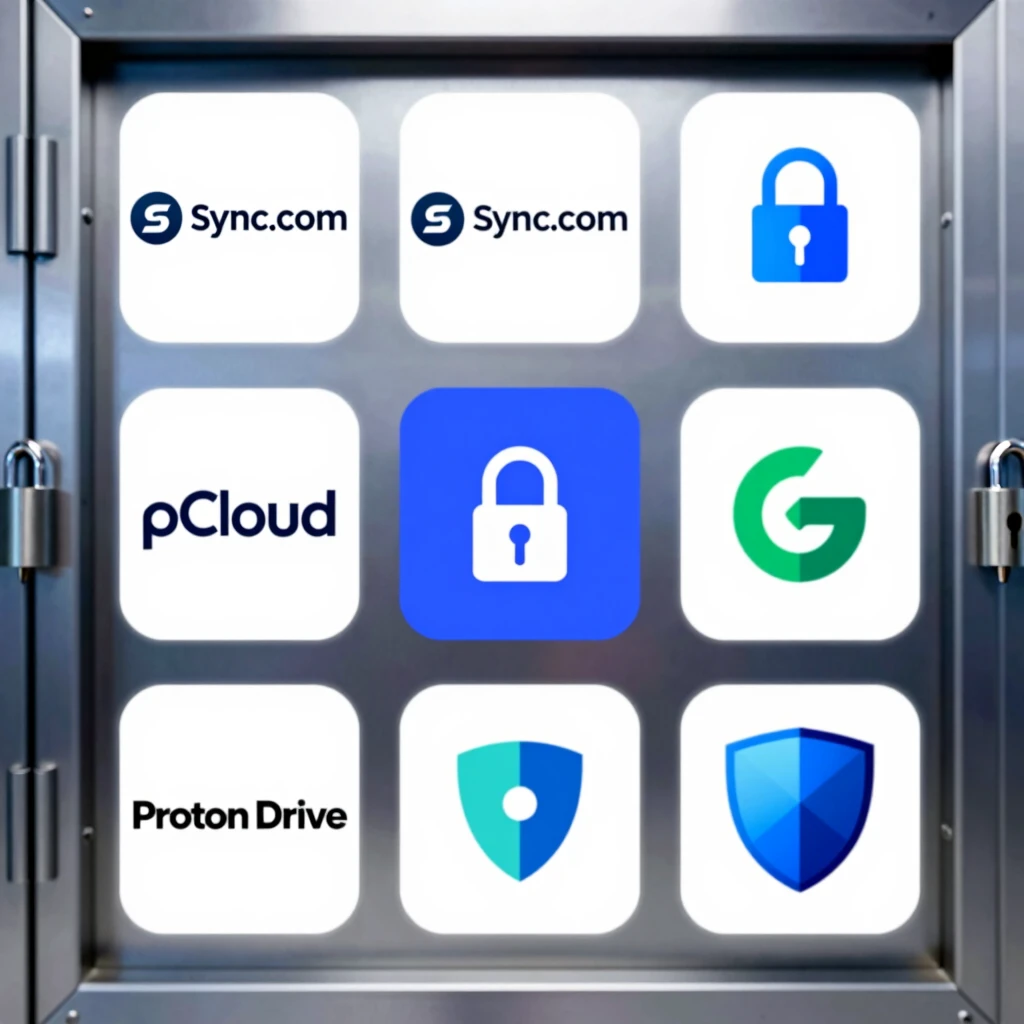
| Provider | Free Storage | Key Feature | Price (Starting) |
|---|---|---|---|
| Sync.com | 5GB | Zero-knowledge | $8/month |
| pCloud | 10GB | Lifetime buy | $49/year |
| Proton Drive | 1GB | Open-source | $4.99/month |
| NordLocker | 3GB | Easy sharing | $2.99/month |
| Internxt | 10GB | Decentralized | $0.99/month |
| Mega | 20GB | Large files | $5.50/month |
| IDrive | 10GB | Backups | $79.50/year |
| Filen | 10GB | Affordable | $1.10/month |
| Tresorit | 3GB | Compliance | $10.42/month |
| SpiderOak | None | Military-grade | $6/month |
Internxt vs Mega: Comparison of Secure Cloud Storage
When deciding between Internxt and Mega, consider your needs. Internxt shines with its open-source code and decentralized approach, ensuring no single point of failure. It uses zero-knowledge encryption, meaning they can't access your data. From my trial, its interface is clean and focuses on privacy.
Mega, on the other hand, offers more free storage and faster speeds for large files. However, some users question its encryption strength due to past issues. In comparisons, Internxt scores higher on privacy (84% vs Mega's 88% on features but lower on trust), per Crozdesk (https://crozdesk.com/compare/mega-vs-internxt).
If privacy is your top priority, go with Internxt. For storage volume, Mega wins. I switched to Internxt after comparing and haven't looked back.
Online Privacy Tools to Complement Your Storage
Encrypted storage is great, but pair it with other tools for full protection. Use a VPN to hide your IP address—NordVPN or ProtonVPN work well. Password managers like Bitwarden keep your logins secure.
Two-factor authentication apps, such as Authy, add extra security. For browsing, try Brave browser to block trackers. These tools, recommended by PCMag (https://www.pcmag.com/picks/essential-apps-for-protecting-your-privacy-online), have helped me maintain privacy without hassle.
Tips for Getting Started
Start small: Choose a provider with a free trial. Upload non-sensitive files first to test. Enable all security features. Regularly update your apps. From experience, backing up keys is vital—lose them, and your data's gone.
Monitor for breaches using tools like Have I Been Pwned.
Final Thoughts
Securing your files with encrypted cloud storage is easier than ever in 2025. By understanding encryption and picking the right provider, you protect what matters. Remember, privacy is an ongoing effort.