Understanding Encryption: A Beginner’s Guide
Welcome to Understanding Encryption: A Beginner’s Guide
Imagine sending a secret note to a friend, but only they can read it. That's encryption in a nutshell. It scrambles your data so snoopers see gibberish. In our connected world, understanding encryption is key to online privacy. This guide breaks it down simply, shares my experiences, and offers tips you can use right away.
I first stumbled into encryption when a data breach hit my email. Suddenly, my casual online habits felt risky. That's when I dove in. Today, I'll walk you through the basics, why it matters, and how it ties into tools like VPNs.
Let's start with the essentials.
What Is Encryption?
Encryption turns readable information—called plaintext—into unreadable code, or ciphertext. Only those with the right key can unlock it back to normal.
Think of it like a locked diary. Without the key, no one peeks inside. This process uses math algorithms to jumble data securely.
According to experts at Virginia Tech's Safe Online initiative, encryption protects everything from emails to bank details by converting sensitive info into nonsense characters.

Why bother? In 2023 alone, over 3,000 data breaches exposed millions of records. Encryption stops thieves from using stolen info.
From my experience, once I encrypted my hard drive, I slept better knowing my photos and docs stayed private—even if my laptop vanished.
A Quick History of Encryption
Encryption isn't new. Ancient Romans used a Caesar cipher, shifting letters by three spots. 'A' became 'D'.
Fast-forward to World War II. Machines like Enigma coded messages. Allies cracked it, turning the tide.
Today, computers handle complex versions. The U.S. National Institute of Standards and Technology (NIST) sets global standards, as outlined in their Encryption Basics guide.
This evolution shows encryption's power. It shifted from wartime secrets to everyday shields.
Types of Encryption: Symmetric vs. Asymmetric
There are two main flavors. Let's compare them in a simple table:
| Type | How It Works | Pros | Cons |
|---|---|---|---|
| Symmetric | Same key locks and unlocks | Fast, efficient | Sharing key risks exposure |
| Asymmetric | Public key locks, private unlocks | Safer key sharing | Slower, more resource-heavy |
Symmetric suits quick file scrambles. Asymmetric powers secure emails.
I use symmetric for local backups—it's speedy. For sharing files online, asymmetric feels safer.

How Does Encryption Actually Work?
Step by step:
- Plaintext Input: You type a message.
- Algorithm Applies: Math scrambles it using a key.
- Ciphertext Output: Gibberish travels safely.
- Decryption: Receiver uses key to unscramble.
The Cybersecurity and Infrastructure Security Agency (CISA) explains this in their Encryption overview, stressing its role in secure communications.
In practice, apps handle this behind the scenes. But knowing the flow builds confidence.
Once, I encrypted an email wrong—used the public key to decrypt! Lesson learned: always match keys correctly.
Encryption and Online Privacy
Online privacy starts with encryption. Without it, your ISP, hackers, or governments see everything. Emails, searches, shopping—all exposed.
Tools like HTTPS encrypt web traffic. But for full coverage, pair it with VPNs.
Check out our Understanding VPNs: A Beginner’s Guide for more on these privacy boosters.
VPNs create encrypted tunnels, hiding your IP and data from prying eyes. They're essential online privacy tools.
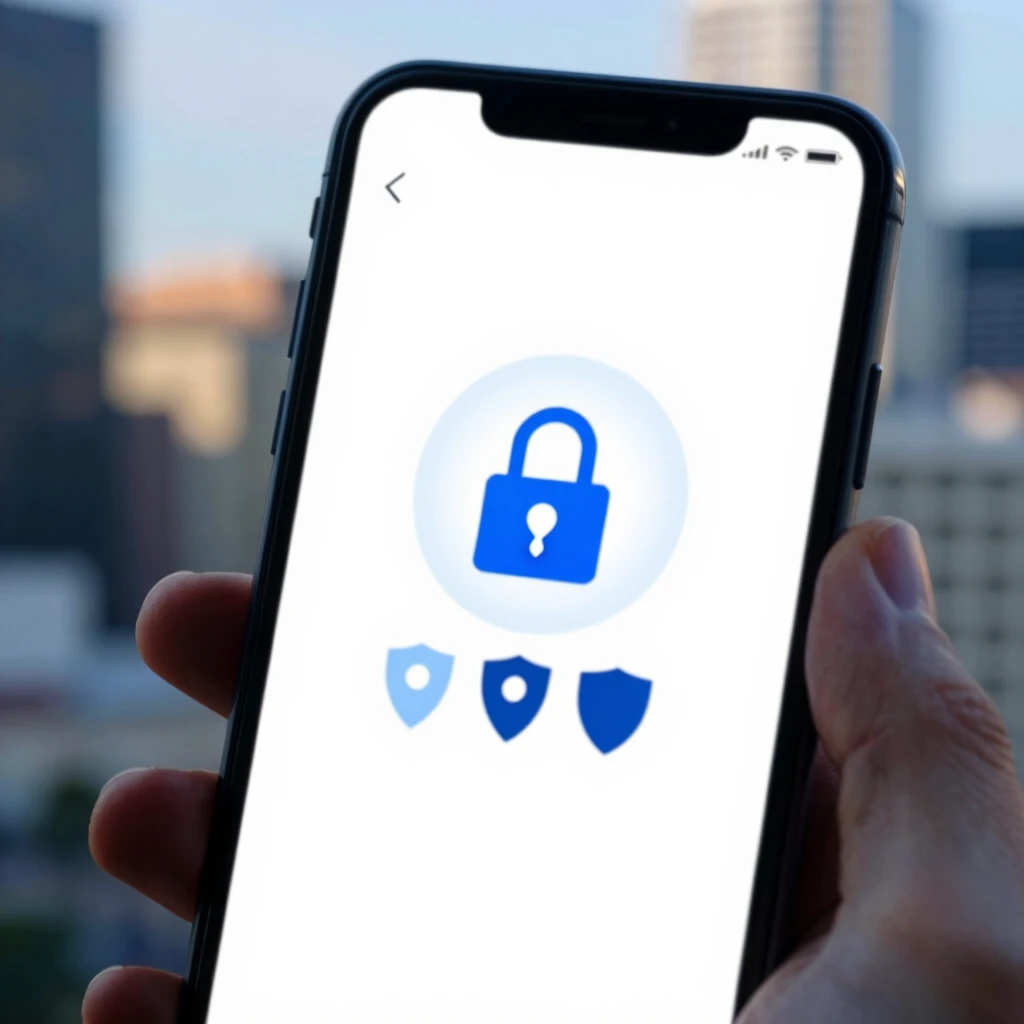
Why Encryption Matters for Everyday Life
- Protect Personal Data: Safeguard photos, finances.
- Secure Communications: Safe chats with family.
- Prevent Identity Theft: Block fraudsters.
- Business Use: Keep company secrets.
The Electronic Frontier Foundation (EFF) highlights VPNs' role in privacy in their guide to choosing the right VPN.
In my routine, encryption means worry-free banking apps. No more glancing over shoulders in cafes.
Stats show: 81% of breaches involve weak or stolen credentials. Encryption adds that extra lock.
Hands-On: Encryption Tools for Beginners
Start simple:
- BitLocker (Windows) or FileVault (Mac): Encrypt drives.
- Signal App: End-to-end encrypted messages.
- ProtonMail: Secure email.
These online privacy tools are free and user-friendly.
For mobile, VPNs shine. They encrypt all device traffic.
How to Configure IVPN on Android for Maximum Privacy
Want step-by-step? IVPN offers audited, no-logs service. Here's how:
- Download the IVPN app from Google Play or F-Droid.
- Sign up at ivpn.net—choose a plan.
- Open app, log in.
- Select WireGuard protocol (fastest, secure).
- Pick a server (e.g., privacy-friendly location).
- Enable kill switch: Blocks internet if VPN drops.
- Connect—watch the lock icon appear.
Follow IVPN's official Android setup guide for details. I set mine up in minutes; now, public Wi-Fi feels safe.
Pro tip: Use multi-hop for extra layers. It routes through two servers.
This setup boosted my online privacy tenfold. No more tracking ads following me everywhere.
Common Myths About Encryption
Myth 1: It's only for experts. Truth: Apps make it easy.
Myth 2: Governments ban it. Truth: It's legal and encouraged.
Myth 3: Slows everything. Truth: Modern tech handles it seamlessly.
Don't let fears stop you—start small.
I once thought encryption was overkill. A phishing scam changed my mind fast.
Challenges and Future of Encryption
Quantum computers loom, potentially cracking current methods. But post-quantum algorithms are in development.
NIST leads here, ensuring future-proof standards.
For now, stick to AES-256—it's rock-solid.
As privacy laws evolve, like GDPR, encryption becomes non-negotiable.
Wrapping Up: Your Encryption Journey Starts Now
You've got the basics: what encryption is, how it works, and why it's vital for online privacy. From symmetric keys to VPN configs, small steps yield big protection.
Remember my early breach scare? It led to habits that keep me secure today. Try one tool this week—maybe Signal or IVPN. Your future self will thank you.
For more, explore recommended readings below.