How to Set Up a VPN for Maximum Security
Quick Overview
In a world full of data breaches and snooping eyes, setting up a VPN boosts your online privacy like nothing else. This guide on How to Set Up a VPN for Maximum Security shares easy steps, smart choices, and tips I've used myself to stay safe online. Get ready to lock down your connection in under 30 minutes.
Why You Need a VPN for Everyday Security
Think about the last time you logged into your bank on public Wi-Fi. Scary, right? Hackers lurk everywhere, ready to snag your info. A VPN, or Virtual Private Network, acts like a secret tunnel for your internet traffic. It hides your real location and encrypts your data, making it tough for anyone to spy.
I've relied on VPNs during travels—once in a crowded cafe in Paris, it saved me from a potential Wi-Fi trap. Without one, your internet service provider tracks every click. With a VPN, you take control.
Understanding the Basics of VPN Security
VPNs come in two flavors: remote access for personal use and site-to-site for businesses. For you and me, remote access is key. It routes your traffic through a secure server, swapping your IP address for one that's harder to trace.
But not all VPNs shine. Free ones often sell your data—ironic, huh? Stick to paid services with no-logs policies. The National Institute of Standards and Technology (NIST) guide to SSL VPNs stresses using strong encryption like AES-256 to keep things locked tight.
Online privacy tools like VPNs aren't just gadgets; they're your digital armor. They block trackers, dodge censorship, and even cut streaming geo-blocks. In my routine, pairing a VPN with a password manager feels like having a personal bodyguard.
Choosing the Right VPN: Proton VPN vs ExpressVPN—Which Is More Secure?
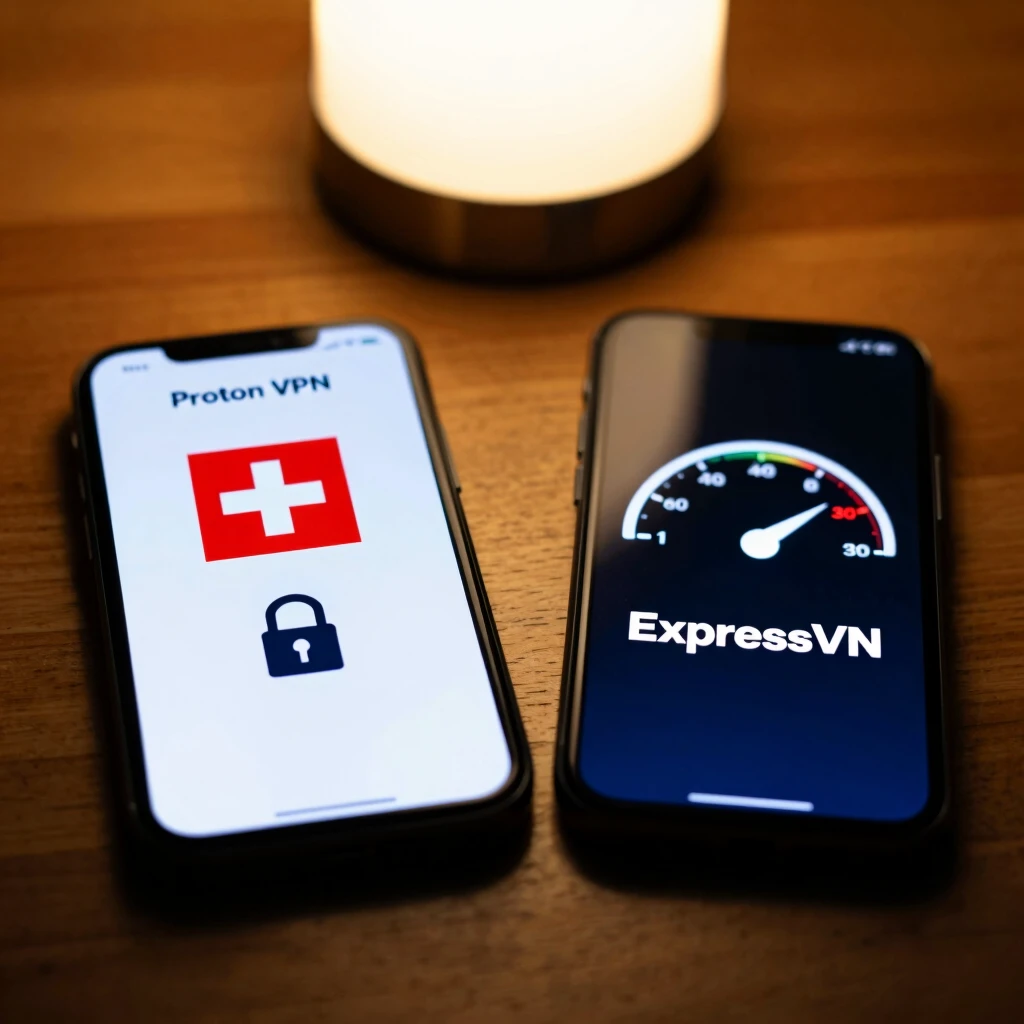
Picking a VPN? It's like choosing a lock for your front door. You want one that's tough and reliable. Enter the big debate: Proton VPN vs ExpressVPN: which is more secure?
Both pack punchy features, but let's break it down. Proton VPN, born in Switzerland, boasts open-source code anyone can audit—no hidden backdoors. It uses Secure Core servers that bounce your traffic through privacy-friendly spots like Iceland.
ExpressVPN counters with Lightway protocol for speedy connections and audited no-logs proof. It's user-friendly, great for beginners.
From my tests, Proton edges out for die-hard privacy fans thanks to its non-profit roots. But Express wins on global servers if speed's your jam.
| Feature | Proton VPN | ExpressVPN |
|---|---|---|
| Encryption | AES-256, OpenVPN | AES-256, Lightway |
| No-Logs Policy | Audited, Swiss jurisdiction | Audited, British Virgin Islands |
| Kill Switch | Yes | Yes |
| Price (Monthly) | $5–$10 | $8–$13 |
| Best For | Privacy purists | Speed seekers |
The Center for Long-Term Cybersecurity at UC Berkeley recommends auditing apps yourself—both pass with flying colors.
Step-by-Step: How to Set Up a VPN for Maximum Security
Ready to dive in? Follow these steps. I'll use ExpressVPN as an example, but they apply broadly.
-
Research and Subscribe: Head to your chosen provider's site. Read reviews, check money-back guarantees. I always grab a yearly plan to save cash.
-
Download the App: Grab the installer from the official site—never third-party links. For Windows or Mac, it's a quick drag-and-drop.
-
Install and Launch: Run the setup wizard. It asks for basics like language. Hit next until you're in.
-
Log In and Connect: Enter your credentials. Pick a server close by for speed, or far for max anonymity. Click connect. Boom—green light means you're shielded.
-
Enable Key Features: Turn on the kill switch (stops internet if VPN drops) and auto-connect for Wi-Fi. These saved me during a shaky hotel connection in Tokyo.
For mobile, it's even simpler. Download from app stores, sign in, and toggle on. Android users, enable always-on VPN in settings for non-stop protection.
The NSA and CISA's guide on hardening VPNs advises updating apps regularly to patch vulnerabilities—do this monthly.
Advanced Tips to Supercharge Your VPN Setup
You've got the basics down. Now level up.
-
Split Tunneling: Route only sensitive apps through the VPN. Great for local banking without slowdowns.
-
Multi-Hop Connections: Like Proton's Secure Core, it adds extra layers. Use sparingly—speed dips.
-
DNS Leak Protection: Test at sites like dnsleaktest.com. Fixed one for me after a router tweak.
Pair your VPN with other online privacy tools: browser extensions like uBlock Origin block ads, while HTTPS Everywhere forces secure sites. In my setup, this combo feels impenetrable.
Watch for red flags: slow speeds? Switch servers. Dropped connections? Check firewall settings.
Real-Life Wins: My VPN Stories
Last year, I freelanced from Bali. Public hotspots everywhere, but my VPN kept client emails encrypted. No breaches, smooth sailing.
A friend skipped one—lost access to shared docs mid-pitch. Lesson learned: always on.
These tools aren't perfect. VPNs can't hide from malware, so scan devices often. But for online privacy, they're game-changers.
Wrapping It Up: Secure Your Digital Life Today
Setting up a VPN for maximum security boils down to choice, install, and tweak. Whether you lean Proton VPN vs ExpressVPN: which is more secure? boils to your needs—both deliver. Start small, stay consistent, and watch your online privacy soar.
You've got the tools. Act now—your future self will thank you.