How to Create Strong Passwords: Essential Tips for Rock-Solid Online Security
A Quick Overview
In today's digital world, weak passwords are like leaving your front door unlocked. This guide dives into how to create strong passwords that hackers can't crack easily. We'll also cover spotting phishing scams, reviewing privacy browsers like LibreWolf versus Tor, and pairing them with top VPNs. By the end, you'll have actionable steps to boost your online safety—starting today.
I've been using the internet since dial-up days, and let me tell you, nothing stings like losing access to your accounts because of a lazy password. Early on, I reused 'password123' everywhere. Then, a simple email hack wiped out my savings app. That wake-up call changed everything. Now, I treat passwords like my personal vault keys. Let's break it down so you can avoid my mistakes.
Why Strong Passwords Matter More Than Ever
Think about it: You log into email, banking, social media—dozens of sites daily. A single weak password can unravel it all. According to cybersecurity experts at NIST, over 80% of breaches start with stolen credentials. But here's the good news: Creating strong passwords isn't rocket science. It's about smart habits that pay off big.
From my experience, strong passwords feel like a small daily win. They give peace of mind when you're browsing late at night or shopping online. Ready to level up? Let's get into the how-to.
How to Create Strong Passwords: Step-by-Step Guide
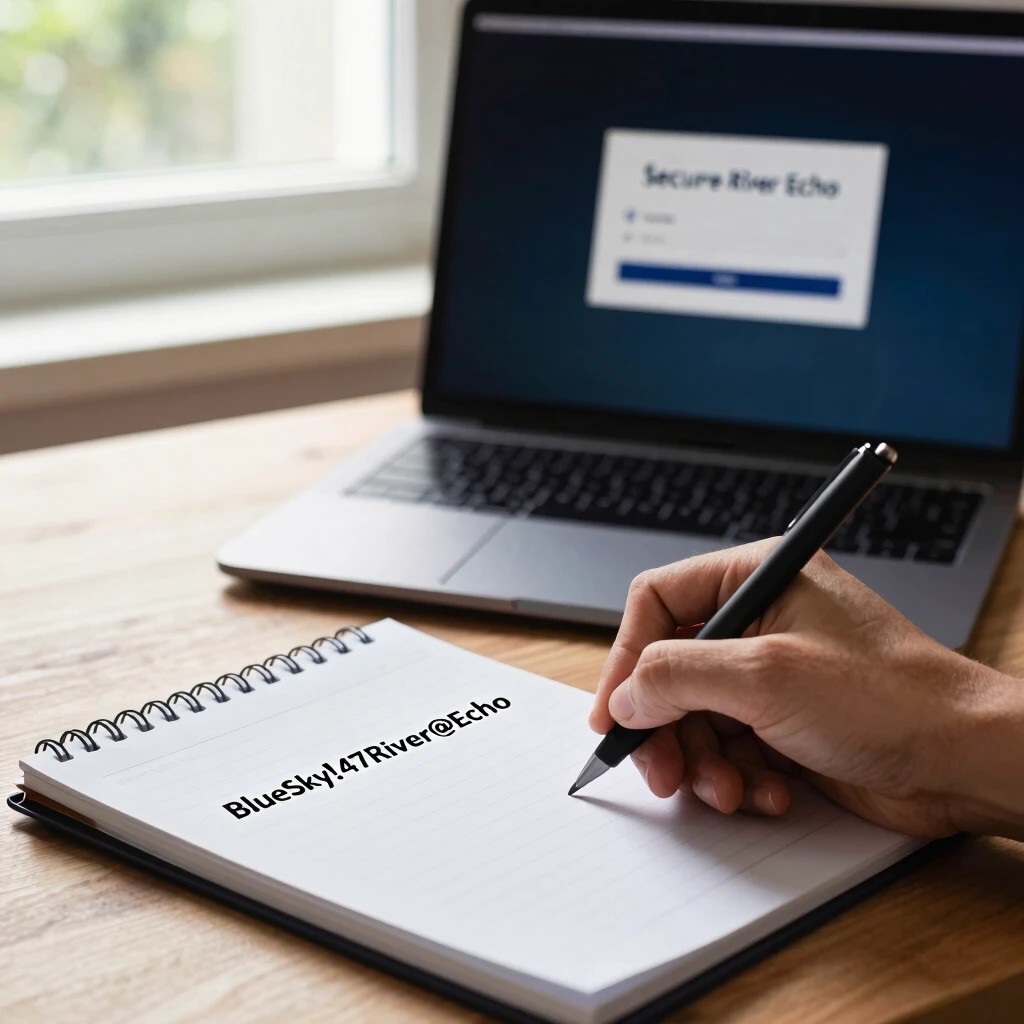
Creating a strong password starts with length and complexity. Aim for at least 12 characters—longer is better. Mix uppercase letters, lowercase letters, numbers, and symbols. Avoid obvious stuff like '123456' or your birthday.
Here's a simple method I swear by: The passphrase approach. Pick four random words, like 'elephant jumps over rainbow.' Add numbers and symbols: 'ElephantJumps!Over47Rainbow@.' It's memorable for you but gibberish to bots.
Pro tip: Use a password manager like Bitwarden (free and open-source) to generate and store them. I switched to one five years ago, and it's saved me from brain-freeze during sign-ups.
Quick Checklist for Password Strength
- Length: 12+ characters
- Variety: Upper/lowercase, numbers, symbols
- Uniqueness: One per account—no reusing!
- No Personal Info: Skip names, pet names, or addresses
Test yours with a tool like Have I Been Pwned. I check monthly; it's eye-opening.
One time, I crafted a password from a favorite book quote: 'ToBeOrNot2B!Hamlet.' Easy to recall, tough to guess. Experiment with stories from your life—but twist them.
How to Spot and Avoid Phishing Scams: Your Password's Best Friend
Strong passwords mean nothing if phishing hooks you. Phishing is when scammers pretend to be legit sites or people to steal your info. I've dodged a few close calls, like that 'bank alert' email with a dodgy link.
Spot red flags: 1. Urgent demands: 'Act now or lose access!' 2. Weird URLs: Hover before clicking—does it match the real site? 3. Unsolicited attachments: Delete, don't open. 4. Typos in emails: Real companies proofread.
Avoid by verifying sources. Call your bank directly if unsure. Enable two-factor authentication (2FA) everywhere—it's like a deadbolt on your digital door. From personal trials, 2FA blocked a login attempt from halfway across the world once. Game-changer.
Common Phishing Tactics Table
| Tactic | Example | How to Avoid |
|---|---|---|
| Fake Emails | 'Update password now' from '[email protected]' | Check sender domain; use official app |
| Spoofed Sites | Login page with tiny URL changes | Bookmark real sites; use HTTPS only |
| Phone Scams | Caller ID spoofing as IRS | Hang up, call back on verified number |
Stay vigilant—phishers evolve, but so can you.
Exploring Online Privacy Tools: Beyond Just Passwords
Passwords are step one; online privacy tools seal the deal. These apps and extensions shield your data from trackers and snoops. I've curated a kit that keeps my browsing ghost-like.
Start with ad blockers like uBlock Origin—free and fierce. Pair it with HTTPS Everywhere to force secure connections. For deeper dives, consider full-suite tools.
In my routine, these tools run quietly in the background. No more creepy ads following me around. It's liberating.
Review of LibreWolf Browser: Is It Better Than Tor?
Browsers are your front line. Chrome's handy but tracks you like a hawk. Enter LibreWolf: A Firefox fork stripped of telemetry, packed with privacy tweaks out of the box.
Pros: - No data phoning home to Mozilla - Built-in tracker blocking - Container tabs for isolating sessions
Versus Tor: Tor's onion routing hides your IP via relays—great for anonymity in risky spots. But it's slow for everyday use, and sites sometimes block it.
LibreWolf wins for daily drivers: Faster, familiar interface, and customizable. I ditched Firefox for it last year after a telemetry scare. Tor? I fire it up for sensitive research, like checking whistleblower sites. Neither's perfect, but together? Unbeatable.
Download LibreWolf here. Test it side-by-side with Tor for a week—you'll feel the difference.
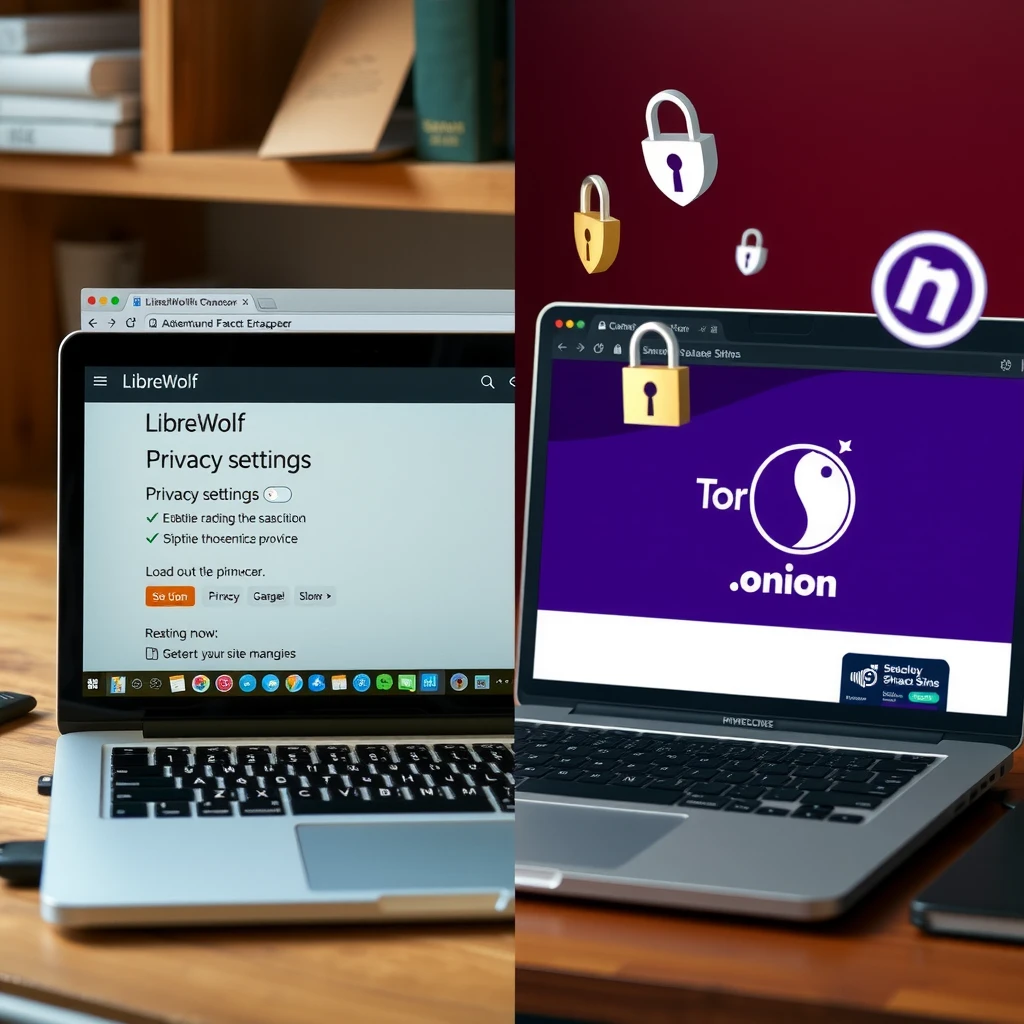
My take: LibreWolf edges Tor for usability. If you're evading censors, Tor's king. For paranoid surfing? LibreWolf daily, Tor occasionally.
Top VPNs to Pair with Privacy Browsers
A VPN (Virtual Private Network) masks your IP, encrypting traffic like a tunnel. Pair one with LibreWolf for ninja-level privacy.
My top picks, based on speed, no-logs policies, and ease: 1. Mullvad: €5/month, cash payments accepted, audited no-logs. Blazing fast—streams Netflix without buffering. 2. ProtonVPN: Free tier solid, paid from $5/month. Swiss privacy laws, open-source apps. 3. IVPN: Multi-hop for extra hops, from $6/month. Transparent audits.
Avoid freebies—they often sell your data. I rotate Mullvad for work, Proton for travel. Setup's simple: Download, connect, browse free.
VPN Selection Quick Guide
| VPN | Best For | Price | Drawback |
|---|---|---|---|
| Mullvad | Anonymity | €5/mo | No live chat |
| ProtonVPN | Beginners | $5/mo | Free tier limits speed |
| IVPN | Power Users | $6/mo | Smaller server network |
Test with a trial. In my globetrotting days, VPNs saved me from hotel Wi-Fi woes.
Combining these—strong passwords, anti-phishing smarts, LibreWolf, and a VPN—builds a fortress. It's not about perfection; it's consistent effort.
Wrapping It Up: Secure Your Digital World Today
We've covered how to create strong passwords with passphrases and managers, spotting phishing via red flags and 2FA, and top online privacy tools like LibreWolf (my daily go-to over Tor for speed) plus VPNs such as Mullvad.
Start small: Change one password tonight, install LibreWolf tomorrow. Your future self will thank you. Stay safe out there— the web's wild, but you're wilder.