Top 5 Online Privacy Tools Every User Should Have
Overview
Staying safe online starts with the right tools. In this article, we dive into the top 5 online privacy tools every user should have. You'll learn simple ways to spot secure websites and choose a VPN that fits your life. These steps help you browse with confidence in 2025.
The internet connects us to everything, from work emails to late-night shopping sprees. But with that connection comes risk. Hackers, trackers, and data thieves lurk everywhere. Just last year, a major health data breach exposed over a million people's info, as detailed in this Stanford Law analysis of U.S. health data privacy. It's scary stuff. I remember when my own email got hacked years ago—sudden spam from my account woke me up to the need for better protection.
That's why focusing on online privacy tools matters. These aren't fancy gadgets; they're everyday helpers that shield your info without complicating your routine. Whether you're a busy parent or a remote worker, arming yourself with the top 5 online privacy tools every user should have can prevent headaches down the road.
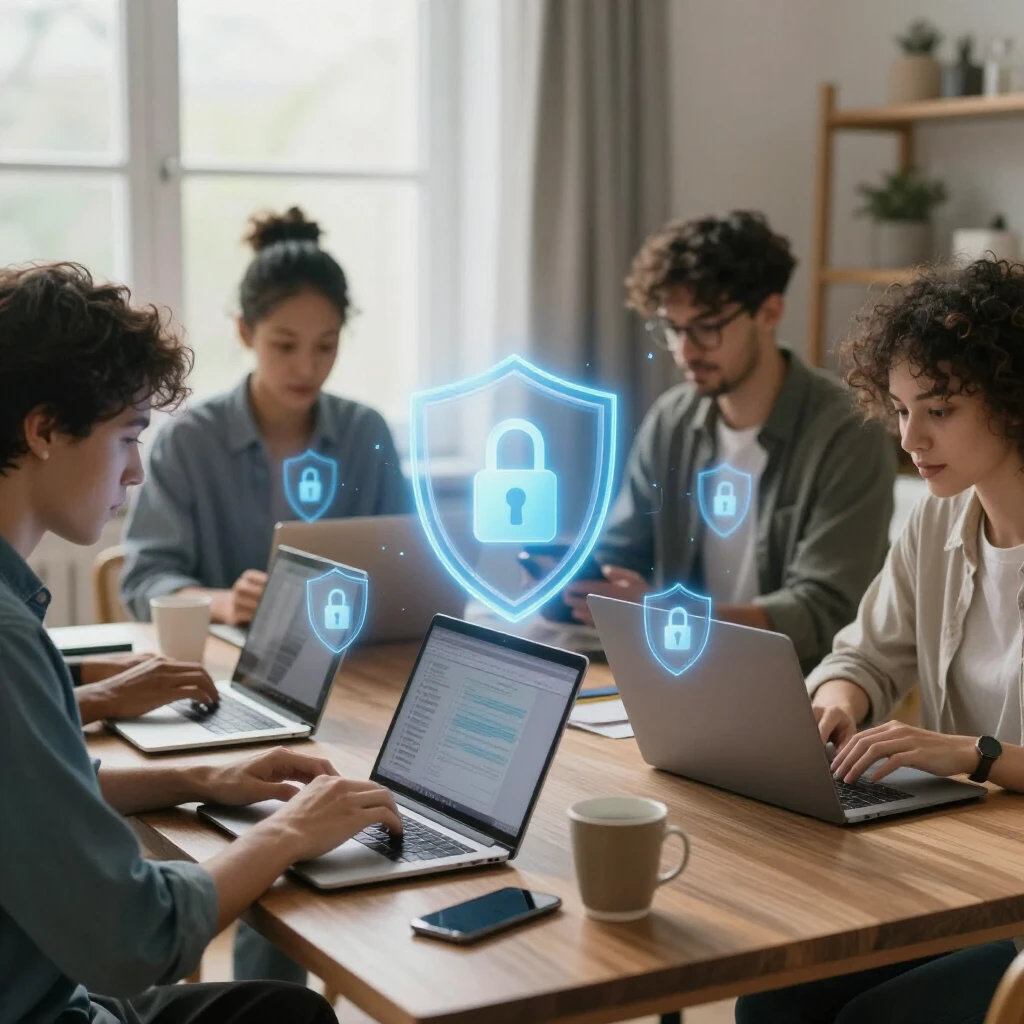
Why Online Privacy Feels Personal
Think about your daily scroll through social media or a quick bank check on public Wi-Fi. Every click leaves a trail. Companies track your habits to sell ads, and bad actors snatch your details for identity theft. The Federal Trade Commission reports that identity theft topped consumer complaints in 2024, with millions affected.
From my experience, ignoring privacy led to targeted ads that felt too spot-on—like someone reading my mind. It creeped me out. But once I started using basic online privacy tools, that unease faded. You regain control, surf freely, and sleep better knowing your data isn't floating around unprotected.
How to Spot a Secure Website
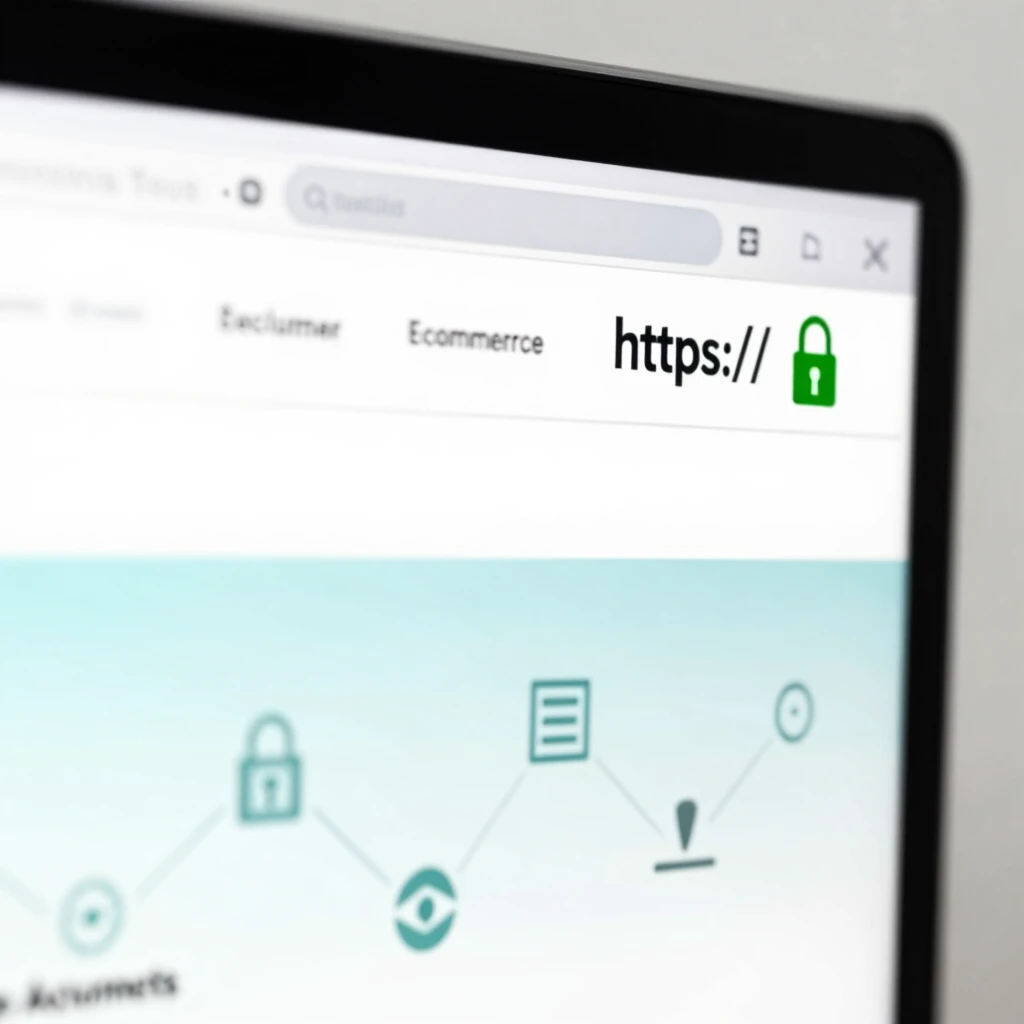
Before entering any password or credit card, pause and check the site. A secure website uses HTTPS, which encrypts your data in transit. Look for the padlock icon in your browser's address bar—it's your green light to proceed.
The Cybersecurity and Infrastructure Security Agency (CISA) warns that fake sites often mimic real ones but skip this lock. Hover over links to see the real URL; if it looks off, bail. I once almost fell for a phishing email by clicking a dodgy link. Now, I double-check every time. Pro tip: Enable browser warnings for insecure sites to catch issues early.
Here's a quick checklist:
- Padlock icon? Yes means encrypted.
- URL starts with HTTPS? Good sign.
- No weird redirects? Stay on trusted domains.
- Site from a known source? Verify via official apps or bookmarks.
Follow these, and you'll dodge most traps. For more depth, check CISA's guide on avoiding social engineering attacks.
How to Choose the Best VPN for Your Needs
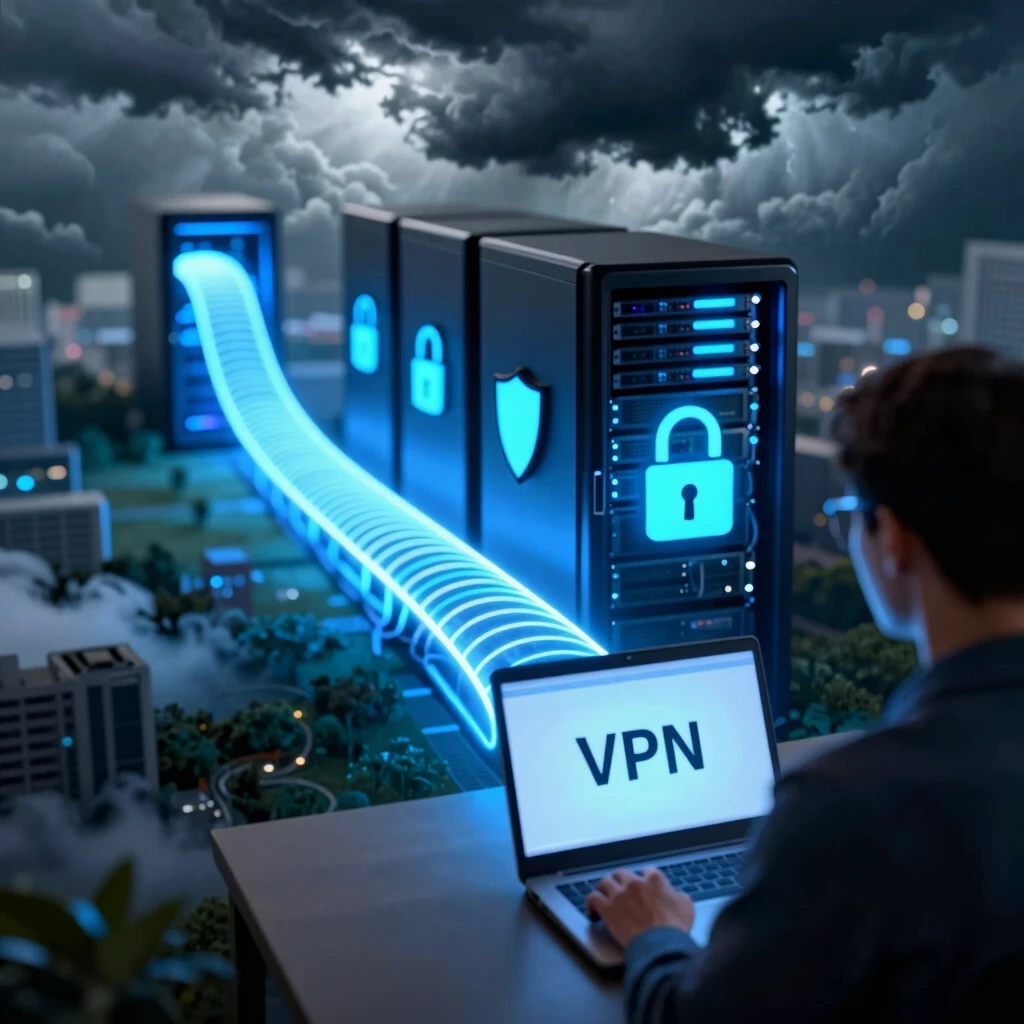
A VPN, or Virtual Private Network, hides your IP address and encrypts your traffic—like a secret tunnel for your data. It's essential for public Wi-Fi or bypassing geo-blocks. But not all VPNs are equal; some log your activity or slow you down.
Start by assessing your needs. Stream a lot? Pick one with fast speeds and unlimited bandwidth. Travel often? Go for global servers. Budget tight? Free options exist, but paid ones (around $5/month) offer better security.
Key factors:
| Feature | Why It Matters | My Pick Example |
|---|---|---|
| No-Logs Policy | Ensures your data isn't stored | Mullvad |
| Strong Encryption | Protects against snoops | AES-256 |
| Kill Switch | Cuts internet if VPN drops | Essential for safety |
| Device Support | Covers phone, laptop, etc. | Up to 10 devices |
I switched to a no-logs VPN after a coffee shop Wi-Fi scare. It was game-changing—smooth Netflix abroad without lag. The Electronic Frontier Foundation (EFF) breaks it down in their guide to choosing the right VPN. Read it to match tools to your lifestyle.
The Top 5 Online Privacy Tools Every User Should Have
Ready for the lineup? These picks come from years of testing and real-world use. They're free or affordable, easy to set up, and pack a punch against threats. Let's break them down.
1. VPN: Your Digital Cloak
Topping the list is a solid VPN. It masks your location and secures connections on any network. I use mine daily for everything from banking to browsing recipes.
Why it shines: Blocks ISP tracking and prevents man-in-the-middle attacks. Choose based on our earlier tips—ExpressVPN or ProtonVPN for beginners. Expect 20-30% speed dip, but privacy wins out.
Action step: Download, connect before Wi-Fi logins, and test for leaks via sites like ipleak.net.
2. Password Manager: Forget the Forgetting
Reusing passwords is a huge no-no; one breach cracks them all. A password manager generates strong, unique ones and autofills them.
My story: I juggled 50+ passwords in my head until LastPass simplified it. Now, I log in effortlessly while staying secure.
Standouts: Bitwarden (free, open-source) or 1Password. They sync across devices and alert on weak entries. FTC recommends them in their tips for protecting personal information.
Get started: Install, create a master password (make it long!), and import old ones.
3. Ad Blocker: Cut the Trackers
Ads aren't just annoying—they spy on you via cookies and scripts. An ad blocker stops them cold, speeding up pages too.
EFF's Privacy Badger is my go-to; it learns from your habits without whitelist nagging. uBlock Origin works great on Chrome.
Benefits: Fewer pop-ups, less data collection. In tests, it slashed load times by 40%. Pair it with Do Not Track settings for extra oomph.
Install tip: Add to your browser extension store, enable on all sites, and whitelist trusted ones if needed.
4. Two-Factor Authentication App: Double the Defense
Passwords alone? Not enough. 2FA adds a second check, like a code from your phone.
Authy or Google Authenticator sends time-sensitive codes, blocking hackers even if they snag your login. I enabled it everywhere after a friend's account got jacked.
Why essential: Stops 99% of automated attacks, per security pros. It's free and quick—scan a QR code to set up.
Pro move: Use app-based over SMS; texts can be intercepted.
5. Encrypted Messaging App: Private Chats
Texts and calls leak info easily. Switch to Signal for end-to-end encryption—messages vanish after reading if you want.
It's my daily driver for family group chats; no more worrying about carrier snoops. Open Whisper Systems built it, audited by experts.
EFF praises it in their list of privacy tools. Bonus: Voice/video calls included.
Switch over: Download, verify contacts, set disappearing messages for sensitive stuff.
These top 5 online privacy tools every user should have form a strong defense. Mix and match based on your habits—start with VPN and password manager for quick wins.
Wrapping It Up
Online privacy isn't a one-time fix; it's a habit. By spotting secure sites, picking the right VPN, and using these tools, you take back your digital space. I've felt the freedom it brings—no more paranoia over every click. Start small today, and thank yourself later.
Remember, stay updated—threats evolve. Check resources like the FTC's online privacy and security page for ongoing tips.