Best Tools for Beginners to Stay Safe Online
Staying safe online might seem daunting, especially if you’re new to the digital world. But here’s the good news: you don’t need to be a tech expert to protect your privacy and security. With the right tools and a bit of know-how, you can shield your personal information from prying eyes and cyber threats. In this guide, I’ll walk you through the best tools for beginners to stay safe online, sharing insights from my own experiences and breaking down complex concepts into simple, actionable steps.
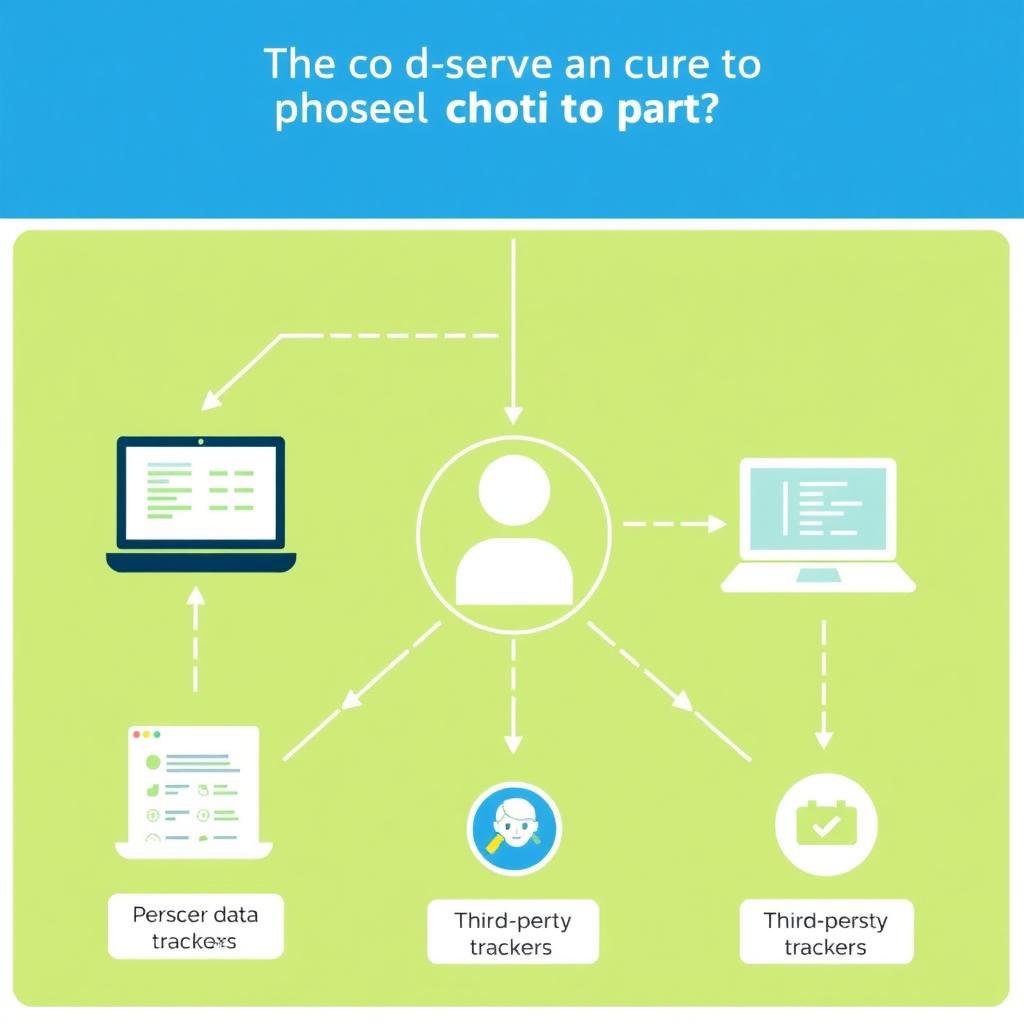
Before diving into the tools, let’s talk about why online privacy is so crucial. Every time you browse the web, send a message, or make an online purchase, you’re leaving a digital footprint. This data can be tracked, collected, and even sold by companies, advertisers, or worse—malicious actors. For beginners, understanding the risks is the first step to staying safe.
Now, let’s get to the heart of the matter: the tools that can help you stay safe. These are beginner-friendly, easy to use, and highly effective.
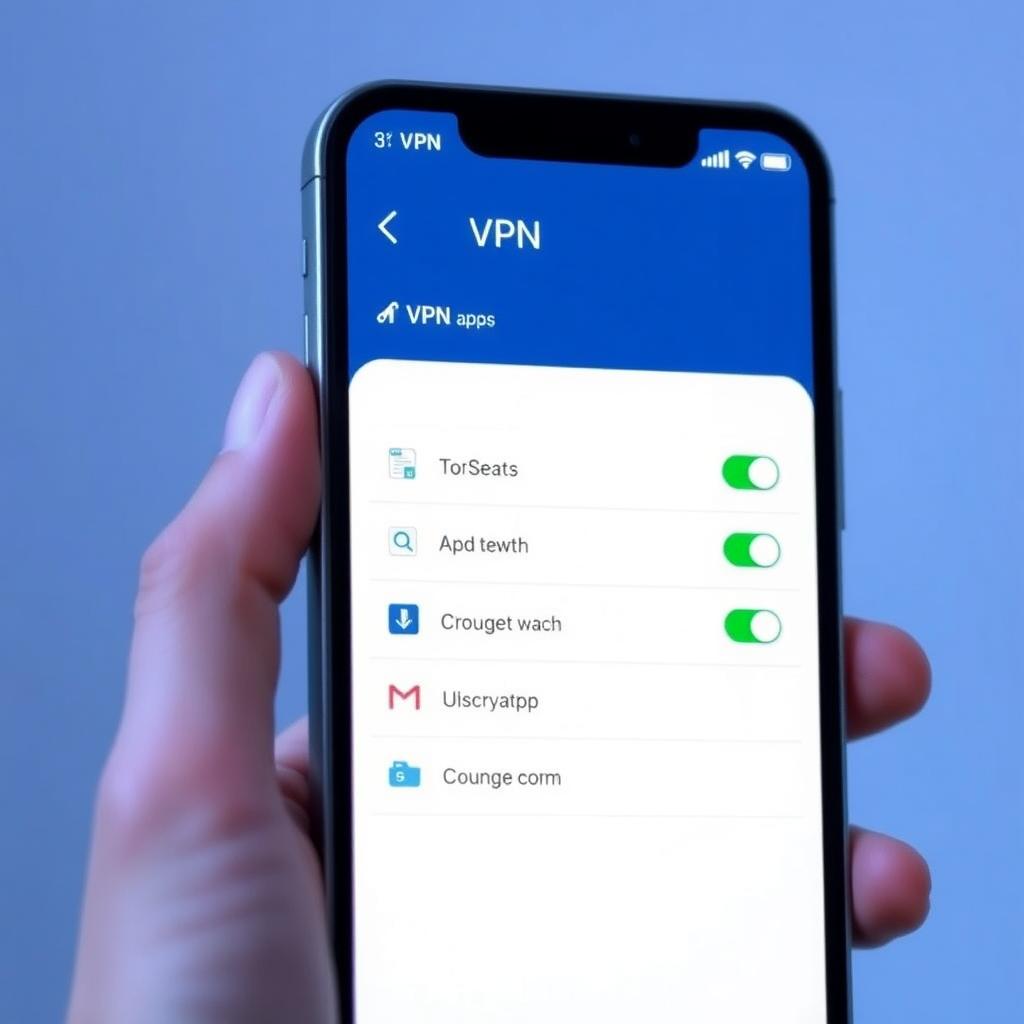
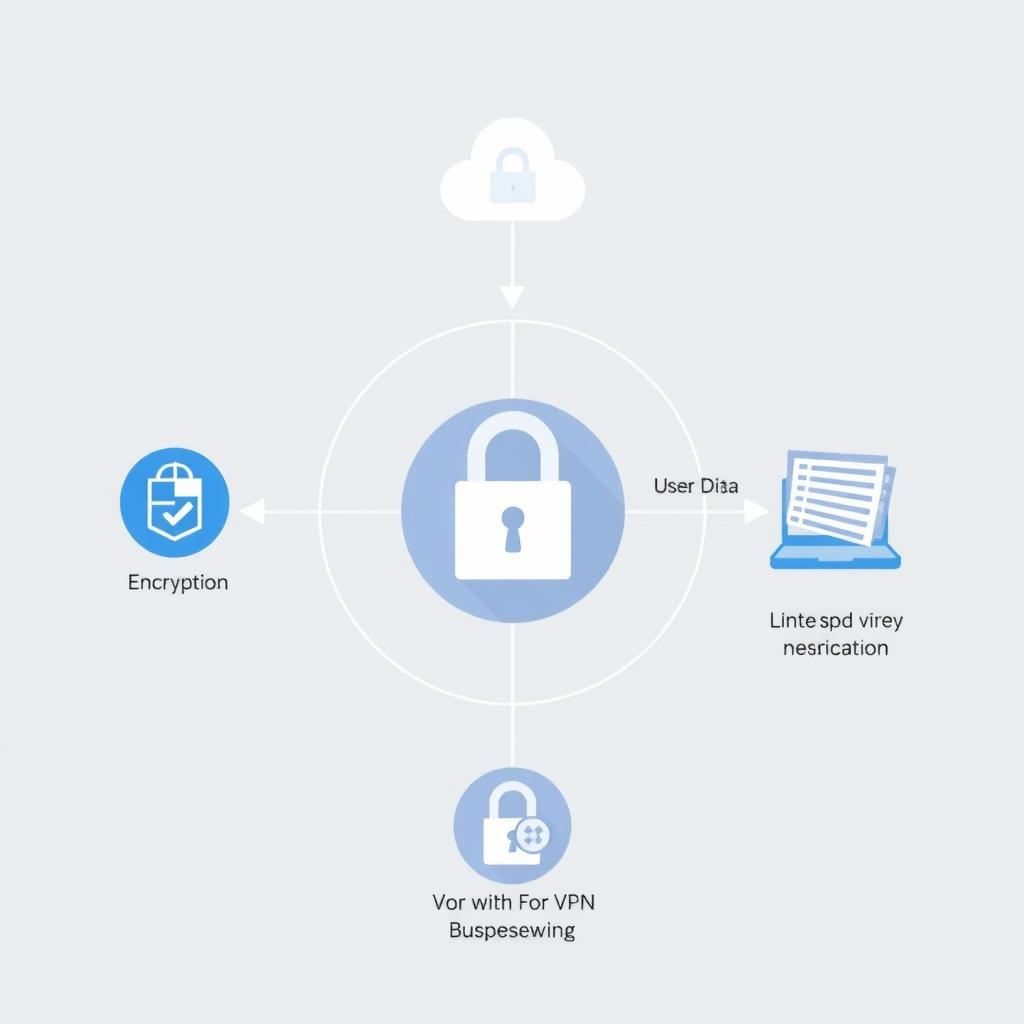
A VPN is like a secret tunnel for your internet traffic. It encrypts your data and hides your IP address, making it much harder for anyone to track your online activities. Whether you’re using public Wi-Fi or just browsing at home, a VPN is a must-have.
When I first tried a VPN, I was amazed at how simple it was. With just a click, my connection was secure, and I could browse without worrying about who might be watching. For beginners, I recommend starting with a reputable VPN like NordVPN or ProtonVPN, both of which offer user-friendly apps and strong privacy features.
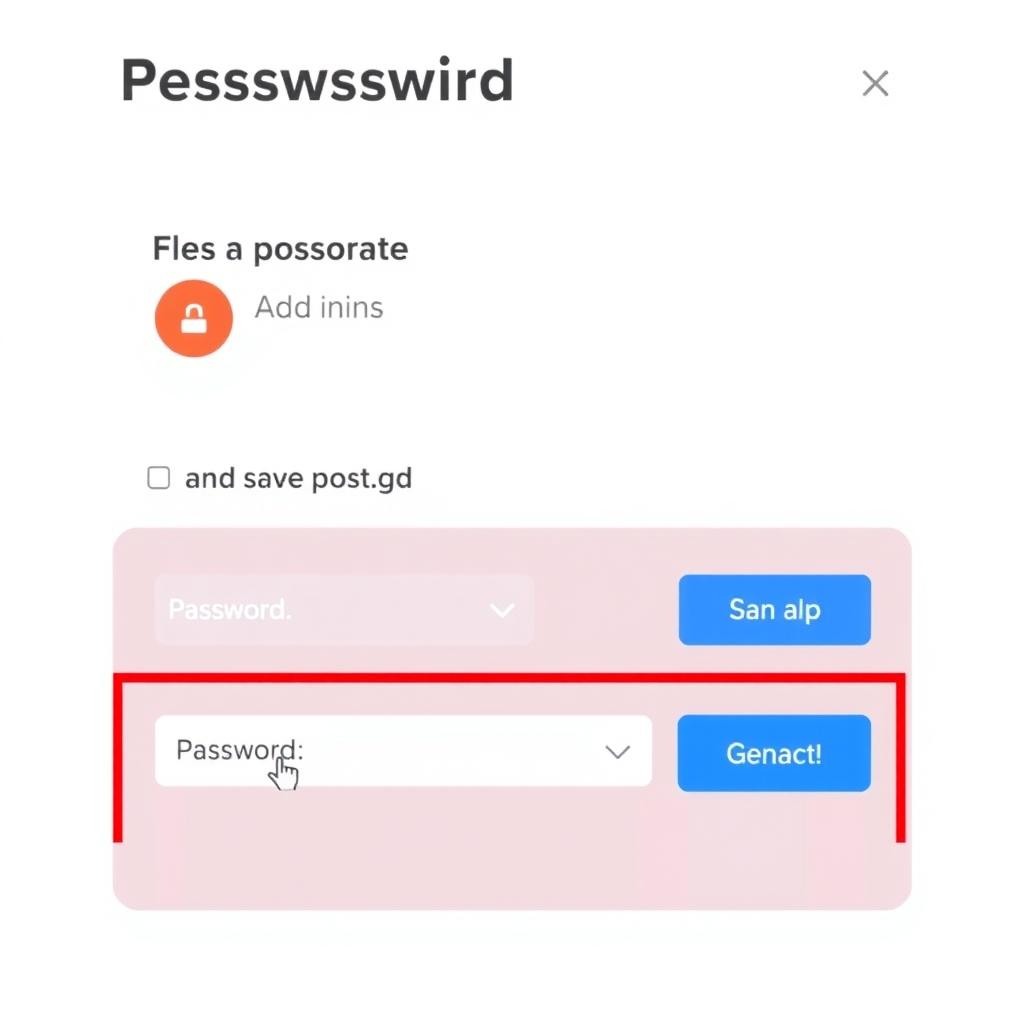
If you’re using the same password for multiple accounts (and let’s be honest, most of us have), you’re putting yourself at risk. A password manager generates and stores unique, strong passwords for each of your accounts, so you don’t have to remember them all.
I started using a password manager a few years ago, and it’s been a game-changer. Not only do I feel more secure, but logging into websites is faster and easier. Tools like Bitwarden or LastPass are great for beginners because they’re free and intuitive.
When it comes to private conversations, not all messaging apps are created equal. Understanding encrypted messaging is key for beginners who want to keep their chats secure. Encrypted messaging apps use end-to-end encryption, meaning only you and the person you’re talking to can read the messages—no one else, not even the app provider.
I switched to Signal for my personal chats after learning about its strong privacy features. It’s as easy to use as any other messaging app, but with the added peace of mind that my conversations are truly private.
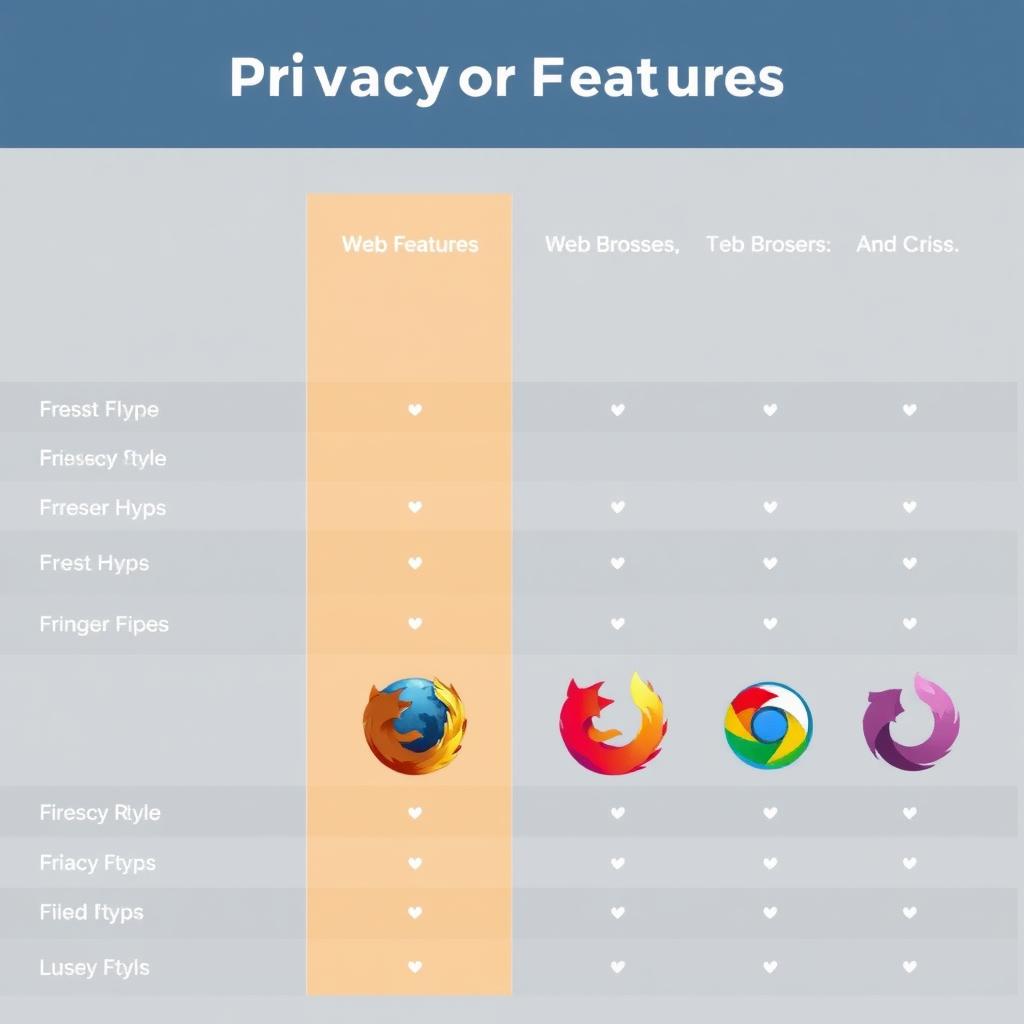
Your web browser is the gateway to the internet, so choosing one that prioritizes privacy is crucial. Secure browsers like Brave or Firefox Focus block trackers, ads, and other privacy-invading elements by default.
I’ve been using Brave for a while now, and I love how it automatically blocks annoying ads and trackers. It’s also faster than many other browsers because it doesn’t load all that extra junk.
While not exclusively a privacy tool, antivirus software is essential for keeping your devices free from malware, which can steal your personal information. For beginners, a reputable free antivirus like Avast or AVG can provide solid protection.
I’ve had my fair share of close calls with malware, and having antivirus software has saved me more than once. It’s like having a digital bodyguard for your computer.
Tools are important, but so are good habits. Here are a few simple practices that can make a big difference:
Protecting your online privacy doesn’t have to be complicated. By using tools like VPNs, password managers, encrypted messaging apps, secure browsers, and antivirus software, you can significantly reduce your risk of cyber threats. Remember, the key is to start small and build good habits over time. Stay curious, stay informed, and most importantly, stay safe.
These online privacy tools and tips have worked wonders for me, and I’m confident they’ll help you too. Start today, and take charge of your digital safety!