Secure Your Emails: A Guide to Email Encryption Tools
Emails are a big part of our lives, but they’re also a target for hackers and snoopers. Email encryption tools for secure communication can lock down your messages, keeping them private. This article dives into the top tools, how to use them, and why they matter for your safety online.
What is Email Encryption?
Email encryption scrambles your messages so only the person you’re sending them to can read them. Think of it like sealing a letter in a safe that only the recipient can unlock. It’s a must-have because emails can get snatched up while traveling across the internet or sitting in a server.
Why You Need Email Encryption
Without encryption, your emails are like postcards—anyone can read them if they get their hands on them. Here’s what’s at risk:
- Interception: Hackers can grab emails on public Wi-Fi or weak networks.
- Breaches: If your email service gets hacked, everything’s exposed.
- Scams: Thieves can use your email details to trick you or others.
Encryption stops this by making your emails unreadable to outsiders. It’s perfect for personal stuff like bank info or work secrets you need to keep under wraps.
For more on why this matters, check out The Importance of Email Encryption from the Electronic Frontier Foundation.
Top Email Encryption Tools
There are some great options out there. Here’s a rundown of the best:
- ProtonMail: Super secure with end-to-end encryption and easy to use.
- Tutanota: Encrypts your emails, calendar, and contacts all in one.
- Virtru: Works with Gmail and Outlook, letting you even take back sent emails.
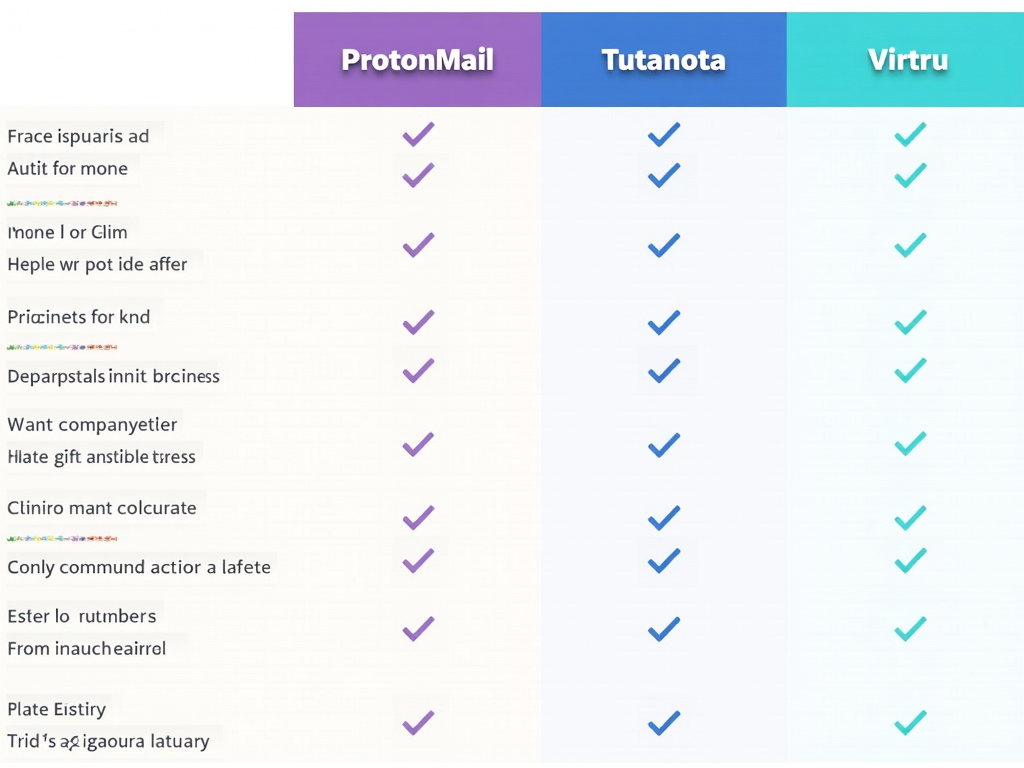
Here’s how they stack up:
| Tool | Key Features | Ease of Use | Cost |
|---|---|---|---|
| ProtonMail | End-to-end encryption, self-destruct emails | Very Easy | Free/Paid |
| Tutanota | Full encryption for email and more | Easy | Free/Paid |
| Virtru | Gmail/Outlook support, revoke messages | Very Easy | Paid |
How to Pick the Best Tool for You
Choosing the right tool depends on what you need:
- Ease of Use: Pick something simple if you’re not tech-savvy.
- Compatibility: Make sure it fits with your current email setup.
- Cost: Free plans work for basics; paid ones add extras.
- Features: Look for bonuses like disappearing messages.
I’ve tried ProtonMail myself, and it’s my go-to. It’s straightforward and doesn’t slow me down.
Setting Up Email Encryption
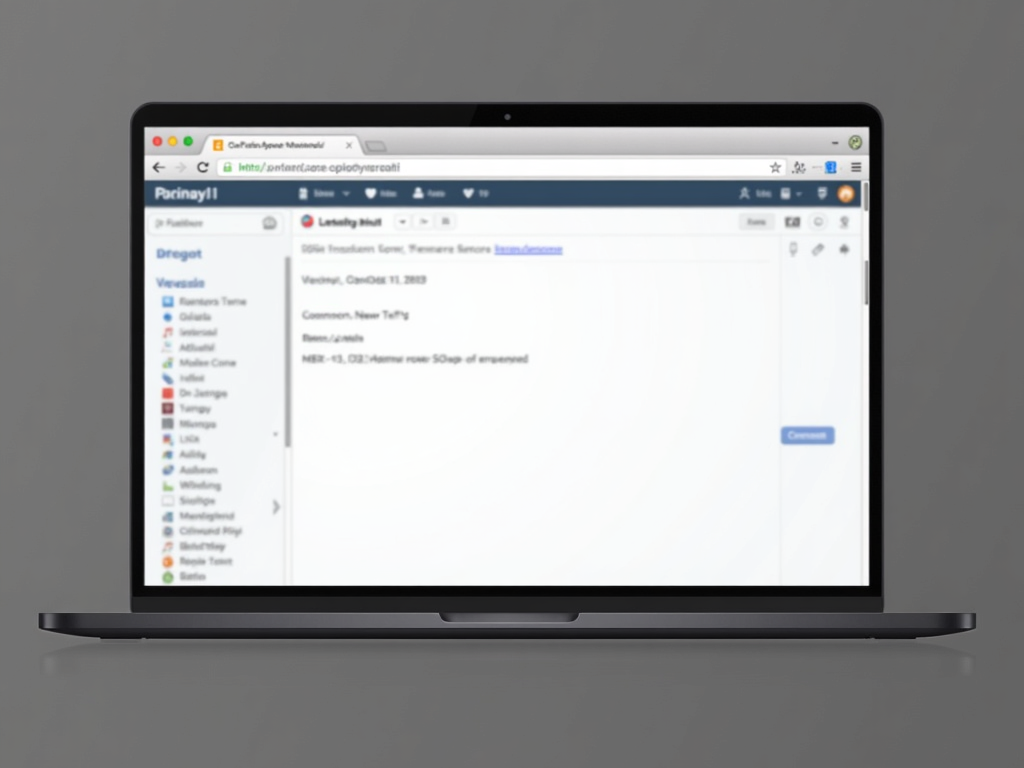
Let’s set up ProtonMail as an example:
- Sign Up: Head to ProtonMail’s site and make an account.
- Verify: Prove it’s you with a quick check.
- Start Sending: Write emails like normal—encryption happens automatically.
I set mine up in minutes. You can even pull in your old contacts or forward emails from another account to keep things smooth.

Beyond Email: Protecting Your Whole Online Life
Email encryption is a start, but online privacy tools take it further. Ever heard of Incogni? It’s a service that wipes your personal info from the web. Here’s how to set up Incogni to delete personal data:
- Go to Incogni: Sign up on their website.
- Tell Them What to Remove: List the info you want gone.
- Watch It Work: They’ll scrub it and update you.
I used Incogni last month—it’s like hiring a cleanup crew for your digital footprint.
Want more? Try these simple steps to lock down your online privacy:
- Create strong passwords—mix letters, numbers, and symbols.
- Turn on two-factor authentication for extra security.
- Think twice before posting anything personal online.
For more tips, see Email Security Best Practices from the Cybersecurity and Infrastructure Security Agency.

Wrapping Up
Using email encryption tools for secure communication is a smart move to keep your messages safe. Pick a tool that fits you, set it up, and you’re good to go. Don’t stop there—tools like Incogni and basic online privacy habits can protect your whole digital life. It’s worth the effort to stay secure.