How to Protect Your Personal Data Online in 2025
Overview
In 2025, your personal data is more vulnerable than ever. From social media oversharing to data brokers selling your info, staying private online feels like a battle. This guide shares simple, actionable steps to lock down your online privacy, including using email encryption tools and services like Incogni to delete personal data. Let’s dive into protecting your digital life.
Why Your Personal Data Needs Protection
Every time you browse, shop, or chat online, you leave a digital footprint. Companies collect your name, address, browsing habits, and even your political views. Data breaches, like the 2023 T-Mobile incident affecting 37 million customers, show how easily this info can fall into the wrong hands. Cybercriminals use it for identity theft, phishing scams, or worse. I’ve seen friends deal with spam calls after their data was exposed—it’s frustrating and avoidable.
Protecting your data isn’t just about avoiding hackers. It’s about controlling who knows what about you. Data brokers profit by selling your details to advertisers, employers, or even scammers. Taking charge of your privacy gives you peace of mind and reduces risks like spam, fraud, or stalking.

Simple Steps to Lock Down Your Online Privacy
You don’t need to be a tech expert to secure your data. These practical steps can make a big difference. I’ve used most of these myself, and they’re straightforward enough for anyone to follow.
1. Use Strong, Unique Passwords
Weak passwords like ‘123456’ or ‘password’ are an open door for hackers. Create long, random passwords with letters, numbers, and symbols. I use a password manager like Proton Pass to generate and store them securely. It saves me from remembering dozens of complex passwords. Enable two-factor authentication (2FA) wherever possible—it adds a second layer, like a code sent to your phone.
2. Browse Privately with a VPN
A Virtual Private Network (VPN) hides your IP address and encrypts your internet traffic. I started using NordVPN after noticing how many websites track my location. It’s like a shield for your browsing, especially on public Wi-Fi at coffee shops or airports. Choose a reputable VPN with strong encryption, like NordVPN or Surfshark.
3. Limit Social Media Sharing
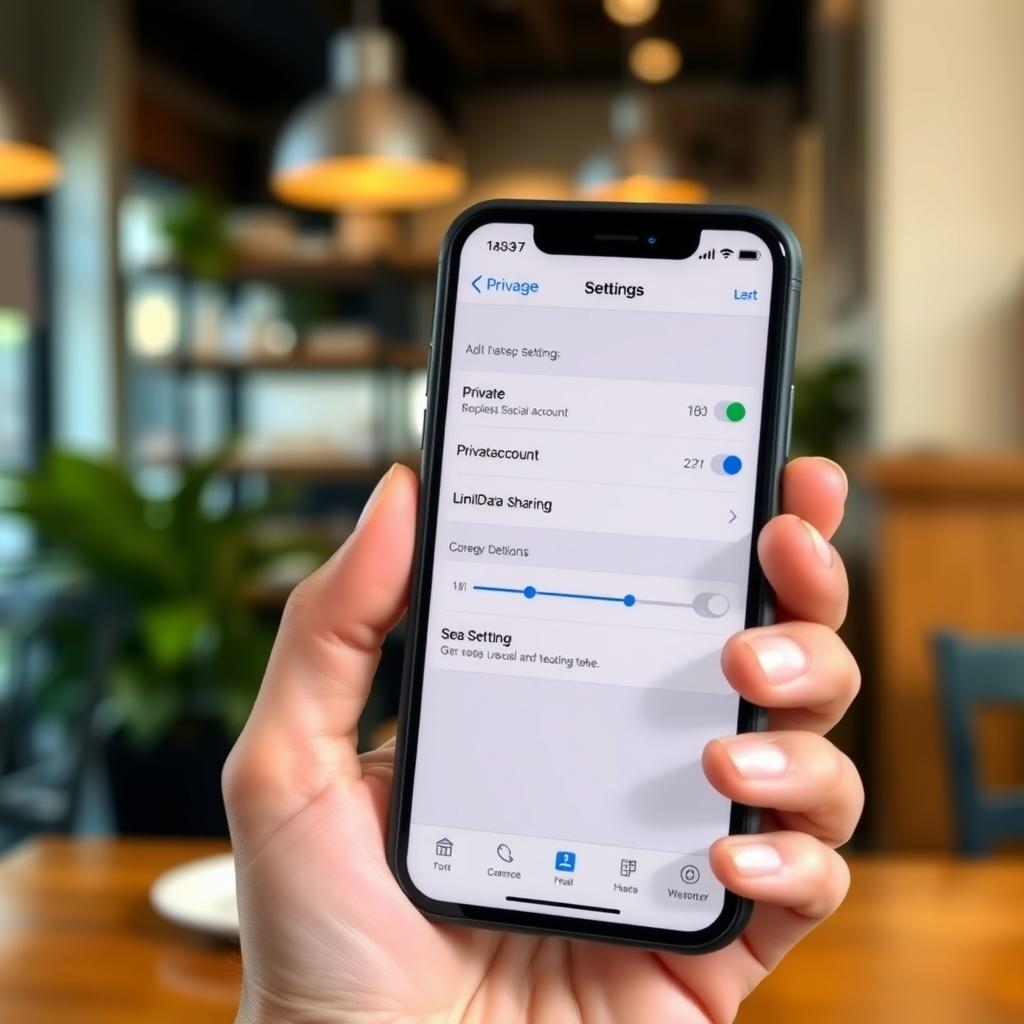
Social media platforms like Facebook or Instagram collect tons of data. I once shared my birthday publicly and got flooded with targeted ads. Check your privacy settings to limit who sees your posts. Avoid sharing sensitive info like your address or phone number. Consider using private accounts on platforms like X for personal posts.
Email Encryption Tools for Secure Communication
Email is a weak spot for privacy. Most providers, like Gmail, don’t encrypt emails end-to-end, meaning they can read your messages. Email encryption tools fix this by scrambling your emails so only the recipient can read them. Here are two I’ve tested and recommend:
| Tool | Features | Free Tier? | Best For |
|---|---|---|---|
| Proton Mail | End-to-end encryption, no ads, easy setup | Yes, limited | Everyday users |
| Preveil | No new email needed, works with Gmail | Yes | Gmail users |
Proton Mail is my go-to because it’s user-friendly and doesn’t track my data. You get a new email address, but the free tier is enough for basic use. Preveil is great if you want to keep your existing Gmail account—it adds encryption without changing your workflow. Both use public-key cryptography, which feels like sending a locked box only the recipient can open.
To set up Proton Mail, sign up at proton.me, choose a username, and enable encryption in the settings. For Preveil, download the app from preveil.com and follow the prompts to link it to your Gmail. It’s simple and takes about 10 minutes.
How to Set Up Incogni to Delete Personal Data
Data brokers are sneaky. They collect your info—name, address, even hobbies—and sell it without your consent. I was shocked to find my details on sites like TruthFinder after a quick Google search. Incogni automates the process of removing your data from these sites, saving you hours of manual work.
Steps to Set Up Incogni
- Sign Up: Visit incogni.com and choose a plan (starting at $7.19/month). The Family plan is great for multiple people.
- Provide Info: Enter your name, email, and address. Incogni uses this to find and remove your data securely.
- Authorize Removal: Sign a digital form allowing Incogni to contact data brokers on your behalf.
- Track Progress: Check the dashboard for updates. Incogni sends removal requests to over 420 brokers and reports back.
I tried Incogni last year and saw results within weeks—my info vanished from several people search sites. It’s not perfect, as some brokers take longer, but it’s way easier than doing it manually. Incogni also resends requests regularly to keep your data off the web.

Other Online Privacy Tools to Explore
Beyond VPNs and email encryption, other tools can boost your privacy. Here’s a quick list of ones I’ve found helpful:
- Privacy-Focused Browsers: Brave and Firefox block trackers by default. I switched to Brave and noticed fewer ads immediately.
- Dark Web Monitoring: Tools like Aura scan the dark web for your data. It’s reassuring to get alerts if your email pops up.
- Temporary Email Services: Use services like Cloaked to mask your real email for sign-ups. It’s saved me from spam overload.
These tools work together like layers of armor. For example, combining a VPN with a privacy browser makes it harder for sites to track you. I’ve learned the hard way that no single tool is enough—layering them is key.
Common Mistakes to Avoid
Even with the best tools, mistakes can expose your data. Here are pitfalls I’ve seen (and made):
- Using Public Wi-Fi Without a VPN: I once logged into my bank account at a café and got a phishing email the next day. Always use a VPN.
- Ignoring Privacy Policies: Read them to know what data a site collects. If there’s no policy, avoid it.
- Keeping Old Accounts: Delete unused accounts. I forgot about an old gaming profile, and it got hacked years later.
Final Thoughts
Protecting your personal data online in 2025 is about small, consistent steps. Use strong passwords, encrypt your emails, and let services like Incogni handle data brokers. It’s not about being perfect—it’s about making it harder for others to exploit your info. Start with one or two changes, like setting up Proton Mail or a VPN, and build from there. Your future self will thank you.