Proton Mail Setup Guide for Beginners: Get Started with Secure Email
Why Choose Proton Mail for Your Secure Email Journey?
Hey there! If you're tired of big tech peeking into your emails, it's time to switch to something better. Proton Mail offers end-to-end encryption right out of the box. No more worrying about hackers or data sales. As someone who's juggled free email services for years, I switched to Proton Mail last summer and never looked back. My inbox feels like a safe vault now.
This guide walks you through everything step by step. We'll cover setup, security basics, and tips to stay safe online. By the end, you'll have a rock-solid email setup that keeps your life private.
What Makes Proton Mail Stand Out?
Proton Mail started in Switzerland, a country with tough privacy laws. Unlike Gmail, it doesn't scan your emails for ads. Messages stay encrypted on their servers. You control the keys—no company backdoors.
I remember my first encrypted email. Sending a surprise party plan to a friend felt sneaky in a good way. No one could snoop, even if the email got lost in transit. That's the peace of mind beginners crave.
Step-by-Step Proton Mail Setup: Your First Account
Ready to get started? Grab your device and let's create your account. It takes under five minutes.
Prerequisites
- A web browser (Chrome or Firefox works great)
- An optional recovery email or phone for backups
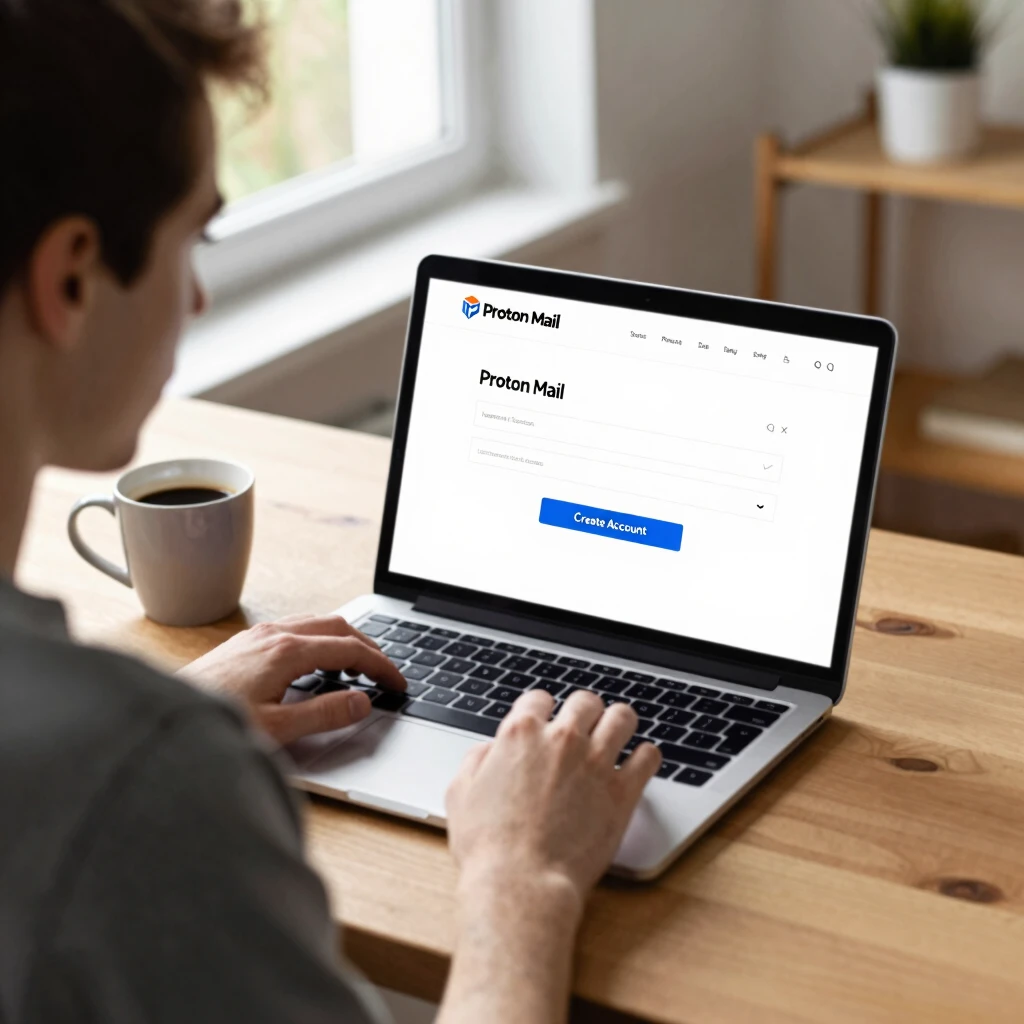
Head to proton.me. Click 'Sign up' and choose the free plan. It's plenty for starters.
Enter a username like '[email protected]'. Pick a strong password—we'll talk more about that soon. Verify with a captcha, and boom! You're in.
Pro tip from my setup: Use incognito mode to avoid cookie tracking during signup. It keeps things extra clean.
Installing the Proton Mail App: Mobile Magic
Don't stop at the web. Download the app for iOS or Android from their site or app store. Log in with your new credentials.
The app shines for quick checks. Push notifications arrive encrypted. I set mine up during a commute—replying to work emails felt secure even on public Wi-Fi.
Quick Setup Checklist
| Step | Action | Time Estimate |
|---|---|---|
| 1 | Visit proton.me and sign up | 1 min |
| 2 | Choose free plan, set username/password | 2 min |
| 3 | Verify email if needed | 30 sec |
| 4 | Download and install app | 2 min |
| 5 | Enable 2FA (coming up next) | 1 min |
Follow this table, and you're golden. I printed it out for my tech-shy roommate—helped her nail it on the first try.
Locking It Down: Enable Two-Factor Authentication
Two-factor authentication (2FA) adds a second lock to your door. Even if someone guesses your password, they need your phone too.
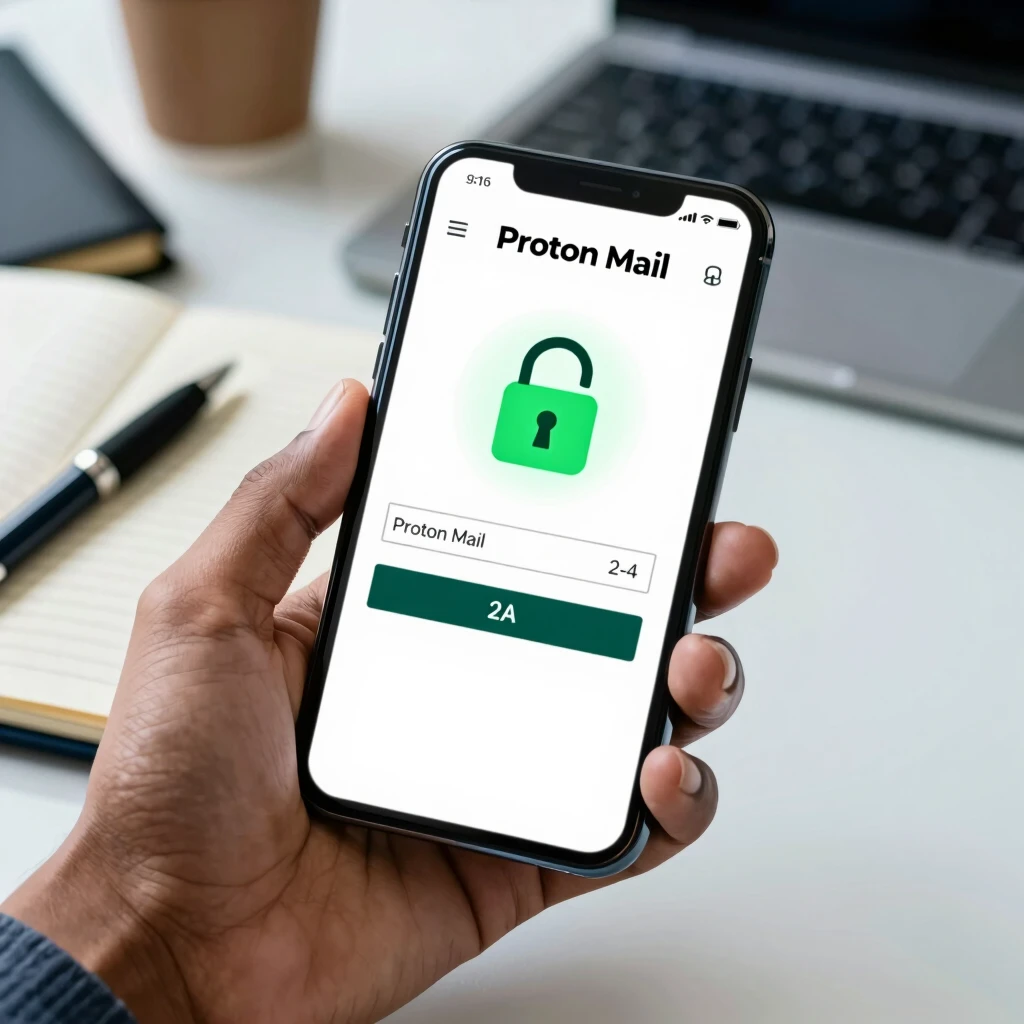
In Proton Mail settings, go to 'Account' > 'Security'. Turn on 2FA with an authenticator app like Authy. Skip SMS—it's less secure.
My story: Forgot my password once during travel. 2FA saved me from a panic reset. It texted a code to my app, and I was back in seconds.
Password Management 101: Keeping Your Accounts Secure
A weak password is like leaving your front door unlocked. Start with Password Management 101: Keeping Your Accounts Secure.
Use at least 12 characters: mix letters, numbers, symbols. Avoid 'password123'—that's hacker bait.
For beginners, try passphrases like 'BlueSky-Rains42!'. Easy to remember, hard to crack.
Introduce a manager tool early. Check out best practices from UC Santa Barbara's IT team on strong passwords. They recommend unique passwords per account to limit breach damage.
I use one now—generates and stores them. No more sticky notes under my keyboard!
Top Tips for Password Strength
- Make it long—aim for 14+ characters.
- Change it if you suspect a leak.
- Test strength with online checkers (but don't enter real ones).
- Pair with a manager for autofill magic.
These habits turned my sloppy security into a fortress. You'll feel the difference fast.
How to Spot Phishing Scams: Stay One Step Ahead
Phishing emails trick you into clicking bad links. They mimic banks or friends, stealing your info.
Dive deeper with How to spot phishing scams. Look for red flags: weird sender addresses, urgent demands, sketchy attachments.
The FTC shares solid advice in their guide on recognizing phishing. Generic greetings like 'Dear User' scream scam.
My close call: An email 'from Proton' urged password reset. Typos and a funky URL tipped me off. I forwarded it to their abuse team—instant peace.
Always hover over links before clicking. If it leads to a login page asking for extras, close it.
The Beginner’s Guide to VPNs and Online Privacy
Email security amps up with a VPN. It hides your IP, encrypting all traffic.
Explore The Beginner’s Guide to VPNs and Online Privacy. VPNs route your connection through secure tunnels—great for public hotspots.
EFF's experts explain in their VPN selection guide how to pick no-log providers. I chose one with a kill switch; it blocks leaks if the VPN drops.
Pair Proton Mail with a VPN for full coverage. Send emails from coffee shops without worry. My routine: VPN on, then Mail app. Browsing feels anonymous, like wearing an invisibility cloak.
Best Password Managers for Beginners: My Favorites
Picking a manager? Start simple. Best Password Managers for Beginners has options.
Bitwarden shines—free, open-source. LastPass suits teams. Both sync across devices.
CISA echoes this in their cybersecurity best practices, stressing managers for complex passwords. I migrated 50 accounts in a weekend; autofill saves hours now.
Comparison Table: Beginner-Friendly Managers
| Manager | Free Tier? | Platforms | Unique Feature |
|---|---|---|---|
| Bitwarden | Yes | All | Open-source audits |
| LastPass | Yes | All | Emergency access |
| 1Password | Trial | Most | Watchtower alerts |
This table guided my choice. Bitwarden won for its no-cost power.
Everyday Habits for Proton Mail Mastery
Customize your inbox: Set filters for newsletters, archive junk. Use aliases for signups—keeps spam low.
I created '[email protected]' for stores. Main inbox stays pristine.
Back up keys regularly. Export contacts. These small steps prevent big headaches.
Wrapping Up: Your Secure Email Adventure Awaits
You've got the tools now. From signup to scam-spotting, Proton Mail sets you up for privacy wins. Remember, security is a habit—start small, build strong.
In my journey, ditching old email freed my mind. Yours can too. Questions? Drop a comment below.
Stay safe out there!