Top Online Privacy Tools for 2025: Safeguard Your Digital Life
Quick Overview
In 2025, staying private online feels like a full-time job. But with the right online privacy tools, you can fight back against trackers and data grabs. This guide covers the top picks, how to choose a password manager, and simple steps to lock down your digital life. Let's make privacy simple and strong.
Hey there, I've been knee-deep in the world of online privacy for years. Back in 2020, a data breach wiped out my old email accounts, and it hit hard. That's when I started digging into tools that actually work. Today, as we roll into 2025, the threats are sneakier—think AI-powered trackers and endless cookie farms. But don't worry. The top online privacy tools for 2025 make it easier than ever to stay hidden.
We'll break it down: why you need these tools, what they do, and real tips from my own setup. No tech overload, just stuff you can use right now.
Why Privacy Matters More Than Ever in 2025
Data is the new oil, or so they say. Every click you make feeds someone else's machine. According to the NIST Privacy Framework update from April 2025, privacy risks now tie directly to cyber threats. That means ignoring them could leave your info exposed to hacks or sales.
I remember setting up my first VPN during a work trip. One toggle, and poof—my location vanished. It felt like magic. These tools aren't just gadgets; they're your daily shield. Let's dive into the essentials.
Password Managers: Your First Line of Defense
Passwords are the weakest link, right? We reuse them, forget them, or scribble them on napkins. Enter password managers. They store everything securely and spit out unbreakable ones for you.
In 2025, these tools use zero-knowledge encryption—meaning even the company can't peek. My go-to? Bitwarden. It's free, open-source, and syncs across devices without a hitch.
How to Pick the Best Password Manager for You
Choosing feels overwhelming, but start here:
- Budget Check: Free options like Bitwarden work great for basics. Paid ones like 1Password add family sharing for $3 a month.
- Ease of Use: Look for auto-fill that doesn't glitch on mobile. I ditched one after it failed on my phone's banking app.
- Security Audit: Check for audits. LastPass had issues in 2022; now, they bounce back with better checks.
- Extras: Two-factor setup and breach alerts are musts.
Here's a quick comparison table:
| Tool | Price | Key Feature | Best For |
|---|---|---|---|
| Bitwarden | Free/Paid | Open-source, unlimited | Budget users |
| 1Password | $3/mo | Watchtower breach scans | Families |
| LastPass | Free/Paid | Emergency access | Teams |
Pro tip: Generate a 20-character monster password for your manager itself. Mine includes symbols and numbers—no birthdays.
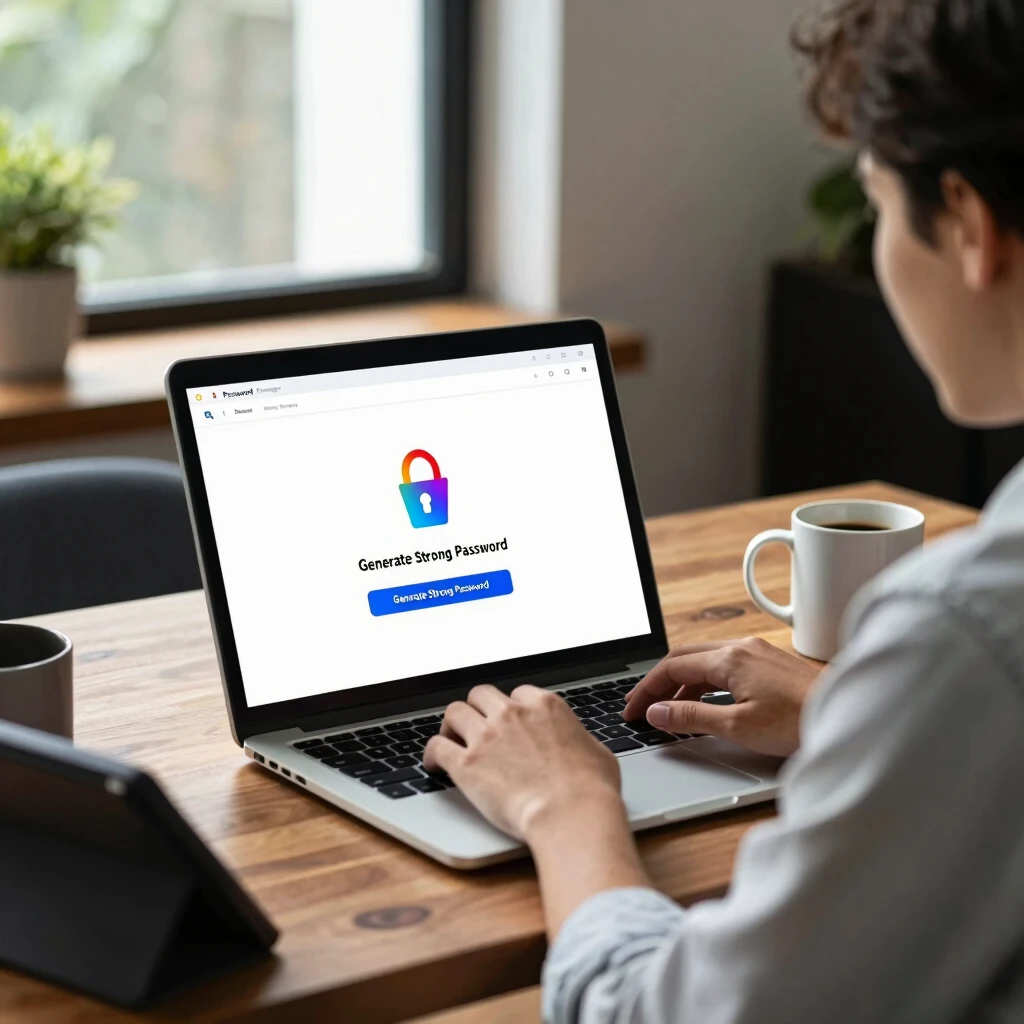
Once set up, you'll wonder how you lived without it. I autofill logins in seconds now, and it flags weak spots. For more on data protection tips, see UC Davis's guide to protecting your data in 2025.
VPNs: Hide Your Location Like a Pro
Virtual Private Networks (VPNs) route your traffic through far-off servers. It's like wearing an invisibility cloak online. In 2025, with rising geo-blocks and ISP snooping, VPNs are non-negotiable.
I switched to Mullvad after ExpressVPN's speed dips. Mullvad accepts cash payments—no emails needed. Connect in one click, and your IP flips to Sweden or wherever.
Top picks: 1. Mullvad: Privacy-first, €5/month flat. 2. ProtonVPN: Free tier with unlimited data. 3. NordVPN: Fast for streaming, but watch the logs policy.
Test speeds on your network. Mine halved download times without leaks.
Ad Blockers and Trackers: Stop the Spying
Ads aren't just annoying; they track your every move. Tools like uBlock Origin block them cold. Install it on Chrome or Firefox—boom, cleaner browsing.
For next-level, try the EFF's Privacy Badger. It learns from sites and zaps hidden trackers. I installed it last year, and my feed went from creepy to calm. No more 'Hey, you looked at hiking boots' ads after one search.
Cleaning Up Your Tracks: Enter BleachBit
Your computer hoards data like a packrat—browsing history, temp files, even deleted emails. That's a privacy goldmine for snoopers. Time to clean house.
BleachBit is my secret weapon. It's free, open-source, and shreds files beyond recovery. Unlike CCleaner, it skips the bloatware upsells.
How to Use BleachBit to Clean Your Computer for Privacy
Getting started is straightforward. Download from the official site, run as admin, and follow these steps:
- Scan First: Hit 'System' and let it list cleaners—like browser cache or Adobe temp files.
- Select Wisely: Check boxes for what you want gone. I always hit 'Free Disk Space' to overwrite deleted junk.
- Preview and Wipe: See what it'll nuke, then click 'Clean'. Use 'Overwrite files to hide past activity' for paranoia mode.
- Schedule It: Set monthly runs via task scheduler. I do mine after big downloads.
In my last cleanup, it freed 5GB and erased a year's worth of logs. Felt like a fresh start. Heads up: Back up important stuff first.

Encrypted Messaging: Talk Without Ears Listening
Texts and calls? They're wide open. Switch to Signal. End-to-end encryption means only you and your buddy see the words. No backdoors, as proven in audits.
I use it for everything now—from family chats to work notes. Voice calls sound crystal, and disappearing messages add extra peace.
Browser Choices: Go Incognito for Real
Chrome's handy, but it's a tracker party. Try Firefox or Brave. Brave blocks ads natively and pays you in crypto for opt-ins (if you want).
My switch cut data usage by 30%. Pair it with HTTPS Everywhere for forced secure connections.
Steps to Lock Down Your Digital Life
Tools are great, but habits win. Here's my five-step plan:
- Audit Accounts: List all logins. Change weak ones today.
- Enable 2FA Everywhere: Use an app like Authy, not SMS.
- Update Regularly: Patch software weekly. I set reminders.
- Limit Sharing: Think twice before posting. Use privacy settings on socials.
- Backup Securely: Encrypt external drives. Test restores yearly.
Follow this, and you'll sleep better. For official best practices, check the CISA's cybersecurity guidelines.

I've locked down my setup this way, and breaches? Zero since. It's not perfect, but it's progress.
Wrapping It Up: Your Privacy Toolkit for 2025
The top online privacy tools for 2025 boil down to smart choices: a solid password manager, VPN for travel, BleachBit for cleanups, and habits that stick. Start small—pick one tool today. Your future self will thank you.
Privacy isn't a luxury; it's control. Grab these online privacy tools, tweak your routine, and own your digital space.