Encryption Best Practices
In today's digital age, protecting your personal information is more important than ever. Encryption is a powerful tool that helps keep your data safe from prying eyes. This article explores encryption best practices, compares popular encryption tools like BitLocker and FileVault, and discusses other online privacy tools to help you stay secure online.
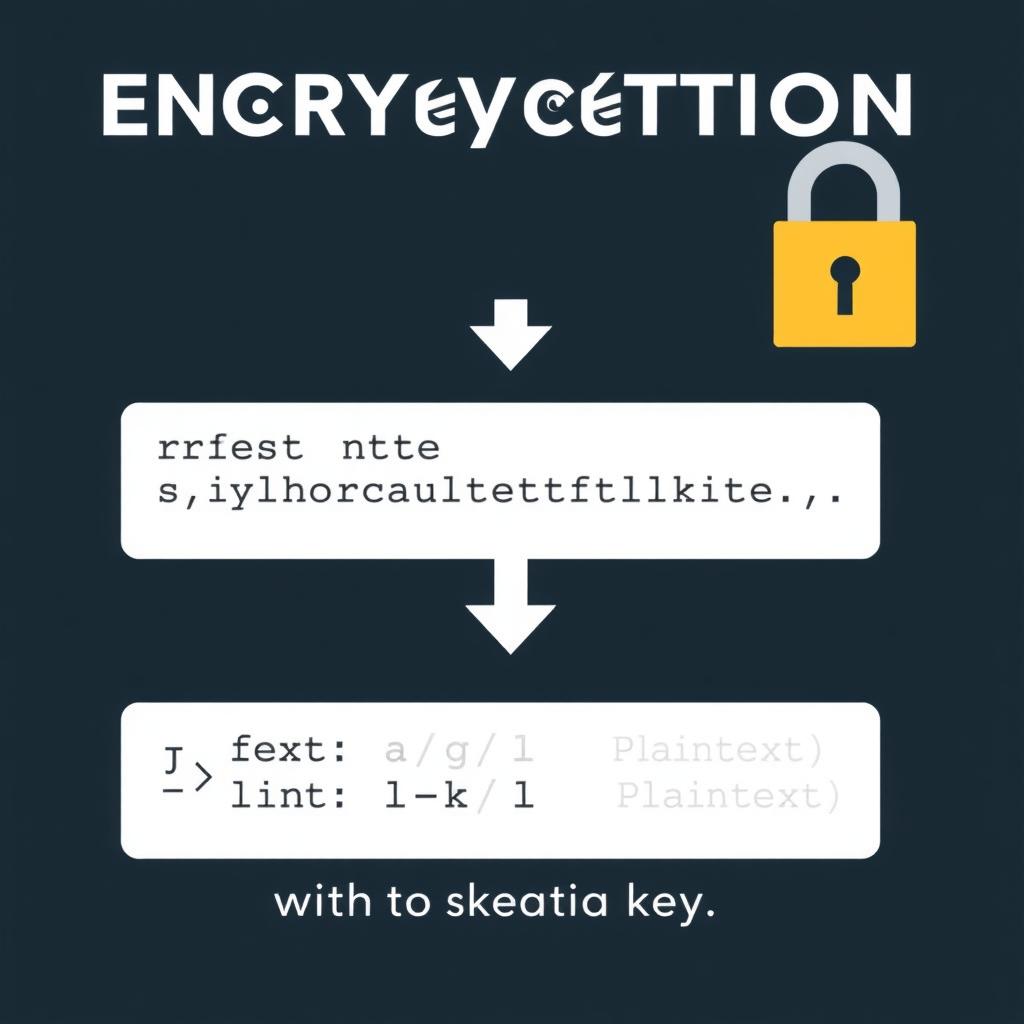
Encryption is like a secret code that scrambles your data so that only someone with the right key can read it. Imagine you have a diary that you want to keep private. Instead of writing in plain English, you use a special code that only you and your best friend understand. Encryption works similarly but for digital information like emails, files, and even entire hard drives.
Why is encryption necessary? In a world where data breaches and cyber threats are common, encryption acts as a shield, protecting your sensitive information from unauthorized access. Whether it's your financial records, personal photos, or confidential work documents, encryption ensures that even if someone gets hold of your data, they can't make sense of it without the decryption key.
To make the most of encryption, follow these best practices:
- Choose Strong Passwords: Your encryption is only as strong as your password. Use a combination of letters, numbers, and symbols, and make it at least 12 characters long. Avoid using easily guessable information like birthdays or pet names.
- Keep Software Updated: Encryption tools and the software they protect can have vulnerabilities. Regularly update your encryption software and operating system to patch any security holes.
- Encrypt Sensitive Data: Not all data needs encryption, but sensitive information like financial records, personal identification, and confidential communications should always be encrypted.
- Use Full Disk Encryption: For maximum security, encrypt your entire hard drive. This way, even if your device is lost or stolen, your data remains protected.
- Backup Your Data: Encryption doesn't protect against data loss. Regularly backup your encrypted data to a secure location.
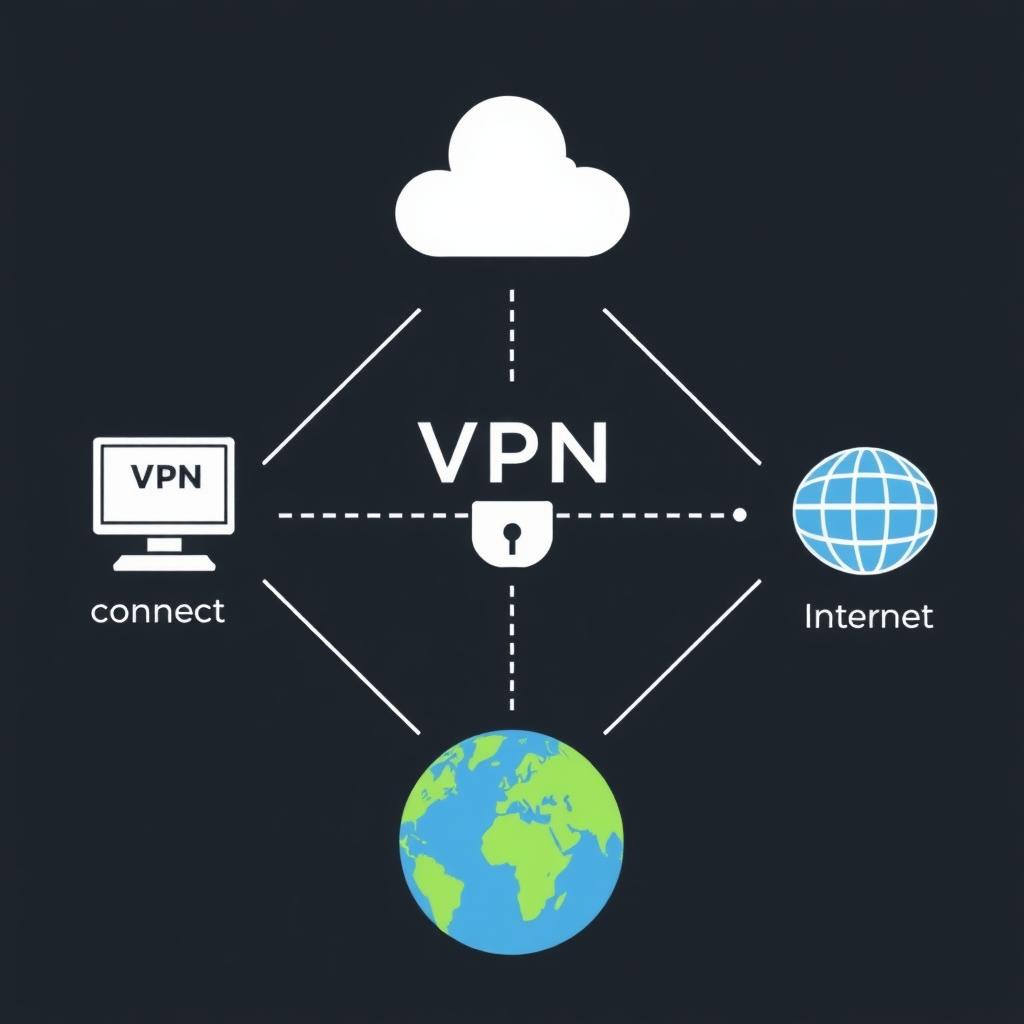
- Be Cautious with Public Wi-Fi: Public Wi-Fi networks are often unsecured. Use a VPN (Virtual Private Network) in conjunction with encryption to protect your data when using public Wi-Fi.
There are several encryption tools available, each with its own strengths and features. Let's explore three popular options: BitLocker, FileVault, and VeraCrypt.
BitLocker
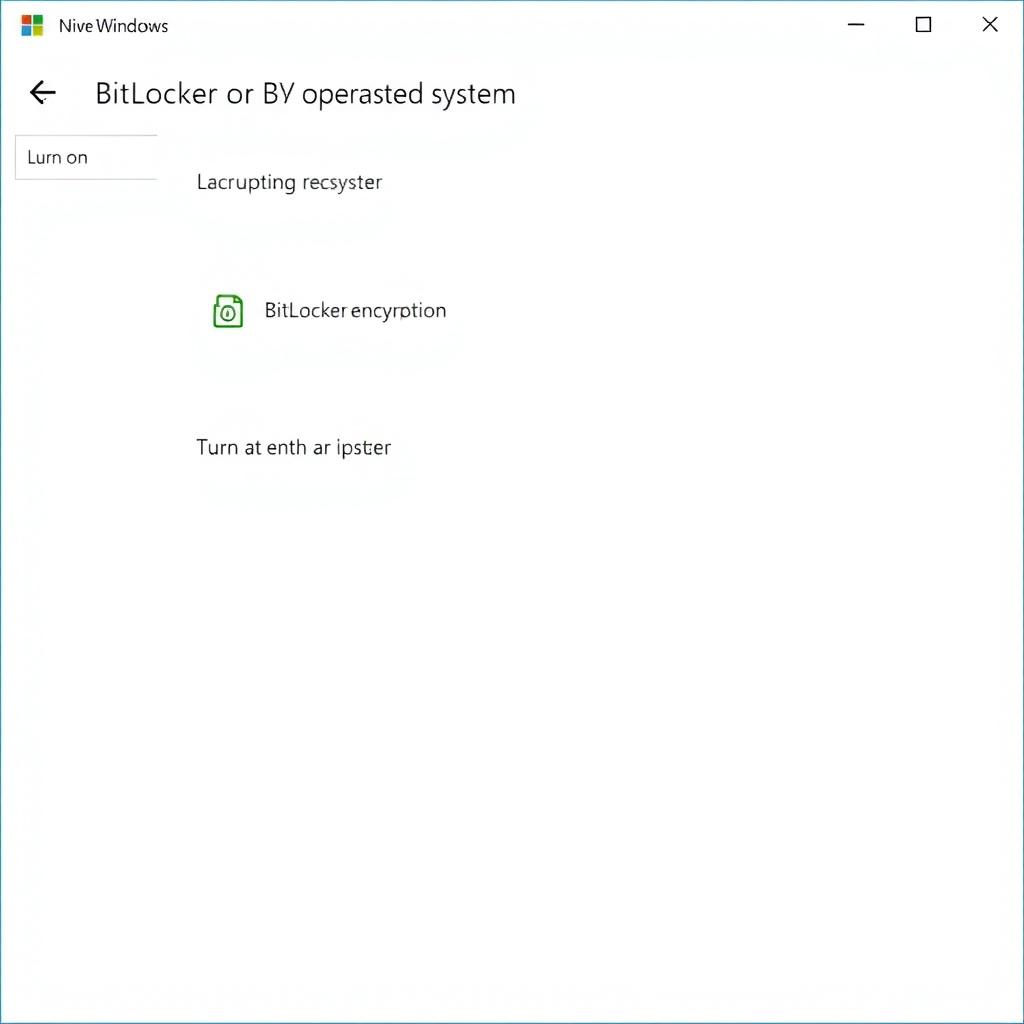
BitLocker is a full disk encryption tool built into Windows Pro and Enterprise editions. It uses the AES encryption algorithm with 128-bit or 256-bit keys to protect your data. BitLocker is easy to set up and integrates seamlessly with Windows, making it a convenient choice for Windows users.
One of the key features of BitLocker is its integration with the Trusted Platform Module (TPM), a hardware component that enhances security by storing encryption keys. This makes it very difficult for unauthorized users to access your data.
FileVault
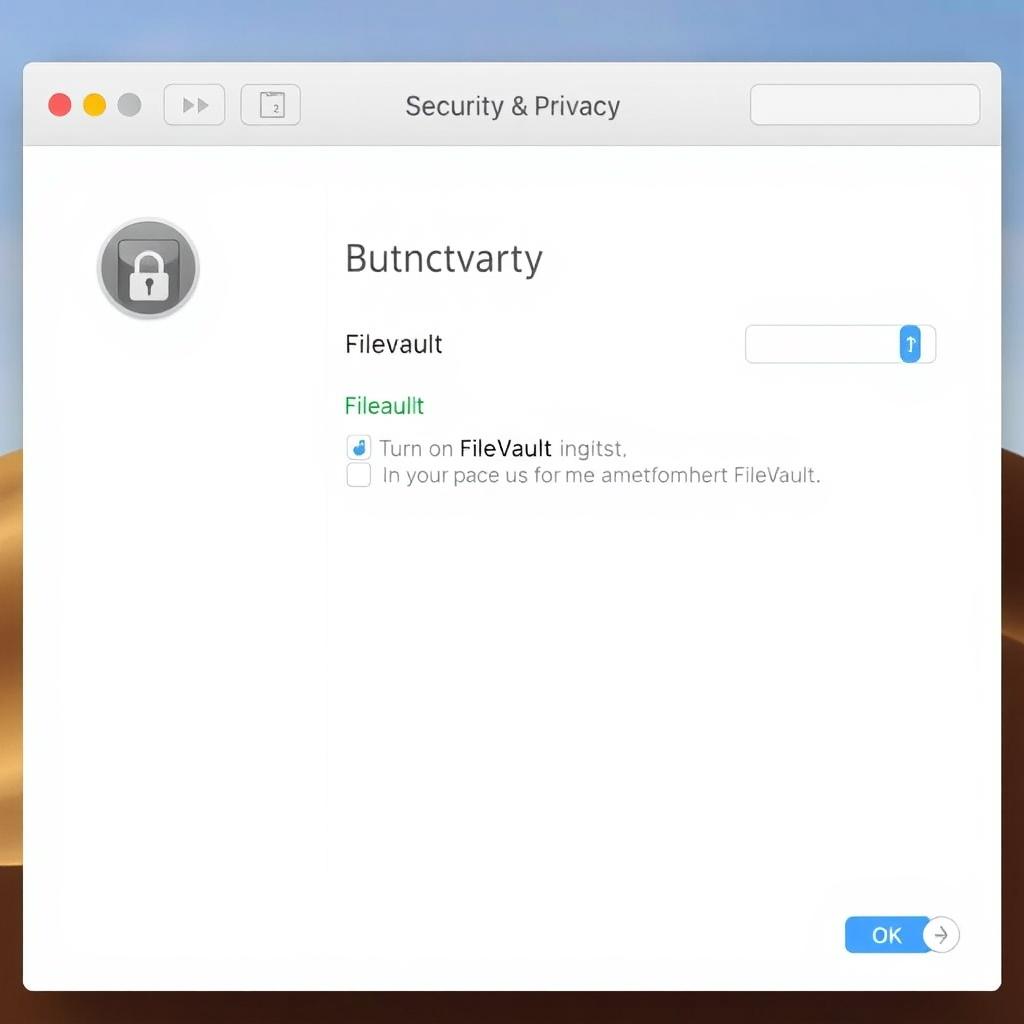
FileVault is the encryption tool built into macOS. Like BitLocker, it provides full disk encryption using the AES algorithm. FileVault is designed to be user-friendly, with a simple setup process that can be completed in a few clicks.
FileVault also leverages hardware security features, such as the T2 security chip in newer Macs, to protect your encryption keys. This adds an extra layer of security, making it a robust choice for Mac users.
VeraCrypt
VeraCrypt is an open-source encryption tool available for Windows, macOS, and Linux. It offers more flexibility than BitLocker and FileVault, allowing you to encrypt entire drives, create encrypted containers for specific files, and even encrypt external media.
VeraCrypt supports multiple encryption algorithms, including AES, Serpent, and Twofish, and allows you to use them in combination for added security. Its open-source nature means that its code is publicly available for review, which can increase trust in its security.
Comparison: BitLocker vs FileVault
When comparing BitLocker and FileVault, both offer strong encryption and are well-integrated into their respective operating systems. However, there are some differences to consider:
- Platform Compatibility: BitLocker is exclusive to Windows, while FileVault is exclusive to macOS. If you use both operating systems, you might need to use a cross-platform tool like VeraCrypt.
- Ease of Use: Both tools are designed to be user-friendly, but BitLocker requires a Windows Pro or Enterprise edition, which might not be accessible to all users.
- Security Features: Both tools use strong encryption algorithms and leverage hardware security features. However, VeraCrypt's support for multiple algorithms and its open-source nature might appeal to users who want more control over their encryption.
Ultimately, the choice between BitLocker and FileVault depends on your operating system and specific needs. If you're a Windows user with a Pro or Enterprise edition, BitLocker is a solid choice. For Mac users, FileVault is the go-to option. If you need cross-platform compatibility or more advanced features, VeraCrypt is worth considering.
Encryption is just one piece of the online privacy puzzle. Here are some other tools that can help protect your privacy:
- VPNs (Virtual Private Networks): VPNs encrypt your internet traffic and hide your IP address, making it harder for third parties to track your online activities.
- Secure Browsers: Browsers like Tor or Brave offer enhanced privacy features, such as blocking trackers and encrypting your browsing data.
- Password Managers: Password managers help you create and store strong, unique passwords for all your accounts, reducing the risk of password-related breaches.
- Two-Factor Authentication (2FA): 2FA adds an extra layer of security by requiring a second form of verification, such as a code sent to your phone, in addition to your password.
As someone who values online privacy, I've experimented with various encryption tools and privacy practices. One of my favorite tools is VeraCrypt because of its flexibility and cross-platform support. I use it to create encrypted containers for sensitive files, which I can access from any device.
I've also found that using a VPN in conjunction with encryption significantly enhances my online privacy. It's reassuring to know that my internet traffic is encrypted and my IP address is hidden, especially when using public Wi-Fi.
Another practice I swear by is using a password manager. It not only helps me generate strong passwords but also ensures that I don't reuse passwords across different accounts, which is a common security pitfall.
Encryption is a powerful tool for protecting your personal information in the digital age. By following best practices and using tools like BitLocker, FileVault, or VeraCrypt, you can keep your data safe from unauthorized access. Additionally, incorporating other online privacy tools like VPNs, secure browsers, and password managers can further enhance your security.
Remember, the key to effective encryption is not just using the tools but also maintaining good security habits, such as choosing strong passwords and keeping your software updated.
- "Understanding Encryption: A Beginner's Guide" - A comprehensive introduction to encryption concepts and practices.
- "The Ultimate Guide to Online Privacy" - Tips and tools for protecting your privacy online.
- "Choosing the Right Encryption Tool for You" - A detailed comparison of popular encryption tools.