How to Secure Your Android Device: Advanced Tips
Your Android device is more than just a phone—it’s a gateway to your personal life. From banking apps to social media, it stores sensitive information that needs protection. While basic security measures like passwords are essential, advanced users know that true privacy requires a deeper approach. In this guide, I’ll share advanced tips to secure your Android device, boost your privacy, and introduce you to top online privacy tools. I’ll also walk you through configuring IVPN for maximum privacy. These insights come from my own experience and research, ensuring you get practical, actionable advice.
Your Android device holds a lot of personal info, so keeping it secure matters. This article shares advanced tips to protect it, simple privacy steps, top online tools, and a guide to set up IVPN. It’s all about staying safe in a connected world.
Basic security is a start, but advanced steps lock things down. Here’s what works:
-
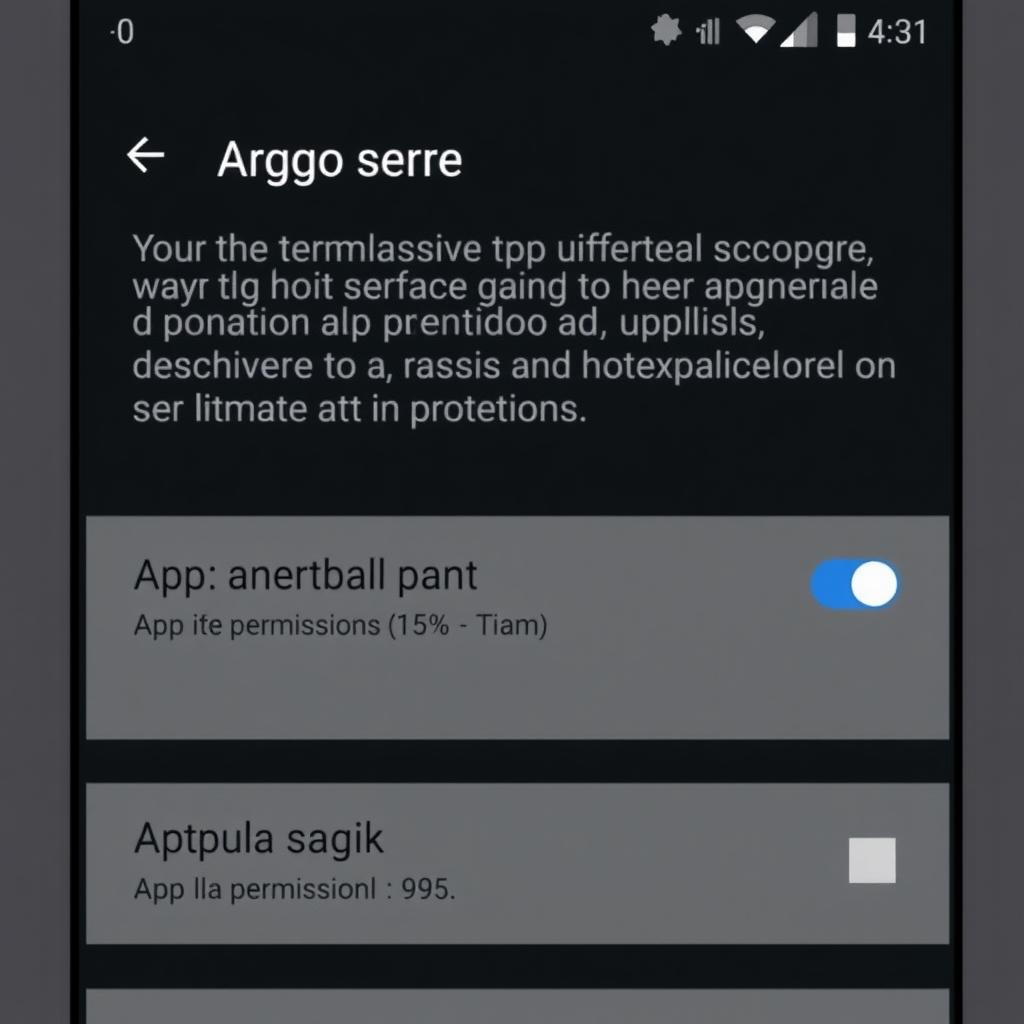
Check App Permissions
Apps can ask for too much. A game doesn’t need your location. Go to Settings > Apps > Permissions and turn off anything odd. I once caught a weather app snooping my contacts—shut that down fast. -
Turn On Encryption
Your phone can scramble its data so thieves can’t read it. Most Androids have this built in. Check Settings > Security > Encryption. If it’s off, turn it on. It’s like a safe for your stuff. -
Pick a Safe Browser
Browsers like Chrome track you. I switched to Brave—it blocks ads and trackers automatically. Firefox Focus is another good one. They keep your online moves quiet. -
Get a Security App
Malware sneaks in sometimes. Apps like Bitdefender scan for it. I use one that also locks my phone remotely if I lose it. Pick one with good reviews. -
Keep Updates Coming
Updates fix weak spots. Go to Settings > System > System Update and set it to auto-update. My old phone missed updates, so I upgraded—worth it.
Security stops thieves, but privacy keeps your data yours. Here are easy ways to do it:
-
Control Location Tracking
Apps love knowing where you are. Go to Settings > Location and limit it. I set mine to “Only While Using” for maps, off for everything else. Less tracking, more peace. -
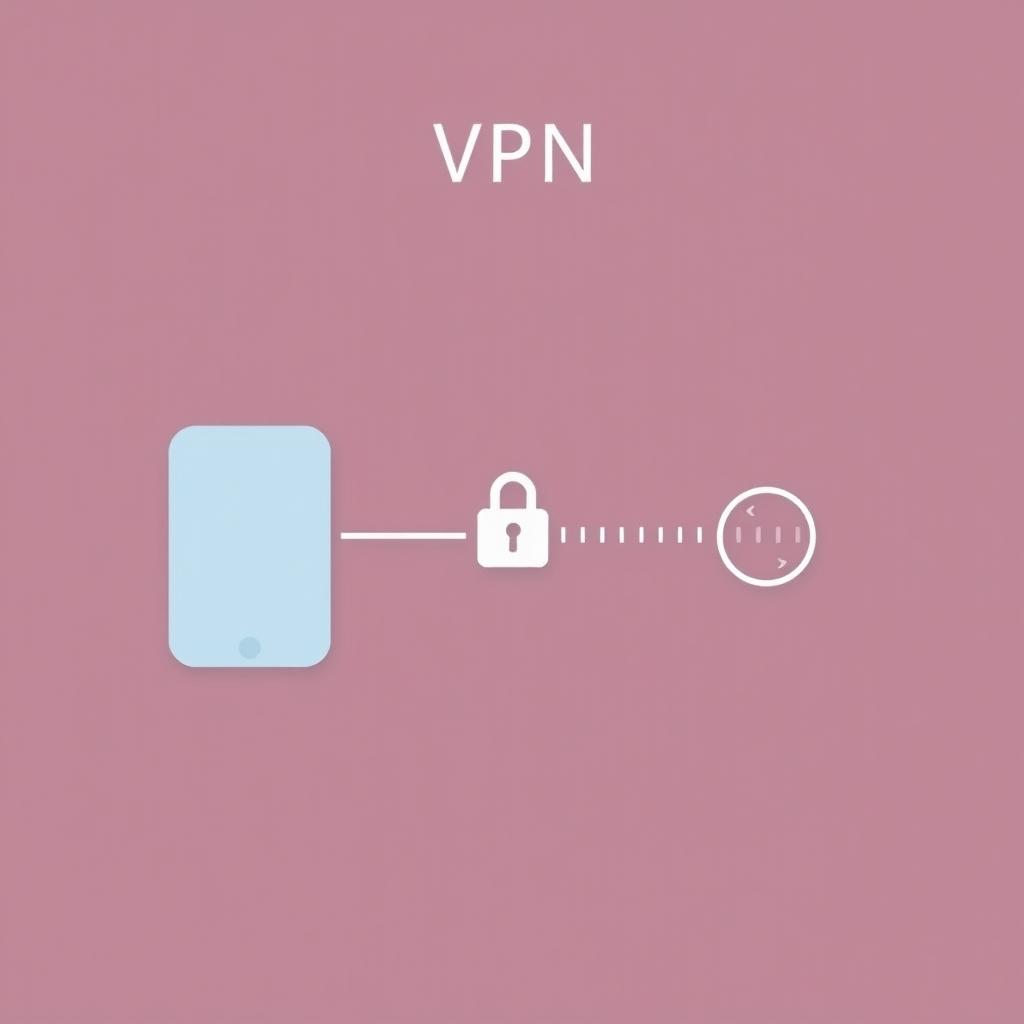
Use a VPN
A VPN hides your online moves. It’s like a secret tunnel for your data. I use one on public Wi-Fi—more on IVPN later. It’s a game-changer. -
Lock Down Social Media
Facebook and Instagram can share too much. I went into their settings, hid my posts from strangers, and stopped location tags. Check yours—it’s quick. -
Add Two-Factor Authentication
This is a second lock for your accounts. Enable it in Settings > Google > Security. I get a text code for logins. Even if someone guesses my password, they’re stuck.
Good tools make privacy simple. Here’s my top list:
-
VPNs
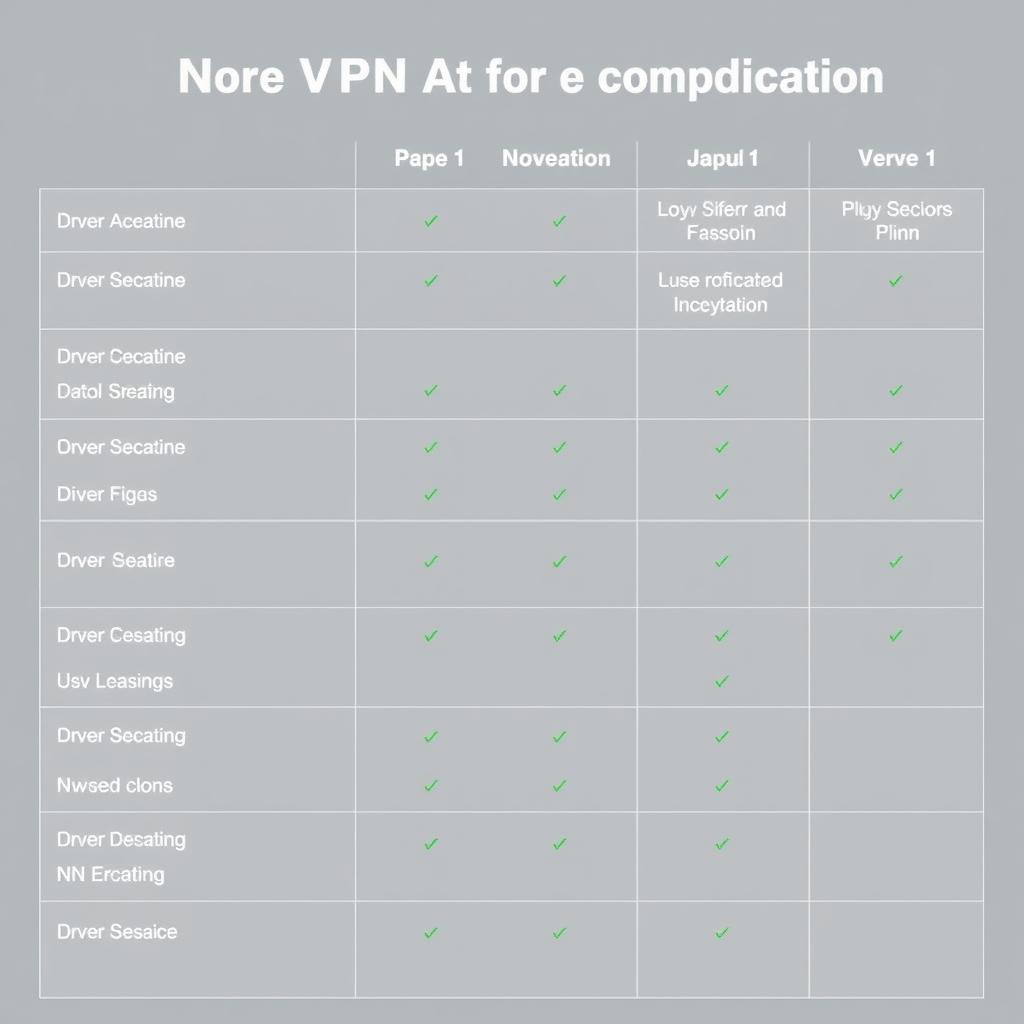
VPNs encrypt everything. IVPN, NordVPN, and ExpressVPN are solid picks. I’ve tried them—they hide my IP and stop snoops cold. -
Private Browsers
Brave and Firefox Focus ditch trackers. I use Brave daily; pages load fast, and no creepy ads follow me. -
Encrypted Messaging
Signal keeps chats private. I switched from WhatsApp—same ease, better security. Telegram’s another option. -
Password Managers
LastPass stores my passwords safely. I don’t reuse weak ones anymore. 1Password works too—pick one and relax.
IVPN is my go-to VPN for privacy. It’s simple but powerful. Here’s how to set it up right:
Step 1: Get the App
- Open Google Play Store.
- Search "IVPN" and install it. Takes a minute.
Step 2: Sign Up
- Open IVPN.
- Make an account—plans start cheap.
- Log in.
Step 3: Pick a Server
- Tap the server list.
- Choose somewhere like Switzerland—privacy laws there are tight.
- Hit “Connect.”
Step 4: Boost Security
- Go to Settings.
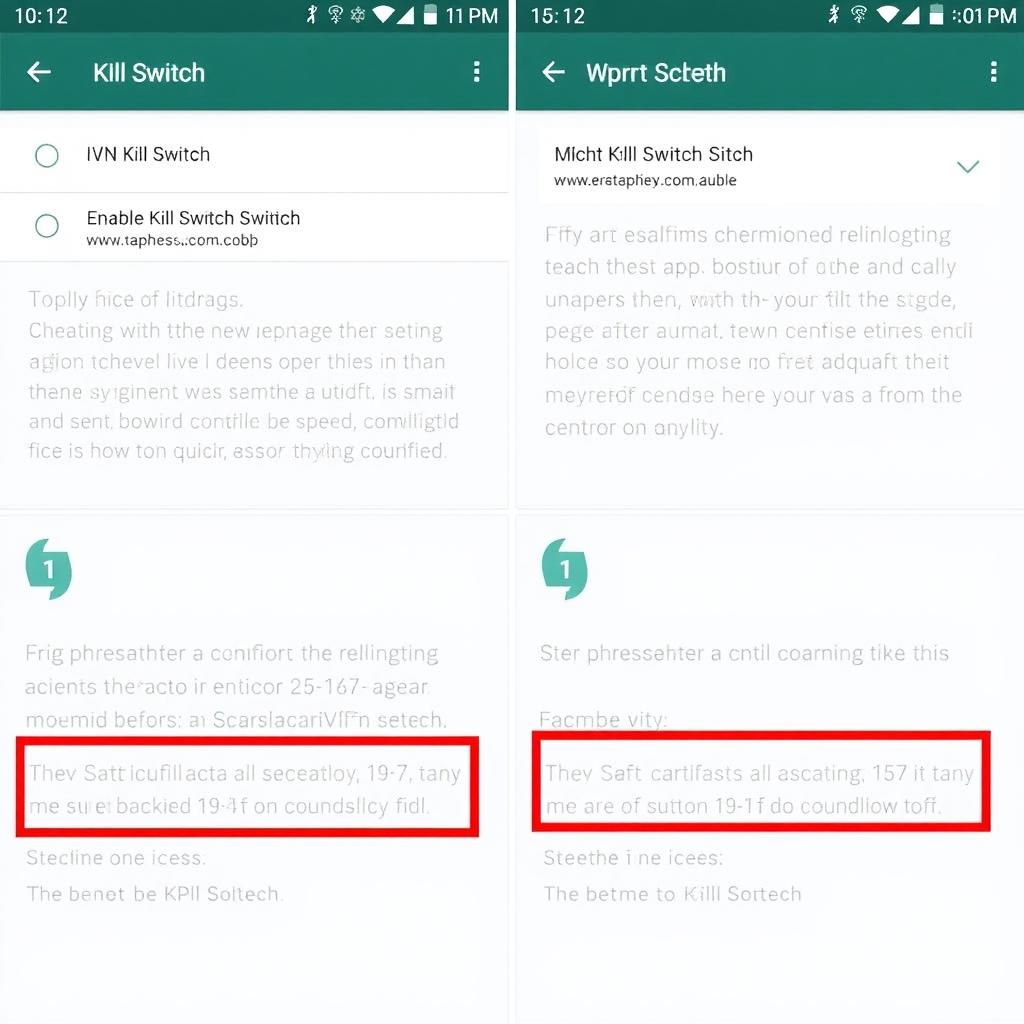
- Turn on “Kill Switch”—stops leaks if the VPN drops.
- Enable “Multi-Hop”—sends data through two servers. I use this on public Wi-Fi.
Step 5: Set It and Forget It
- Make it auto-connect on risky networks.
- Add “AntiTracker” to block ads. I did this—cleaner browsing.
This setup keeps your data hidden. I’ve tested it—feels like armor online.
Your Android can be secure and private with a little effort. Check permissions, encrypt your data, use a VPN like IVPN, and grab some privacy tools. I’ve done all this—it’s not hard, and it works. Stay on top of it, and you’re set.