How to Set Up a VPN for Maximum Privacy: A Comprehensive Guide
How to Set Up a VPN for Maximum Privacy
In today's digital age, protecting your online privacy is more important than ever. With data breaches, surveillance, and tracking becoming increasingly common, using a VPN (Virtual Private Network) is one of the most effective ways to safeguard your personal information. But how do you set up a VPN for maximum privacy? And what other tools can help you stay secure online? In this guide, we'll walk you through the process of setting up a VPN, discuss the importance of online privacy, and compare two popular mobile browsers—Firefox Focus and DuckDuckGo—to see which one offers better privacy features.
Why Online Privacy Matters
Before we dive into the technical details, let's talk about why online privacy is so crucial. Every time you browse the internet, your personal data—such as your location, browsing history, and even your passwords—can be exposed to hackers, advertisers, and even your internet service provider (ISP). Without proper protection, your sensitive information is at risk.
Using a VPN is one of the best ways to protect yourself. A VPN encrypts your internet connection, making it difficult for anyone to intercept your data. It also hides your IP address, which helps prevent tracking and maintains your anonymity online. But a VPN is just one piece of the puzzle. To truly maximize your privacy, you need to use a combination of tools and practices. Let's explore how to set up a VPN and other privacy tools effectively.
Step-by-Step Guide to Setting Up a VPN for Maximum Privacy
Setting up a VPN might sound complicated, but it's actually quite straightforward. Here's a step-by-step guide to help you get started:
-
Choose a Reputable VPN Provider: Not all VPNs are created equal. Look for a provider that offers strong encryption (like AES-256), a no-logs policy, and a kill switch feature. Some popular options include NordVPN, ExpressVPN, and ProtonVPN.
-
Sign Up and Download the VPN App: Once you've chosen a provider, sign up for a plan and download their app on your device. Most VPNs offer apps for Windows, macOS, iOS, and Android.
-
Install and Open the App: Follow the installation instructions and open the app. You'll likely need to log in with the credentials you created during sign-up.
-
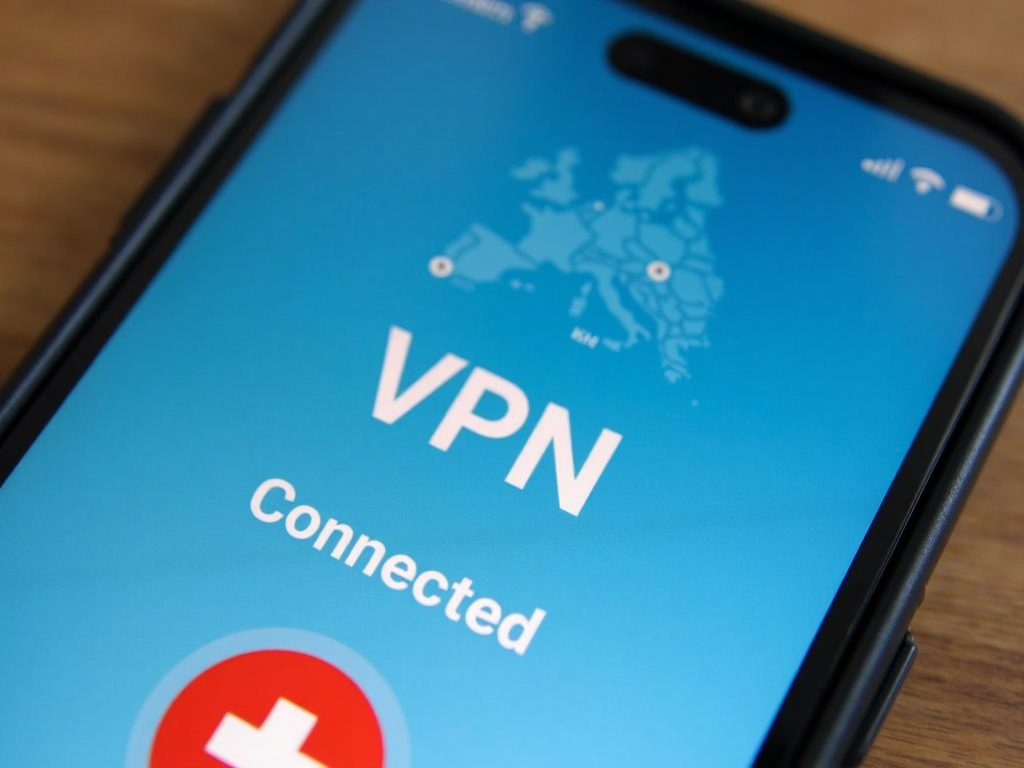
Connect to a Server: Choose a server location that suits your needs. For maximum privacy, select a server in a country with strong privacy laws, like Switzerland or Iceland.
-
Enable Additional Privacy Features: Many VPNs offer extra features like a kill switch, which disconnects your internet if the VPN drops, and split tunneling, which lets you choose which apps use the VPN. Enable these for added security.
-
Test Your Connection: Visit a website like ipleak.net to ensure your IP address is hidden and there are no DNS leaks.
By following these steps, you'll have a VPN set up and ready to protect your online activities. But remember, a VPN is just one tool in your privacy arsenal. Let's look at other ways to enhance your online security.
Firefox Focus vs DuckDuckGo: Which Mobile Browser Is More Private?
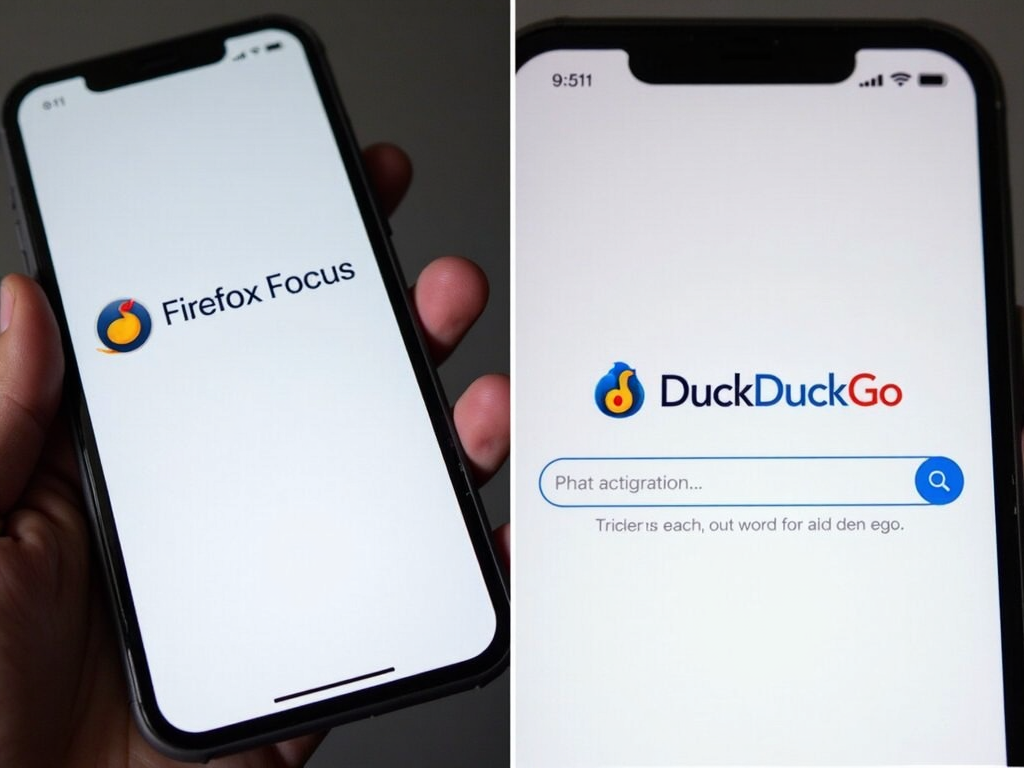
When it comes to browsing the web on your mobile device, choosing a privacy-focused browser is essential. Two popular options are Firefox Focus and DuckDuckGo. But which one offers better privacy features? Let's compare them.
Firefox Focus
Firefox Focus is a mobile browser developed by Mozilla, known for its strong stance on privacy. Here are its key features:
- Automatic Tracking Protection: Blocks a wide range of trackers by default, including social media trackers and analytics.
- One-Tap History Deletion: Easily clear your browsing history, cookies, and cache with a single tap.
- Minimal Data Collection: Mozilla collects minimal data and doesn't sell your information to third parties.
DuckDuckGo
DuckDuckGo is another privacy-centric browser that has gained popularity for its search engine. Its mobile browser offers:
- Built-In Search Privacy: Uses DuckDuckGo's private search engine by default, which doesn't track your searches.
- Tracker Blocking: Blocks third-party trackers and enforces HTTPS connections.
- Privacy Grade: Rates websites based on their privacy practices, helping you make informed decisions.
Which One Is Better?
Both browsers offer excellent privacy features, but they cater to slightly different needs. Firefox Focus is ideal if you want a simple, no-frills browser that automatically blocks trackers and makes it easy to erase your history. DuckDuckGo, on the other hand, offers more advanced features like privacy grading and a built-in private search engine, making it a great choice if you want more control over your browsing experience.
Ultimately, the best browser for you depends on your specific needs. If simplicity is your priority, go with Firefox Focus. If you want more features and insights into website privacy, DuckDuckGo is the way to go.
Other Essential Online Privacy Tools
While a VPN and a privacy-focused browser are crucial, there are other tools you can use to further enhance your online privacy:
- Password Managers: Tools like LastPass or Bitwarden help you create and store strong, unique passwords for all your accounts.
- Encrypted Messaging Apps: Apps like Signal or Telegram offer end-to-end encryption for your messages, ensuring they can't be intercepted.
- Ad Blockers: Extensions like uBlock Origin can block ads and trackers, making your browsing experience cleaner and more private.
- Two-Factor Authentication ( реали): Enable 2FA on all your accounts to add an extra layer of security.
By combining these tools with a VPN and a privacy-focused browser, you'll be well on your way to maximizing your online privacy.
Conclusion
Setting up a VPN for maximum privacy is a straightforward process that can significantly enhance your online security. By choosing a reputable provider, enabling key features, and combining your VPN with other privacy tools like a secure browser and password manager, you can protect your personal information from prying eyes. Whether you choose Firefox Focus or DuckDuckGo for your mobile browsing, both offer excellent privacy features to keep you safe on the go. Remember, online privacy is an ongoing effort—stay informed and proactive to keep your data secure.