How to Use Tor for Anonymous Browsing: A Comprehensive Guide
Overview: In today’s digital world, online privacy matters more than ever. With growing surveillance and data tracking, tools like Tor help you browse the internet anonymously. This guide shows you how to use Tor for anonymous browsing and protect yourself online.

What is Tor?
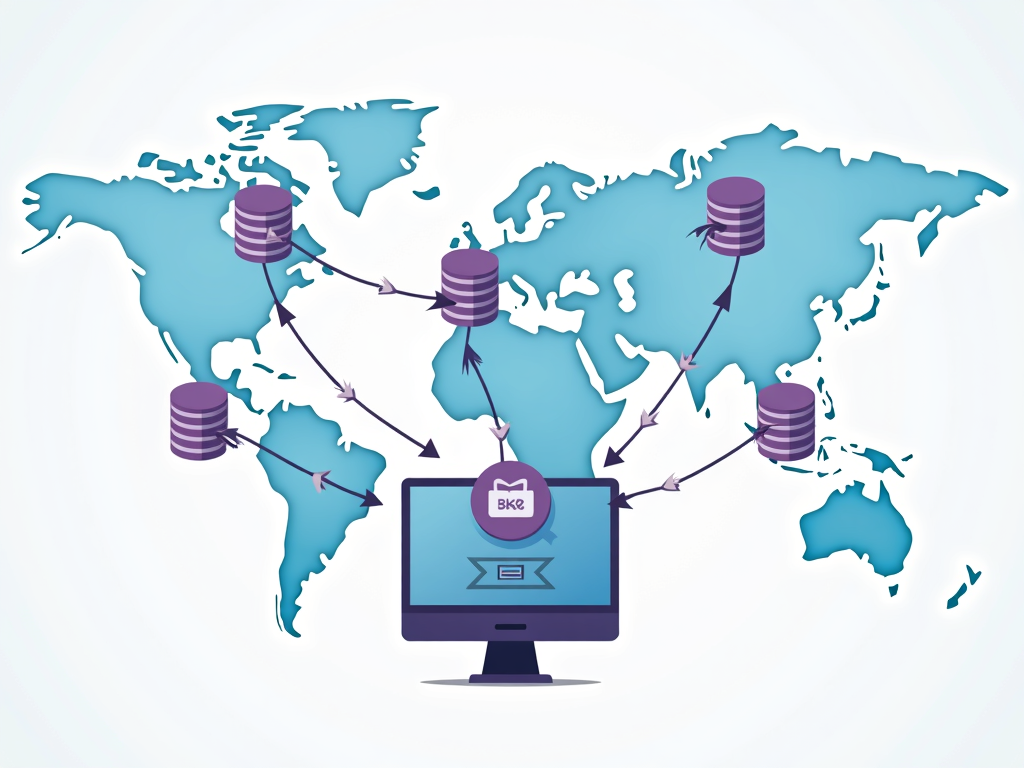
Tor, short for The Onion Router, is a free tool that lets you browse the internet without being tracked. It sends your internet traffic through a network of volunteer-run servers around the world. This hides your location and activities from prying eyes. Curious to learn more? Check out the Tor Project website.
Why Use Tor?
You might wonder why anonymity matters. Imagine researching a sensitive topic, like a health issue, without anyone knowing. Or picture a journalist protecting their sources. Tor keeps your online moves private. It’s one of the essential online privacy tools for beginners looking to stay safe online.
Installing Tor
Getting started with Tor is simple. Follow these steps:
- Visit the Tor Project website.
- Pick the download that matches your system—Windows, Mac, or Linux.
- Run the installer and follow the prompts.
It takes just a few minutes to set up this powerful privacy tool.
Setting Up Tor
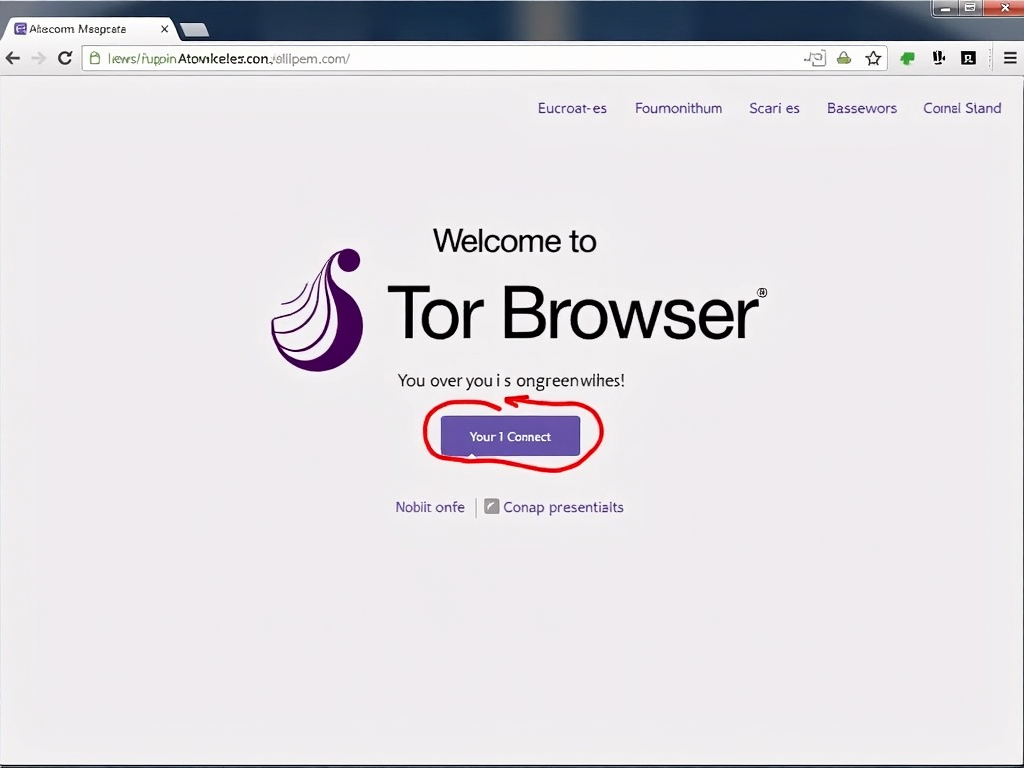
Once installed, open the Tor Browser. You’ll see a welcome screen asking to connect. Most people can just click 'Connect' and start browsing. If you’re in a place with heavy internet restrictions, you might need to adjust settings. Either way, you’re now ready to explore anonymously.
How Tor Works
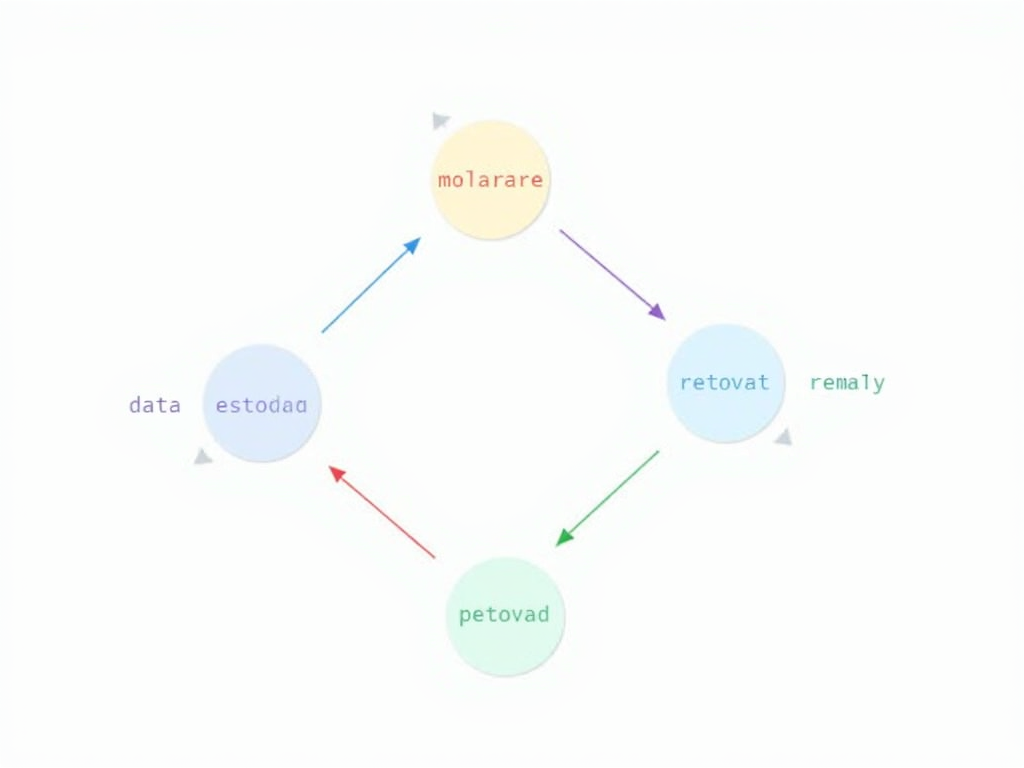
Tor protects you with something called onion routing. Your data gets encrypted and bounces through at least three random servers—or relays—before reaching its destination. Each relay peels back a layer of encryption, like an onion. This makes it tough for anyone to trace you. Want details? Read this research paper from the University of Waterloo.
Using Tor for Browsing
After connecting, use the Tor Browser like any other browser. Type a website address or search term and go. It might feel slower because of the relays, but that’s the trade-off for privacy. Stick to it for tasks where anonymity counts, like research or secure communication.
Best Practices for Using Tor
To stay safe online, follow these tips:
- Use Tor for private tasks only.
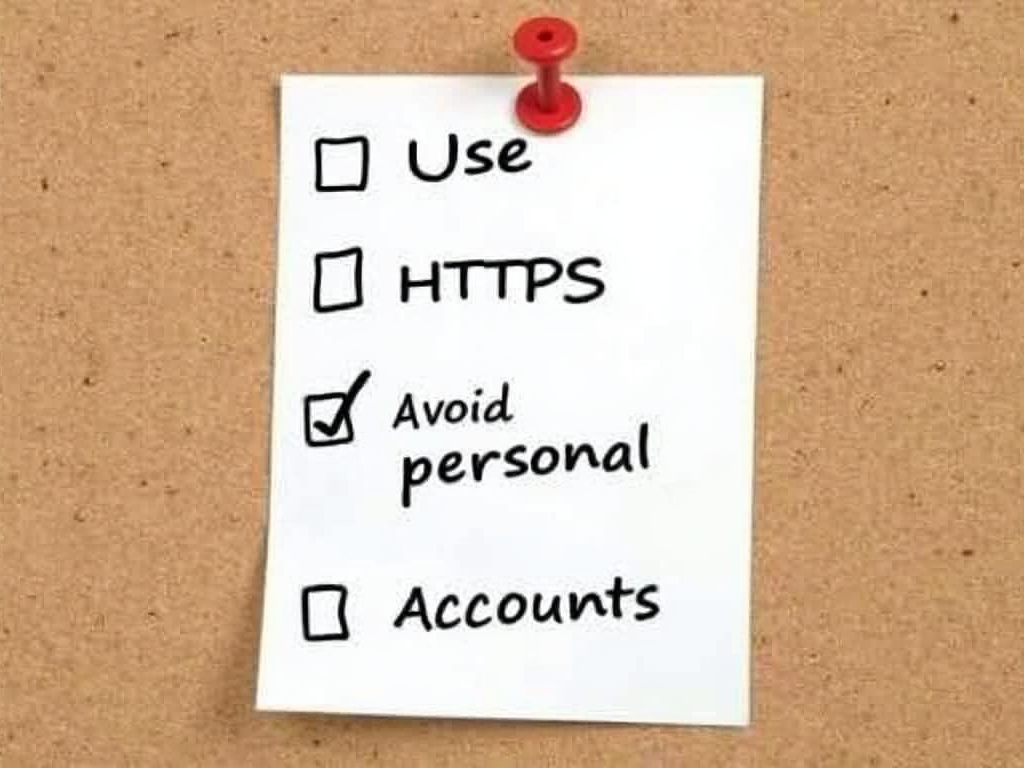
- Don’t log into personal accounts like email or social media.
- Watch out for risky downloads—they could have malware.
- Look for HTTPS in website addresses for extra security.
- Update Tor regularly for the latest protection.
The EFF’s guide to Tor has more advice.
Common Mistakes to Avoid
Tor helps, but it’s not perfect. Steer clear of these slip-ups:
- Don’t use it for illegal stuff—it’s not a free pass.
- Keep personal details off Tor sites.
- Avoid mixing Tor with regular browsers.
- Don’t skip updates; they fix security holes.
Being smart keeps your anonymity intact.
Tor vs. Other Privacy Tools
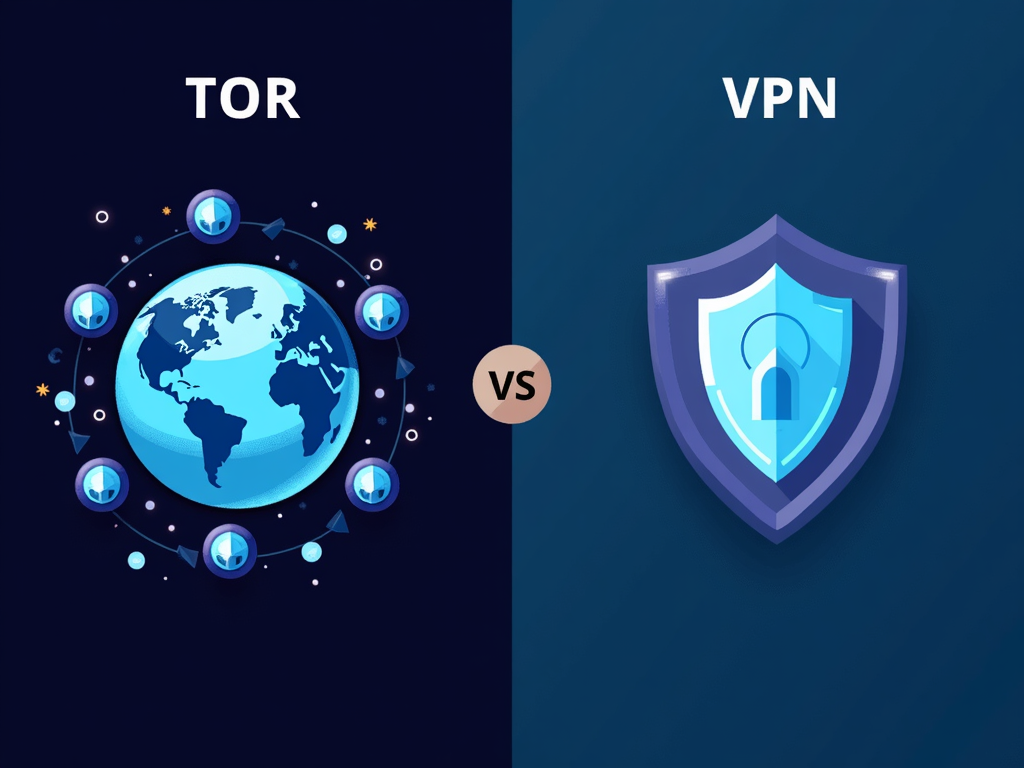
Tor isn’t the only option for online privacy. VPNs, or Virtual Private Networks, are another choice. Here’s how they compare:
| Feature | Tor | VPN |
|---|---|---|
| Anonymity | High | Medium |
| Speed | Slow | Fast |
| Ease of Use | Moderate | Easy |
| Cost | Free | Paid |
Tor excels at anonymity; VPNs win on speed. Pick what suits you.
Staying Safe Online with Tor
Using Tor is a big step in How to Stay Safe Online: A Beginner’s Guide. It’s not just about browsing—it’s about controlling who sees your data. Pair it with other online privacy tools, like strong passwords and secure apps, for better protection.
Limitations of Tor
Tor isn’t flawless. It won’t hide everything if you’re careless. For example, logging into your usual accounts can link your activity back to you. Also, some websites block Tor users. Knowing these limits helps you use it wisely.

Why Online Privacy Matters
Every click you make online can be tracked—by companies, governments, or hackers. Tools like Tor fight back by giving you control. Whether you’re a beginner or a pro, understanding essential online privacy tools for beginners builds a safer digital life.
Summary
Tor offers a solid way to browse anonymously, but it takes effort to use it right. This guide covers how to set it up, use it, and avoid mistakes. Start protecting your online privacy today with Tor and other smart habits.