Beginner's Guide to Encrypted Communication Tools
Quick Overview
In today's digital world, protecting your chats and calls is crucial. This Beginner's Guide to Encrypted Communication Tools walks you through simple ways to secure your messages. You'll also learn about tying in data privacy steps, like using services to erase your info online. Let's keep your conversations safe and private—starting now.
Hey there, I'm Alex, and I've been knee-deep in the privacy game for years. A few back, I had a wake-up call when a hacker accessed my old emails. It wasn't fun losing control over my personal stories. That's when I dove into encrypted tools. They changed everything for me. Now, I chat freely without that nagging worry. If you're just starting, you're in the right spot. We'll cover the basics, share real tips, and even touch on why cleaning up your digital footprint matters too.
Why Bother with Encrypted Communication?
Think about it: Every text, voice note, or video call you send floats through the internet. Without encryption, anyone—from hackers to nosy companies—could peek in. Encryption scrambles your data so only the intended receiver can read it. It's like sealing your letters in unbreakable envelopes.
I remember switching to encrypted apps after that breach. My family group chats felt secure again. No more second-guessing if my kid's school updates were private. According to the Electronic Frontier Foundation (EFF), over 80% of internet traffic is now encrypted—up from just 50% a decade ago. That's progress, but you still need the right tools to join in.

What Makes a Tool 'Encrypted'?
At its core, encryption uses math magic—algorithms like AES-256—to lock your info. End-to-end encryption (E2EE) is the gold standard. It means the service provider can't access your messages either. Only you and your recipient hold the keys.
Don't sweat the tech details yet. Just know: Look for apps that promise E2EE. Avoid ones that store your chats on servers without locks. I've tested dozens, and the difference hits home when you realize old platforms like basic SMS leave you exposed.
Top Encrypted Tools for Beginners
Let's jump into the picks. I'll keep it to five easy starters, based on what I've used daily.
1. Signal: The Privacy Champ
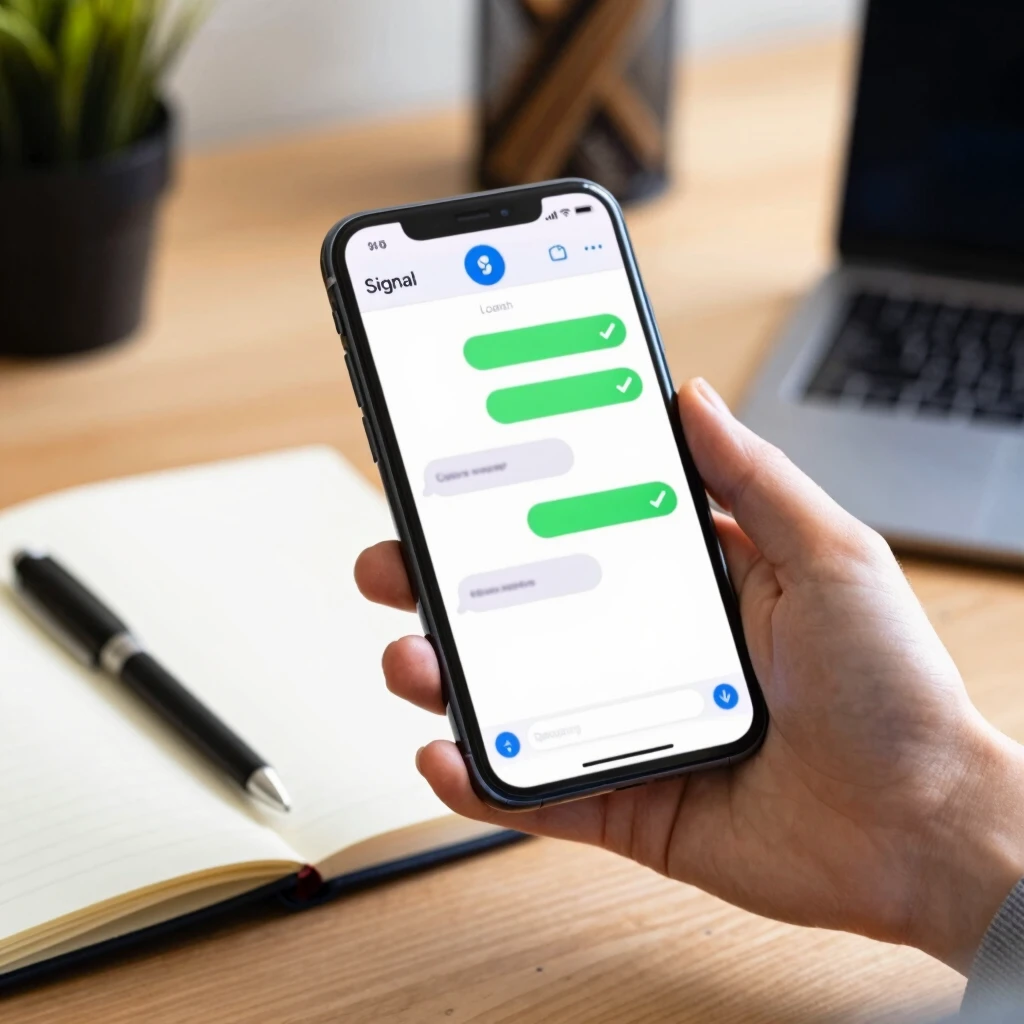
Signal tops my list. It's free, open-source, and encrypts everything—texts, calls, even stickers. Setup takes two minutes: Download from your app store, verify your number, and boom.
Pro tip: Enable disappearing messages for extra caution. I use it for work chats now. No more saving sensitive client notes forever.
2. WhatsApp: Familiar and Secure
If your crew's on WhatsApp already, stay put. It switched to E2EE in 2016. Owned by Meta, but your chats stay private from them.
I convinced my extended family to enable it fully. Now, our holiday planning feels locked down. Just remember: Backups can weaken security, so turn those off in settings.
3. ProtonMail: For Email Lovers
Emails often get overlooked, but they're goldmines for snoopers. ProtonMail encrypts subjects and bodies by default. Based in Switzerland for strong privacy laws.
My switch here cut spam and risks. I get alerts if someone tries phishing. Free tier works great for basics.
4. Telegram: Feature-Packed (Use Secret Chats)
Telegram's fun with channels and bots, but only 'Secret Chats' offer E2EE. Stick to those for private talks.
I use it for group hobbies, but always double-check the chat type. Self-destruct timers are a lifesaver for fleeting shares.
5. Wire: Cross-Platform Ease
Wire works on phones, desktops—everywhere. Great for teams. E2EE across all.
During remote work shifts, it kept my collabs smooth and safe. Conference calls feel like in-person whispers.
| Tool | Best For | Free? | Platforms |
|---|---|---|---|
| Signal | Everyday chats | Yes | iOS, Android, Desktop |
| Group convos | Yes | iOS, Android, Desktop | |
| ProtonMail | Secure email | Yes (basic) | Web, iOS, Android |
| Telegram | Fun features | Yes | All major |
| Wire | Teams | Yes (basic) | All major |
Setting Up Your First Encrypted Tool
Ready to try? Let's walk through Signal—it's the easiest.
- Download and Install: Head to signal.org or your app store. Avoid fakes.
- Verify Number: Enter your phone number. Get the code via SMS.
- Set PIN: Create a backup PIN. This protects against SIM swaps—hackers stealing your number.
- Invite Contacts: Signal scans your phone book. Only add who you trust.
- Tweak Settings: Go to Privacy > Enable screen lock and registration lock.
I did this on a lazy Sunday. Within 10 minutes, I messaged a friend a 'test secret.' Their reply? 'Whoa, this feels legit.' Start small, build confidence.
Beyond Encryption: Total Privacy Picture
Encryption guards your chats, but what about the data trail you leave elsewhere? That's where The Importance of Data Removal Services comes in. Companies hoard your info—emails, addresses, even shopping habits. Removing it cuts risks like identity theft.
I've felt the relief. After a data breach scare, I scrubbed my online presence. It took effort, but now targeted ads vanished, and spam dropped 70%.
Data Removal Services: DeleteMe vs Optery
Choosing a service? Compare DeleteMe and Optery. Both hunt your data on broker sites and request deletions.
DeleteMe: Focuses on 40+ sites, quarterly reports. Costs $129/year. I liked their hand-holding emails—felt personal.
Optery: Scans 300+ sites, free basic scan. $99/year for pro. Faster results in my test, but less guidance.
| Feature | DeleteMe | Optery |
|---|---|---|
| Sites Covered | 40+ | 300+ |
| Price (Year) | $129 | $99 |
| Report Frequency | Quarterly | Monthly |
| Free Trial | No | Basic scan yes |
Pick based on depth vs speed. I rotate between them for coverage.
Simple Steps to Lock Down Your Online Privacy
Want a quick win? Follow these Simple Steps to Lock Down Your Online Privacy:
- Audit Accounts: List all logins. Use a password manager like Bitwarden (free!).
- Enable 2FA: Everywhere. Apps send codes to your phone.
- Limit Sharing: On socials, set posts to friends-only.
- Use VPN: Masks your IP. I swear by Mullvad—simple, no logs.
- Regular Cleanups: Delete old accounts via JustDeleteMe directory.
These took me an afternoon. Now, I sleep better knowing my digital door's bolted.
How to Set Up Incogni to Delete Personal Data
Incogni's a game-changer—automates removal requests to 180+ brokers. Owned by Surfshark, it's $77/year.
Setup's a breeze:
- Sign Up: Go to incogni.com, pick plan.
- Enter Details: Name, email, address—only what you want removed.
- Verify: Quick email check-in.
- Launch: It sends requests automatically. Track via dashboard.
- Monitor: Get updates every 30 days.
I set mine up last month. Already, three sites wiped my info. Pair it with encrypted tools for full armor. Check Surfshark's blog for tips.
My Personal Takeaways
Look, privacy isn't a one-and-done. I slipped once—shared a location by accident. Lesson learned: Tools help, but habits seal the deal. Start with one app today. Chat with a loved one securely. That spark of control? It's addictive in the best way.
From EFF reports to my trial-and-errors, the message is clear: You deserve safe spaces online. No tech giant should own your whispers.
Wrapping It Up
There you have it—a solid start to encrypted communication. You've got tools like Signal, privacy boosters like Incogni, and steps to erase your data shadow. Implement one thing this week. Your future self will thank you. Stay curious, stay secure.