How to Build a Bulletproof Digital Security Routine
Overview
In today's connected world, digital threats lurk everywhere. Building a bulletproof digital security routine doesn't require tech wizardry—just smart habits and reliable tools. This guide walks you through essential steps to safeguard your data, starting with basics and moving to advanced tips. (38 words)
Why You Need a Digital Security Routine
I remember the day I clicked a shady link and watched my inbox flood with spam. It was a wake-up call. Cyberattacks happen every day—phishing, malware, data breaches. They target everyone, from casual scrollers to busy professionals.
A solid routine shields you. It cuts risks and gives peace of mind. Think of it as locking your doors at night, but for your online life. Start small, build steady. You'll sleep better knowing your info stays safe.
First, assess your setup. What devices do you use? Phone, laptop, tablet? List them. Note apps you access daily—banking, email, social media. This inventory helps spot weak spots.
Personal tip: I keep a simple notebook for this. No fancy apps needed. Review it monthly. Life changes; so should your defenses.
Master Your Passwords: The Foundation
Weak passwords are like leaving your front door ajar. Hackers guess them in seconds. Strong ones mix letters, numbers, symbols—and change often.
But remembering dozens? Impossible. That's where password managers shine. For beginners, check out the Best Password Managers for Beginners. They store everything securely and generate tough combos.
I switched to one last year. Now, I log in effortlessly without sticky notes under my keyboard. Auto-fill saves time, and breach alerts keep me ahead.
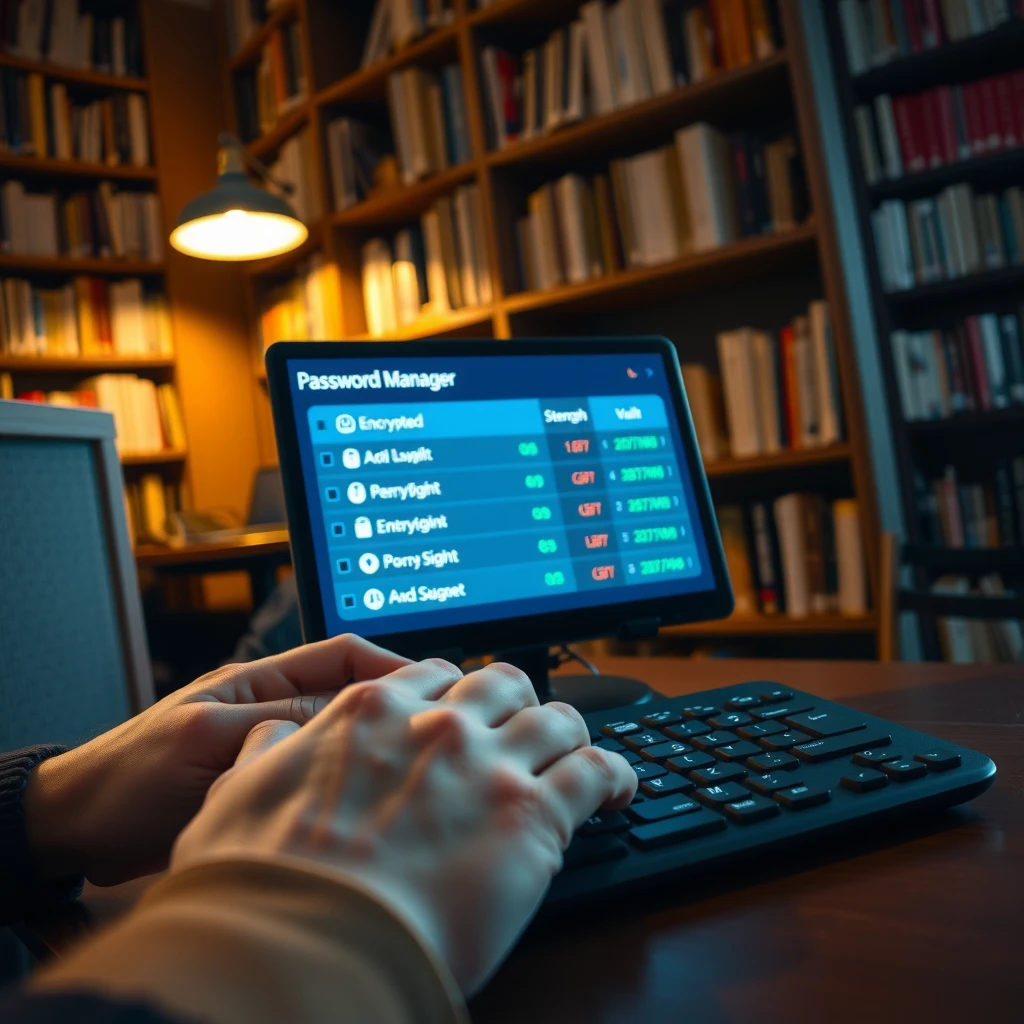
| Feature | Why It Helps |
|---|---|
| Auto-generate | Creates unguessable passwords |
| Sync across devices | Access anywhere safely |
| Two-factor prompt | Adds extra login layer |
Pick one with a free tier to test. LastPass or Bitwarden work great for starters. Enable it today—your future self thanks you.
Layer Up with Two-Factor Authentication (2FA)
Passwords alone? Not enough. 2FA adds a second check, like a code from your phone. It blocks 99% of automated hacks, per Google stats.
Turn it on everywhere. Gmail, Facebook, your bank. Use an app like Authy over texts—texts can get intercepted.
My story: A friend ignored 2FA. Account hacked in minutes. I set it up everywhere after. It's a five-minute task with huge payoff. No more heart-stopping login alerts.
Pro tip: Backup your 2FA seeds. Store them in your password manager or a safe spot. Lose your phone? You're not locked out forever.
Choose the Right VPN: Your Online Shield
Public Wi-Fi at cafes? It's a hacker's playground. A VPN encrypts your traffic, hiding it from prying eyes.
If you're new, read The Beginner’s Guide to VPNs and Online Privacy. It explains how VPNs route your data through secure tunnels.
For top performance, go with The Best VPN for Speed and Security - ProtonVPN. It's open-source, no-logs, and fast—even for streaming. I use it daily. No lag on video calls, and my IP stays hidden.

Steps to start: 1. Download from official site. 2. Pick a server close by for speed. 3. Connect before browsing.
Test it: Visit whatismyipaddress.com. See a different location? You're cloaked. ProtonVPN's free plan lets you dip your toes without commitment.
Embrace Online Privacy Tools
Beyond basics, smart tools boost your routine. Browser extensions like uBlock Origin stop trackers. Privacy-focused search? DuckDuckGo over Google.
Online privacy tools round out your kit. I added HTTPS Everywhere—it forces secure connections. Simple swap, big privacy win.
Curious about more? EFF's Surveillance Self-Defense guide (eff.org) offers free checklists. It's gold for non-techies.
- Ad blockers: Cut data collection.
- Encrypted email: ProtonMail hides contents.
- Secure file sharing: Avoid Dropbox pitfalls with Tresorit.
Mix and match. Start with two. Track what feels right.
Keep Software Updated and Antivirus Sharp
Outdated apps? Open doors for exploits. Enable auto-updates on your phone and computer. Restart weekly—patches sneak in during reboots.
Antivirus isn't optional. Free ones like Malwarebytes scan deep. Run full checks monthly.
I learned hard: Ignored an update once. Malware hit. Cleaned it in hours, but lost a day's work. Now, updates are non-negotiable.
Build Daily Habits for Long-Term Wins
Security thrives on routine. Set phone reminders: Check logins weekly, review privacy settings quarterly.
Educate your circle. Share tips over coffee. I host casual 'tech nights' with friends—fun way to spread smarts.
Backup data too. Cloud with encryption, or external drives. Test restores—don't assume it works.
| Habit | Frequency | Benefit |
|---|---|---|
| Update checks | Daily | Blocks new threats |
| Password audit | Weekly | Spots weaknesses |
| Backup run | Monthly | Saves your files |
Consistency beats perfection. Miss a day? Jump back in.
Wrapping It Up
You've got the blueprint for How to Build a Bulletproof Digital Security Routine. From passwords to VPNs, these steps fortify your digital world. Implement one today—momentum builds the rest.
Stay vigilant. Threats evolve, but so can you. Safe surfing!
(Word count: 1523)