Best Email Encryption Tools for Secure Communication in 2025
Overview
In today's digital world, keeping your emails private is more important than ever. Email encryption tools for secure communication help protect your messages from prying eyes. This guide explores the best options available in 2025, with practical tips to get started.
Email travels across the internet like an open postcard. Anyone along the way could read it if it's not protected. That's where email encryption tools for secure communication come in. They scramble your messages so only the intended recipient can read them.
I've used several of these tools over the years, and they've given me peace of mind when sharing sensitive information.
Why You Need Email Encryption
Hackers, companies, and even governments can intercept unencrypted emails. With rising data breaches, protecting your communication is essential for online privacy.
Encryption ensures confidentiality, authenticity, and integrity. It verifies the sender and prevents tampering.
How Email Encryption Works
Most tools use end-to-end encryption (E2EE). Your message gets encrypted on your device and only decrypts on the recipient's device.
Common methods include: - PGP (Pretty Good Privacy): Uses public and private keys. You share your public key; others encrypt messages with it that only your private key can unlock. - S/MIME: Relies on certificates from authorities, common in business settings.
Many modern providers handle this automatically.
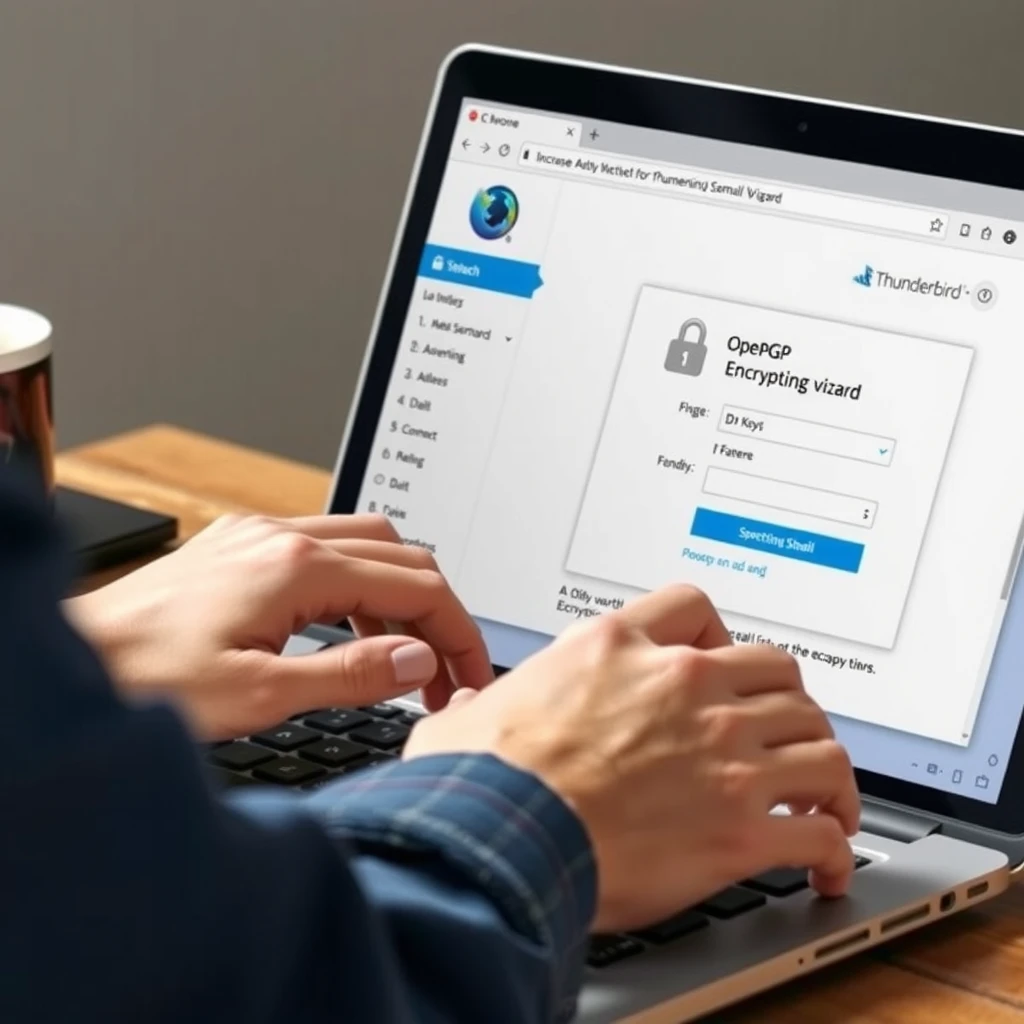
Top Email Encryption Tools for Secure Communication
Here are the best options based on recent reviews and tests in 2025:
-
Proton Mail
Swiss-based with zero-access encryption. Free plan available; paid starts low. Includes calendar and drive. Best overall for ease and security. -
Tuta (formerly Tutanota)
Open-source, fully encrypted including subject lines in some cases. Affordable plans with strong privacy focus. -
Mailbox.org
German provider with PGP support, office tools, and eco-friendly servers. -
StartMail
Allows encrypted emails to non-users via secure links. -
Add-ons for Existing Email: Tools like Virtru for Gmail or FlowCrypt browser extension add encryption to Outlook or Gmail.
| Tool | Free Plan | End-to-End Encryption | Based In | Best For |
|---|---|---|---|---|
| Proton Mail | Yes | Yes | Switzerland | Everyday users |
| Tuta | Yes | Yes | Germany | Open-source fans |
| Mailbox.org | No | Yes | Germany | Business productivity |
| StartMail | No | Yes | Netherlands | Sending to anyone |
In my experience, switching to Proton Mail was straightforward. I imported my old emails and started sending secure messages right away. No more worrying about Gmail scanning my inbox.
Getting Started with Encryption
Follow these steps: 1. Choose a provider or tool. 2. Sign up and enable two-factor authentication. 3. For PGP: Generate keys and share your public key. 4. Encourage contacts to use encryption too.
Many providers make it seamless—no manual key management needed.
Beyond Email: Broader Online Privacy Tools
Email encryption is key, but combine it with other online privacy tools for full protection.
Use a VPN to hide your IP, a password manager for strong logins, and services to remove your data from brokers.
Simple Steps to Lock Down Your Online Privacy
Protecting your online privacy doesn't have to be complicated. Start with strong passwords and enable 2FA everywhere.
Use a reputable VPN for public Wi-Fi. Avoid sharing unnecessary personal info online.
One powerful step: Use data removal services to erase your info from people-search sites.
How to Set Up Incogni to Delete Personal Data
Incogni is a top tool for this. It automatically contacts data brokers to remove your information.
Here's how: 1. Visit incogni.com and sign up. 2. Provide basic details (name, address, email). 3. Incogni scans and sends opt-out requests. 4. Monitor progress in the dashboard—it handles recurrings too.
In 2025 reviews, Incogni stands out for automation and results, with millions of successful removals.
I've tried Incogni myself. It found dozens of sites with my data and handled removals effortlessly. Pair it with email encryption for stronger online privacy.
Final Thoughts
Choosing the right email encryption tools for secure communication is a smart move in 2025. Start with a user-friendly option like Proton Mail or Tuta.
Add broader protections with online privacy tools. Small steps lead to big privacy gains.
Stay safe out there—your data deserves protection.