Best Privacy Tools for Online Safety in 2025
In 2025, staying safe online means using smart tools to guard your personal info. This guide covers the best privacy tools for online safety, with easy tips to boost your protection right away.
Why Online Privacy Matters More Than Ever
Every day, we share bits of our lives online. From shopping to chatting with friends, our data floats around the web. But here's the thing: companies and hackers want that info.
In 2025, data breaches hit record highs. According to recent stats, 85% of adults worry about their online privacy. Many feel they need to do more to protect themselves.
Think about it. Your name, address, and habits can end up in the wrong hands. This leads to identity theft or unwanted ads. I've seen friends deal with stolen info—it messes up their lives for months.
Good news? You can fight back with online privacy tools. These help you stay hidden and secure. Let's dive into the best ones for 2025.

Top Online Privacy Tools for 2025
Choosing the right tools makes a big difference. I focus on ones that are easy to use and effective. Here are my top picks for the best privacy tools for online safety in 2025.
VPNs: Your First Line of Defense
A VPN hides your internet activity. It routes your connection through a secure server. This stops others from seeing what you do online.
I use a VPN every time I connect to public Wi-Fi. It saved me once when I spotted suspicious activity on a cafe network. Top choices include ExpressVPN and NordVPN. They offer fast speeds and strong encryption.
Look for VPNs with no-log policies. This means they don't keep records of your activity. For more on secure browsing, check the Electronic Frontier Foundation's Surveillance Self-Defense guide.
Password Managers: Keep Secrets Safe
Weak passwords are like leaving your door unlocked. A password manager creates strong ones and stores them securely.
Bitwarden is my go-to—it's free and open-source. LastPass is another solid option. Set one up, and you'll never forget a password again.
Enable two-factor authentication everywhere. It adds an extra layer of security.
Ad and Tracker Blockers
Websites track you to show ads. Tools like uBlock Origin stop this. They block trackers and speed up your browsing.
Privacy Badger from EFF learns and blocks hidden trackers. It's simple and effective for everyday use.
Encrypted Messaging Apps
Text messages aren't private. Use Signal or WhatsApp for end-to-end encryption. Your chats stay between you and the receiver.
I switched my family to Signal years ago. It gives peace of mind knowing our talks are secure.
For a full list of recommended tools, see Privacy Guides' tool recommendations. They emphasize open-source options.
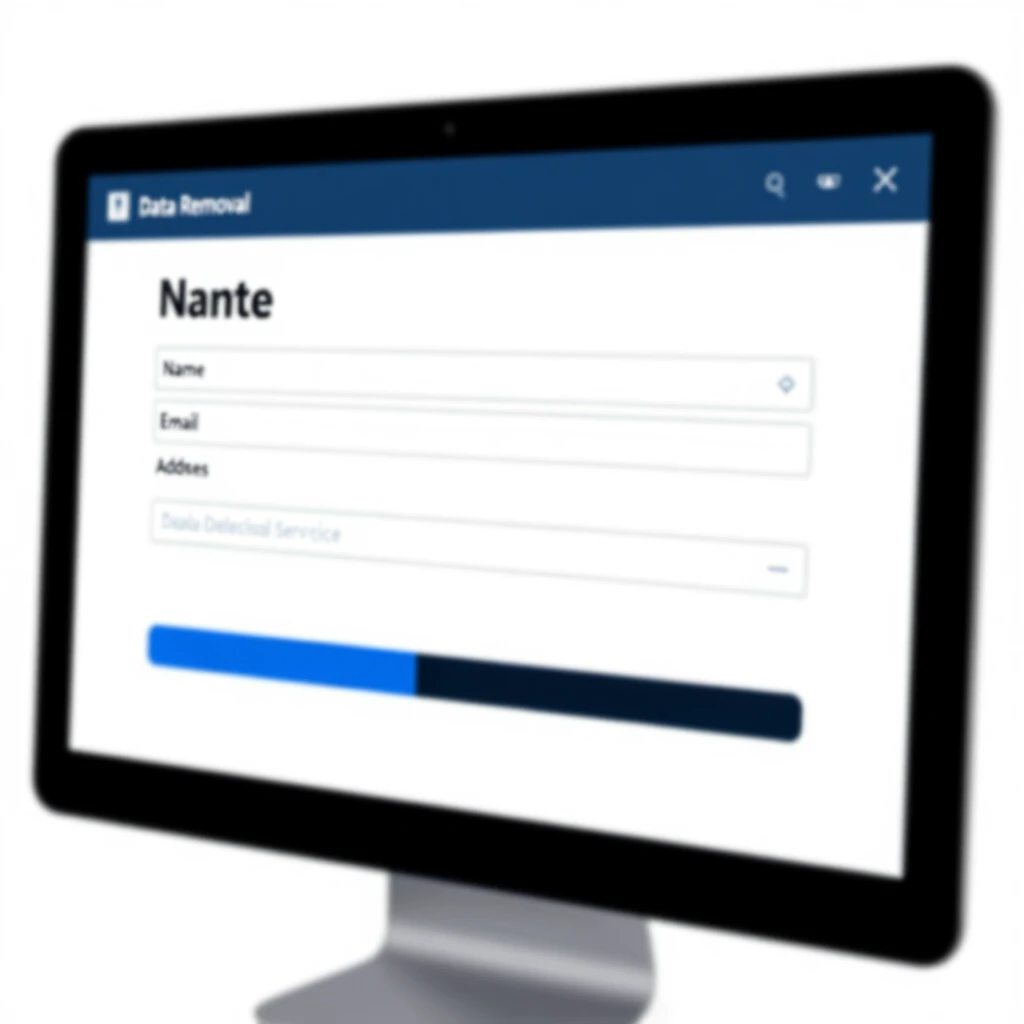
How to Set Up Incogni to Delete Personal Data
Data brokers collect and sell your info. Incogni helps remove it from their databases.
I tried Incogni last year. It found dozens of sites with my details and got them deleted. Here's how to get started.
-
Visit the Incogni website and sign up.
-
Provide your name, address, and email. This helps them find your data.
-
Authorize Incogni to act on your behalf.
-
Sit back—they send removal requests automatically.
It takes time, but you'll see progress in your dashboard. For ongoing protection, keep the subscription active.
Studies show data brokers hold info on billions of people. Removing your data reduces risks like spam and fraud.
Simple Steps to Lock Down Your Online Privacy
Ready to take action? Follow these simple steps to lock down your online privacy. They're easy and make a big impact.
-
Update your software regularly. Patches fix security holes.
-
Use unique passwords for each account.
-
Check app permissions on your phone. Revoke unused ones.
-
Browse in private mode for sensitive searches.
-
Review your social media settings. Limit who sees your posts.
I follow these daily. They keep my online life secure without much effort.
Here's a quick table of tools and their benefits:
| Tool | Benefit | Cost |
|---|---|---|
| VPN | Hides IP address | $5-10/month |
| Password Manager | Secure storage | Free to $3/month |
| Incogni | Data removal | $6/month |
| Signal | Encrypted chats | Free |
Pick a few to start. Build from there.
Advanced Tips for Extra Protection
Once basics are in place, level up. Use Tor for anonymous browsing. It's slow but very private.
Consider a privacy-focused browser like Brave. It blocks ads by default.
Monitor your credit reports yearly. Catch issues early.
In 2025, AI tracks more than ever. Tools like these keep you ahead.
From my view, privacy is freedom. It lets you explore online without fear.
Recent benchmarks show companies investing more in privacy. The Cisco 2025 Data Privacy Benchmark Study highlights ROI on privacy efforts.
Wrapping Up
Protecting your online privacy in 2025 is crucial. Use the best privacy tools for online safety, like VPNs, password managers, and Incogni. Follow simple steps to lock down your online privacy.
Start small, stay consistent. Your data is yours—keep it that way.