The Ultimate Guide to Password Management
Overview
In our connected lives, passwords act as the first line of defense for our personal information. Yet many people still struggle with weak or reused ones, leading to risks. This Ultimate Guide to Password Management will help you take control and protect your digital life effectively. (38 words)
Why Password Management Matters Today
We all have dozens of online accounts – email, banking, social media, shopping. Managing them securely is crucial because data breaches happen frequently.
Recent reports show billions of credentials leaked in breaches over the years. Weak passwords make it easy for hackers to access your accounts.
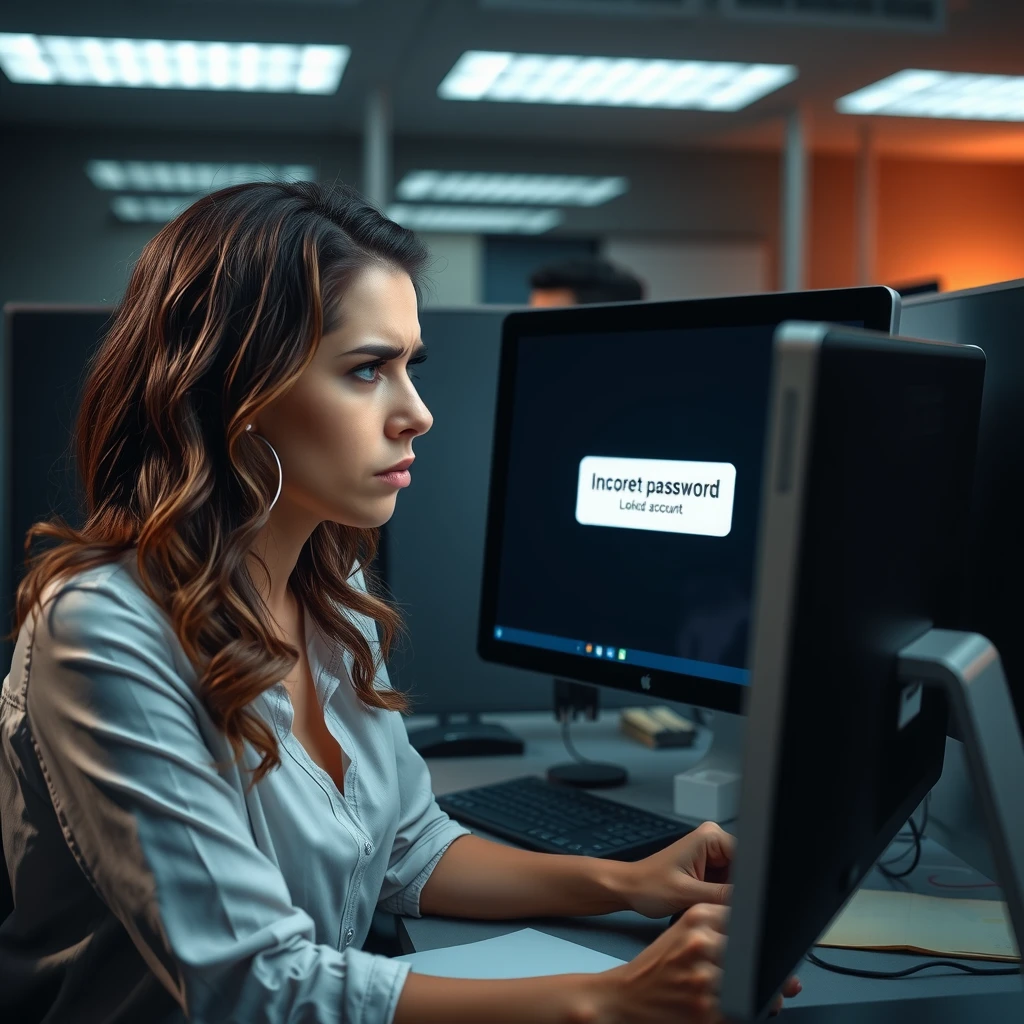
I remember a time when I got locked out of my email after forgetting a password I hadn't updated in years. It took hours to recover, and I worried about what might have been accessed. That's when I realized good management isn't optional – it's essential.
Common Password Mistakes to Avoid
Most people reuse the same password across sites. If one site gets breached, all your accounts are at risk.
Other mistakes include using simple words like names or birthdays, or writing passwords on sticky notes.
Here are some frequent issues:
- Reusing passwords on multiple accounts
- Choosing short or predictable ones
- Never updating them
- Sharing with others
Creating Strong Passwords
Strong passwords are long and unique. Experts recommend at least 15 characters.
Instead of complicated rules with symbols and numbers, focus on length. Use passphrases – strings of random words like "correct-horse-battery-staple".
According to NIST guidelines on creating good passwords, longer is better because it resists guessing attacks.
Avoid common patterns. Don't use sequences like "123456" or personal info hackers can find online.
The Power of Password Managers
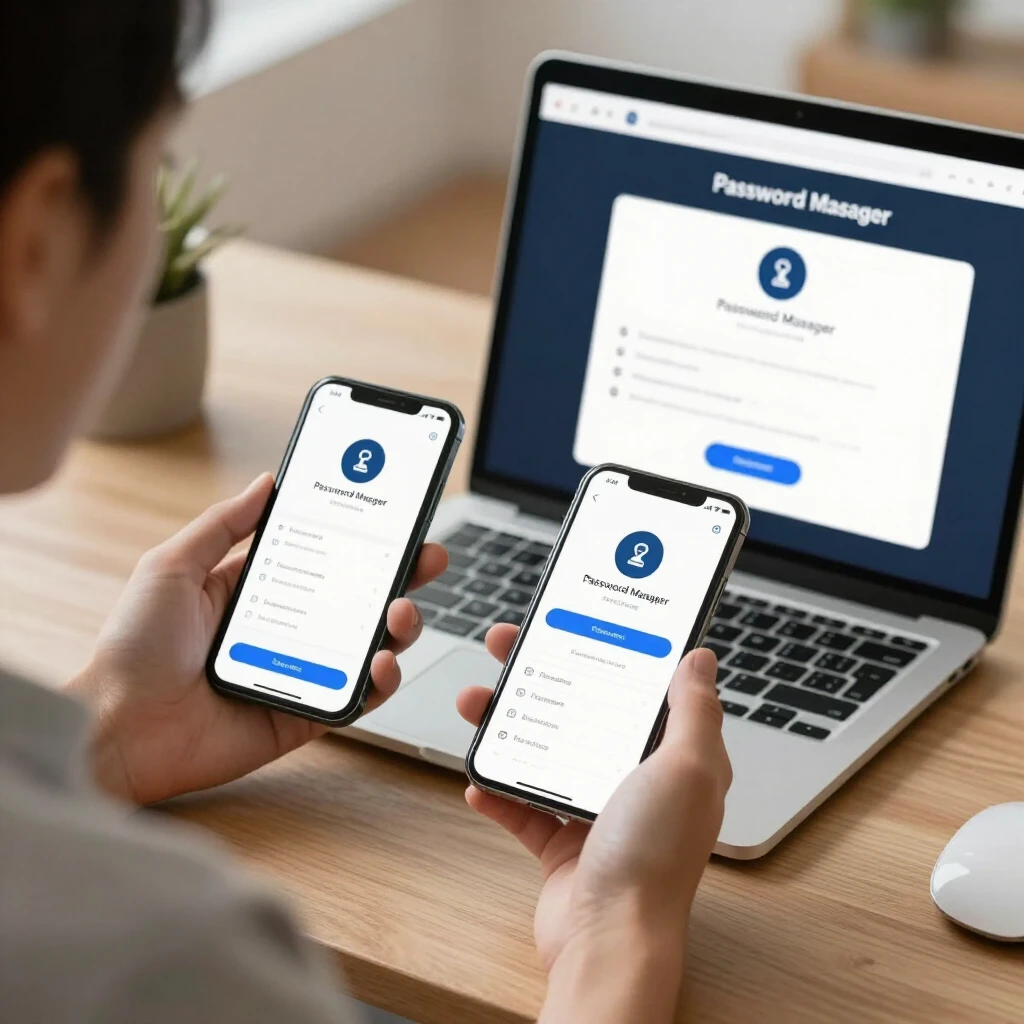
The best way to handle many unique passwords is a password manager. These apps generate, store, and autofill strong passwords for you.
They sync across your devices, so you only remember one master password.
NIST strongly recommends password managers because they make security easier.
Popular options include built-in ones from browsers or dedicated apps.
In my experience, switching to a manager changed everything. I no longer reuse passwords, and logging in is faster.
Understanding Two-Factor Authentication
Even strong passwords can be stolen. That's where two-factor authentication (2FA) helps.
2FA requires a second step, like a code from your phone, after entering your password.
The FTC explains how two-factor authentication adds security by making it harder for hackers to get in, even with your password.
Enable it wherever possible, especially for email and banking.
Better options than text codes include authenticator apps or hardware keys, as recommended by experts.
Best Practices for Everyday Use
Here’s a quick list to follow:
- Use a password manager for all accounts
- Enable 2FA on important sites
- Create unique passwords for each account
- Check for breaches regularly (sites like Have I Been Pwned)
- Avoid clicking suspicious links that could phish for passwords
Also, relate this to broader privacy: learn how to shrink your digital footprint by limiting shared info.
Top Online Privacy Tools You Should Be Using
Beyond passwords, tools like VPNs, ad blockers, and secure browsers help. Combine them with good management for full protection.
For more, check top online privacy tools you should be using.
Dealing with Breaches and Recovery
If you suspect a compromise, change passwords immediately and enable 2FA.
Monitor accounts for unusual activity.
Final Thoughts
Good password management protects your privacy and peace of mind. Start with a manager and 2FA today – it's simpler than you think.
By following these steps, you'll reduce risks significantly. Stay safe online!