How to Combine VPNs with Encrypted Browsers for Maximum Online Privacy
Boost Your Online Privacy by Combining VPNs and Encrypted Browsers
In today's digital world, protecting your online privacy matters more than ever. Combining a VPN with an encrypted, privacy-focused browser creates strong layers of defense. This guide shows you how to do it right.
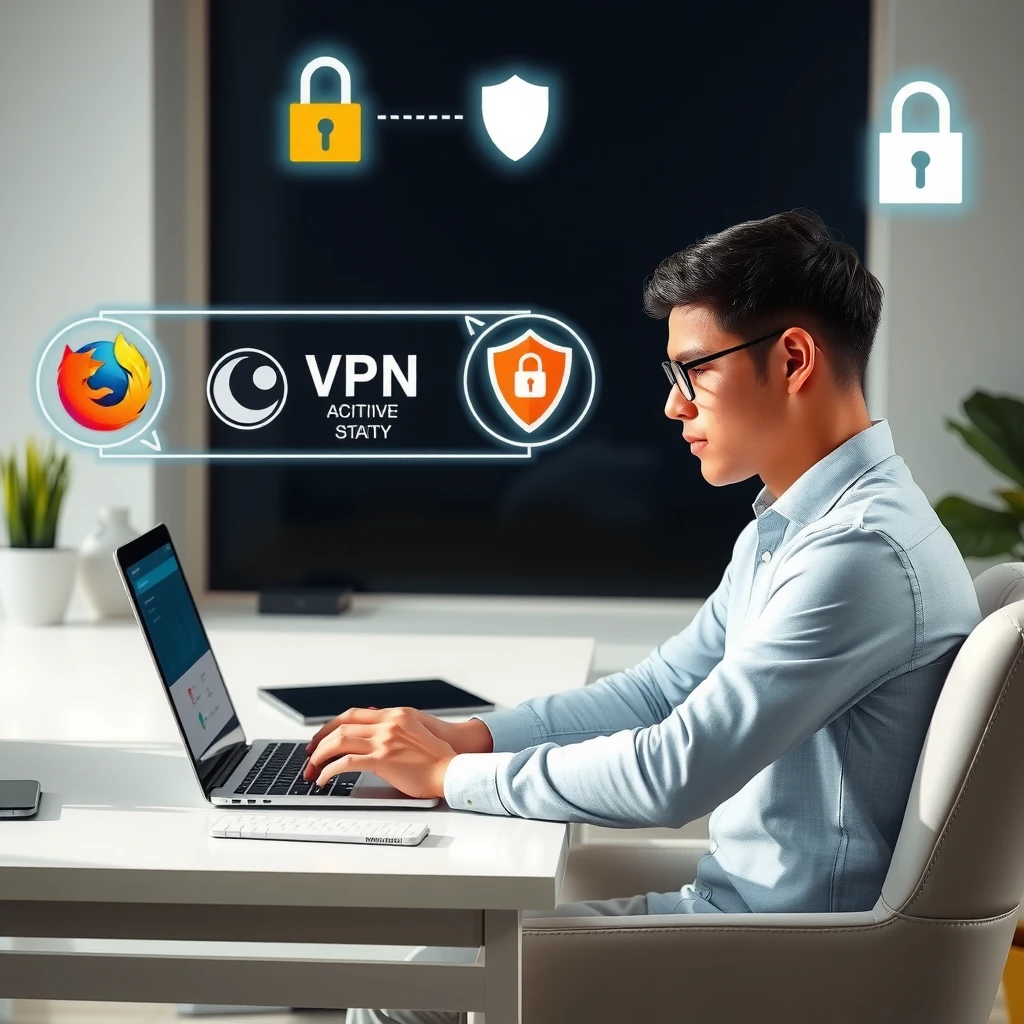
Many people worry about their data. According to Pew Research Center, a majority of Americans believe their online activities are tracked by companies and governments. Using online privacy tools helps take control back.
A VPN hides your IP address and encrypts your internet traffic. This stops your ISP from seeing what you do online. As the Electronic Frontier Foundation explains in their guide on choosing a VPN, it masks your location and prevents easy identification.
But VPNs alone aren't enough. Websites can still track you through browser fingerprinting or cookies.
What Are Encrypted Browsers?
Encrypted browsers go beyond standard ones. They block trackers, force HTTPS connections, and reduce fingerprinting.
Popular options include: - Tor Browser: Routes traffic through multiple nodes for anonymity. - Mullvad Browser: Developed with the Tor Project, it minimizes fingerprinting. - Firefox with strict privacy settings.
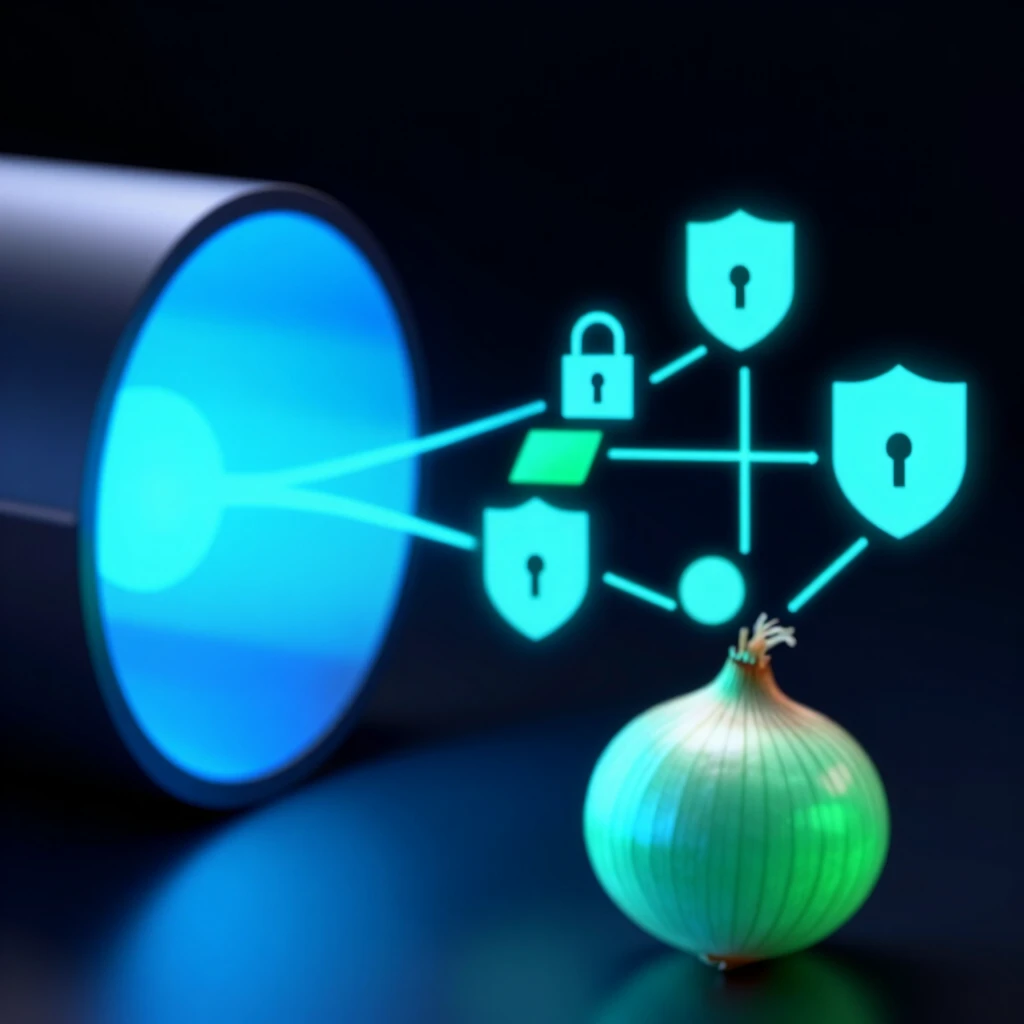
The Tor Project describes onion routing as encrypting data in layers and routing it through volunteers' servers for strong privacy.
Cloudflare notes that HTTPS encrypts data in transit, protecting sensitive information like logins from snooping.
Why Combine Them?
Using a VPN and an encrypted browser together gives better protection:
- VPN hides your real IP from the browser's entry point.
- Browser prevents fingerprinting and blocks trackers.
- Together, they make it harder for anyone to link your activity to you.
I've used this setup for years. It gives peace of mind when researching sensitive topics or browsing on public Wi-Fi.
| Benefit | VPN Alone | Encrypted Browser Alone | Combined |
|---|---|---|---|
| Hides IP Address | Yes | No | Yes |
| Encrypts Traffic to ISP | Yes | Partial (HTTPS only) | Yes |
| Blocks Trackers/Fingerprinting | Limited | Yes | Yes |
| Anonymity Against Websites | Partial | Strong (especially Tor) | Strongest |
This table shows how layers add up.
Step-by-Step: How to Combine VPNs with Encrypted Browsers
- Choose a trustworthy VPN. Look for no-logs policies and strong encryption.
Mullvad VPN stands out as highly privacy-focused. Their no-logging policy and anonymous payments make them a top choice.
-
Install and connect to the VPN first. Always turn it on before browsing.
-
Download a privacy browser.
- For maximum anonymity: Tor Browser.
-
For speed with privacy: Mullvad Browser or hardened Firefox.
-
Use the privacy browser over the VPN connection.
Tip: In Tor Browser, avoid maximizing the window—it helps uniformity.
Advanced tip: Route VPN through Tor (Tor over VPN) or Tor through VPN (VPN over Tor). VPN over Tor hides Tor use from your ISP but trusts the VPN more.
Personal insight: I prefer VPN first, then Tor Browser for everyday use. It balances speed and privacy.
Common Mistakes to Avoid
- Connecting to Tor without VPN if your ISP blocks it.
- Using the same browser for normal and private browsing.
- Installing extensions that break fingerprinting protection.
Keep it simple for better security.
Real-World Benefits
This combo helps with: - Bypassing geo-blocks safely. - Protecting against data breaches. - Reducing targeted ads.
In my experience, ads became generic, and loading felt more secure.
Online privacy tools like these empower you. Start small—pick one VPN and one browser—and build from there.
Layering defenses is key in a tracked world. Stay safe out there!
For more on online privacy, check VPNs and Online Privacy or read our Mullvad VPN review: is it the most privacy-focused VPN?.