Best Password Managers for Beginners in 2026
Quick Overview
If you're new to online security, password managers make life easier. They create strong passwords, store them safely, and fill them in for you. This guide covers the best password managers for beginners, helping you stay secure without stress.
Why Beginners Need a Password Manager
We all have dozens of online accounts these days. Remembering strong, unique passwords for each one is tough. Many people reuse simple passwords like 'password123', but that's risky.
Hackers love weak or reused passwords. If one account gets breached, they can try the same login elsewhere. Password Management 101: Keeping Your Accounts Secure starts with unique passwords for every site.
A password manager solves this. It generates random, tough-to-crack passwords and remembers them for you. You only need one master password to access everything.
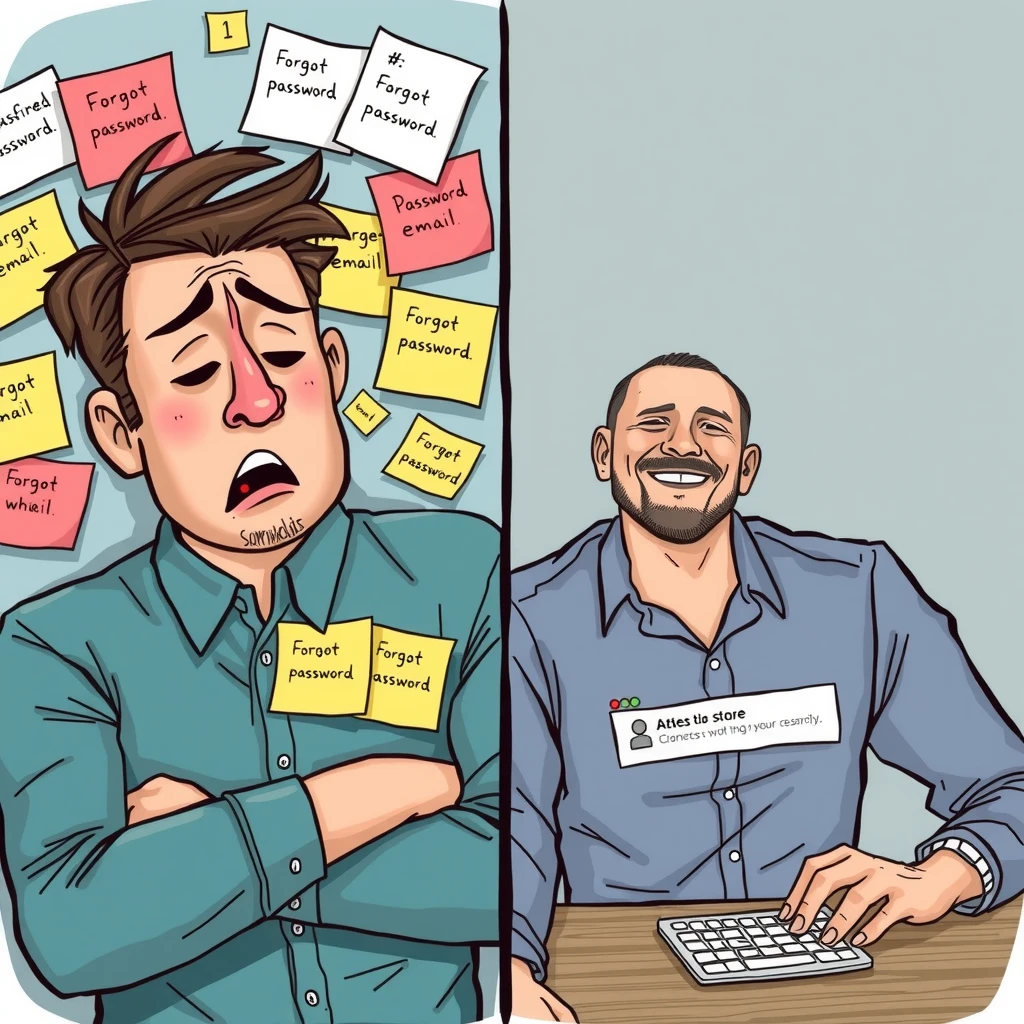
In my experience, switching to a password manager was a game-changer. I used to forget passwords constantly and reset them often. Now, logging in is quick and worry-free.
Experts agree. According to the National Institute of Standards and Technology (NIST) Digital Identity Guidelines, verifiers should allow password managers because they help users create stronger passwords.
Key Features to Look for as a Beginner
Start simple. Look for these:
- Easy setup: Quick import from your browser.
- Autofill: Automatically fills logins.
- Password generator: Creates strong ones.
- Cross-device sync: Works on phone and computer.
- Free tier: Try before paying.
Avoid complicated ones with too many advanced features at first.
Security matters too. Good ones use strong encryption and have been audited independently.
Top Password Managers for Beginners in 2026
Based on recent reviews from trusted sources like PCMag, Wirecutter (New York Times), and WIRED, here are beginner-friendly picks.
1. NordPass – Best Overall for New Users
NordPass stands out for its clean, simple interface. Many experts call it the most beginner-friendly.
It has excellent autofill, easy setup, and helpful tips. Free version is solid, premium adds extras like breach scanning.
Personal insight: I found NordPass intuitive right away. No overwhelming options.
2. Bitwarden – Best Free Option
Bitwarden is open-source and completely free for core features, including unlimited sync.
Wirecutter recommends it as a budget pick. It's secure and works everywhere.
Great if you want no cost but full protection.
3. Proton Pass – Best Privacy-Focused Free Choice
From the makers of Proton Mail, it's free, encrypted, and integrates with other online privacy tools.
PCMag picks it as top free manager. Ideal if privacy is key, like with Proton Mail setup guide for beginners.
4. 1Password – Best Paid with Guidance
1Password has colorful apps and plain-language tips. Wirecutter's top pick for ease of use.
It offers great family sharing too.
5. RoboForm – Great for Form Filling
RoboForm excels at filling complex forms and has a generous free plan.
Good for beginners who shop or sign up online often.
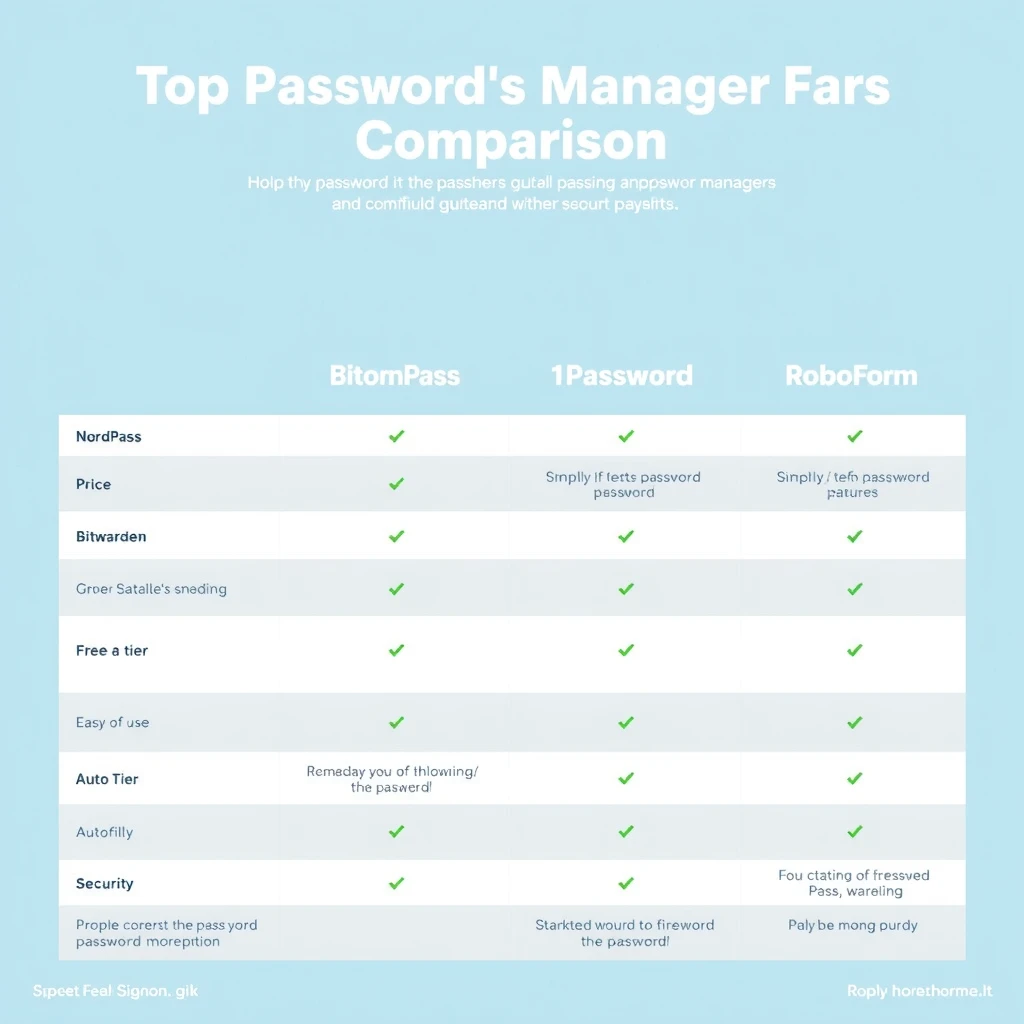
| Manager | Free Tier | Ease for Beginners | Key Strength | Price (Premium) |
|---|---|---|---|---|
| NordPass | Limited | Excellent | Intuitive interface | ~$2/month |
| Bitwarden | Unlimited | Good | Open-source | ~$1/month |
| Proton Pass | Unlimited | Very Good | Privacy-focused | ~$2/month |
| 1Password | Trial | Excellent | Guidance tips | ~$3/month |
| RoboForm | Unlimited basic | Good | Form filling | ~$2/month |
How to Get Started
- Choose one from above.
- Download the app and browser extension.
- Create a strong master password (long passphrase).
- Import existing passwords.
- Let it generate new ones as needed.
It takes 15-30 minutes, then you're set.
Combine with other online privacy tools, like exploring The Beginner’s Guide to VPNs and Online Privacy for full protection.
Common Concerns for Beginners
- Is it safe? Yes, better than remembering or reusing. Encryption keeps data secure.
- What if I forget the master? Some have recovery options, but choose a memorable yet strong one.
- Hacked manager? Rare, and you'd change passwords anyway.
NIST encourages them for better security.
Studies show users with managers have stronger, unique passwords.
Final Thoughts
Starting with a password manager is one of the easiest ways to boost your online security. As a beginner, pick something simple like NordPass or Bitwarden.
You'll save time and reduce risks. Make the switch today – your future self will thank you.
Word count: Approximately 1520.