How to Protect Your Personal Information Online: A Practical Guide for Everyday Users
Quick Overview
In our connected world, personal information like your email, address, or banking details can easily fall into the wrong hands. This guide shows you simple, effective ways to protect your personal information online and keep your digital life safer.
Why Online Privacy Matters More Than Ever
Every day, we share bits of our lives online—shopping, posting photos, or chatting with friends. Companies collect this data to show ads, while hackers look for ways to steal it for fraud or identity theft.
I've seen friends deal with hacked accounts and stolen credit card numbers. It’s stressful and time-consuming to fix. Taking control of your online privacy isn’t about being paranoid; it’s about making smart choices that reduce risks.
Start with Strong, Unique Passwords
Weak passwords are the easiest way for someone to break into your accounts. Use passwords that are at least 12 characters long and mix letters, numbers, and symbols.
Never reuse the same password across different sites. If one site gets hacked, all your accounts stay safe.
Quick tip: A simple trick is to create a passphrase. For example, turn “I love hiking in the mountains!” into “Il0v3H1k!ng2025”.
Even better—use a reputable password manager. It generates strong passwords and stores them securely so you only remember one master password.
Turn On Two-Factor Authentication Everywhere
Two-factor authentication (2FA) adds an extra step when you log in, usually a code sent to your phone or generated by an app.
It’s one of the best defenses available. Even if someone guesses your password, they can’t get in without that second factor.
Enable 2FA on email, banking, social media, and shopping accounts. It takes a minute to set up but saves hours of headache later.
Be Careful What You Share on Social Media
Think twice before posting your birthday, phone number, address, or vacation plans. Scammers use these details to guess security questions or plan burglaries when you’re away.
Adjust privacy settings so only trusted friends see your posts. Turn off location tagging in photos until you’re back home.
I once removed my birthdate from public view after realizing how many sites use it for verification. Small changes make a big difference.
Use Online Privacy Tools That Fit Your Needs
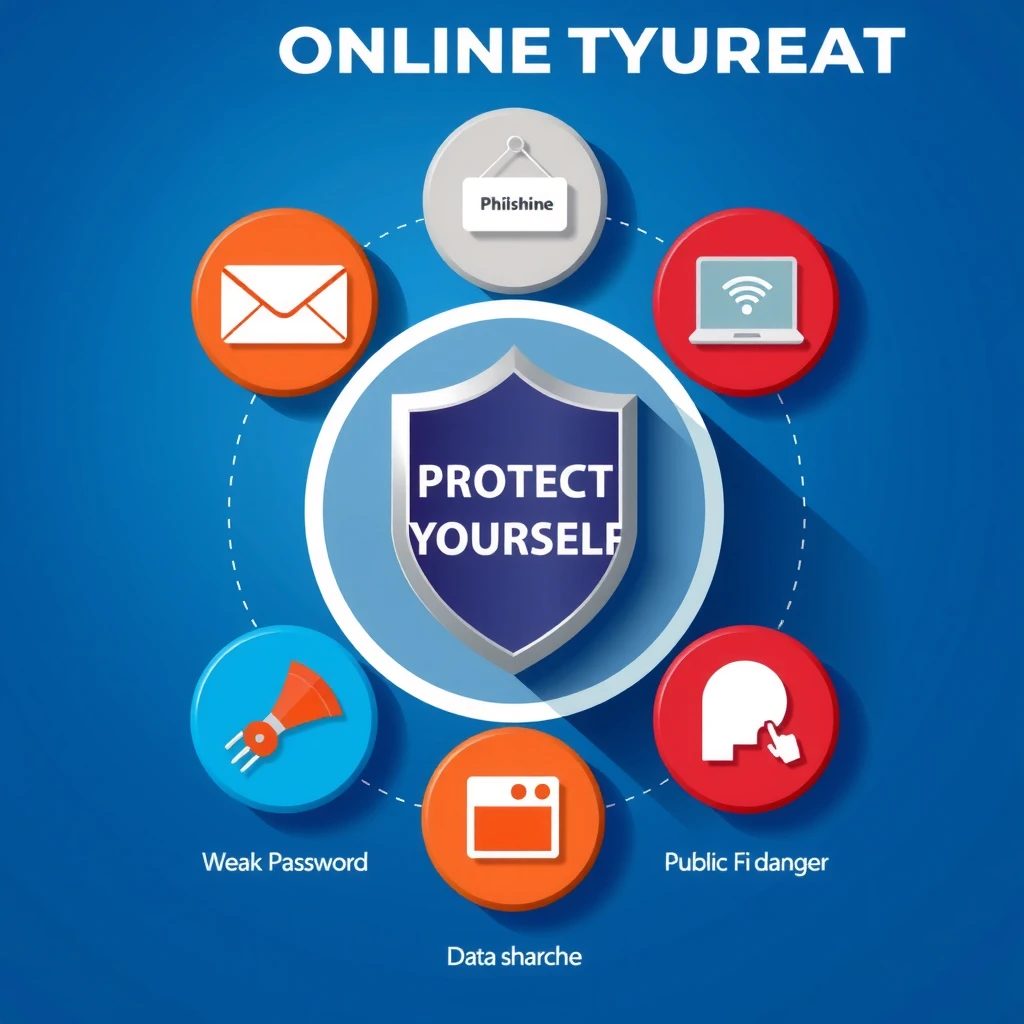
There are many online privacy tools available, from basic to advanced. The key is learning how to choose the right online privacy tools for your needs.
Here are the most useful ones:
- VPN (Virtual Private Network): Hides your IP address and encrypts your connection, especially important on public Wi-Fi.
- Ad and tracker blockers: Stop companies from following you across websites.
- Encrypted messaging apps: Keep private conversations private.
- Antivirus software: Protects against malware that steals data.
Start simple. If you mainly browse and shop, a good VPN and tracker blocker might be enough. Heavy downloaders or remote workers may want full antivirus suites.
| Tool Type | Best For | Popular Free/Paid Options |
|---|---|---|
| Password Manager | Everyone | Bitwarden (free), 1Password (paid) |
| VPN | Public Wi-Fi users, streaming | ProtonVPN (free tier), ExpressVPN (paid) |
| Tracker Blocker | Reducing ads and tracking | uBlock Origin (free), DuckDuckGo Privacy Essentials (free) |
| Encrypted Email | Sensitive communication | ProtonMail (free), Tutanota (free) |
Choose tools with clear privacy policies and good reviews from trusted sources like Mozilla or EFF.
Browse Safely and Spot Phishing Attempts
Always check website URLs before entering personal details. Look for “https://” and a padlock icon.
Phishing emails trick you into clicking bad links or giving away information. Watch for urgent language, poor grammar, or sender addresses that almost match real ones.
When in doubt, contact the company directly using details from their official website—not from the suspicious message.
Keep Your Devices and Apps Updated
Software updates often fix security holes that hackers exploit. Turn on automatic updates for your phone, computer, and apps.
Delete apps you no longer use—they might still collect data in the background.
Limit Data Collection by Big Tech Companies
Review privacy settings on Google, Facebook, Apple, and other platforms regularly. Turn off unnecessary data sharing, ad personalization, and location history.
Use privacy-focused alternatives when possible: - Search with DuckDuckGo instead of Google - Browse with Firefox instead of Chrome - Message with Signal instead of standard SMS
These small switches add up to much greater control over your personal information.
What to Do If Your Data Is Breached
Check sites like Have I Been Pwned to see if your email appears in known breaches.
If you’re affected: 1. Change passwords immediately 2. Enable 2FA 3. Monitor bank and credit accounts 4. Consider freezing your credit
Acting quickly limits damage.
Final Thoughts
Protecting your personal information online doesn’t require technical expertise—just consistent good habits. Start with the basics: strong passwords, 2FA, and mindful sharing. Then add online privacy tools that match your daily habits.
You’ll gain peace of mind knowing you’ve taken reasonable steps to stay safe in the digital world.