Understanding Digital Footprints and How to Erase Them
Overview
Your digital footprint is the trail of data you leave behind online. In this guide, we'll explore understanding digital footprints and how to erase them to protect your online privacy.

Every time you go online, you leave traces. These can be active, like posts you share, or passive, like data collected by websites. Understanding digital footprints and how to erase them is key in today's world where online privacy matters more than ever.
A digital footprint includes everything from your search history and social media activity to cookies stored on your device. According to the Electronic Frontier Foundation's guide on managing your digital footprint, these traces can make it easier for others to track you or target you with ads—or worse, harassment.
Why should you care? Many people worry about their data. A Pew Research Center study found that a majority of Americans feel they lack control over their personal information online.
I've seen this firsthand. Years ago, I searched for job openings and suddenly saw ads for resume services everywhere. It felt creepy. That's when I started paying attention to my own digital trail.
Types of Digital Footprints
There are two main types:
- Active: Things you intentionally share, like photos on social media or comments on forums.
- Passive: Data collected without your direct action, such as IP addresses, browser fingerprints, or tracking cookies.
Passive footprints are harder to spot but can reveal a lot. Websites use them to build profiles for advertising.

Risks of a Large Digital Footprint
A big footprint can lead to:
- Identity theft
- Targeted scams
- Embarrassing old posts resurfacing
- Employers or schools checking your online history
The EFF notes that combined data points can help bad actors target you for phishing or stalking.
You can't fully erase your footprint, but you can shrink it a lot. Start with simple habits.
Steps to Minimize Your Digital Footprint
- Adjust Privacy Settings: On social media, limit who sees your posts.
- Use Private Browsing: Incognito mode helps, but it's not perfect.
- Delete Old Accounts: Search for your name and remove unused profiles.
- Opt Out of Data Brokers: Services collect and sell your info—request removal where possible.
For more tips, check the EFF's Surveillance Self-Defense toolkit.
One powerful way to clean local traces is using free online privacy tools.
How to Use BleachBit to Clean Your Computer for Privacy
BleachBit is a free, open-source tool that deletes junk files and overwrites free space to make recovery hard. It's great for boosting online privacy.
Here's a simple guide:
- Download it from the official site: BleachBit.org.
- Run the program and check boxes for things like browser cache, cookies, and temporary files.
- Click Preview to see what it'll delete.
- Then click Clean to remove it safely.
Use the 'Wipe free space' option for extra security—it overwrites deleted data.
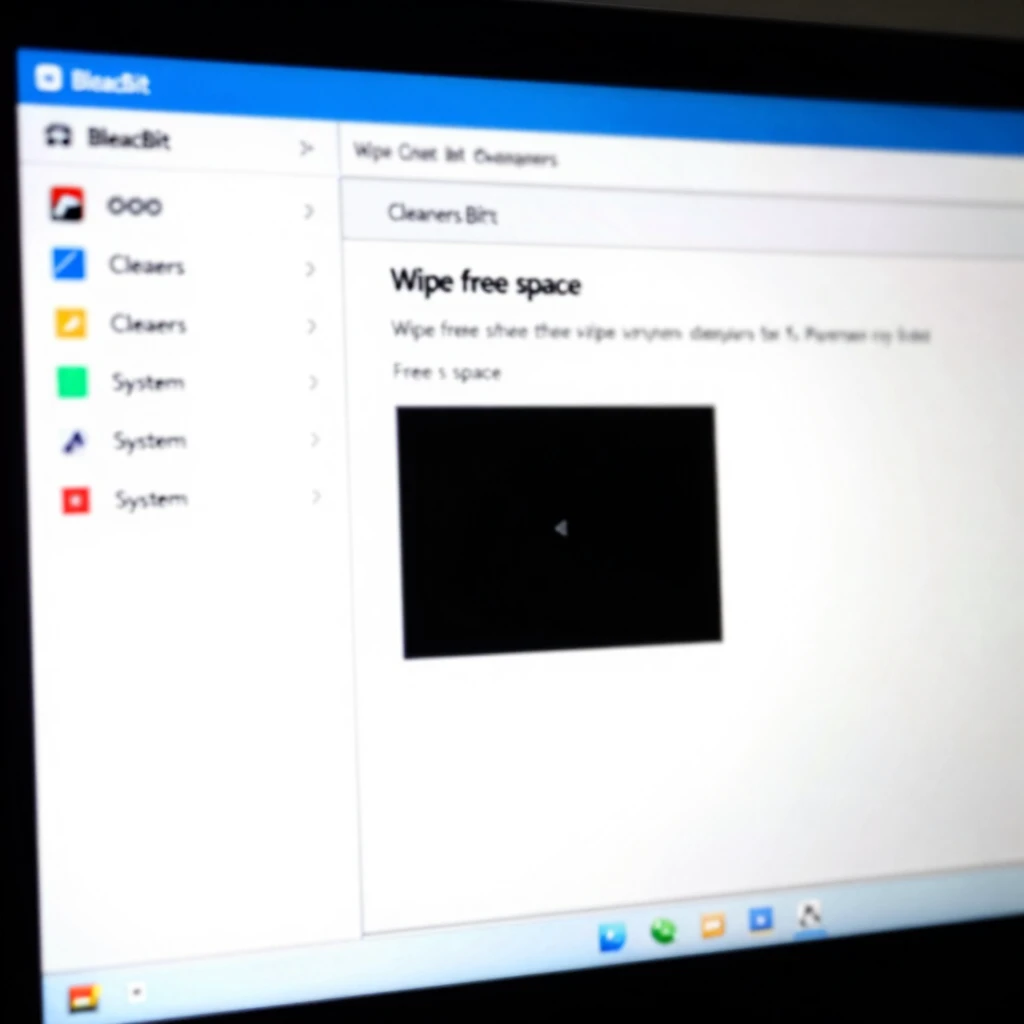
I use BleachBit regularly. It freed up gigabytes on my old laptop and gave me peace of mind knowing old files are gone for good.
Other Online Privacy Tools
- VPNs: Hide your IP address.
- Ad Blockers and Tracker Blockers: Like uBlock Origin.
- Password Managers: Keep logins secure.
- Search Engines like DuckDuckGo: Don't track you.
Test your browser's protections with the EFF's Cover Your Tracks tool.
Another stat from Pew: Many adults have taken steps to protect their data, but more can always be done.
Start small. Delete one old account today or run a cleaner like BleachBit. Over time, these actions add up to better online privacy.
Final Thoughts
Understanding digital footprints and how to erase them empowers you. You control much of your data—take steps today for a cleaner, safer online life.