IVPN’s Privacy Guides - Tips for Securing Your Online Presence
Overview
In today's digital world, protecting your online presence is more important than ever. IVPN’s Privacy Guides offer clear, actionable tips for securing your online presence, from basic habits to advanced setups. This article explores key insights to help you stay safe and private online.

Online privacy faces constant threats. Companies track your every click, and data breaches happen too often. According to the Electronic Frontier Foundation (EFF), trackers on websites collect vast amounts of personal information, often without clear consent. IVPN’s Privacy Guides stand out because they focus on real, ethical privacy without hype.
IVPN provides a range of guides on their site, covering everything from beginner tips to advanced anonymity setups. These include using VPNs effectively, combining tools like Tor, and understanding risks like email privacy flaws.
Why Privacy Matters in 2025
Your data fuels targeted ads and profiling. The EFF highlights how online tracking invades privacy and enables surveillance. Strong privacy habits reduce these risks and give you control.
Top 5 Online Privacy Tools for 2025
Here are essential online privacy tools recommended for 2025:
- Reliable VPN (like IVPN) - Hides your IP and encrypts traffic. Choose no-log providers with open-source apps.
- Tor Browser - For anonymity, routes traffic through volunteers.
- Secure Messaging (Signal) - End-to-end encryption for chats.
- Password Manager (Bitwarden) - Generates and stores strong passwords.
- Ad and Tracker Blockers (uBlock Origin) - Stops invasive tracking.
Combine these for layered protection.

The Rise of Decentralized Identity in 2025
Decentralized identity lets you control your own data using blockchain-like tech. No central authority holds your info, reducing breach risks. Trends show rapid growth, with self-sovereign identity gaining traction for secure verification without sharing excess data.
This shift empowers users and enhances privacy across services.
How to Configure IVPN on Android for Maximum Privacy
IVPN offers strong privacy with open-source apps. Follow these steps for Android:
- Download the official IVPN app from their website or trusted sources.
- Sign in anonymously (no email needed).
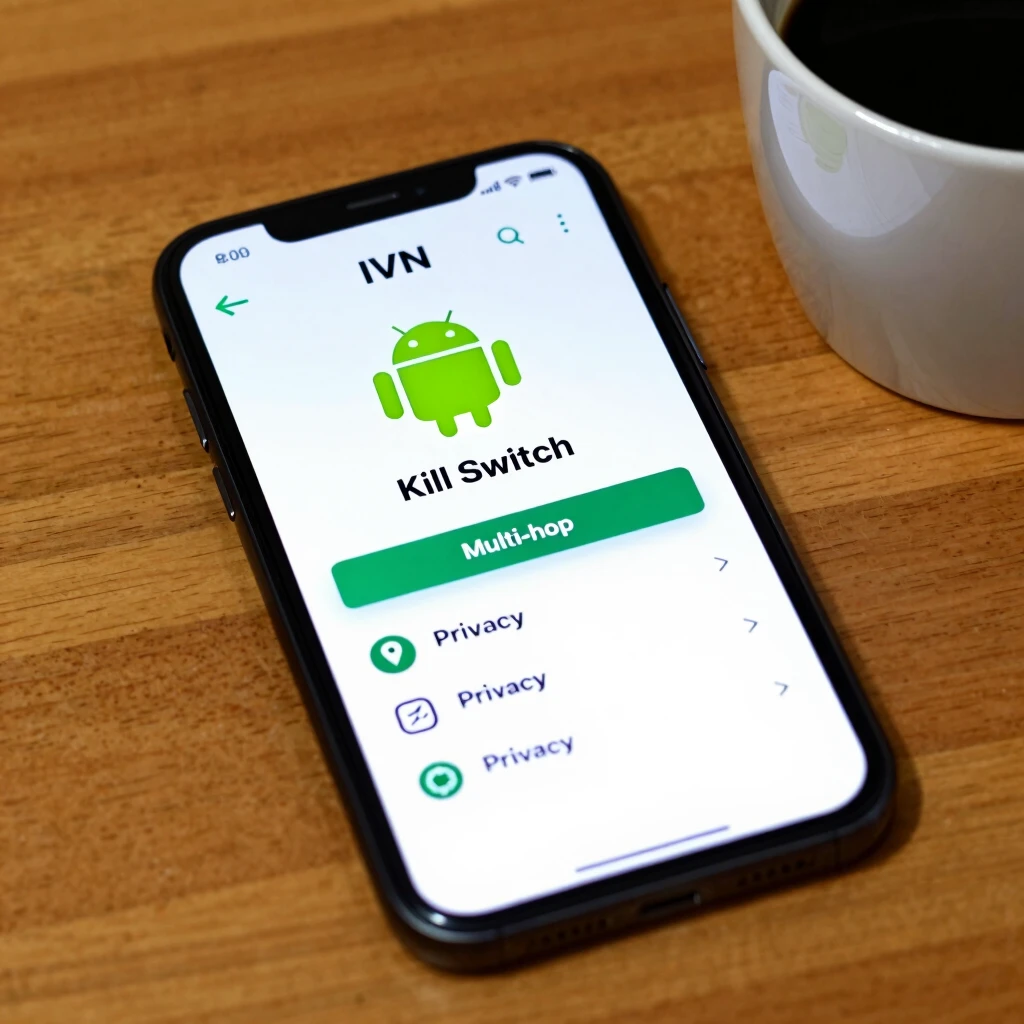
- Enable the kill switch to block internet if VPN drops.
- Turn on multi-hop for extra routing.
- Activate anti-tracker features.
Always update the app and use WireGuard protocol for speed and security. Test for leaks regularly.
| Step | Action | Tip for Privacy |
|---|---|---|
| 1 | Install App | Avoid Google Play if possible; sideload for trust |
| 2 | Connect to Server | Choose locations outside surveillance alliances |
| 3 | Enable Kill Switch | Prevents leaks during disconnects |
| 4 | Use Multi-Hop | Routes through two servers for added protection |
| 5 | Block Trackers | Built-in feature stops ads and trackers |
These settings maximize protection on mobile.
Personal insight: I've used IVPN for years. Its no-logs policy and transparency build trust. Pair it with good habits like avoiding unnecessary data sharing.
Advanced Tips from IVPN’s Guides
Explore compartmentalization: Use virtual machines to separate activities. Combine VPN with Tor for high-risk scenarios. Understand OPSEC (operational security) to avoid mistakes that reveal your identity.
IVPN also covers email privacy realities and MAC address risks on devices.
For more depth, check authoritative sources like the EFF's guide on choosing a VPN, which stresses no-log policies and strong encryption. Privacy Guides recommends audited providers for trust.
Final Thoughts
Securing your online presence takes effort, but IVPN’s Privacy Guides make it accessible. Start with basics like a VPN and build from there. In 2025, with rising decentralized identity and better tools, privacy is achievable for everyone.
Stay vigilant, update habits, and enjoy a freer internet.