How to Stay Safe Online: A Comprehensive Guide
In today’s digital world, staying safe online is a must. Hackers, scams, and data breaches are everywhere. This guide covers everything you need to know. From picking the best VPN to using top online privacy tools, you’ll find simple, actionable steps to protect yourself.
I’ve been online since the dial-up days. Back then, safety meant avoiding sketchy downloads. Now, it’s a whole different game. Your personal info—like your location or bank details—can be snatched in seconds. That’s why I’m sharing what I’ve learned about staying safe online.
What Does Staying Safe Online Mean?
Staying safe online is about keeping your data private and secure. It means stopping hackers from stealing your info. It’s also about dodging scams and keeping your browsing habits to yourself. Tools like VPNs and privacy apps make this possible.
Understanding VPNs
A Virtual Private Network (VPN) is like a shield for your internet connection. It encrypts your data and hides your location. Imagine sending a secret message no one can crack. That’s what a VPN does. It’s a game-changer on public Wi-Fi, where hackers lurk.
I started using a VPN after a friend got hacked at an airport. He lost passwords and emails in minutes. Since then, I’ve relied on VPNs to stay safe online, especially when traveling.
How to Choose the Best VPN for Your Needs
Picking a VPN can feel tricky with so many choices. I’ve tested a bunch, and here’s what matters most:
-
Strong Security: You want encryption that’s tough to break. A no-logs policy is key too—it means the VPN doesn’t track you. A kill switch is a bonus; it cuts your internet if the VPN fails.
-
Speed: Slow VPNs are frustrating. I need one that streams HD videos without buffering.
-
Servers: More locations mean more options. I use servers in other countries to watch shows not available here.
-
Ease: It should be simple to set up. I don’t have time for complicated apps.
-
Support: Good help is a lifesaver. Once, I had a connection issue at 2 a.m., and live chat fixed it fast.
Here are my top picks after years of use:
| VPN | Why I Like It | Best For |
|---|---|---|
| NordVPN | Top-notch security, tons of servers | All-around use |
| ExpressVPN | Super fast, great support | Streaming |
| CyberGhost | Easy to use, affordable | Beginners |
Want more details? Check out this VPN guide from PCMag. It’s packed with expert reviews.
Top 5 Online Privacy Tools Every User Should Have
VPNs are great, but they’re not enough. Online privacy tools add extra layers of protection. Here are five I swear by:
-
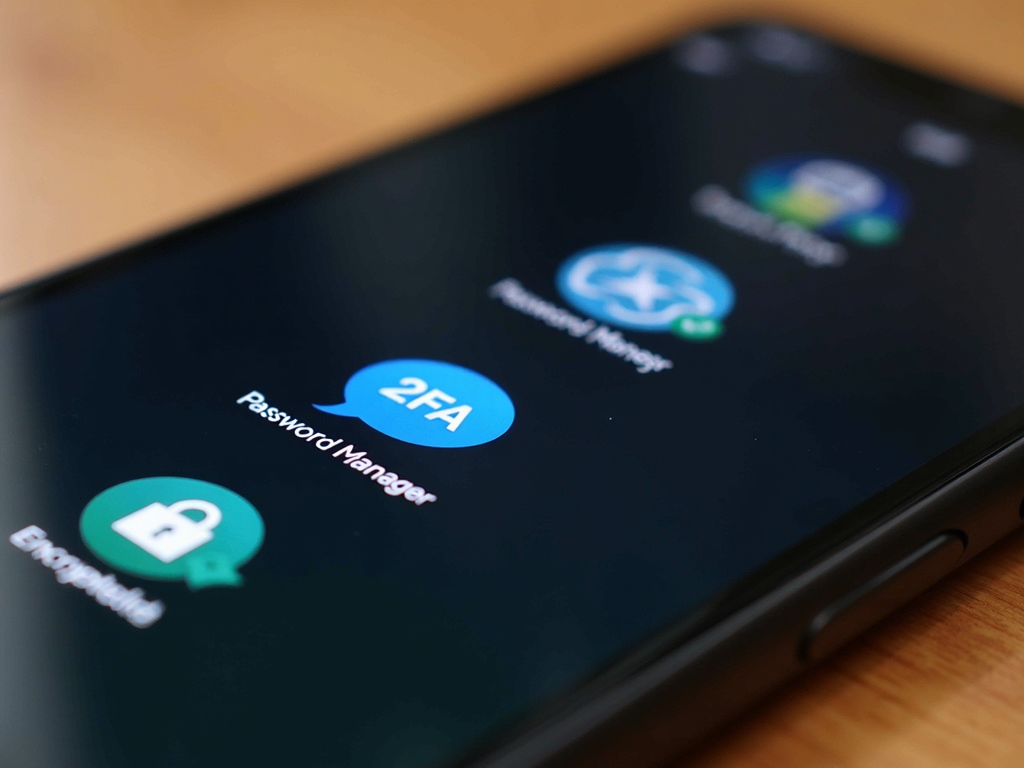
Password Manager: Remembering passwords is a hassle. I use one to create long, random ones for every site. LastPass and 1Password are solid choices.
-
Two-Factor Authentication (2FA): This is a must. It’s like locking your door and adding a deadbolt. I turn it on everywhere—email, banking, everything.
-
Ad Blocker: Ads can track you or even carry malware. I use uBlock Origin to stop them cold.
-
Privacy Browser: Regular browsers leak data. I switched to Brave—it blocks trackers and loads pages fast.
-
Encrypted Messaging: Texts aren’t safe. I use Signal for chats that stay private.
The Electronic Frontier Foundation has a great tool list. It’s worth a look for more ideas.
Everyday Tips to Stay Safe Online
Tools help, but habits matter too. Here’s what I do daily:
-
Update Everything: Old software is an open door for hackers. I check for updates weekly.
-
Watch Emails: I got a fake bank email once—almost clicked it. Now, I double-check senders and never open weird links.
-
Strong Passwords: No more ‘password123.’ I mix letters, numbers, and symbols.
-
Share Less: I used to post everything online. Now, I keep personal stuff off social media.
-
Stay Informed: Cyber tricks change fast. I read up on sites like the Federal Trade Commission.
Why Online Privacy Matters
Online privacy isn’t just a buzzword—it’s power. Every click you make tells a story. Companies, hackers, even governments can use it. I learned this when ads started showing me stuff I’d only talked about. Creepy, right?
Protecting your privacy stops that. It keeps your info yours. Without it, you risk identity theft or worse. I’ve seen friends deal with stolen accounts—it’s a mess. Taking control with online privacy tools is worth it.
For a deeper dive, read this privacy guide from Privacy Rights Clearinghouse.
Putting It All Together
Staying safe online takes effort, but it’s doable. Use a VPN to hide your tracks. Add privacy tools to lock down your data. Stick to smart habits. I’ve been doing this for years, and it’s kept me out of trouble.
Start small. Pick one tip—like a password manager—and build from there. You don’t need to be a tech wizard. Just stay consistent.
Summary
Staying safe online is critical today. This guide showed you how to choose the best VPN for your needs and the top 5 online privacy tools every user should have. With the right tools and habits, you can keep your digital life secure.