Protecting Your Data in 2023: Stay Safe Online with These Essential Tools and Tips
Overview
In 2023, keeping your personal information safe online is more important than ever. With cyber threats like data breaches and phishing scams on the rise, Protecting Your Data in 2023 means taking proactive steps. This guide shares practical tips, tools, and strategies to help you stay secure.
Why Protecting Your Data in 2023 Matters
Every day, we share personal details online—whether it's banking, shopping, or chatting with friends. But hackers and companies are eager to exploit this information. Last year, over 2.6 billion personal records were exposed globally, according to reports from cybersecurity firms like Norton. That’s a scary number, and it’s why How to Stay Safe Online is a question on everyone’s mind.
I’ve had my own wake-up call. A few years ago, a phishing email tricked me into clicking a shady link. Luckily, I caught it before any damage was done, but it made me rethink my online habits. Protecting your data isn’t just about avoiding scams—it’s about building habits that keep you in control.
Top Strategies for Protecting Your Data
Let’s dive into actionable ways to secure your data. These steps are simple but powerful, and they’ve helped me feel more confident online.
Use Strong, Unique Passwords
A strong password is your first line of defense. Avoid using “password123” or your dog’s name. Instead, create passwords with at least 12 characters, mixing letters, numbers, and symbols. I use a password manager like LastPass to generate and store unique passwords for every account. It’s a game-changer.
Enable Two-Factor Authentication (2FA)
2FA adds an extra layer of security by requiring a second step, like a code sent to your phone, to log in. Most banks, email services, and social media platforms offer this. After my phishing scare, I turned on 2FA everywhere I could—it’s like locking your digital front door.
Be Cautious with Public Wi-Fi
Public Wi-Fi at coffee shops or airports is convenient but risky. Hackers can intercept your data on unsecured networks. Always use a VPN (more on that later) when connecting to public Wi-Fi to encrypt your connection.
Keep Software Updated
Outdated apps and operating systems are vulnerable to attacks. I set my phone and laptop to update automatically, so I don’t have to think about it. Check for updates regularly to patch security holes.
How to Choose the Best VPN for Your Needs
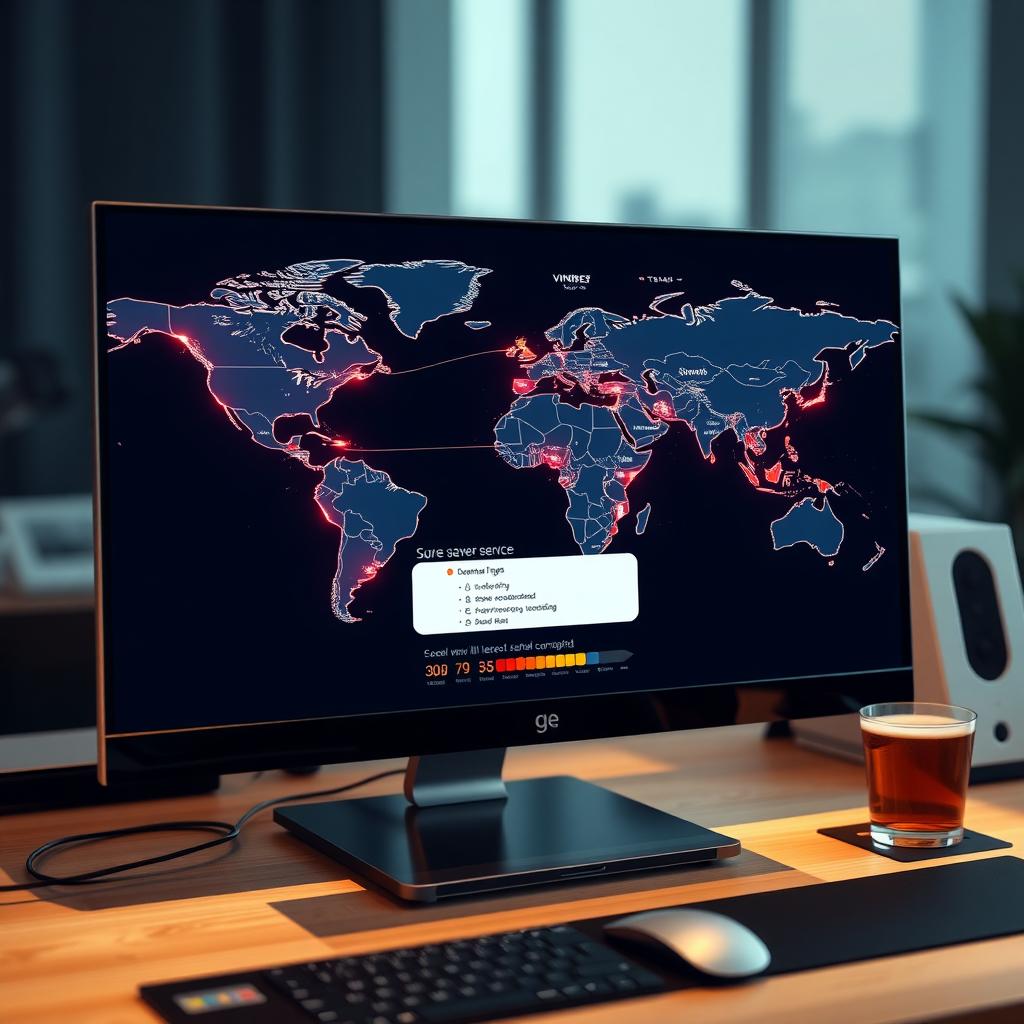
A Virtual Private Network (VPN) is one of the best tools for protecting your data. It encrypts your internet connection, hiding your activity from prying eyes. But with so many options, How to Choose the Best VPN for Your Needs can feel overwhelming. Here’s what I’ve learned from testing several VPNs:
| Feature | Why It Matters |
|---|---|
| Strong Encryption | Look for AES-256 encryption to ensure your data is unreadable to hackers. |
| No-Log Policy | Choose a VPN that doesn’t store your browsing history for maximum privacy. |
| Speed | A fast VPN ensures smooth streaming and browsing without lag. |
| Server Locations | More servers in different countries give you flexibility to bypass geo-restrictions. |
| Ease of Use | A user-friendly app makes it simple to stay protected, even for beginners. |
My top pick is NordVPN, which offers fast speeds and a strict no-log policy. For budget-conscious users, Surfshark is affordable and reliable. Test a few with free trials to find what works for you.
Top 5 Online Privacy Tools Every User Should Have
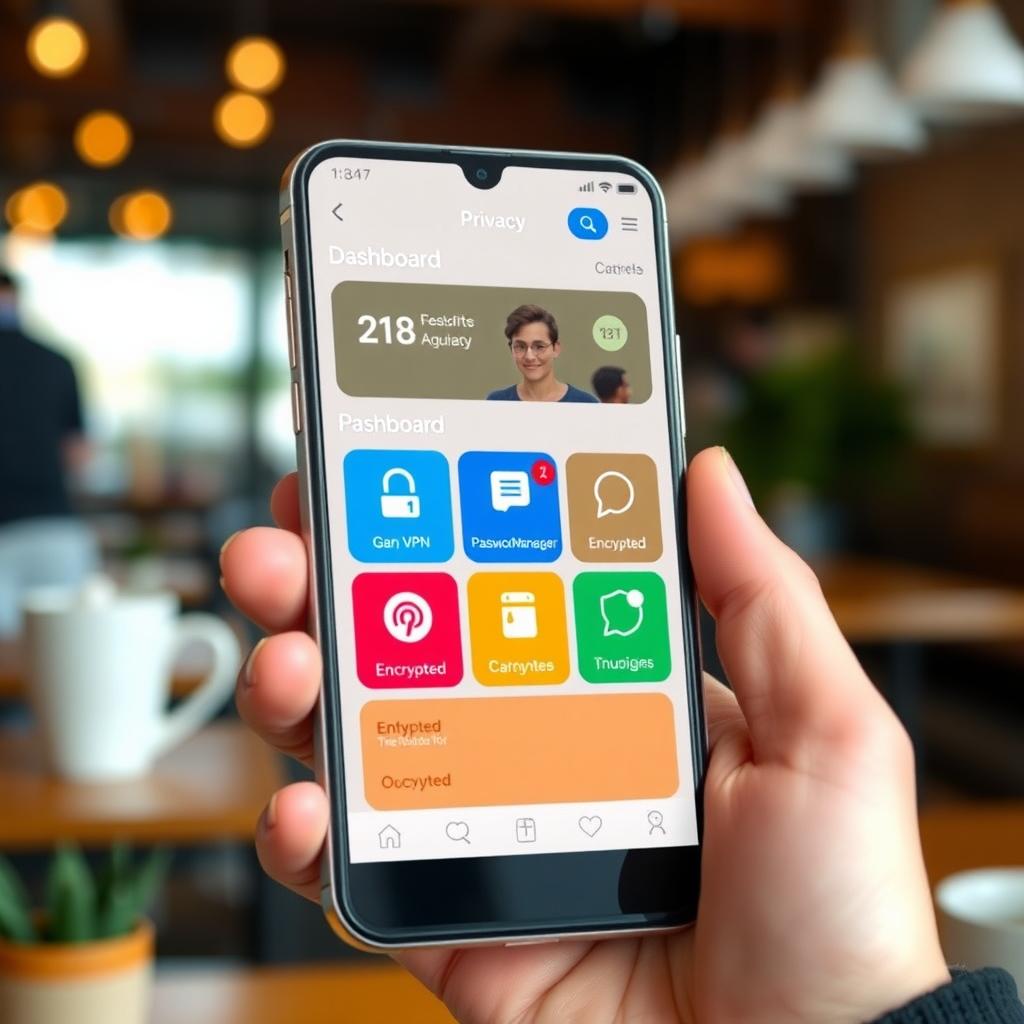
Beyond VPNs, several online privacy tools can keep your data safe. Here are my Top 5 online privacy tools every user should have in 2023:
- Password Managers - Tools like LastPass or 1Password securely store complex passwords, so you don’t reuse weak ones.
- Encrypted Messaging Apps - Signal and Telegram offer end-to-end encryption for private chats.
- Ad Blockers - uBlock Origin blocks trackers and ads that collect your data.
- Secure Browsers - Brave or Firefox focus on privacy, blocking trackers by default.
- Email Encryption Tools - ProtonMail provides encrypted email services to keep your communications private.
I started using Signal after realizing how much data regular messaging apps collect. It’s easy to use, and my friends didn’t mind switching for group chats. These tools are simple to set up and make a big difference.
Avoiding Common Online Threats
Cybercriminals are creative, but you can outsmart them. Here are common threats and how to avoid them:
- Phishing Scams: Don’t click links in unsolicited emails or texts. Verify the sender’s identity first.
- Malware: Avoid downloading files from unknown sources. Use antivirus software like Malwarebytes.
- Data Breaches: Monitor your accounts for unusual activity. Services like Have I Been Pwned can alert you if your email is exposed.
I check my email on Have I Been Pwned monthly—it’s quick and gives me peace of mind. Combining these habits with the right tools creates a strong defense.
Building a Privacy-First Mindset
Protecting your data isn’t just about tools—it’s about thinking differently. Be skeptical of websites asking for unnecessary information. Limit what you share on social media. I stopped posting my location in real-time after learning how easy it is for strangers to track you.
Also, review app permissions regularly. Does that flashlight app really need access to your contacts? Probably not. On my phone, I disable permissions for apps I don’t fully trust. It takes a minute but saves headaches later.
Finally, educate yourself. Cybersecurity evolves fast, so follow trusted sources like Krebs on Security or the Electronic Frontier Foundation (EFF) for updates. Knowledge is power when it comes to staying safe online.
Summary
Protecting Your Data in 2023 starts with simple habits: strong passwords, 2FA, and a good VPN. Add online privacy tools like password managers and encrypted messaging apps for extra security. By staying proactive and informed, you can navigate the digital world with confidence. Stay safe out there!