The Importance of Online Privacy in the Digital Age
Overview
In today’s world, every click, search, or post leaves a digital footprint. The Importance of Online Privacy in the Digital Age cannot be overstated—our personal data is constantly at risk. This article dives into why privacy matters, practical steps to safeguard it, and tools like VPNs and private browsers to stay secure.
Why Online Privacy Matters
Every day, we share personal details online—our names, locations, interests, and even financial information. Without protection, this data can be tracked, sold, or stolen. I’ve felt uneasy knowing companies might be watching my every move online. It’s not just about ads; it’s about control over your own life.
The Importance of Online Privacy lies in protecting your identity and freedom. Hackers can exploit weak security, and companies often collect data without clear consent. For example, in 2023, over 2.6 billion personal records were exposed globally, according to cybersecurity reports. That’s a scary number, and it’s why we need to act.
The Risks of Ignoring Privacy
Ignoring online privacy is like leaving your front door unlocked. Hackers can steal your identity, scammers can drain your accounts, and companies can exploit your data for profit. I once had a friend whose email was hacked because of a weak password. The fallout? Spam sent to all their contacts and a compromised bank account.
Beyond personal risks, there’s a societal impact. When companies collect unchecked data, they can manipulate behavior—think targeted ads or even election interference. Privacy isn’t just personal; it’s about preserving trust in the digital world.
How to Set Up a VPN for Maximum Privacy
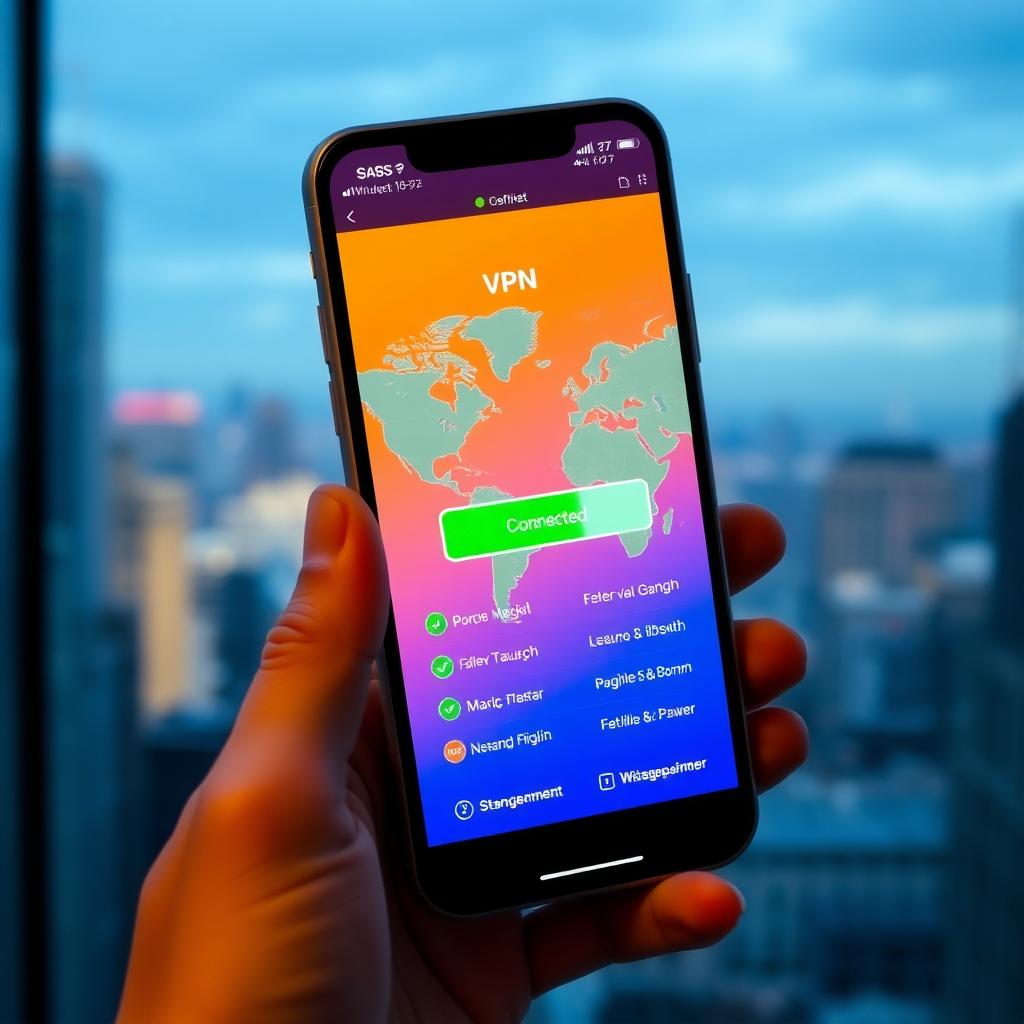
One of the best ways to protect yourself is by using a Virtual Private Network (VPN). A VPN encrypts your internet connection, hiding your activity from prying eyes. Setting one up is easier than you might think. Here’s how I did it:
- Choose a Reputable VPN: Look for providers with strong encryption and a no-logs policy. I use NordVPN, but ExpressVPN and Surfshark are also solid choices.
- Download and Install: Most VPNs offer apps for phones, laptops, and tablets. Install the app from the provider’s official site.
- Select a Server: Connect to a server in a privacy-friendly country, like Switzerland or Iceland.
- Enable Kill Switch: This feature cuts your internet if the VPN drops, ensuring your data stays safe.
- Test for Leaks: Use tools like BrowserLeaks.com to confirm your VPN is working.
How to Set Up a VPN for Maximum Privacy is a game-changer. It’s like putting a shield around your data. Just remember to avoid free VPNs—they often sell your data to make money.
Firefox Focus vs DuckDuckGo: Which Mobile Browser Is More Private?
Choosing a private browser is another key step. I’ve tested both Firefox Focus and DuckDuckGo on my phone, and each has strengths. Here’s a breakdown:
| Feature | Firefox Focus | DuckDuckGo |
|---|---|---|
| Tracking Protection | Blocks trackers by default | Blocks trackers and ads |
| Data Deletion | Auto-deletes data after each session | Manual data clearing option |
| Search Engine | Uses Google (configurable) | Uses DuckDuckGo’s private search |
| User Interface | Minimalist, privacy-focused | Browser + search app hybrid |
| Performance | Fast, lightweight | Slightly slower due to ad-blocking |
Firefox Focus vs DuckDuckGo: which mobile browser is more private? depends on your needs. Firefox Focus is great for quick, private browsing sessions—it’s like a clean slate every time. DuckDuckGo offers a fuller browsing experience with built-in search privacy. I lean toward Firefox Focus for its simplicity, but DuckDuckGo’s ad-blocking is a big plus. Try both and see what fits.
Other Essential Online Privacy Tools
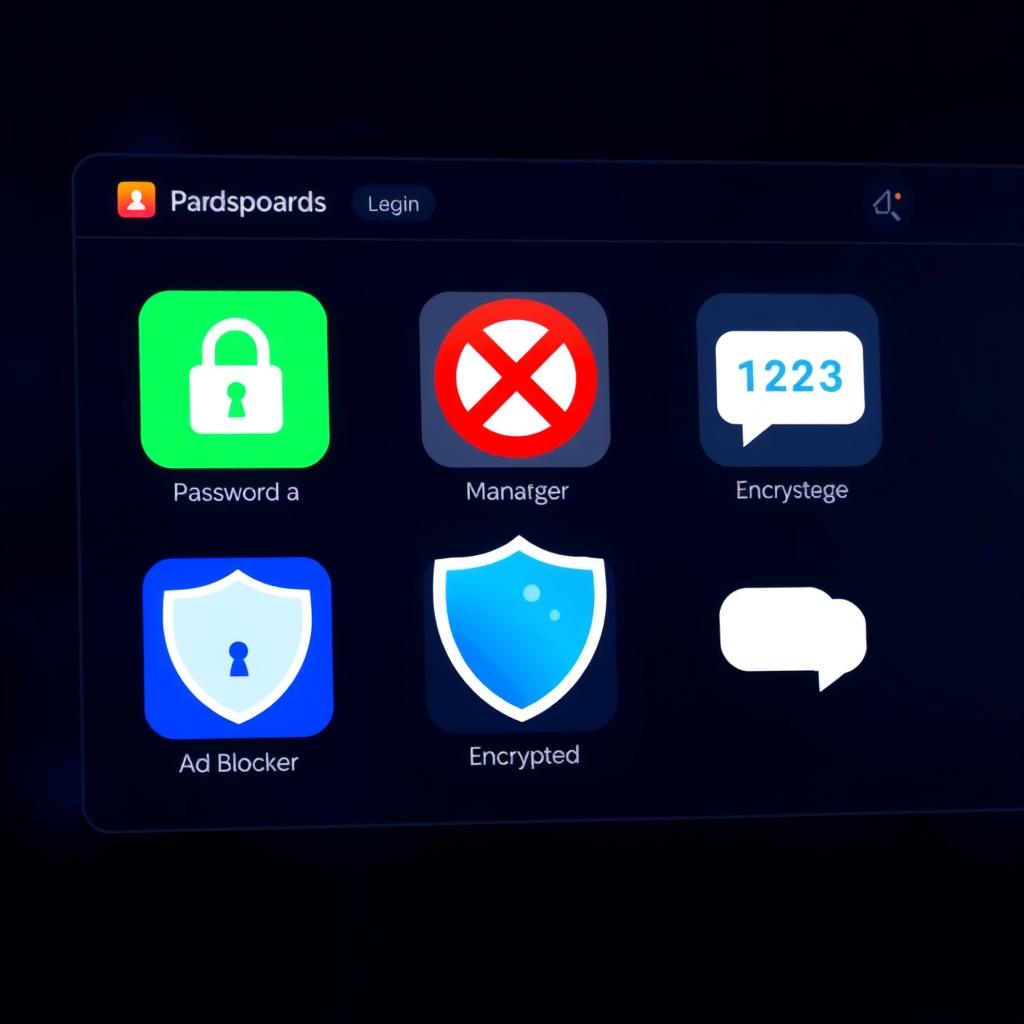
Beyond VPNs and browsers, several online privacy tools can boost your security:
- Password Managers: Tools like LastPass or 1Password create and store strong passwords. I started using one last year, and it’s saved me from reusing weak passwords.
- Encrypted Messaging Apps: Signal and Telegram offer end-to-end encryption for secure chats.
- Ad Blockers: uBlock Origin stops trackers and ads, making browsing safer and faster.
- Two-Factor Authentication (2FA): Enable 2FA on your accounts for an extra layer of security.
These tools are easy to use and make a big difference. For example, after enabling 2FA on my email, I felt much safer knowing a hacker would need more than just my password.
Practical Tips for Everyday Privacy
Protecting your privacy doesn’t have to be overwhelming. Here are some simple habits I’ve adopted:
- Review App Permissions: Check which apps access your camera, microphone, or location. I was shocked to see how many apps had access I didn’t need.
- Use Incognito Mode: It’s not foolproof, but it helps limit tracking for casual browsing.
- Read Privacy Policies: I know it’s tedious, but skimming a company’s data practices can reveal red flags.
- Limit Social Media Sharing: I stopped posting my location in real-time after learning how easily it can be misused.
Small changes add up. Start with one or two, and you’ll feel more in control of your data.
The Bigger Picture
Privacy isn’t just about avoiding hackers; it’s about owning your digital life. When we let companies or governments control our data, we lose a piece of our freedom. I’ve learned this the hard way after seeing targeted ads that felt too personal. Taking steps like using a VPN or private browser gives you back some power.
The digital age is amazing, but it comes with risks. By prioritizing The Importance of Online Privacy in the Digital Age, you’re not just protecting yourself—you’re pushing for a safer internet for everyone.
Summary
Online privacy is critical in today’s connected world. From setting up a VPN to choosing a private browser like Firefox Focus or DuckDuckGo, you can take control of your data. Tools like password managers and encrypted apps make it easier to stay secure. Start small, stay consistent, and protect your digital life.