Top Privacy-Enhancing Technologies for 2025: Safeguard Your Digital Life
Overview
In 2025, online privacy is more critical than ever. With data breaches costing billions and personal information constantly at risk, protecting your digital footprint is a must. This article dives into the top privacy-enhancing technologies for 2025, offering practical tools and simple steps to lock down your online privacy. From setting up Incogni to delete personal data to exploring advanced solutions like homomorphic encryption, we’ll cover how to stay secure without sacrificing convenience.
Why Privacy Matters in 2025
I’ve seen firsthand how exposed we are online. A friend of mine had her identity stolen after a data breach leaked her address and credit card details. It took months to recover, and the stress was overwhelming. Stories like hers are why I’m passionate about privacy tools. Cybercrime is projected to cost the global economy over $10.5 trillion by the end of 2025, according to Cybersecurity Ventures. That’s not just a number—it’s a wake-up call. Whether it’s hackers, data brokers, or even overzealous advertisers, your personal data is a hot commodity. But the good news? New online privacy tools are making it easier to take control.
The top privacy-enhancing technologies for 2025 combine cutting-edge innovation with user-friendly design. They let you browse, share, and communicate without exposing sensitive information. Below, I’ll walk you through the best tools and techniques, sharing what’s worked for me and why these solutions stand out.

Top Privacy-Enhancing Technologies for 2025
Here are the most effective technologies to protect your online privacy this year. I’ve tested many of these myself and included real-world examples to show how they work.
1. Homomorphic Encryption
Imagine doing math with a locked box—you can’t see the numbers, but you still get the right answer. That’s homomorphic encryption. It lets companies analyze data without ever seeing it. For example, Microsoft Azure uses this to process encrypted data for healthcare research, keeping patient details private. I love how this tech ensures my data stays hidden, even from the service provider. It’s perfect for businesses handling sensitive information but also benefits individuals using cloud services.
2. Differential Privacy
Apple and Google have been using differential privacy for years, and it’s a game-changer. This tech adds ‘noise’ to datasets, so companies can see trends without identifying you. When Apple reports that 73% of iPhone users prefer dark mode, they’re using differential privacy to protect your choice. I use apps that leverage this tech because it gives me peace of mind—my data contributes to insights without exposing me personally.
3. Secure Multi-Party Computation (SMPC)
SMPC is like a group project where everyone shares results without revealing their work. Banks use it to detect fraud by combining data without sharing customer details. I’ve seen this in action with financial apps that collaborate on security without compromising my account info. It’s a powerful way to balance collaboration and privacy.
4. Zero-Knowledge Proofs
This tech lets you prove something—like your age—without sharing extra details. For instance, a dating app might verify you’re over 18 without seeing your birthdate. I’ve used services with zero-knowledge proofs for secure logins, and it feels like magic. It’s especially useful for blockchain-based apps where privacy is critical.
5. Federated Learning
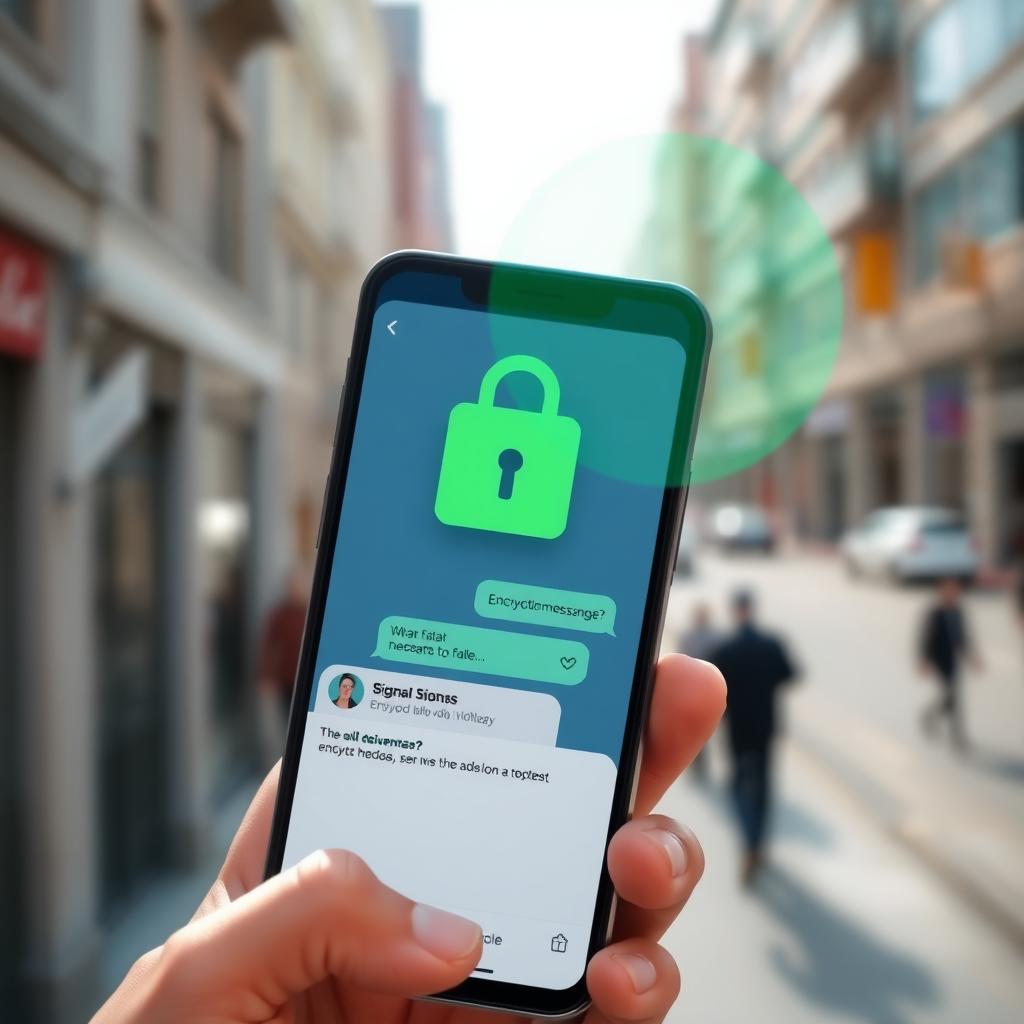
Google’s keyboard app uses federated learning to improve autocorrect without collecting my typing data. Instead, my phone trains the model locally and sends only the updates. This means my personal texts stay private, but I still get a smarter keyboard. I rely on apps with this tech for personalized features without the privacy trade-off.
Simple Steps to Lock Down Your Online Privacy
You don’t need to be a tech wizard to protect yourself. Here are practical steps I’ve used to secure my digital life. They’re easy, effective, and work with the tools above.
| Step | Action | Tool/Tech |
|---|---|---|
| Use a VPN | Encrypt your internet traffic and hide your IP address | ExpressVPN, NordVPN |
| Enable 2FA | Add a second layer of security to your accounts | Authenticator apps like Google Authenticator |
| Switch to Secure Messaging | Use apps with end-to-end encryption | Signal, ProtonMail |
| Remove Personal Data | Opt out of data broker sites | Incogni, DeleteMe |
| Use Privacy-Focused Browsers | Block trackers and ads automatically | Brave, Tor Browser |
I started with a VPN, and it was a game-changer. ExpressVPN’s high-speed servers let me stream without lag while keeping my activity private. I also switched to Signal for messaging after learning how standard apps like WhatsApp can share metadata. These small changes made a big difference in my peace of mind.
How to Set Up Incogni to Delete Personal Data
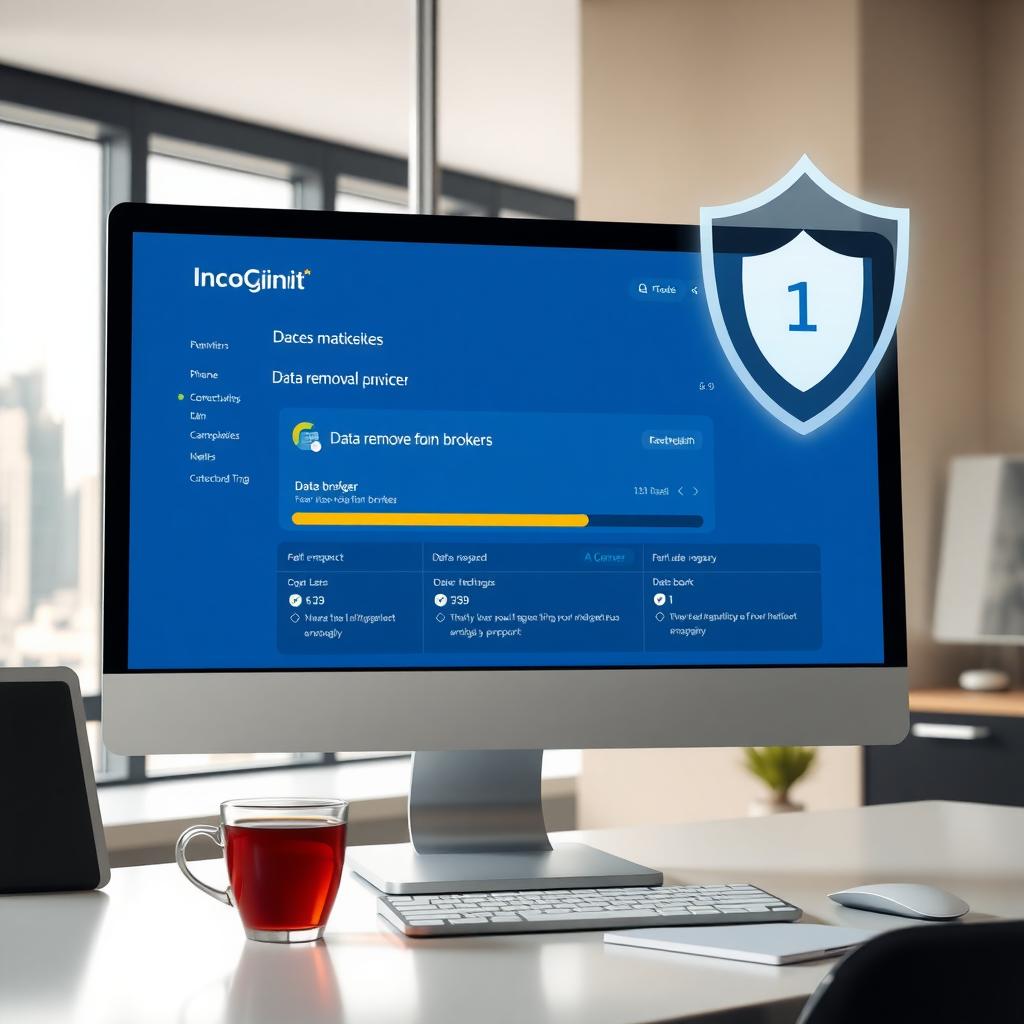
Data brokers like Spokeo and Whitepages sell your info without your consent. I was shocked to find my address and phone number on these sites. Incogni is an online privacy tool that automates the removal process. Here’s how I set it up:
- Sign Up: Visit Incogni’s website and create an account. I chose the annual plan for continuous protection.
- Enter Your Info: Provide your name, address, and other details you want removed. Incogni uses this to find and delete your data from broker sites.
- Authorize Removal: Incogni sends opt-out requests to over 250 data brokers. You don’t have to contact each one yourself.
- Monitor Progress: Check the dashboard for updates on removal requests. I got weekly reports showing which sites no longer listed my info.
- Ongoing Protection: Incogni keeps scanning to ensure your data doesn’t reappear.
After a month, I saw my info disappear from several sites. It’s not perfect—some brokers are stubborn—but Incogni saves hours of manual work. For CyberGuy readers, you can get 60% off with their exclusive deal.
Other Online Privacy Tools to Explore
Beyond the technologies above, here are additional tools I recommend for 2025:
- ProtonMail: A secure email service with zero-access encryption. I use it for sensitive communications, and the self-destructing email feature is a bonus.
- Brave Browser: Blocks ads and trackers by default. I noticed faster page loads and less spam after switching.
- 1Password: A password manager that generates and stores complex passwords. It’s saved me from reusing weak passwords across sites.
These tools complement PETs by adding layers of protection. For example, combining ProtonMail with differential privacy apps ensures your emails and data stay anonymous.
Challenges and Tips
No tool is foolproof. I learned this when a free VPN I tried logged my activity despite claiming otherwise. Always check for no-log policies and third-party audits when choosing tools. Also, balance privacy with convenience—overloading your device with extensions can slow it down. Start with one or two solutions, like a VPN and Incogni, then add more as needed.
Summary
Protecting your online privacy in 2025 is achievable with the right tools and habits. The top privacy-enhancing technologies for 2025, like homomorphic encryption and federated learning, offer advanced protection, while simple steps to lock down your online privacy—like using a VPN or setting up Incogni—make it accessible. Start small, stay consistent, and take control of your digital life today.