How to Secure Your Home Network: A Complete Guide for Better Online Privacy
In today's connected world, your home network is the gateway to everything online. From streaming shows to banking, it's all at risk if not protected. This guide shows you how to secure your home network simply and effectively, boosting your online privacy along the way.
Why Securing Your Home Network Matters
Cyber threats are real and growing. Hackers target home networks because many people overlook basic security. Weak protections can lead to stolen data, slow speeds from bots, or even ransomware.
I remember when a family member's smart TV got hacked through an unsecured router. It turned into a botnet device without them noticing until the internet slowed down. Simple changes fixed it and prevented worse issues.
According to experts at the Electronic Frontier Foundation (EFF), keeping devices updated and using strong encryption are key steps anyone can take EFF Surveillance Self-Defense.
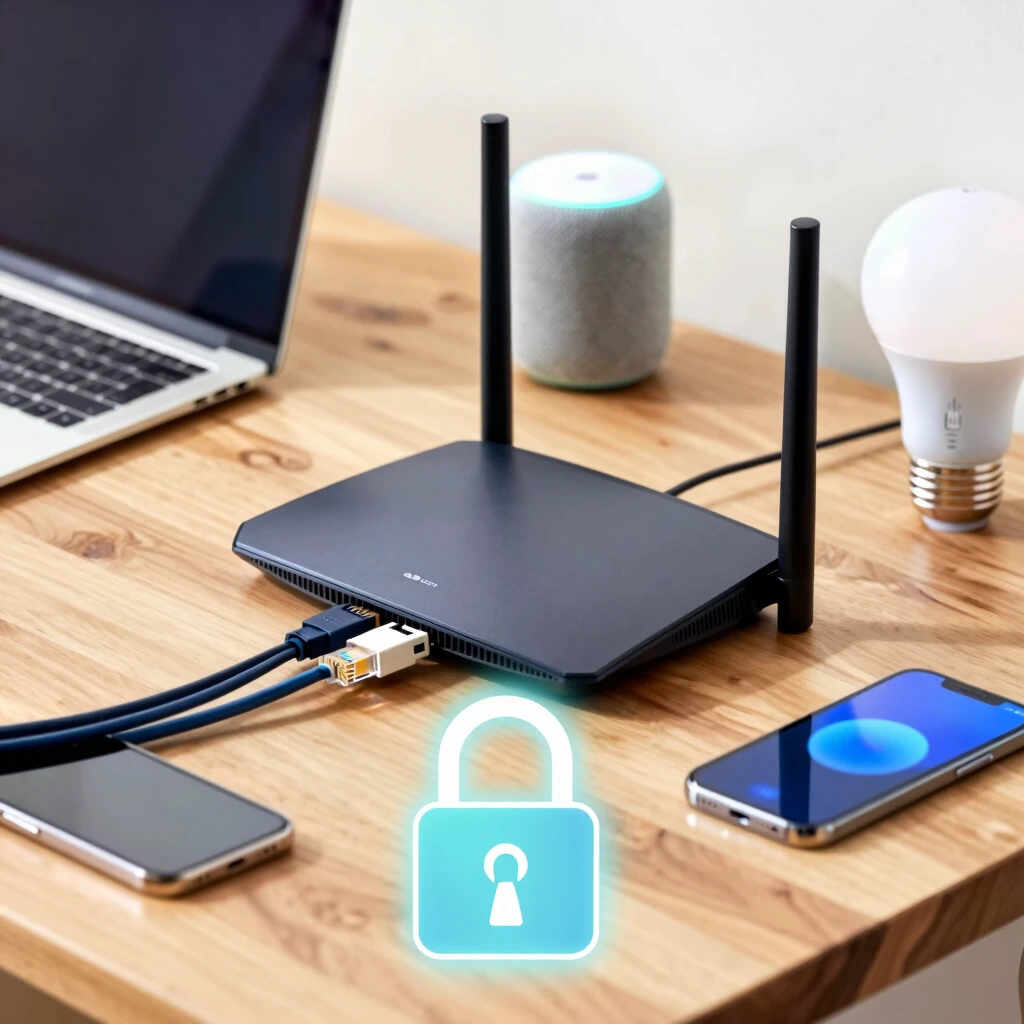
Start with the Basics: Update and Strong Passwords
Change your router's default password right away. Most come with easy ones like 'admin' that hackers know.
Log into your router's admin page—usually at 192.168.1.1 or similar—and set a strong, unique password. Use a mix of letters, numbers, and symbols.
Keep firmware updated. Manufacturers release patches for vulnerabilities. Check your router's settings for auto-updates or do it manually.
Use WPA3 encryption if available, or at least WPA2. Avoid WEP—it's outdated and easy to crack.
Here are key steps in a list:
- Change default admin credentials
- Enable automatic firmware updates
- Switch to WPA3 or WPA2 encryption
- Disable remote management unless needed
The U.S. government's Cybersecurity and Infrastructure Security Agency recommends these basics for home users CISA Home Network Security.
Secure Your Devices and Wi-Fi
Every device on your network matters. Update phones, computers, and smart gadgets regularly.
Create a guest network for visitors. This keeps their devices separate from your main one.
Disable WPS (Wi-Fi Protected Setup)—it's convenient but has known weaknesses.
Use a firewall. Most routers have one built-in; make sure it's on.
For smart home devices, the EFF suggests isolating them where possible to limit risks Keeping Your Smart Home Secure & Private.
How to Spot and Stop DNS Leaks
DNS translates website names to IP addresses. Normally, your ISP handles this, seeing every site you visit.
A DNS leak happens when queries go outside your secure connection, like a VPN, revealing your activity.
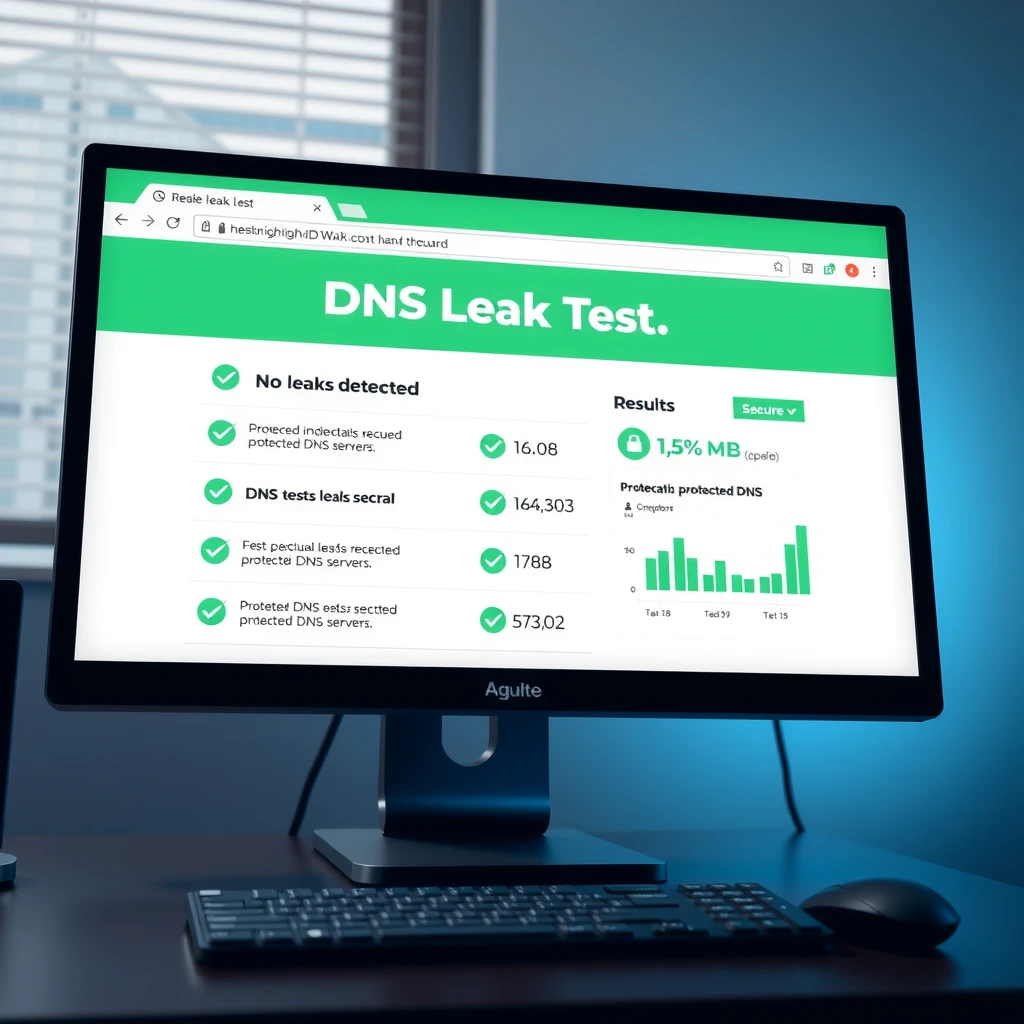
To spot leaks, visit sites like dnsleaktest.com or ipleak.net. Run an extended test—if it shows your ISP's servers while using privacy tools, there's a leak.
Prevent them by using encrypted DNS or reliable VPNs that block leaks.
Advanced Protection: Use Encrypted DNS and VPNs
Switch to DNS over HTTPS (DoH) or DNS over TLS (DoT) for encryption.
Many browsers support this natively. In Firefox or Chrome, enable secure DNS.
A great option is Mullvad's DNS. It's free, privacy-focused, and supports DoH/DoT.
How to Use Mullvad's DNS over VPN
Mullvad offers excellent leak protection. When connected to their VPN, DNS queries route through their servers automatically.
For extra security without full VPN, set up their encrypted DNS. Follow their guide to configure DoH or DoT on your device or router Mullvad DNS over HTTPS and TLS.
Test after setup—no leaks means you're protected.
VPNs are powerful online privacy tools. They hide your IP and encrypt traffic.
Choose no-log providers like Mullvad. Combine with encrypted DNS for best results.
Other online privacy tools include ad blockers, tracker blockers, and antivirus with network protection.
Final Thoughts
Securing your home network doesn't require being a tech expert. Start with passwords and updates, then add layers like encrypted DNS and a VPN.
These steps greatly improve your online privacy and stop common threats. Stay vigilant—check settings regularly.
You've got this. A few changes today keep your digital life safer tomorrow.