Securing Your Linux System with LUKS Encryption: A Step-by-Step Guide
In today's digital age, protecting your data is more important than ever. Whether you're a casual user or a professional handling sensitive information, encryption is a key tool in safeguarding your privacy. This article focuses on LUKS (Linux Unified Key Setup), a powerful encryption method for Linux systems. We'll guide you through the process of setting up LUKS and explain why it's essential, especially if you're working with video content that needs to be kept secure.
What is LUKS Encryption?
LUKS is a standard for disk encryption on Linux. It provides a way to encrypt entire partitions or disks, ensuring that your data is protected even if your device is lost or stolen. Unlike other encryption methods, LUKS is easy to use and integrates seamlessly with Linux systems. It's particularly useful for users who need to protect sensitive information, such as personal documents, financial records, or, in our case, video files.
Why Encrypt Your Video Content?
Videos can contain sensitive information, from personal memories to confidential business presentations. If you're using services to process or transcribe your videos, like converting them to text prompts, you need to ensure that your data is secure. Encryption adds an extra layer of protection, making it nearly impossible for unauthorized users to access your files. For instance, tools like Video to Prompt allow you to convert your videos to text, but it's up to you to keep your storage encrypted to prevent any data breaches.
Step-by-Step Guide to Setting Up LUKS on Linux
Setting up LUKS might seem daunting, but it's straightforward if you follow these steps:
- Backup Your Data: Always start by backing up your important files.
- Install Necessary Tools: Make sure you have the
cryptsetuppackage installed. - Create an Encrypted Partition: Use the
cryptsetupcommand to create an encrypted partition. - Format the Encrypted Partition: Format the partition with a file system of your choice.
- Mount the Encrypted Partition: Mount the partition to start using it.
- Set Up Automatic Mounting (Optional): Configure your system to mount the partition automatically on boot.
Understanding the Encryption Process
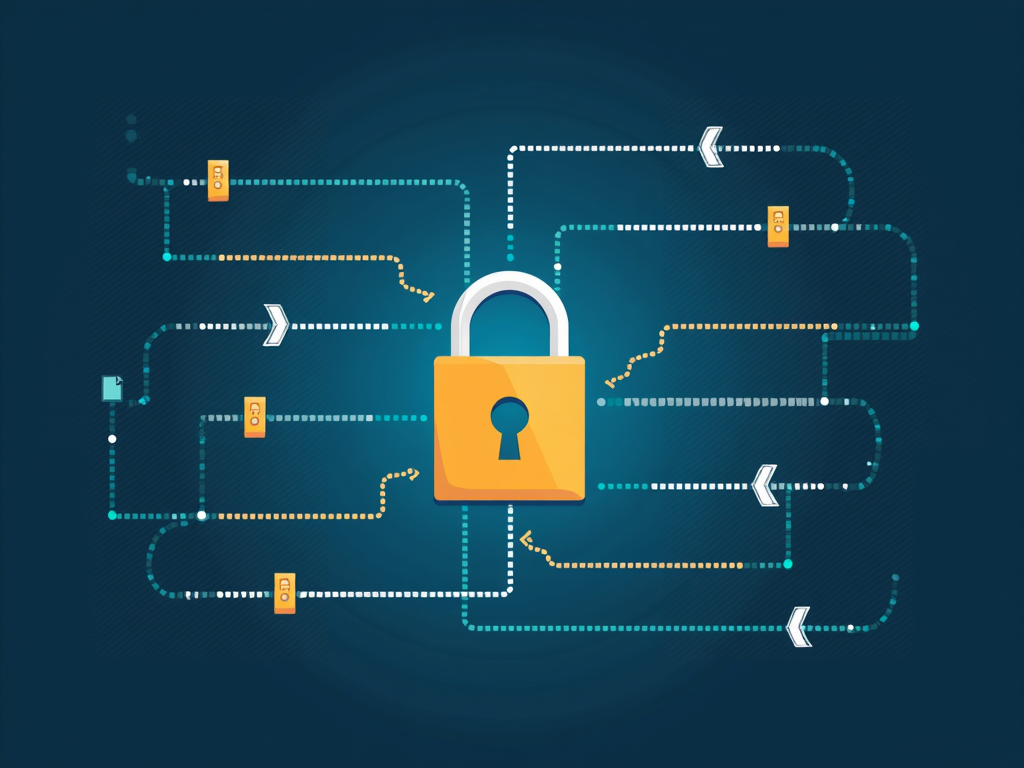
When you encrypt a partition with LUKS, your data is scrambled using a strong encryption algorithm. Only someone with the correct key (usually a passphrase) can decrypt and access the data. This process ensures that even if someone gains physical access to your hard drive, they won't be able to read your files without the key.
Maintaining Privacy with Online Tools
In addition to encrypting your local storage, it's important to be mindful of privacy when using online tools. For example, if you're using a service to convert your videos to text prompts, make sure the service is reputable and respects your privacy. Video to Prompt is one such tool that can help you transcribe your videos securely. However, always remember that the first line of defense is encrypting your data at rest.

Tips for Enhancing Your Online Privacy
Here are some additional tips to keep your data safe:
- Use strong, unique passphrases for your encryption keys.
- Regularly update your software to patch any security vulnerabilities.
- Be cautious about the permissions you grant to online services.
- Consider using a VPN for an extra layer of privacy when accessing the internet.

Summary
Encrypting your Linux system with LUKS is a powerful way to protect your data. By following the steps outlined in this guide, you can ensure that your sensitive information, including video content, remains secure. Remember, encryption is just one part of a comprehensive privacy strategy. Always stay informed about the tools and services you use, and take proactive steps to safeguard your data.