Online Privacy Checklist for 2025: Simple Steps to Lock Down Your Online Privacy
Your personal data is everywhere online, and in 2025, protecting it matters more than ever. This checklist offers clear, actionable steps to keep your information safe. From tools to habits, here’s how to lock down your online privacy.
Why You Need to Care About Online Privacy
Every click, post, and purchase leaves a trail. Companies, hackers, and even governments want that data. I learned this the hard way when a friend’s identity was stolen after a breach. In 2025, online privacy isn’t optional—it’s a must. This guide makes it simple to stay safe.

Step 1: Get a VPN for Everyday Use
A VPN hides your internet activity by encrypting it. It’s like a secret tunnel for your data. I use one daily, especially on public Wi-Fi.
- Pick a good one: Choose a VPN with no logs and strong encryption.
- Avoid free ones: They might sell your info.
This is a top online privacy tool for 2025.
Step 2: Turn On Two-Factor Authentication (2FA)
Passwords can be cracked. 2FA adds a second check, like a code from your phone. I started using it after a scare with my email.
- Set it up: Add 2FA to email, banking, and social media.
- Use an app: Apps like Authy are safer than text messages.
It’s a small step that makes a big difference.

Step 3: Keep Your Devices Updated
Old software has holes hackers love. I once skipped an update and got a virus—lesson learned.
- Update everything: Phones, laptops, apps, all of it.
- Set it to auto: Let your devices handle it.
In 2025, updates are your first defense.
Step 4: Switch to Privacy-Friendly Browsing
Regular browsers track you. I switched to Brave last year and noticed fewer creepy ads.
- Try these browsers: Brave or Firefox with ad blockers.
- Search smarter: Use DuckDuckGo—it doesn’t save your searches.
These online privacy tools cut down on tracking.

Step 5: Cut Back on Social Media Sharing
Social platforms collect tons of data. I stopped posting my location after realizing how easy it is to track.
- Check settings: Lock down who sees your posts.
- Post less: Skip the personal stuff.
Less sharing means more privacy.
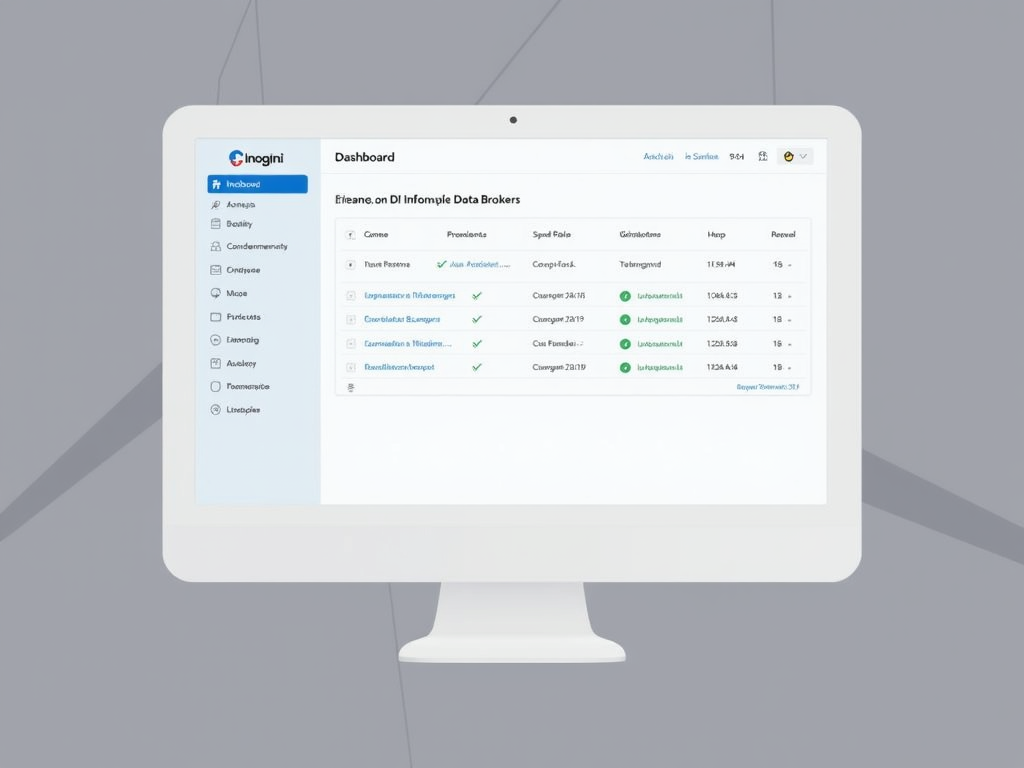
Step 6: How to Set Up Incogni to Delete Personal Data
Data brokers sell your info to anyone. Incogni helps you erase it. I tried it and was shocked at how many companies had my details.
- Sign up: Give Incogni your info to start.
- They search: It finds brokers with your data.
- They remove it: Requests are sent for you.
This tool is a game-changer for online privacy in 2025.
Step 7: Lock Down Your Email
Email is a weak spot. I switched to ProtonMail after getting phishing emails that looked too real.
- Go encrypted: Use ProtonMail or Tutanota.
- Spot fakes: Don’t click weird links.
Secure email is a must-have for 2025.
Step 8: Control Cookies and Trackers
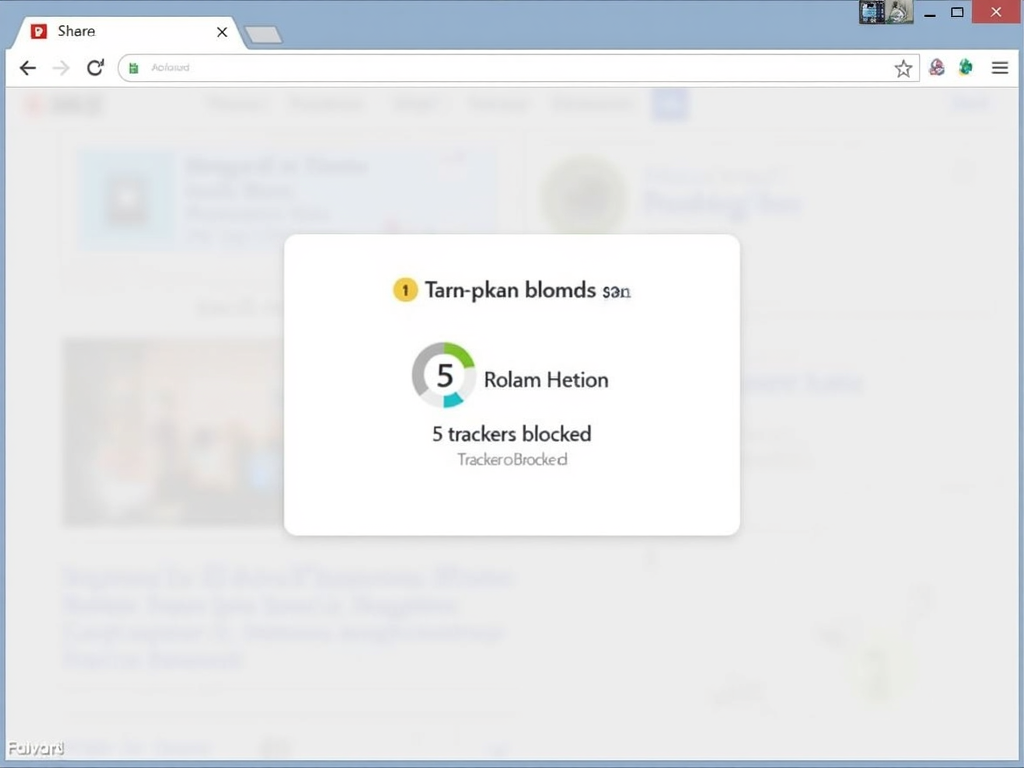
Websites use cookies to follow you. I added a blocker and saw how many tried to tag along.
- Adjust settings: Clear cookies often.
- Add tools: Privacy Badger stops trackers.
It’s an easy fix for better online privacy.
Step 9: Stay Safe on Public Wi-Fi
Public Wi-Fi is risky. I got nervous using it at an airport until I added a VPN.
- Always use a VPN: It’s your shield.
- Skip big stuff: No banking or logins.
This keeps your data safe in 2025.
Step 10: Check Your Accounts Regularly
Old accounts can leak data. I found an unused profile that got hacked—scary stuff.
- Audit them: Use Have I Been Pwned (https://haveibeenpwned.com/).
- Delete extras: Close what you don’t need.
Stay on top of this for peace of mind.

What’s Coming for Online Privacy in 2025
New tech like AI and 5G will change privacy. I’ve seen AI ads guess my interests too well—it’s creepy but real.
- Watch AI: It’s getting smarter at profiling.
- Expect laws: More rules might help.
Stay ready for what’s next.
My Privacy Routine: A Quick Table
Here’s what I do daily:
| Task | Tool/Service | How Often |
|---|---|---|
| Use VPN | NordVPN | Always |
| Check 2FA | Authy | Monthly |
| Update software | Auto-updates | Weekly |
| Clear cookies | Browser settings | Weekly |
| Audit accounts | Have I Been Pwned | Quarterly |
It’s simple and keeps me secure.
Wrapping Up Your Online Privacy Checklist for 2025
Online privacy doesn’t have to be hard. These steps—VPNs, 2FA, tools like Incogni—make it manageable. I’ve shared what works for me, and it can work for you too. Keep learning and stay proactive. Your data’s worth it.