Protecting Personal Data in the Digital Age: Simple Steps to Lock Down Your Online Privacy
Protecting personal data in the digital age is more important than ever. Every day, we share personal information online—names, emails, even bank details. Without proper safeguards, this data can fall into the wrong hands. This article offers simple steps to lock down your online privacy and keep your information secure.
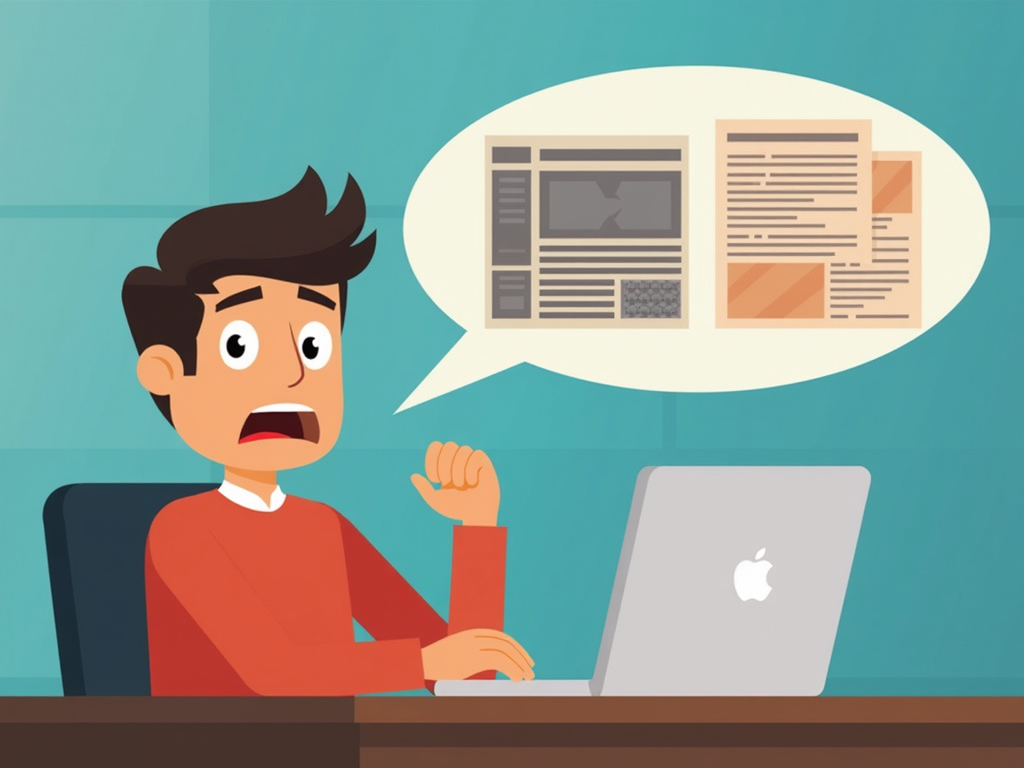
Failing to protect your personal data comes with big risks. Identity theft is one of the worst. Thieves can use your details to open accounts, buy things, or even break the law in your name. The result? You could lose money or see your credit score tank.
Another danger is financial fraud. Cybercriminals might access your bank or credit card accounts, draining your funds or racking up charges. These threats show why taking action matters.

You can protect yourself with a few smart moves. Here’s how:
-
Create strong, unique passwords. Make them at least 12 characters long with letters, numbers, and symbols. Skip obvious stuff like your name or 'password123.' I use a password manager to keep track of mine—it’s a game-changer.
-
Turn on two-factor authentication (2FA). This adds a second step, like a code texted to your phone, to log in. It’s extra work, but it stops hackers cold.
-
Watch what you share online. Don’t post sensitive info—like your address or Social Security number—unless you have to. I learned this the hard way after oversharing on social media once.
-
Use privacy-focused tools. A virtual private network (VPN) hides your online activity. Ad blockers stop tracking, too. I’ll dive deeper into these tools later.
-
Check your privacy settings. On social media, limit who sees your posts. I review mine monthly to stay safe.
Here’s a quick look at some online privacy tools:
| Tool | Features | Pricing | User Ratings |
|---|---|---|---|
| VPN | Encrypts connection, hides IP | Free or paid | 4.5/5 |
| Ad Blocker | Blocks ads and trackers | Free or paid | 4.2/5 |
| Privacy Browser | Built-in ad and tracker blocking | Free | 4.7/5 |
| Encrypted Messaging | End-to-end message protection | Free | 4.8/5 |
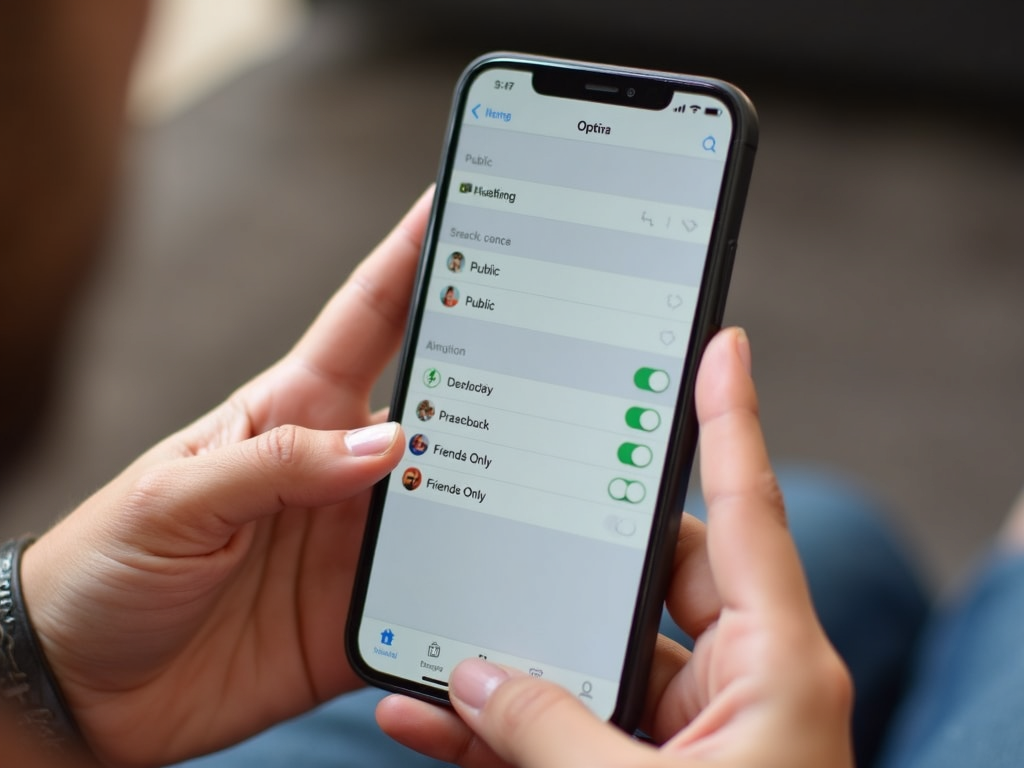
Another great option is Incogni, a tool that deletes your personal data from online databases. Data brokers collect info—like your name or email—from public records and sell it. Incogni fights back by sending removal requests for you.
How to set up Incogni to delete personal data: - Visit their website and sign up. - Enter basic details (name, email, location). - Let Incogni handle the rest—it contacts data brokers automatically.
I tried it last year. Seeing updates on which companies removed my data felt empowering.
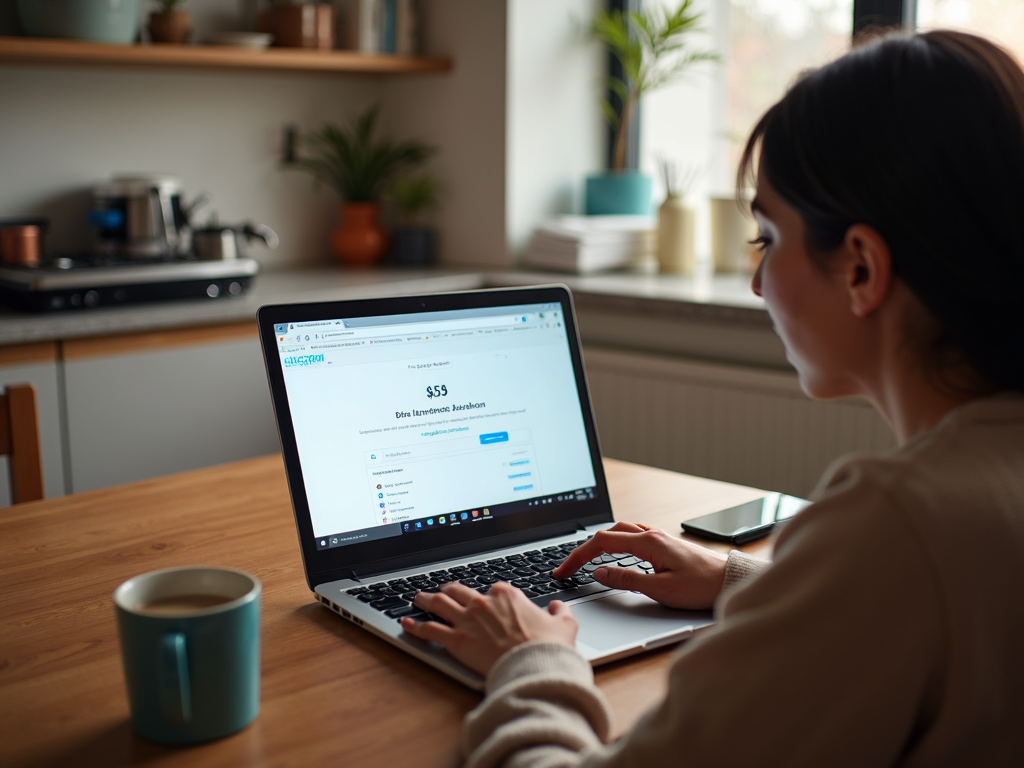
Online privacy tools are key to staying safe. Let’s break them down:
-
VPNs: They encrypt your internet connection and mask your location. I use one when I’m on public Wi-Fi—it’s a must. Look for providers with strong encryption and no data logging.
-
Ad Blockers: These stop websites from tracking you. I noticed fewer creepy ads after installing one.
-
Privacy-Focused Browsers: Brave and Firefox Focus block ads and trackers by default. Switching to Brave sped up my browsing, too.
-
Encrypted Messaging Apps: Signal and WhatsApp keep your chats private. I switched to Signal for family chats—it’s easy and secure.
I’ve had my share of wake-up calls. A few years back, a company I used got hacked. My email and password leaked. Luckily, I’d used a unique password, so the damage stopped there. Still, it shook me up. I started using strong passwords and 2FA everywhere.
Then there was the ad tracking. After shopping online for shoes, ads for them followed me everywhere. It hit me: my activity wasn’t private. That’s when I got serious about ad blockers and VPNs. Now, I feel more in control.

Protecting personal data in the digital age takes effort, but it’s worth it. Use strong passwords, enable 2FA, limit what you share, and lean on online privacy tools. These steps lock down your online privacy and cut your risks. Stay proactive—your data’s safety depends on it.