Social Media Privacy Tips for 2025: Simple Steps to Lock Down Your Online Privacy
Overview
In 2025, social media is a big part of our lives, but it comes with risks. From data breaches to targeted ads, your personal information is at stake. This guide shares practical social media privacy tips for 2025, including how to set up Incogni to delete personal data and other online privacy tools to keep you secure.
Why Social Media Privacy Matters in 2025
Social media platforms like Instagram, TikTok, and X are amazing for connecting with friends or building a brand. But they also collect a ton of data—your location, interests, even your face through recognition tech. I learned this the hard way when I noticed ads for things I’d only mentioned in private messages. It felt creepy, like someone was listening. A 2024 Pew Research study showed 81% of Americans think they have little control over data collected by companies. That’s why locking down your privacy is a must.
The risks aren’t just about ads. Hackers use social media to steal identities, and scammers create fake profiles to trick users. In 2025, AI-powered attacks, like deepfakes, make it easier for bad actors to misuse your info. Taking control of your online privacy isn’t just smart—it’s essential.
Simple Steps to Lock Down Your Online Privacy
You don’t need to be a tech expert to protect yourself. Here are practical steps I’ve used to secure my social media accounts. They’re easy to follow and make a big difference.
1. Strengthen Your Account Security
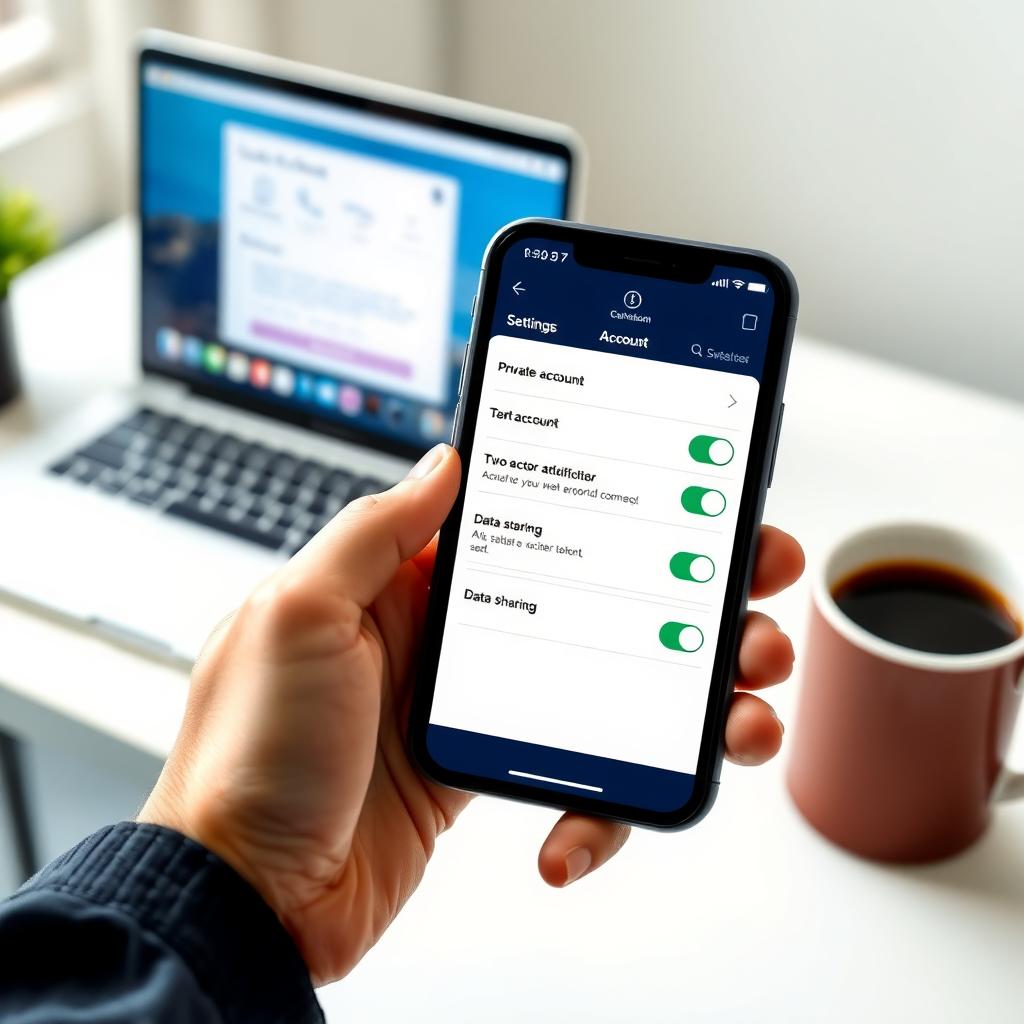
Start with the basics: strong passwords and multi-factor authentication (MFA). I used to reuse passwords (bad idea!), but now I use a password manager to create unique, complex ones for each platform. A good password should be at least 12 characters with letters, numbers, and symbols. MFA adds an extra layer, like a code sent to your phone. Most platforms, like Instagram and X, offer MFA in their security settings. Turn it on.
Quick Tip: Check your active sessions regularly. I once found a login from a city I’d never visited. Logging out of unknown devices saved me from a potential hack.
2. Adjust Privacy Settings on Each Platform
Every social media app has privacy settings, but they’re often buried. On TikTok, switch to a private account to control who sees your videos. On Instagram, use the ‘Close Friends’ feature for sensitive stories. X lets you limit who can see your posts or track your location. Spend 10 minutes exploring these settings—it’s worth it. For example, I turned off location tagging on my posts after realizing apps were tracking my daily routine.
3. Limit Data Sharing with Third-Party Apps
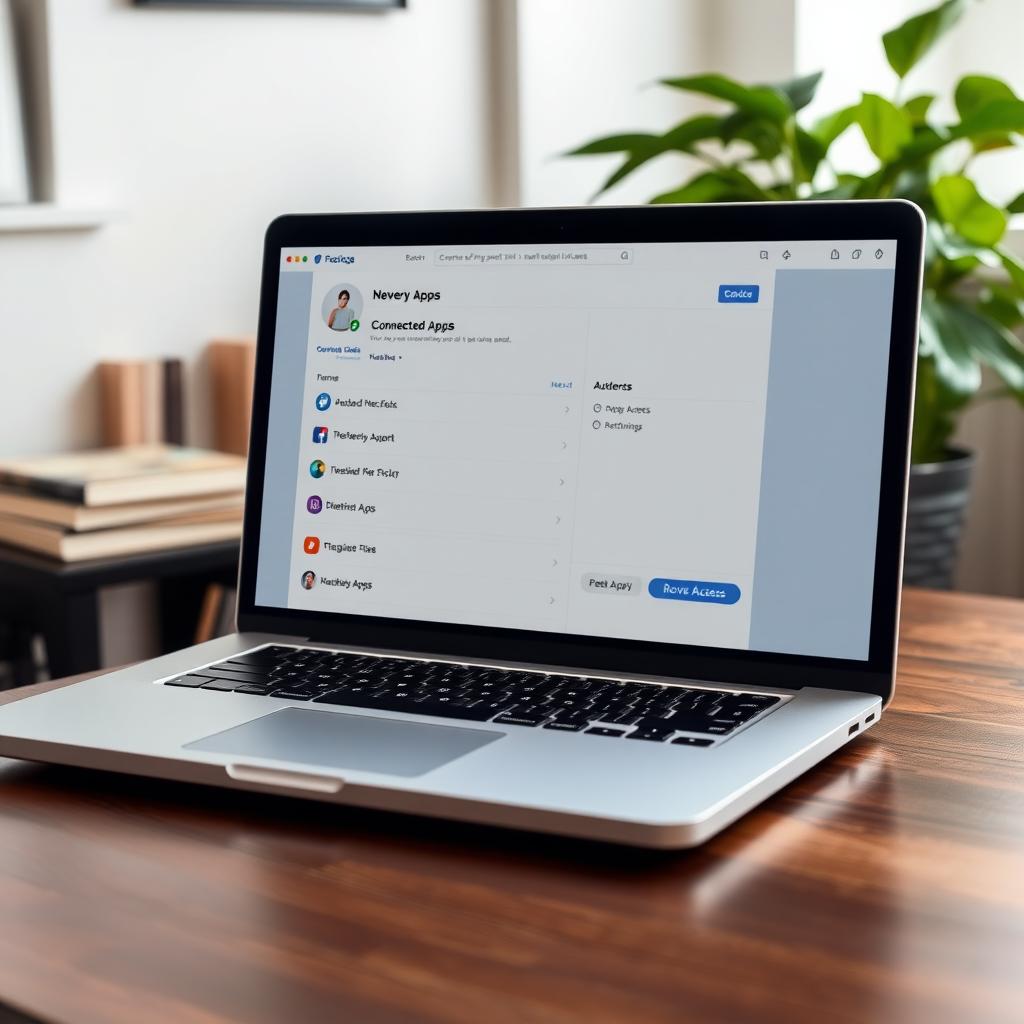
Many apps ask for access to your social media accounts. Games, quizzes, or editing tools might seem harmless, but they can harvest your data. A 2024 study from MIT found that 60% of third-party apps on major platforms collect more data than needed. Review connected apps in your settings and revoke access to anything suspicious. I cut off a photo-editing app that was pulling my contacts list—yikes.
How to Set Up Incogni to Delete Personal Data
One of the best online privacy tools I’ve found is Incogni. It’s a service that removes your personal info from data brokers—companies that sell your details to advertisers. Here’s how to set it up:
- Sign Up: Visit Incogni’s website and create an account. It’s straightforward, just needing your email and payment info.
- Provide Details: Enter basic info like your name, address, and phone number. Incogni uses this to find and remove your data from broker databases.
- Authorize Removal: Incogni sends requests to data brokers on your behalf. You’ll get updates on which companies remove your info.
- Monitor Progress: Check your dashboard for status reports. I was shocked to see my info on 30+ sites I’d never heard of!
Incogni isn’t free, but it’s a small price for peace of mind. After using it, I noticed fewer spam calls and targeted ads. If you’re serious about online privacy, it’s a game-changer.
Other Online Privacy Tools to Explore
Beyond Incogni, other tools can boost your social media privacy in 2025. I’ve tested a few that work well:
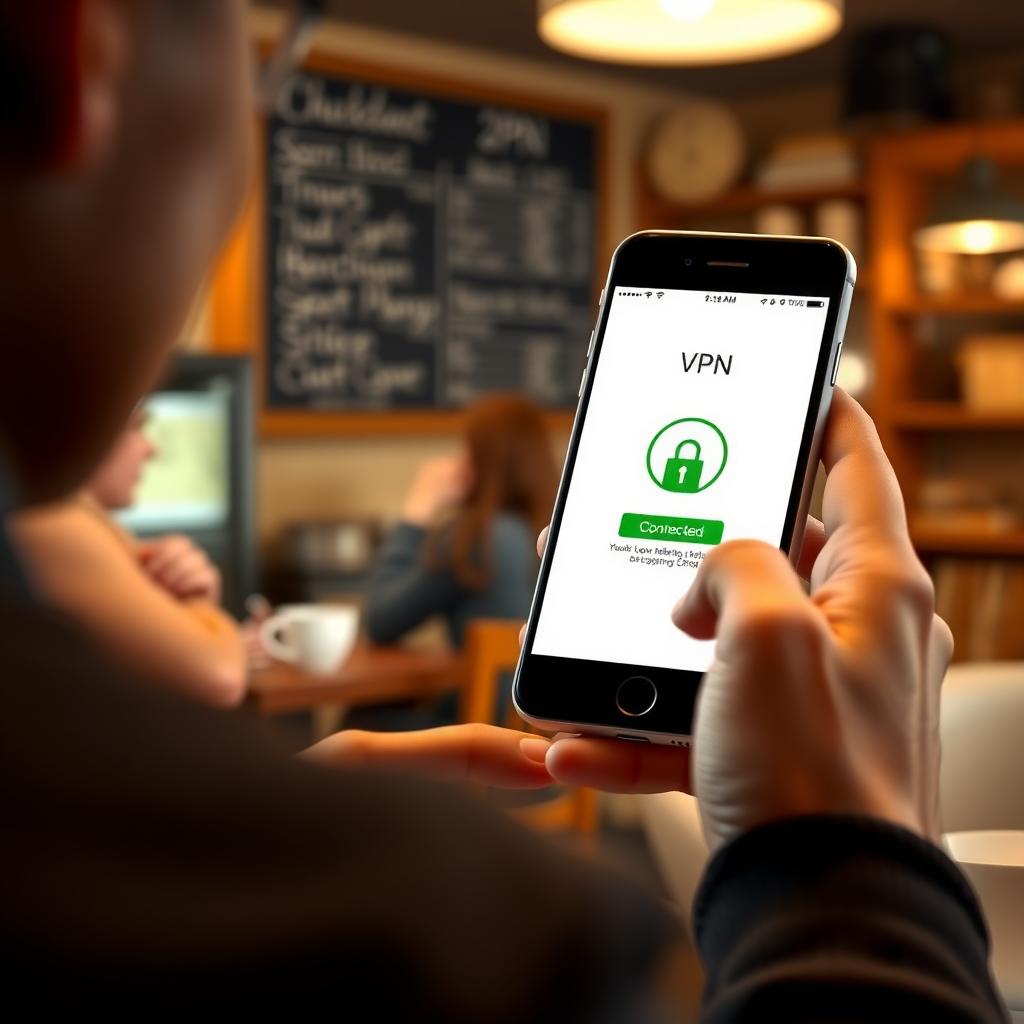
- NordVPN: Hides your IP address, making it harder for platforms to track your location. I use it when posting from public Wi-Fi.
- Privacy Badger: A browser extension that blocks trackers. It’s free and automatically stops creepy ads from following you.
- uBlock Origin: Another free extension that blocks ads and trackers. It’s lightweight and doesn’t slow down your browsing.
These tools aren’t perfect, but they add layers of protection. Pair them with good habits, like avoiding oversharing, and you’re in solid shape.
Additional Tips for Staying Safe
Here are a few more strategies I’ve picked up:
| Tip | Why It Helps |
|---|---|
| Avoid oversharing personal details | Posts about your birthday or address can be used by scammers. |
| Be wary of public Wi-Fi | Hackers can intercept data. Use a VPN or wait for a secure network. |
| Review tagged posts | Friends’ tags can expose your profile. Set approvals in settings. |
| Check privacy policies | Platforms update terms often. Skim for changes yearly. |
I once shared my vacation plans publicly and got a sketchy message from a fake account. Now, I double-check who can see my posts before sharing anything personal.
Staying Ahead of Privacy Threats in 2025
Social media evolves fast, and so do the threats. AI tools can now predict behavior or create convincing deepfakes. A 2025 report from the Electronic Frontier Foundation warns about AI-driven privacy invasions. Stay proactive by:
- Updating your settings monthly.
- Using tools like Incogni to clean up your digital footprint.
- Educating yourself on new scams, like AI-generated phishing messages.
I make it a habit to review my accounts every few weeks. It takes 15 minutes but saves headaches later.
Summary
Protecting your online privacy in 2025 doesn’t have to be hard. By using strong passwords, tweaking privacy settings, and leveraging tools like Incogni, NordVPN, and Privacy Badger, you can stay safe while enjoying social media. Start with one step today—maybe setting up MFA or checking your connected apps. Small changes add up to big protection.