Secure Your Inbox: The Best Email Encryption Tools for Private Communication
Overview
Email is a cornerstone of modern communication, but it’s not always secure. Standard email services like Gmail or Yahoo often lack robust privacy protections, leaving your messages vulnerable to hackers or third-party surveillance. Email encryption tools for secure communication offer a solution, scrambling your messages so only the intended recipient can read them. In this article, I’ll explore the best tools available, share practical tips to enhance your online privacy, and guide you through setting up Incogni to delete personal data from the web.
Why Email Encryption Matters
I’ve always valued privacy, but it wasn’t until a friend’s email account was hacked that I realized how exposed our inboxes can be. Hackers accessed sensitive personal details, leading to months of stress and identity theft concerns. That experience pushed me to explore email encryption tools for secure communication. Encryption transforms your emails into unreadable code for anyone without the proper decryption key, protecting sensitive information like financial details or personal conversations.
Beyond hackers, many email providers scan your messages for advertising purposes. This invasion of privacy motivated me to switch to encrypted services. Encryption isn’t just for tech experts—it’s a practical step anyone can take to safeguard their digital life.
Top Email Encryption Tools for Secure Communication
Here are some of the best email encryption tools I’ve tested, each offering unique features to keep your communications private:
1. Proton Mail
Proton Mail, based in Switzerland, is my go-to for user-friendly encryption. It uses end-to-end encryption, meaning even Proton Mail’s servers can’t read your emails. The free plan offers 1GB of storage and 150 emails per day, which suits casual users. Paid plans start at $4.99/month for 15GB and advanced features like custom domains.
- Pros: Easy setup, free tier, strong Swiss privacy laws.
- Cons: Limited storage on the free plan.
I found Proton Mail’s interface intuitive, similar to Gmail, which made the transition seamless. It also supports sending encrypted emails to non-Proton users via a secure link, which I’ve used to share sensitive documents securely.
2. SecureMyEmail
SecureMyEmail lets you encrypt emails without switching providers, which I appreciated since I didn’t want to abandon my Gmail account. It’s free for Gmail, Yahoo, and Microsoft accounts, with a paid plan at $3.99/month for additional features. The setup took me just five minutes, and I was sending encrypted emails right away.
- Pros: Works with existing email accounts, free tier.
- Cons: Limited features compared to dedicated encrypted email services.
3. Tuta Mail
Tuta Mail, based in Germany, offers zero-knowledge encryption, ensuring no one—not even Tuta—can access your inbox. The free plan includes 1GB of storage, while paid plans start at €12/year. I liked Tuta’s commitment to open-source code, which adds transparency.
- Pros: Affordable, open-source, strong encryption.
- Cons: Slightly outdated interface.
4. StartMail
StartMail, from the Netherlands, uses PGP encryption and offers 10GB of storage with unlimited aliases. Pricing starts at $6/month, with a 7-day free trial. I tested StartMail for a week and found it reliable for sending encrypted messages to non-users via a password-protected link.
- Pros: Unlimited aliases, audited security.
- Cons: No free tier.
These tools stand out for their ease of use and robust security, making them ideal for anyone looking to protect their inbox.
Simple Steps to Lock Down Your Online Privacy
Email encryption is just one piece of the privacy puzzle. To fully secure your digital life, consider these practical steps I’ve implemented myself:
- Use a Password Manager: I use a password manager like NordPass to generate and store strong, unique passwords for every account. This prevents hackers from exploiting weak passwords.
- Enable Two-Factor Authentication (2FA): Adding 2FA to my email and social media accounts has been a game-changer. It requires a second verification step, like a code from an authenticator app, making unauthorized access much harder.
- Switch to a Private Browser: I switched to Brave for browsing because it blocks trackers and ads by default, reducing data collection.
- Use a VPN: A VPN like Surfshark hides my IP address and encrypts my internet traffic, especially when using public Wi-Fi.
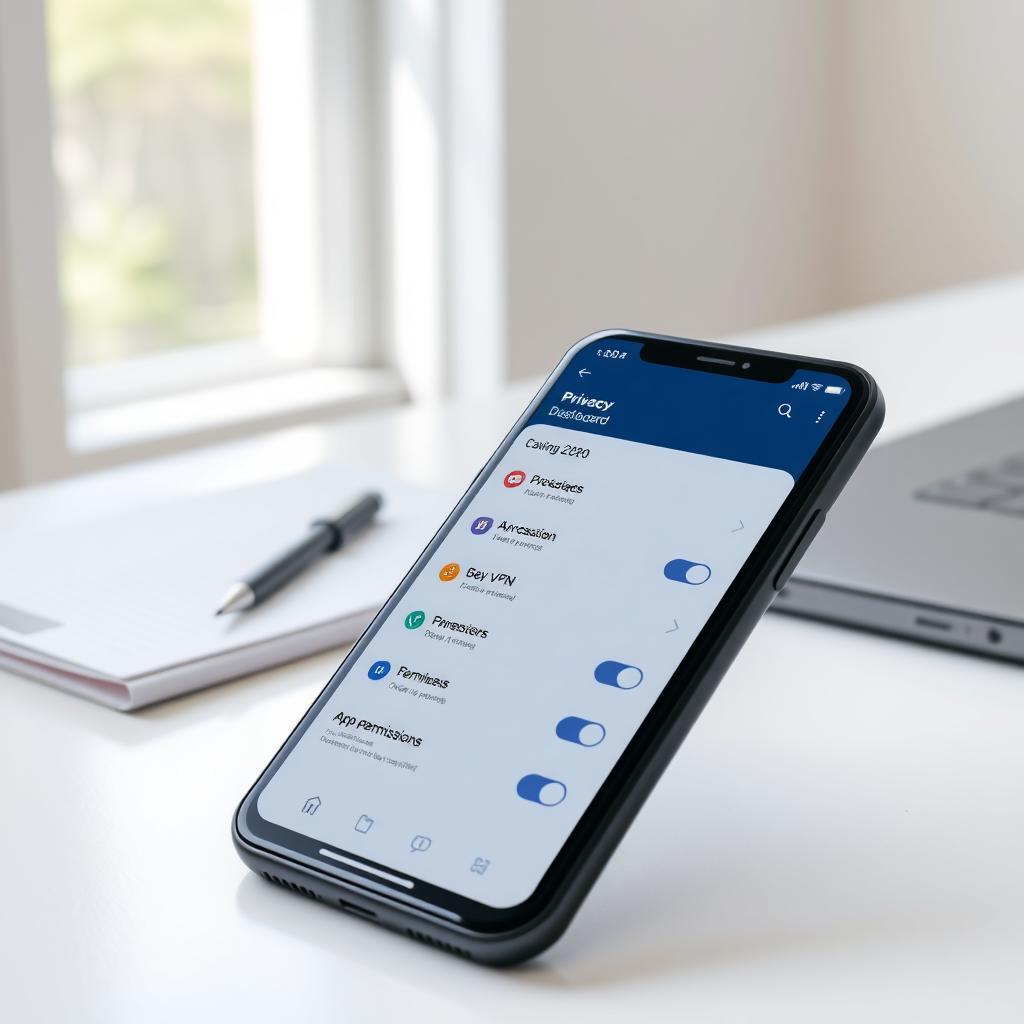
- Limit Data Sharing: I review app permissions and privacy settings on social media to minimize what I share. For example, I turned off location tracking on my phone.
These steps are straightforward and don’t require technical expertise. They’ve significantly reduced my exposure to data breaches and spam.
How to Set Up Incogni to Delete Personal Data
Data brokers collect and sell your personal information, often without your knowledge. I was shocked to learn how many sites had my name, address, and phone number. That’s where Incogni, a data removal service, comes in. Here’s how I set it up to reclaim my privacy:
- Sign Up: Visit Incogni’s website and create an account with your email and a password. It’s available for residents of the US, UK, Canada, EU, and Switzerland.
- Provide Details: Enter your full name, current address, and optionally up to three email addresses and phone numbers. This helps Incogni locate your data across brokers.
- Sign the Authorization Form: This gives Incogni legal permission to request data removal on your behalf. It’s a simple digital signature, and I found the process transparent.
- Monitor Progress: Incogni’s dashboard shows how many removal requests are sent, in progress, or completed. Within a week, I saw 100+ requests sent, with 80 completed.
- Ongoing Protection: Incogni re-scans regularly to ensure your data doesn’t reappear. I get monthly privacy reports to stay updated.
Incogni’s automation saved me hours of manual opt-out requests. It’s priced at $7.19/month for individuals or $14.39/month for families, with a 30-day money-back guarantee. The peace of mind is worth it, especially after seeing how much of my data was floating online.
Other Online Privacy Tools to Consider
Beyond email encryption and data removal, other online privacy tools can enhance your security:
| Tool | Purpose | Why I Like It |
|---|---|---|
| NordVPN | Encrypts internet traffic | Fast, reliable, and great for public Wi-Fi |
| Brave Browser | Blocks trackers and ads | Speeds up browsing and reduces data collection |
| Signal | Encrypted messaging | Perfect for private chats and calls |
| NordPass | Password management | Generates and stores complex passwords securely |
I’ve integrated these tools into my daily routine, and they work seamlessly together. For example, combining NordVPN with Proton Mail ensures both my browsing and emails are private. Signal has replaced WhatsApp for my sensitive conversations, offering end-to-end encryption for texts and calls.
Challenges and Considerations
While email encryption tools are powerful, they’re not perfect. Some services, like Proton Mail, have storage limits on free plans, which can be restrictive if you send large attachments. Setting up encryption with existing providers like Gmail can also feel clunky if you’re not tech-savvy. I struggled initially with SecureMyEmail’s setup until I followed their step-by-step guide.
Data removal services like Incogni don’t erase your entire digital footprint—public records or social media posts may remain. I learned to complement Incogni with manual opt-outs for specific sites like Whitepages, which Incogni’s guides made easy. Patience is key, as data removal can take weeks, but the reduction in spam calls and emails was noticeable within a month.
Summary
Securing your email and online presence doesn’t have to be daunting. Email encryption tools for secure communication, like Proton Mail and SecureMyEmail, offer accessible ways to protect your inbox. Combining these with simple steps to lock down your online privacy—such as using a VPN, enabling 2FA, and leveraging tools like Incogni—can significantly reduce your digital risks. By taking control of your data, you’ll gain peace of mind and a safer online experience.