The Importance of Two-Factor Authentication: Safeguarding Your Online Life
Overview
In today’s digital world, protecting your online accounts is more important than ever. Cyberattacks like phishing and data breaches are on the rise, putting your personal information at risk. Two-factor authentication (2FA) adds a vital layer of security, making it harder for hackers to access your accounts. This article dives into the importance of two-factor authentication, how it enhances online privacy, and why it’s a must for everyone.
Why Two-Factor Authentication Matters
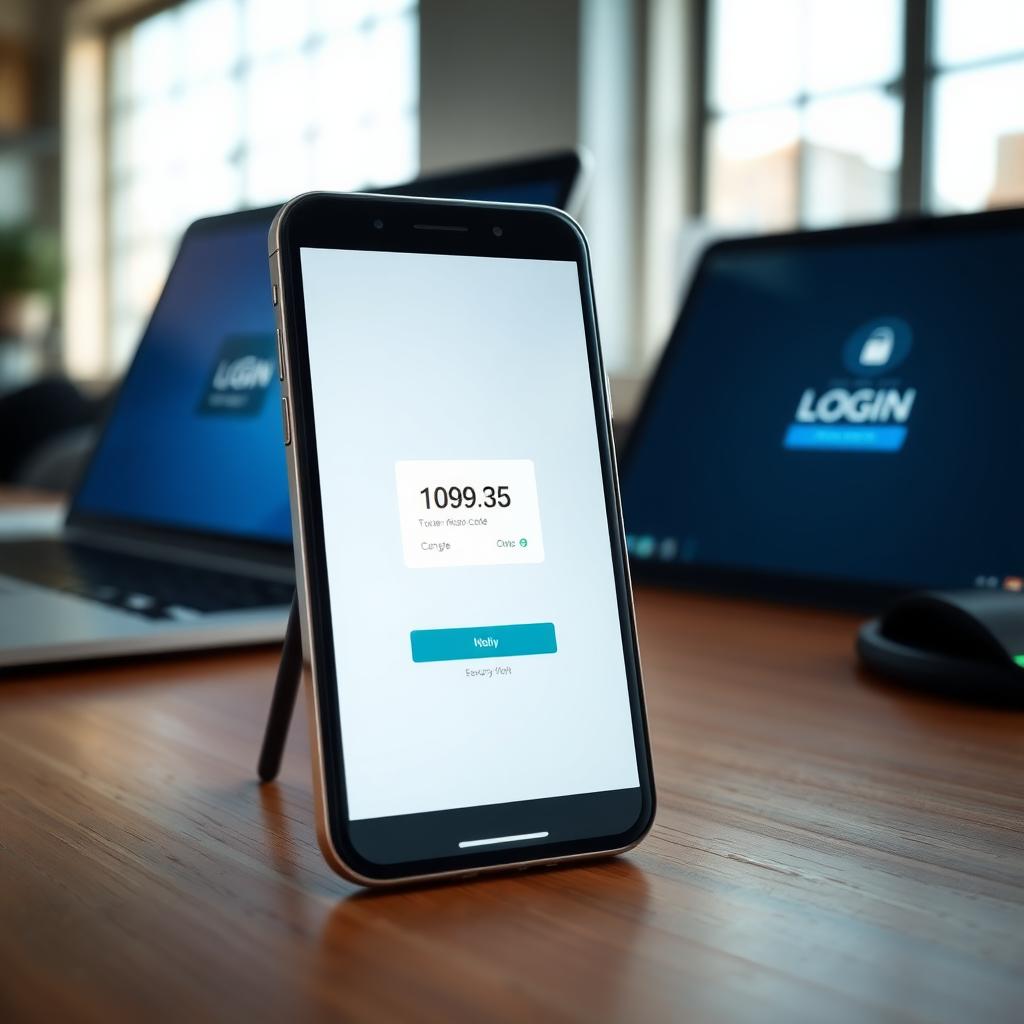
Imagine waking up to find your email or bank account compromised. It’s a nightmare I’ve seen friends face after falling for phishing scams or reusing weak passwords. Two-factor authentication (2FA) is like locking your front door and adding a deadbolt—it requires two forms of verification to access your account. Typically, this includes something you know (like a password) and something you have (like a code sent to your phone).
Without 2FA, a stolen password can give hackers full access to your accounts. According to a 2023 report from Verizon, 86% of data breaches involved stolen credentials. 2FA stops this by requiring a second step, like a one-time code, that hackers can’t easily obtain. It’s not foolproof, but it drastically reduces risk.
How 2FA Enhances Online Privacy
Online privacy is about controlling who has access to your data. Every time you log into an account, you’re trusting the platform to keep your information safe. But passwords alone aren’t enough. Hackers can guess weak passwords or steal them through phishing emails. 2FA adds a barrier, ensuring that even if someone gets your password, they can’t log in without your second factor.
For example, I started using 2FA on my email after a close call with a suspicious login attempt. My email provider sent me a code via SMS, which I entered to verify my identity. Without my phone, the hacker was locked out. This simple step protected my personal emails, linked accounts, and sensitive data. It’s one of the top privacy tools for secure browsing because it safeguards your digital identity across platforms.
Types of Two-Factor Authentication
Not all 2FA methods are the same. Here’s a quick breakdown of the most common types:
- SMS-Based 2FA: A code is sent to your phone via text message. It’s convenient but vulnerable to SIM-swapping attacks.
- Authenticator Apps: Apps like Google Authenticator or Authy generate time-sensitive codes. These are more secure than SMS since they don’t rely on your phone number.
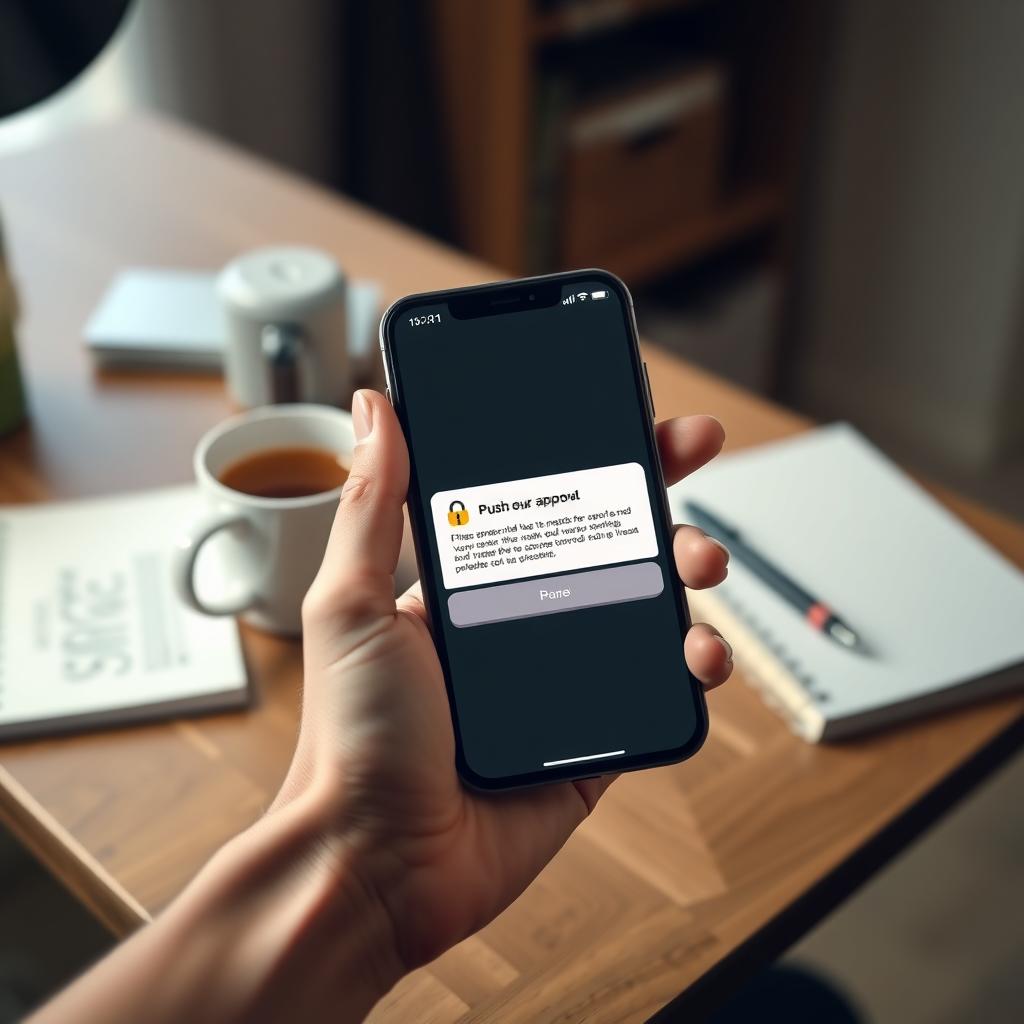
- Push Notifications: Services like Duo send a notification to your device for approval. It’s user-friendly but requires a trusted device.
- Hardware Tokens: Physical devices, like a YubiKey, provide a code or connect via USB. These are highly secure but less convenient.
- Biometrics: Fingerprint or facial recognition can act as a second factor. It’s fast but depends on device security.
Each method has trade-offs. I prefer authenticator apps for their balance of security and ease of use. They don’t rely on a phone carrier, and I can back up codes if I lose my device.
Real-World Impact of 2FA
The importance of two-factor authentication shines in real-world scenarios. In 2016, hackers targeted email accounts of political figures, exposing sensitive information. Many of these breaches could have been prevented with 2FA, as noted by the Electronic Frontier Foundation. Since then, companies like Google and Microsoft have made 2FA widely available, and adoption has grown.
For businesses, 2FA is critical. A Microsoft study found that accounts with 2FA are 99.9% less likely to be compromised. This is huge for industries like healthcare or finance, where data breaches can lead to massive fines or loss of trust. Even for individuals, enabling 2FA on social media, banking, and email accounts can prevent identity theft or financial loss.
Integrating 2FA with Other Online Privacy Tools
2FA is just one piece of the online privacy puzzle. Pairing it with other tools can create a robust defense against cyber threats. For example, using a privacy-focused browser alongside 2FA strengthens your security. Let’s compare two popular options: Firefox Focus vs DuckDuckGo: which mobile browser is more private?
| Feature | Firefox Focus | DuckDuckGo |
|---|---|---|
| Privacy Focus | Blocks trackers automatically | Blocks trackers, no data storage |
| Search Engine | Uses Google by default | Uses DuckDuckGo’s private engine |
| User Experience | Minimalist, deletes history on exit | Full browser with private search |
| 2FA Integration | Supports secure logins | Supports secure logins |
Firefox Focus is great for quick, private browsing sessions—it wipes your data when you close the app. DuckDuckGo offers a full browser experience with its own private search engine, making it ideal for users who want privacy without sacrificing functionality. I use DuckDuckGo for everyday browsing because it aligns with my need for a private search engine, but Firefox Focus is perfect for one-off tasks. Both work seamlessly with 2FA-enabled accounts, ensuring secure logins.
How to Set Up 2FA
Setting up 2FA is easier than you might think. Here’s a step-by-step guide based on my experience:
- Check Account Settings: Go to the security settings of your email, bank, or social media account. Look for “Two-Factor Authentication” or “Two-Step Verification.”
- Choose Your Method: Select SMS, an authenticator app, or push notifications. I recommend apps like Authy for reliability.
- Link Your Device: Follow prompts to connect your phone or hardware token. Scan a QR code for apps or enter your phone number for SMS.
- Save Backup Codes: Most services provide backup codes in case you lose access to your second factor. Store these securely.
- Test It: Log out and log back in to ensure 2FA works.
Pro tip: Enable 2FA on your primary email first, as it’s often the key to resetting other accounts. I learned this the hard way when a friend’s email was hacked, leading to a domino effect across their accounts.
Challenges and Solutions
2FA isn’t perfect. SMS-based 2FA can be vulnerable to SIM-swapping, where hackers trick your carrier into transferring your phone number. Authenticator apps or hardware tokens are safer options. Another challenge is convenience—some users find 2FA cumbersome. I get it; waiting for a code can feel like a hassle. But modern solutions like push notifications make it quick and painless.
For businesses, implementing 2FA across teams can be tricky. Employees might resist extra steps, but tools like Microsoft Authenticator simplify the process with seamless integration. The National Institute of Standards and Technology (NIST) emphasizes that 2FA’s benefits far outweigh its drawbacks, especially for sensitive data.
Top Privacy Tools for Secure Browsing
Beyond 2FA, other online privacy tools can boost your security:
- Password Managers: Tools like LastPass or 1Password generate and store strong passwords, reducing the risk of reuse.
- VPNs: A virtual private network encrypts your internet connection, hiding your activity from prying eyes.
- Privacy-Focused Browsers: As mentioned, Firefox Focus and DuckDuckGo block trackers and protect your browsing data.
I started using a password manager alongside 2FA, and it’s a game-changer. It creates unique passwords for every account, and 2FA ensures they’re locked tight. Combining these tools creates a layered defense, keeping your online life secure.
Summary
The importance of two-factor authentication can’t be overstated. It’s a simple, effective way to protect your accounts from cyberattacks, safeguarding your personal and financial information. By pairing 2FA with tools like privacy-focused browsers and password managers, you can take control of your online privacy. Start enabling 2FA on your most critical accounts today—it’s a small step with a big impact.