The Ultimate Guide to VPNs: Secure Your Online Life
Overview
In today’s digital world, staying safe online is more important than ever. A Virtual Private Network (VPN) is a powerful tool to protect your data, hide your identity, and access content securely. The Ultimate Guide to VPNs will walk you through what VPNs are, why they matter, and how to pick the best one for you.
What Is a VPN and Why Do You Need One?
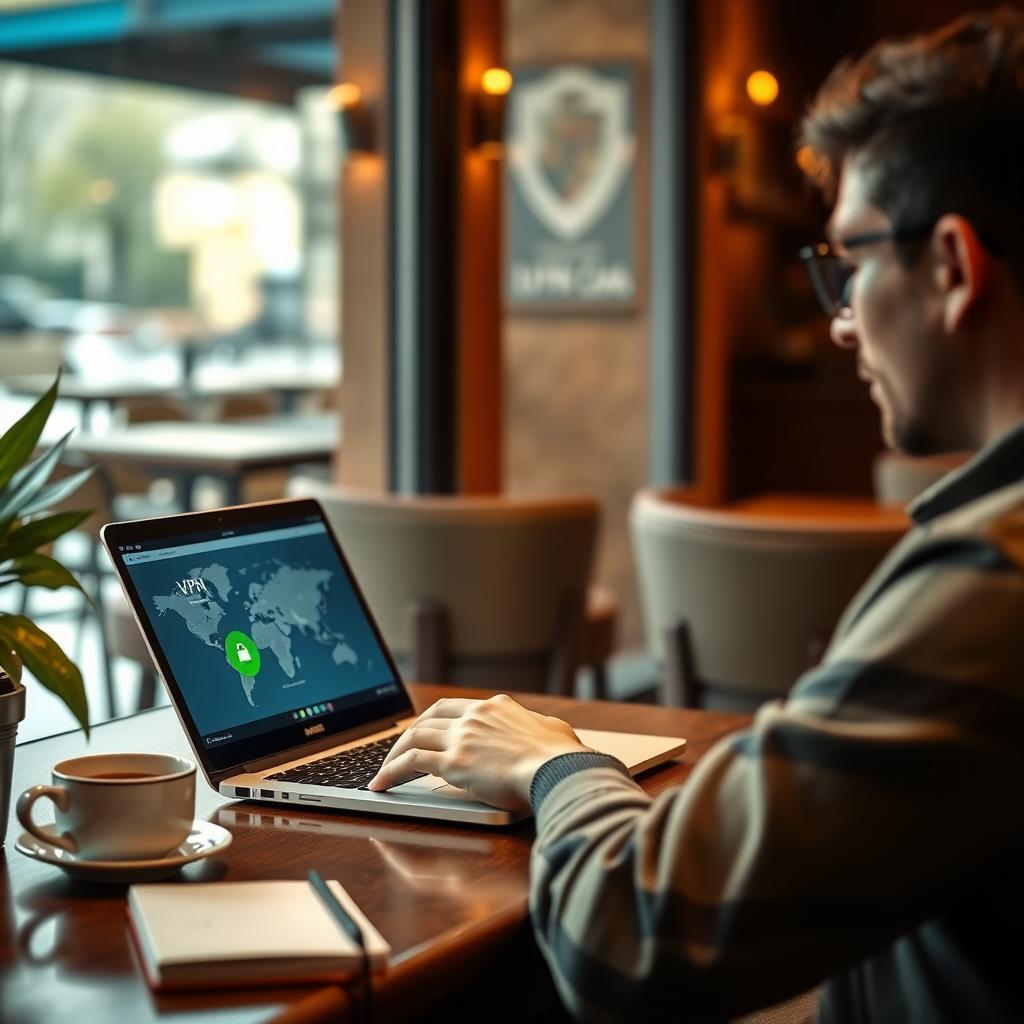
A VPN creates a secure, encrypted connection between your device and the internet. Think of it as a private tunnel that shields your online activities from prying eyes—whether it’s hackers, your internet provider, or even governments. I’ve used VPNs for years, especially when traveling or working from public Wi-Fi, and the peace of mind is unmatched.
VPNs are essential for:
- Privacy: They hide your IP address, making it harder for websites or trackers to pinpoint your location.
- Security: Encryption protects your data on unsecured networks, like coffee shop Wi-Fi.
- Access: Bypass geo-restrictions to stream shows or access websites blocked in your region.
For example, I once used a VPN to watch a show only available in the US while traveling in Europe. It worked like a charm!
How to Choose the Right VPN for Your Needs
Not all VPNs are created equal. With so many options, picking the right one can feel overwhelming. Here’s what I’ve learned from testing dozens of VPNs over the years:
Key Factors to Consider
| Factor | Why It Matters | What to Look For |
|---|---|---|
| Speed | Slow VPNs can ruin streaming or browsing. | Fast servers, unlimited bandwidth. |
| Security | Weak encryption leaves you vulnerable. | AES-256 encryption, no-logs policy. |
| Server Locations | More servers mean better access to global content. | 50+ countries, thousands of servers. |
| Ease of Use | You want a VPN that’s simple to set up. | User-friendly apps for all devices. |
| Price | Budget matters, but cheap VPNs may skimp on quality. | Affordable plans with a money-back guarantee. |
I always check for a no-logs policy, meaning the VPN doesn’t store your browsing history. Reputable providers like NordVPN and ExpressVPN have been audited to prove this.
Questions to Ask Yourself
- Do you need a VPN for streaming, gaming, or just browsing?
- Are you traveling to countries with heavy internet censorship?
- Do you want a VPN that works on multiple devices, like your phone and laptop?
For instance, if you’re a streamer, prioritize VPNs with dedicated servers for platforms like Netflix. I’ve found ExpressVPN great for this, as it consistently unblocks content without buffering.
The Importance of Two-Factor Authentication
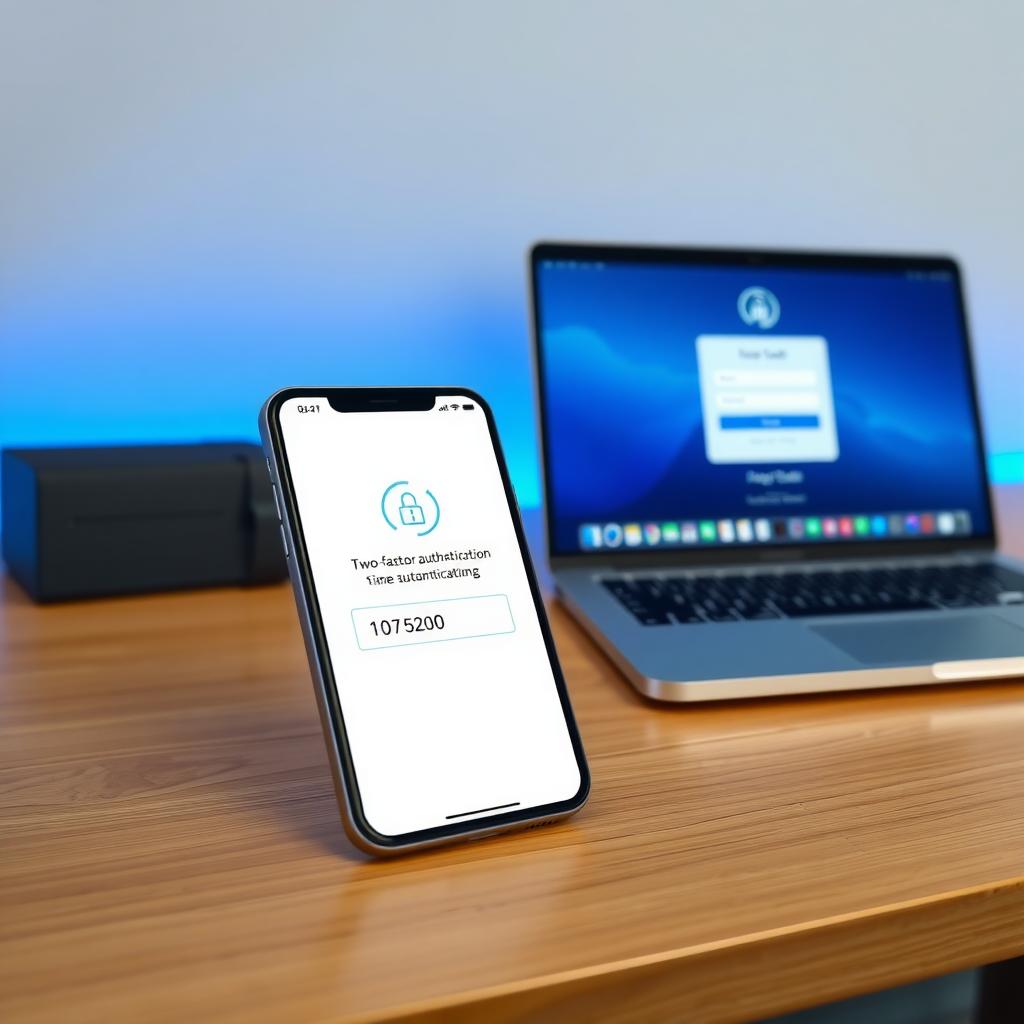
A VPN is only one piece of the security puzzle. The Importance of Two-Factor Authentication (2FA) can’t be overstated. 2FA adds an extra layer of protection by requiring a second form of verification—like a code sent to your phone—before logging into accounts. I started using 2FA after a friend’s email was hacked, and it’s saved me from potential breaches.
Most VPN providers now offer 2FA for their apps. For example, when I log into my VPN account, I enter my password and a code from an authenticator app like Google Authenticator. It’s a small step that makes a big difference.
Top Privacy Tools for Secure Browsing
Beyond VPNs and 2FA, other tools can boost your online privacy. Here are my go-to Top Privacy Tools for Secure Browsing:
- Password Managers: Tools like LastPass or 1Password create and store strong passwords. I’ve used LastPass for years, and it’s a lifesaver for remembering complex passwords.
- Ad Blockers: uBlock Origin stops trackers and annoying ads. It’s lightweight and works on most browsers.
- Encrypted Messaging: Apps like Signal keep your chats private with end-to-end encryption.
Combining these with a VPN creates a robust privacy setup. I’ve noticed fewer targeted ads and faster browsing since using these tools together.
Firefox Focus vs DuckDuckGo: Which Mobile Browser Is More Private?
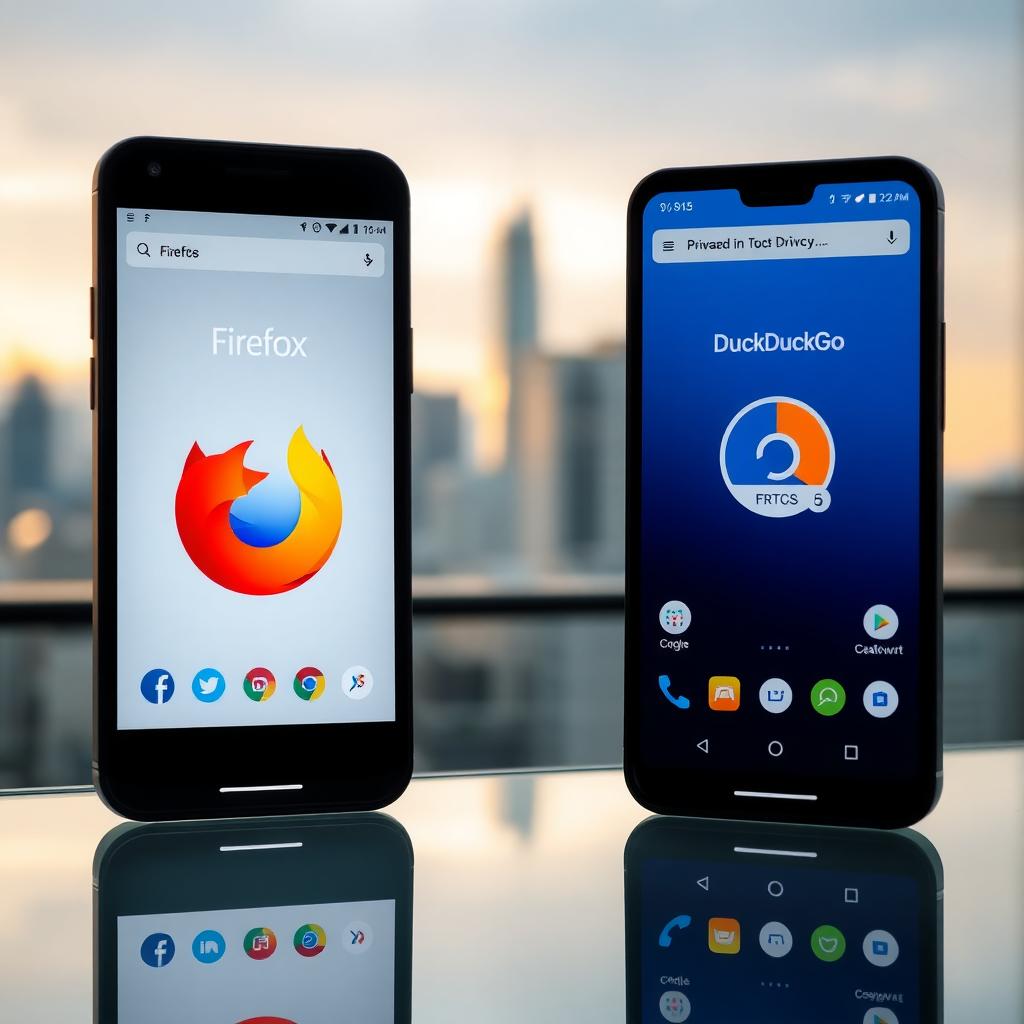
When it comes to private browsing on your phone, Firefox Focus vs DuckDuckGo is a common debate. Both are excellent, but they serve slightly different needs. I’ve used both extensively, so here’s a breakdown:
Firefox Focus
- Pros: Automatically blocks trackers, deletes browsing data after each session, and has a minimalist design.
- Cons: Lacks advanced features like bookmarks or tabbed browsing.
- Best For: Quick, private searches when you don’t need a full browser.
DuckDuckGo
- Pros: Built-in privacy-focused search engine, blocks trackers, and offers a privacy grade for websites.
- Cons: Slightly slower than Firefox Focus for basic browsing.
- Best For: Users who want a privacy-first browser with search integration.
I prefer Firefox Focus for one-off searches, like looking up a restaurant while traveling. DuckDuckGo is my go-to for daily browsing because of its search engine and website privacy insights. Try both to see which fits your habits!
Common VPN Mistakes to Avoid
Even with the best VPN, mistakes can undermine your security. Here’s what I’ve learned to avoid:
- Choosing Free VPNs: Many free VPNs sell your data or have weak security. I tried a free VPN once and noticed suspicious ads popping up—never again.
- Ignoring Updates: Always keep your VPN app updated for the latest security patches.
- Not Using a Kill Switch: A kill switch cuts your internet if the VPN drops, preventing data leaks. I enable this on all my devices.
Stick to trusted providers and double-check their settings to stay safe.
Summary
The Ultimate Guide to VPNs shows how these tools protect your online privacy and security. By choosing the right VPN, enabling two-factor authentication, and using privacy tools like Firefox Focus or DuckDuckGo, you can browse with confidence. Start small, test a few options, and build a secure digital routine that works for you.