The Importance of Two-Factor Authentication for Online Security
A Quick Overview
Imagine logging into your email only to find your bank account drained. Scary, right? That's why understanding the importance of two-factor authentication for online security can't be overstated. In this article, we'll break down what 2FA is, why it matters, and share simple steps to lock down your online privacy. Plus, we'll touch on handy online privacy tools like Incogni to keep your data safe. Let's dive in and make your digital life more secure—starting today.
What Exactly Is Two-Factor Authentication?
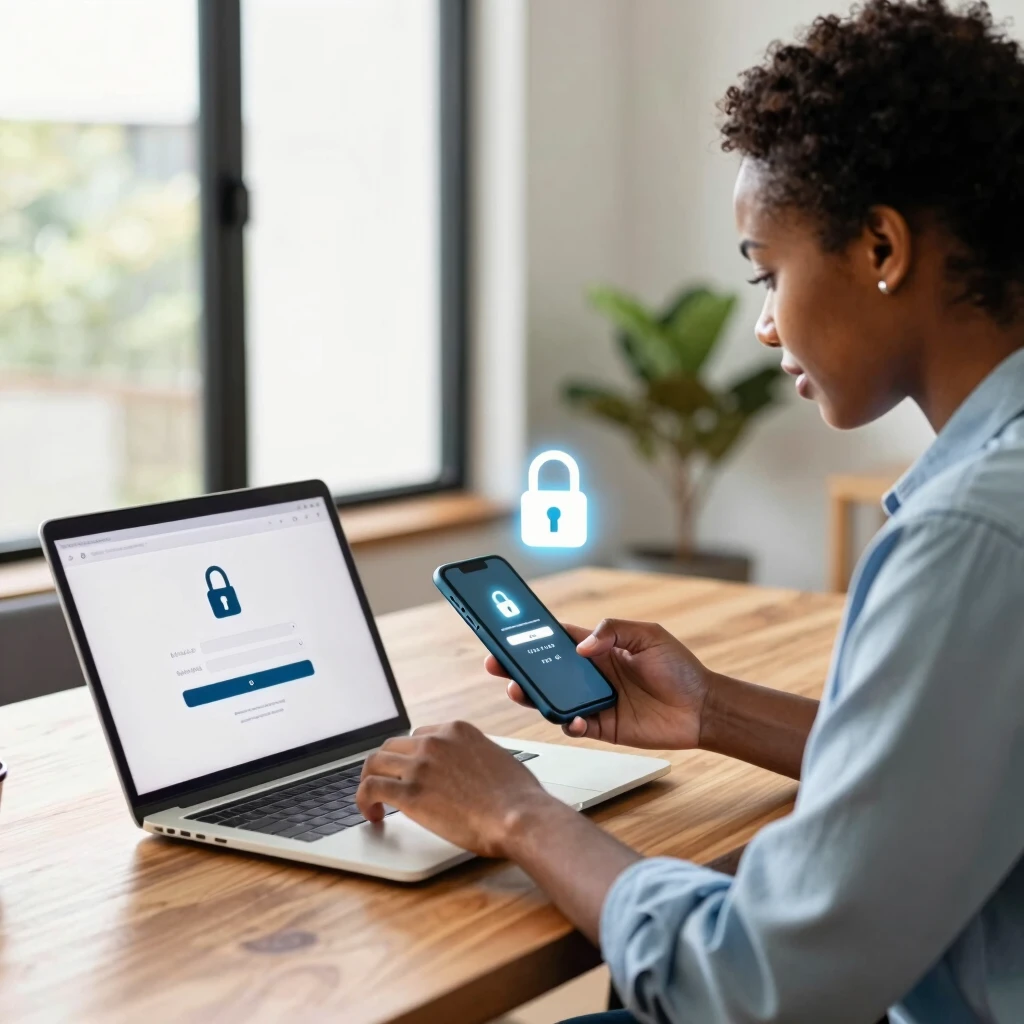
Two-factor authentication, or 2FA, adds an extra layer of security to your online accounts. You know how you usually just enter a password to log in? 2FA requires a second step to verify it's really you.
This second factor could be a code sent to your phone, a fingerprint scan, or an app-generated number. It's like having a double-locked door—hackers need both keys to get in.
I remember the first time I set it up. It felt like overkill, but after hearing stories from friends who got hacked, I realized it's a small hassle for big peace of mind.
Why 2FA Is Your Best Defense in 2025
Cyber threats evolve fast. Passwords alone? They're like leaving your front door unlocked. According to recent stats, over 99.9% of compromised accounts lacked multi-factor authentication (MFA), which includes 2FA. That's a huge red flag.
The MFA market is booming, projected to hit $17.76 billion by year's end, driven by rising attacks. Phishing scams, where fraudsters trick you into revealing credentials, spiked in 2025. Without 2FA, one weak password can unravel everything.
Take the Snowflake breach earlier this year. Attackers targeted customers without MFA, leading to massive data leaks at companies like Ticketmaster. Imagine your personal info—Social Security number, addresses—floating out there for identity thieves.
2FA slashes these risks. Studies show it blocks 99% of automated attacks. It's not perfect, but it's a game-changer for everyday users like us.
Real-Life Wake-Up Call: My Brush with a Breach
Let me share a personal story. Last year, I reused a password across sites—classic mistake. One day, I couldn't log into my shopping account. Turns out, hackers had my credentials from a data dump. Luckily, that account had 2FA enabled via text. The code request stopped them cold.
Without it? They could've charged thousands to my linked card. That scare pushed me to enable 2FA everywhere. Now, I sleep better knowing my accounts are fortified.
You're not alone if this sounds familiar. Breaches like Equifax (affecting 147 million people) and Target (110 million) could've been mitigated with widespread 2FA adoption. These aren't just headlines; they hit real families.

How to Lock Down Your Online Presence with 2FA
Ready to act? Setting up 2FA is easier than you think. Here's a step-by-step guide to get started:
-
Check Your Accounts: Start with high-risk ones like email (Gmail, Outlook), banking, and social media (Facebook, Twitter).
-
Enable It: Log in, go to settings > security > two-factor authentication. Toggle it on.
-
Choose Your Method: Opt for an authenticator app like Google Authenticator or Authy over SMS—apps are harder to intercept.
-
Backup Codes: Save those one-time codes in a safe spot, like a password manager.
-
Test It: Log out and back in to confirm it works.
Pro tip: Use hardware keys like YubiKey for ultimate security if you're tech-savvy.
In my experience, this takes under 10 minutes per account but saves hours of headache later.
| Platform | Setup Location | Best Method |
|---|---|---|
| Gmail | Settings > Security | Authenticator App |
| Apple ID | Settings > Password & Security | SMS or App |
| Bank of America | Profile > Security Center | SMS |
| Settings > Security | App | |
| Microsoft | Account > Security | App or Hardware |
Beyond 2FA: Simple Steps to Lock Down Your Online Privacy
2FA is powerful, but it's part of a bigger toolkit. To truly how to lock down your online presence, combine it with these simple steps to lock down your online privacy:
-
Use Strong, Unique Passwords: No more 'password123'. A password manager like LastPass generates and stores them securely.
-
Update Software Regularly: Patches fix vulnerabilities hackers exploit.
-
Browse Privately: Enable incognito mode and use a VPN like ExpressVPN to mask your IP.
-
Limit Sharing: Think twice before posting personal details. Adjust privacy settings on social apps.
These habits turned my online life from chaotic to controlled. Start small—one change a week—and build from there.
Spotlight on Online Privacy Tools
Don't stop at basics. Online privacy tools like VPNs, ad blockers, and data removal services amplify your defenses.
From my toolkit: - NordVPN: Hides your activity from ISPs. - uBlock Origin: Blocks trackers on websites. - DeleteMe or Optery: Scans and removes your data from broker sites.
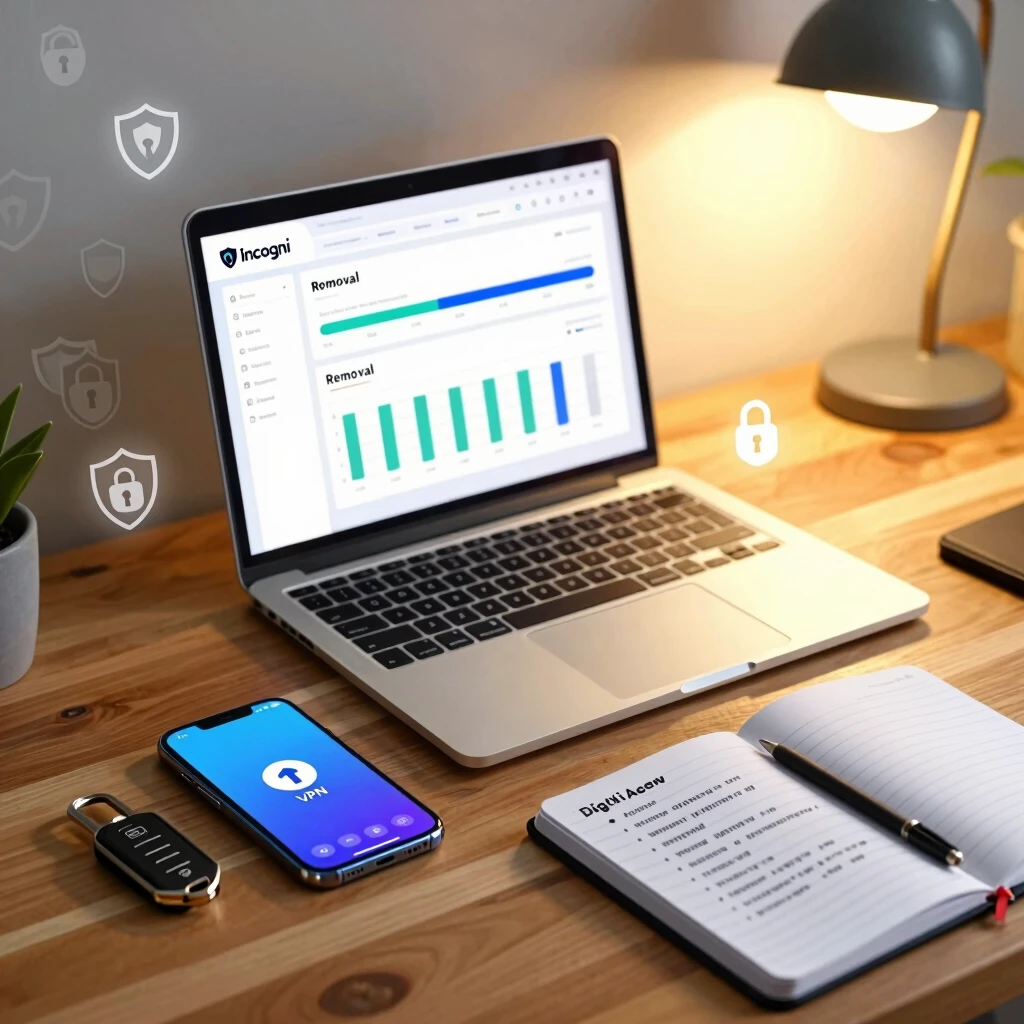
One standout is Incogni, which automates data deletion requests. It's a lifesaver for reclaiming control over your info scattered across the web.
How to Set Up Incogni to Delete Personal Data
Curious about how to set up Incogni to delete personal data? It's straightforward and effective. Incogni scans hundreds of data brokers and sends removal requests on your behalf.
Here's how:
-
Sign Up: Head to incogni.com and create an account with your email.
-
Build Your Profile: Enter your full name, address, and phone—details brokers use to profile you.
-
Authorize Actions: Sign a simple form giving Incogni permission to act for you.
-
Let It Run: They handle the rest, sending automated requests and following up.
-
Monitor Progress: Check your dashboard for updates—removals start within weeks.
I set mine up last month, and already, 50+ sites have scrubbed my data. It's like hitting 'delete' on your digital footprint. Pricing starts low, with a money-back guarantee.
Pair it with 2FA for a one-two punch against privacy invasions.
Common Hurdles and How to Jump Them
2FA isn't flawless. Forgot your phone? Lost your authenticator? It happens.
Solutions: - Recovery Options: Always set up backup methods during setup. - App Sync: Use apps that backup to your cloud securely (with 2FA, of course). - Educate Family: If shared accounts, teach everyone the ropes.
Phishing can still trick you into approving logins—stay vigilant. Verify requests match your activity.
From trial and error, I've learned: Test setups monthly. It keeps things smooth.
Wrapping It Up: Secure Today, Stress-Free Tomorrow
We've covered the importance of two-factor authentication for online security—from basics to advanced tips. Remember, small actions like enabling 2FA and using tools like Incogni build a fortress around your digital self.
Start with one account today. Your future self will thank you. In a world where breaches lurk around every click, proactive steps ensure you stay one ahead.
Stay safe out there.