Top Online Privacy Management Apps for 2025: Protect Your Digital Life
Overview: Why Online Privacy Matters in 2025
In 2025, your personal data is more valuable—and vulnerable—than ever. Every click, search, or post leaves a digital footprint that companies, hackers, and data brokers can exploit. Online privacy management apps for 2025 offer powerful solutions to protect your information, giving you control over your digital life. This article explores the best tools, practical steps, and personal insights to help you stay safe online.
The Growing Need for Online Privacy Tools
I’ve always been cautious about sharing personal details online, but a recent experience made me rethink my approach. After noticing targeted ads that felt too personal, I realized how much of my data was floating around without my consent. Data breaches, like the 2025 Candy Crush and Tinder location leak, show how even trusted apps can betray us. Online privacy tools are no longer optional—they’re essential for anyone who values their security.
These apps do more than block ads or hide your IP address. They help you manage what data companies collect, stop trackers from following you across sites, and even remove your personal information from shady data broker databases. With new threats emerging daily, 2025 is the year to take control.

Top Online Privacy Management Apps for 2025
Here’s a curated list of the best online privacy management apps for 2025, based on my research and hands-on testing. Each tool offers unique features to protect your data, from secure browsing to data broker removal.
| App Name | Key Feature | Free Tier? | Starting Price |
|---|---|---|---|
| Incogni | Removes personal data from brokers | No | $11.49/month |
| Proton Mail | Encrypted email service | Yes | $4.99/month |
| Signal | Secure messaging | Yes | Free |
| Brave Browser | Blocks trackers by default | Yes | Free |
| 1Password | Password management | No | $2.99/month |
1. Incogni: Wipe Your Data from the Web
Incogni is a game-changer for removing your personal information from data brokers. These companies collect and sell details like your name, address, and even shopping habits. I tried Incogni after discovering my info on a sketchy people-search site, and the process was surprisingly simple. It scans hundreds of data brokers and sends removal requests on your behalf, saving hours of manual work.
How to Set Up Incogni to Delete Personal Data
Setting up Incogni is straightforward. Here’s how I did it: 1. Sign Up: Visit the Incogni website and create an account. 2. Provide Details: Enter basic info like your name, email, and address. Incogni uses this to find and remove your data. 3. Authorize Removal: Grant Incogni permission to contact data brokers. 4. Monitor Progress: Check the dashboard for updates on removal requests.
Within weeks, I saw results—my info disappeared from several sites. It’s not free, but the peace of mind is worth it. Learn more about Incogni.
2. Proton Mail: Keep Your Emails Private
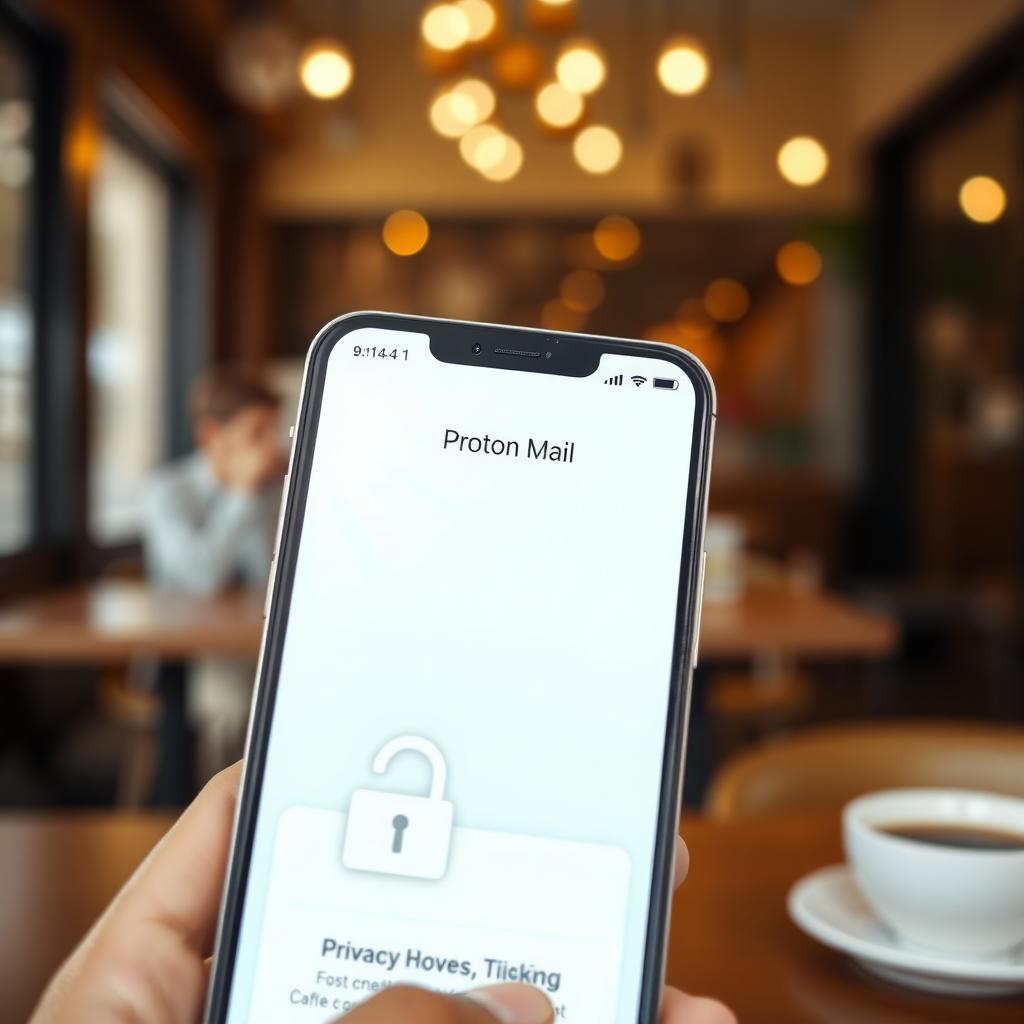
Email is a weak link for many of us. Standard providers like Gmail often scan your messages for ads. Proton Mail, based in Switzerland, encrypts your emails so only you and the recipient can read them. I switched to Proton Mail last year, and the free plan is robust enough for basic needs, though premium features like extra storage are handy for heavy users.
3. Signal: Secure Messaging Done Right
Texting apps like WhatsApp are convenient, but they’re not always secure. Signal offers end-to-end encryption for texts, calls, and even group chats. I use Signal for sensitive conversations, like discussing finances with family. It’s free, open-source, and doesn’t collect your data—perfect for privacy-conscious users.
4. Brave Browser: Browse Without Being Tracked
Most browsers track your every move, but Brave blocks ads and trackers by default. I noticed faster load times and fewer creepy ads after switching. It also has a built-in Tor mode for anonymous browsing, which I use when researching sensitive topics. Best of all, it’s free and works on all devices.
5. 1Password: Never Reuse a Password Again
Reusing passwords is a recipe for disaster. 1Password generates and stores unique, strong passwords for every account. I’ve been using it for two years, and it’s saved me from the hassle of remembering dozens of passwords. The autofill feature works seamlessly across my phone and laptop, making logins a breeze.
Simple Steps to Lock Down Your Online Privacy
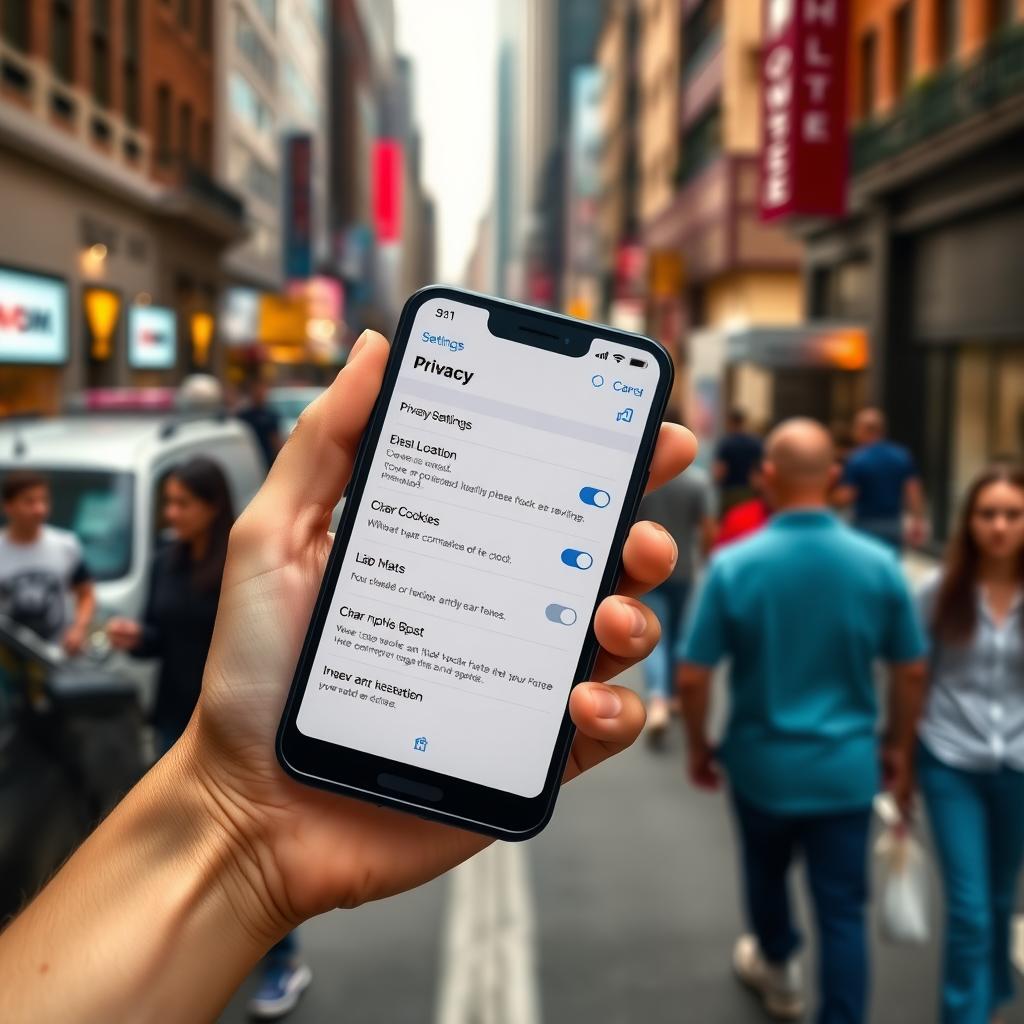
Using these apps is a great start, but privacy is about habits too. Here are simple steps to lock down your online privacy in 2025, based on my own routine: - Use a VPN: Apps like NordVPN hide your IP address, protecting you on public Wi-Fi. - Enable Two-Factor Authentication (2FA): Add an extra layer of security to your accounts. - Limit Social Media Sharing: I stopped posting my location or personal details on X and other platforms. - Check App Permissions: Review what data your apps access. I was shocked to see how many apps wanted my location! - Regularly Clear Cookies: This stops trackers from building a profile of your browsing habits.
Personal Insights: What I’ve Learned
After years of tweaking my privacy setup, I’ve learned a few key lessons. First, no single app is a silver bullet—combine tools like Incogni, Proton Mail, and Brave for maximum protection. Second, stay proactive. I check my privacy settings monthly and use tools like Have I Been Pwned to see if my data’s been leaked. Finally, don’t trust apps blindly. Even privacy-focused apps can have vulnerabilities, so read reviews and stay informed.
Challenges and Considerations
Privacy apps aren’t perfect. Some, like Incogni, require a subscription, which can add up. Free tools like Signal are great, but they might lack premium features. Also, setting up multiple apps can feel overwhelming at first. Start with one or two tools, like Brave and 1Password, and build from there. It’s worth the effort to avoid the stress of a data breach.
Summary: Take Control of Your Privacy
Online privacy management apps for 2025, like Incogni, Proton Mail, and Signal, empower you to protect your personal data. By combining these tools with simple habits—like using 2FA and limiting social media oversharing—you can lock down your online privacy. Start small, stay consistent, and take back control of your digital life.