How to Use DuckDuckGo for Better Privacy: A Comprehensive Guide
Overview
In a world where every click can be tracked, protecting your online privacy is more important than ever. DuckDuckGo, a privacy-focused search engine, offers a powerful way to browse without leaving a digital footprint. This guide on How to Use DuckDuckGo for Better Privacy dives into its features, practical tips, and the broader landscape of online privacy laws to help you stay secure.
Why Choose DuckDuckGo for Privacy?
I’ve always been uneasy about how much data big tech companies collect. A few years ago, I switched to DuckDuckGo after noticing how targeted ads followed me across websites. Unlike traditional search engines, DuckDuckGo doesn’t track your searches or build a profile on you. It’s a simple yet effective tool for anyone looking to reclaim their privacy.
DuckDuckGo’s core promise is straightforward: no tracking, no targeted ads, and no data sharing. It blocks trackers by default and provides a clean, ad-light experience. But it’s more than just a search engine—it’s a mindset shift toward valuing your digital footprint.
Getting Started with DuckDuckGo
Using DuckDuckGo is as easy as visiting duckduckgo.com and typing your query. You don’t need an account, and there’s no setup required. Here’s how to make the most of it:
- Switch Your Default Search Engine: On your browser, go to settings and set DuckDuckGo as your default. For example, in Chrome, navigate to Settings > Search Engine > Manage Search Engines, and select DuckDuckGo.
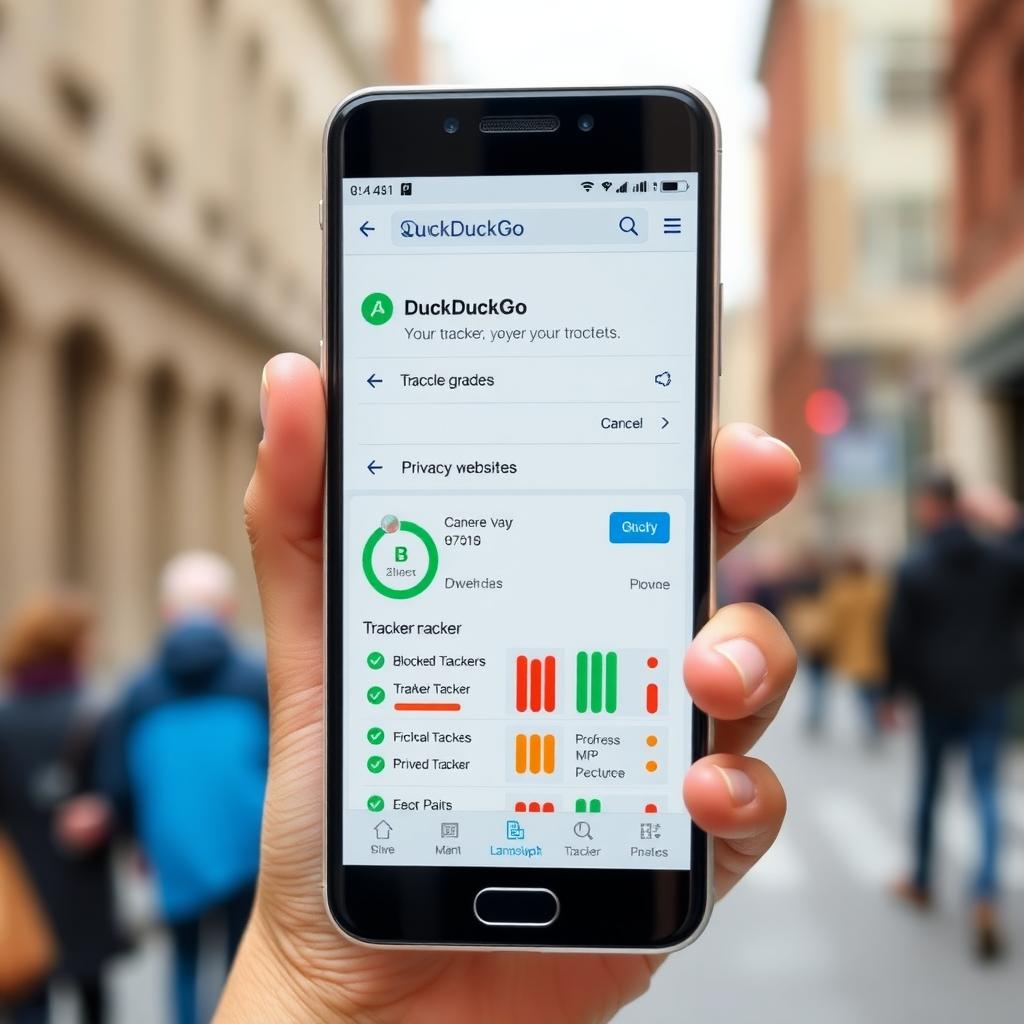
- Use the Mobile App: DuckDuckGo’s app for iOS and Android offers a seamless experience. I love how it lets me clear all tabs and data with one tap—perfect for quick privacy resets.
- Enable Global Privacy Control (GPC): DuckDuckGo supports GPC, a signal that tells websites not to sell or share your data. It’s like a digital “Do Not Track” sign.
These steps take less than five minutes but can significantly reduce your online exposure.
Exploring DuckDuckGo’s Features
DuckDuckGo goes beyond basic searches. Here are some features that make it stand out:
| Feature | What It Does | Why It Matters |
|---|---|---|
| Tracker Blocking | Automatically stops trackers from following you. | Prevents companies from building a profile of your behavior. |
| Privacy Grade | Rates websites from A to F based on their privacy practices. | Helps you choose safer sites to visit. |
| !Bang Commands | Use shortcuts like !w for Wikipedia to search directly on other sites. | Saves time while keeping searches private. |
| Anonymous Answers | Pulls instant answers without storing your query. | Get quick facts without leaving a trace. |
I’ve found the Privacy Grade feature especially eye-opening. It’s shocking how many popular sites score a D or F until DuckDuckGo’s protection kicks in.
DuckDuckGo: Beyond the Search Engine
DuckDuckGo isn’t just about searches—it’s a suite of privacy tools. Their browser (available for desktop and mobile) blocks trackers, forces HTTPS connections, and clears cookies automatically. I started using the DuckDuckGo browser last year, and it’s refreshing to surf without pop-up ads or creepy retargeting.
They also offer Email Protection, which strips trackers from emails and provides disposable aliases. For example, instead of giving your real email to a shopping site, you can use a DuckDuckGo alias that forwards messages without revealing your identity. It’s a small step that feels like a big win for privacy.
Understanding Online Privacy Laws
To fully appreciate DuckDuckGo’s value, it helps to understand the legal landscape. Understanding Online Privacy Laws is key to knowing your rights. Laws like the GDPR in Europe and the CCPA in California force companies to disclose data collection practices and give users control. For instance, GDPR requires websites to get your consent before tracking, which DuckDuckGo’s GPC signal reinforces.
However, privacy laws vary widely. In the U.S., there’s no comprehensive federal law, leaving gaps that companies exploit. I’ve learned to check a site’s privacy policy (DuckDuckGo’s Privacy Grade helps here) to see if they comply with laws like CCPA. For more details, check out resources like the Electronic Frontier Foundation for a beginner’s guide to privacy laws.
The Future of Online Privacy Laws
Looking ahead, The Future of Online Privacy Laws is promising but uncertain. Governments are waking up to privacy concerns, with proposals for stricter regulations. For example, the EU is exploring updates to GDPR to cover AI-driven data collection, while U.S. states like Virginia and Colorado have passed their own privacy laws. But enforcement lags, and global coordination is tricky.
Tools like DuckDuckGo are a proactive way to stay ahead. By using its features, you’re not just waiting for laws to catch up—you’re taking control now. I’ve found peace of mind knowing my searches aren’t feeding some algorithm, even as laws evolve.
Practical Tips for Maximizing Privacy with DuckDuckGo
Here are actionable steps to boost your privacy:
- Combine with a VPN: DuckDuckGo hides your searches, but a VPN masks your IP address. I use both for extra protection.
- Clear Cookies Regularly: Use DuckDuckGo’s “Fire Button” to wipe browsing data instantly.
- Explore !Bang Commands: Try !yt for YouTube or !a for Amazon to search directly without tracking.
- Use Email Protection: Sign up for DuckDuckGo’s email service to shield your inbox.
- Check Privacy Grades: Avoid sites with low scores unless necessary, and let DuckDuckGo improve them.
These habits have made my online life feel lighter and less intrusive.

Common Misconceptions About DuckDuckGo
Some people think DuckDuckGo’s results aren’t as good as Google’s. I used to worry about this, but after a year of use, I’ve found its results are just as relevant for most searches. Another myth is that it’s only for tech nerds. Not true—its interface is user-friendly, and anyone can switch without a learning curve.
If you’re skeptical, try it for a week. You’ll notice fewer ads chasing you, and that alone might convince you to stick with it.
Summary
DuckDuckGo is a powerful ally in the fight for online privacy. By using its search engine, browser, and tools like Email Protection, you can reduce your digital footprint significantly. Pair it with an understanding of Online Privacy Laws and practical habits like VPNs and cookie clearing, and you’re well on your way to a safer online experience. As privacy laws evolve, tools like DuckDuckGo empower you to stay ahead of the curve.