Online Privacy for Parents: Tips for Protecting Children in the Digital Age
Overview
As a parent, keeping your kids safe online is a top priority. The internet is a powerful tool for learning and fun, but it comes with risks like data breaches, cyberbullying, and exposure to inappropriate content. This guide, Online Privacy for Parents: Tips for Protecting Children, offers practical steps to protect your family’s digital footprint. From setting up privacy tools to teaching kids about safe online habits, you’ll find actionable advice to navigate the digital world confidently.
Why Online Privacy Matters for Your Family
When my daughter got her first tablet at age 8, I was thrilled to see her explore educational apps. But soon, I noticed ads popping up that seemed oddly tailored to her interests. It hit me: her data was being tracked. Like many parents, I hadn’t realized how much personal information kids share online, often without knowing. Websites, apps, and even smart toys collect data—names, locations, even browsing habits. This can lead to targeted ads, identity theft, or worse, predators accessing your child’s information.
The Children’s Online Privacy Protection Act (COPPA) requires websites to get parental consent before collecting data from kids under 13, but it’s not foolproof. Many platforms still exploit loopholes, and kids over 13 often face fewer protections. That’s why proactive steps are crucial. By prioritizing online privacy for parents: tips for protecting children, you can reduce risks and empower your kids to use the internet safely.
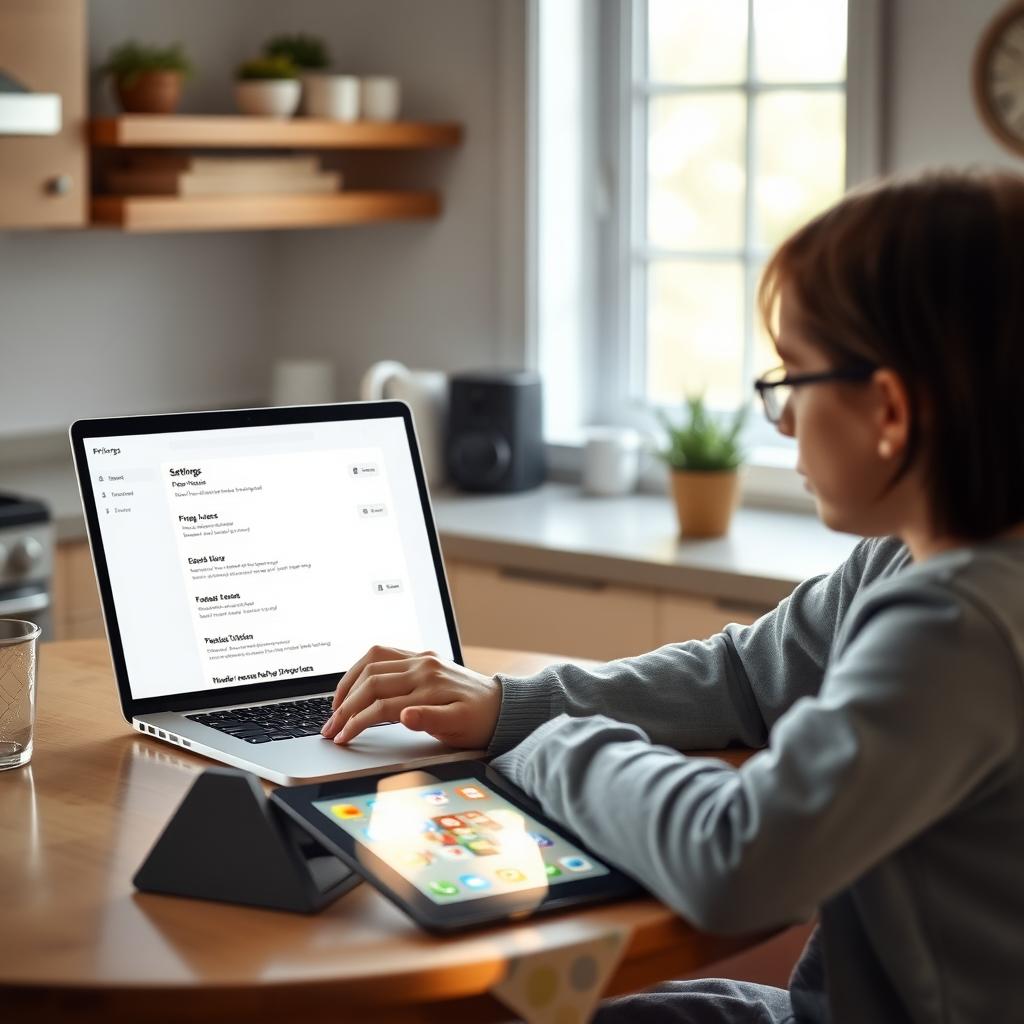
Simple Steps to Lock Down Your Online Privacy
Protecting your kids’ online privacy doesn’t have to be overwhelming. Here are practical, parent-tested steps to secure their digital lives:
1. Use Strong Passwords and Two-Factor Authentication
Encourage your kids to create strong, unique passwords for every account. A good password is at least 15 characters long, mixing letters, numbers, and symbols. For example, instead of “password123,” try “SunnyHill2025!Rocks.” Never reuse passwords across sites. I learned this the hard way when my son’s gaming account was hacked because he used the same password everywhere.
Enable two-factor authentication (2FA) wherever possible. This adds an extra layer of security by requiring a second verification step, like a text code. Most social media platforms, email providers, and gaming apps support 2FA. Sit down with your kids to set it up together—it’s a great way to teach them about security.
2. Adjust Privacy Settings on Apps and Social Media
Most apps and platforms collect data unless you opt out. Check the privacy settings on your child’s accounts and set them to the strictest levels. For example, make social media profiles private so only approved followers can see posts. Turn off location sharing to prevent apps from tracking your child’s whereabouts. Common Sense Media offers excellent guides on app-specific privacy settings (www.commonsensemedia.org).
When my daughter started using Instagram, we reviewed her settings together. We disabled location tags and limited who could message her. It took 10 minutes but gave me peace of mind.
3. Leverage Parental Control Tools
Parental control software like Net Nanny or Qustodio lets you monitor screen time, block inappropriate content, and track online activity. These tools aren’t about spying—they help create safe boundaries. For younger kids, set up kid-friendly profiles on platforms like YouTube Kids or Netflix to filter content by age. For teens, focus on open communication alongside controls to respect their growing independence.
4. Teach Kids About Their Digital Footprint
Kids often don’t realize that everything they post online leaves a trail. Explain that photos, comments, or even game profiles can be seen by strangers, colleges, or future employers. I once showed my son how googling his username brought up old gaming forum posts. He was shocked and immediately tightened his privacy settings.
Use simple analogies: compare their digital footprint to footprints in wet cement—once they’re there, they’re hard to erase. Encourage them to think before posting and avoid sharing personal details like their full name, address, or school.

How to Set Up Incogni to Delete Personal Data
One powerful way to protect your family’s privacy is by removing personal data from data brokers—companies that collect and sell information like names, addresses, and browsing habits. Incogni is an online privacy tool that automates this process, saving you time and effort. Here’s how to set it up:
- Sign Up for Incogni: Visit the Incogni website (www.incogni.com) and create an account. You’ll need to provide basic details like your email and payment information for the subscription.
- Enter Your Information: Input the personal details you want removed, such as your child’s name, address, or email. Incogni uses this to search data broker databases.
- Authorize Data Removal: Incogni will ask for permission to contact data brokers on your behalf. This is safe and complies with privacy laws like the California Consumer Privacy Act.
- Monitor Progress: Incogni provides a dashboard to track removal requests. It typically takes a few weeks to see results, as brokers must comply with opt-out requests.
- Repeat for Family Members: If you have multiple kids, set up separate profiles for each to ensure their data is removed.
I started using Incogni last year after discovering my daughter’s name appeared on a shady people-search site. Within a month, her information was removed from dozens of databases. It’s not a one-time fix—new brokers pop up regularly—so ongoing monitoring is key.
| Step | Action | Time Estimate |
|---|---|---|
| 1 | Sign up for Incogni | 5 minutes |
| 2 | Enter personal details | 10 minutes |
| 3 | Authorize removal | 2 minutes |
| 4 | Monitor dashboard | Ongoing |
| 5 | Add family members | 10 minutes per person |
Source: Incogni User Guide (www.incogni.com)
Other Online Privacy Tools to Consider
Beyond Incogni, several online privacy tools can enhance your family’s security:
- Privacy Bee: Monitors your child’s digital footprint and removes data from brokers. Its browser extension blocks trackers and ads, reducing data collection (www.privacybee.com).
- NordVPN: A virtual private network (VPN) hides your internet activity, protecting your family from hackers on public Wi-Fi. It’s great for teens who use their phones outside the home.
- Antivirus Software: Tools like Norton or Bitdefender protect devices from malware and phishing scams, which can steal personal data.
- Password Managers: LastPass or 1Password help create and store strong passwords, making it easier for kids to maintain secure accounts.
When choosing tools, prioritize those with clear privacy policies and COPPA compliance. Always research reviews on sites like Common Sense Media to ensure they’re kid-friendly.

Fostering Safe Online Habits
Tools are only half the battle—teaching kids to navigate the internet responsibly is just as important. Here’s how to build good habits:
- Set Clear Rules: Create a family internet safety plan. For example, no devices in bedrooms after 9 p.m., and always ask permission before downloading apps.
- Encourage Open Communication: Make sure your kids feel safe coming to you if they encounter something upsetting online, like cyberbullying or inappropriate messages. My daughter once told me about a creepy message she got on a gaming app, and we blocked the user together.
- Model Good Behavior: Kids learn from watching you. If you overshare on social media, they might too. Before posting about your kids, ask yourself if it’s something they’d be okay with as adults.
- Use Kid-Friendly Platforms: For younger kids, stick to platforms like YouTube Kids or KidzSearch, which have built-in safety features. For teens, discuss the risks of apps like TikTok, where privacy settings are often lax.
UNICEF’s parenting guide emphasizes open dialogue and age-appropriate rules to keep kids safe (www.unicef.org/parenting).
Common Online Risks and How to Avoid Them
Here are key risks and quick tips to address them:
| Risk | Description | Solution |
|---|---|---|
| Cyberbullying | Harassment via social media or messages | Monitor accounts, encourage kids to report issues |
| Data Breaches | Hackers stealing personal info | Use strong passwords, enable 2FA |
| Inappropriate Content | Exposure to adult or violent material | Use parental controls, kid-friendly platforms |
| Predators | Strangers targeting kids online | Teach kids not to share personal info, monitor chats |
Summary
Protecting your children’s online privacy is an ongoing process, but it’s manageable with the right tools and habits. By using online privacy tools like Incogni, adjusting privacy settings, and teaching kids about their digital footprint, you can create a safer online experience. Start small—set up one tool or rule at a time—and involve your kids in the process. It’s not just about safety; it’s about empowering them to thrive in the digital world.