Top Tools for Blocking Ads and Trackers
Introduction to Ads and Trackers
Ads are those annoying pop-ups, banners, and videos that clutter websites, often slowing down your browsing. Trackers, on the other hand, are sneaky scripts that follow you across the internet, collecting data about your habits without your consent. Both can be frustrating and pose serious privacy risks. Fortunately, there are tools designed to block these intrusions and protect your data.
2. AdGuard
AdGuard is another powerful tool that offers both a browser extension and a standalone app. It blocks ads, trackers, and even malware, and it’s available on Windows, macOS, Android, and iOS. What I love about AdGuard is its extra features, like parental controls, which make it a great choice for families.
How it works: AdGuard filters your internet traffic, blocking ads and trackers at the network level. This means it works across all apps, not just your browser.
Why it’s great: It’s versatile, working on multiple devices, and offers more than just ad blocking. The standalone app is especially useful for mobile devices.
3. Brave Browser
If you’re looking for a privacy-focused browser, Brave is a top contender. It comes with built-in ad and tracker blocking, so you don’t need to install extra extensions. Brave also has a unique rewards system where you can earn cryptocurrency for viewing privacy-respecting ads, though this is optional.
How it works: Brave blocks ads and trackers by default, and its “Shields” feature lets you customize what gets blocked on each site.
Why it’s great: It’s a full browser with privacy at its core. Plus, it’s fast and doesn’t require any setup—just download and go.
For a deeper dive into how browsers can protect your privacy, see this article from the Center for Democracy and Technology.
NextDNS Setup Guide for Blocking Ads and Trackers
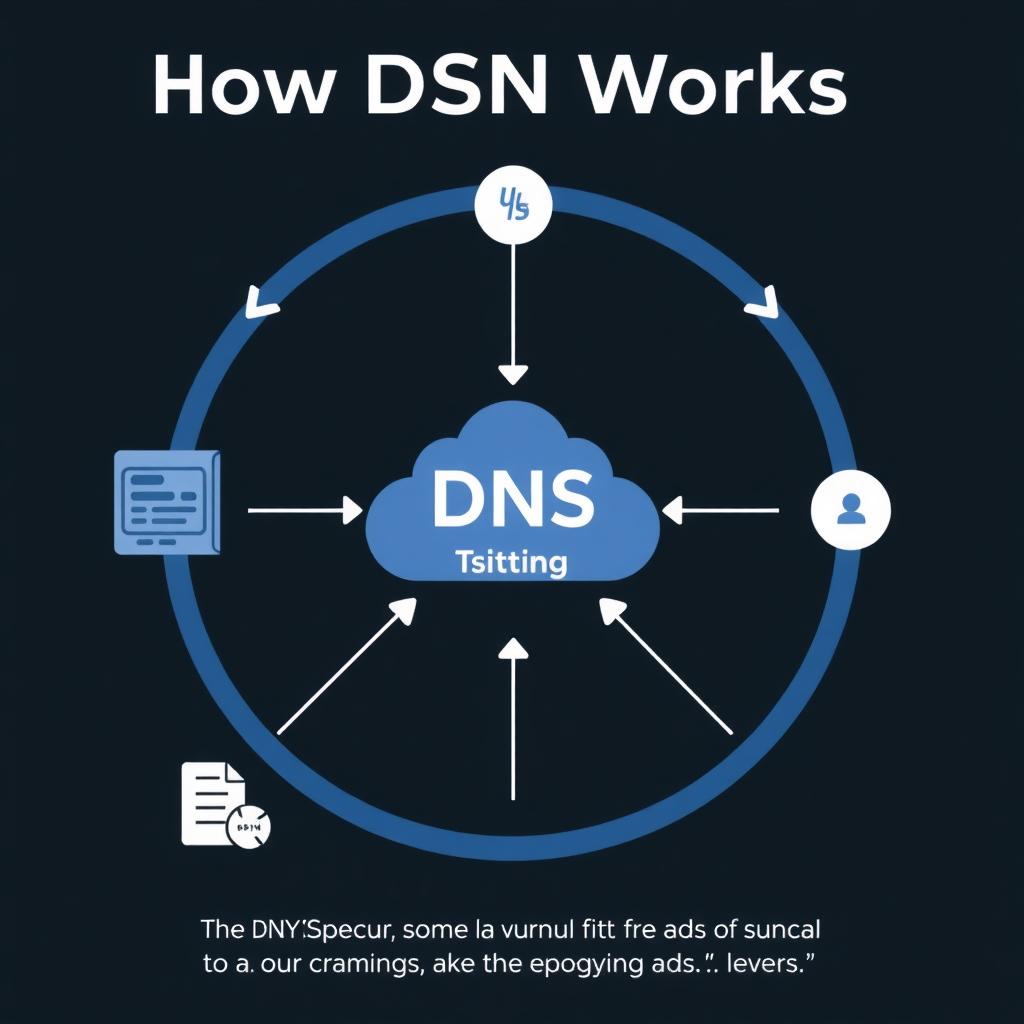
Setting up NextDNS is straightforward. Here’s a quick guide:
- Create an account: Go to the NextDNS website and sign up.
- Configure your devices: You can set NextDNS as your DNS resolver on individual devices or your router. For routers, log into your router’s admin page and update the DNS settings.
- Customize your filters: In your NextDNS dashboard, choose which blocklists to use for ads, trackers, and malware.
- Monitor your analytics: NextDNS provides detailed logs of blocked requests, so you can see what’s being filtered.
For a step-by-step tutorial, visit the official NextDNS setup guide.
Other Online Privacy Tools
While ad and tracker blockers are essential, there are other tools that can further protect your privacy:
- VPN (Virtual Private Network): Encrypts your internet connection and hides your IP address. Great for public Wi-Fi.
- Password Manager: Generates and stores strong passwords, reducing the risk of hacks.
- Tor Browser: Allows anonymous browsing by routing your connection through multiple servers. It’s slower but highly private.
Each of these tools adds an extra layer of security, especially when used together.
Recommended Readings
- "The Importance of Online Privacy" by the Electronic Frontier Foundation
- "How to Protect Your Privacy Online" by the Center for Democracy and Technology
- "The Ultimate Guide to Ad Blockers" by PCMag
Conclusion
Blocking ads and trackers is essential for maintaining your online privacy and security. Tools like uBlock Origin, AdGuard, Brave Browser, and NextDNS can help you achieve this. Additionally, using a VPN, password manager, and Tor Browser can further enhance your online privacy. Remember, the key is to find the right combination of tools that suit your needs and preferences.