How to Protect Your Privacy Online: Top Tools and Strategies for 2025
Overview
In 2025, protecting your privacy online is more critical than ever. Every click, search, or post can be tracked, creating detailed profiles that companies and hackers exploit. This guide shares practical steps, personal insights, and top tools to safeguard your data, including a deep dive into DNS and a NextDNS setup guide for blocking ads and trackers.
Why Online Privacy Matters
Your online activity is a goldmine for advertisers, data brokers, and cybercriminals. From targeted ads to identity theft, the risks of unprotected browsing are real. I’ve seen friends fall victim to phishing scams because their data was exposed. Privacy isn’t just about avoiding ads—it’s about controlling who knows what about you.
Websites track your behavior using cookies, trackers, and fingerprinting techniques. According to a 2023 study by the Electronic Frontier Foundation, over 80% of websites use third-party trackers. These collect data on your location, interests, and even health-related searches, often without your consent. Taking charge of your privacy means reducing this exposure.
Top Tools for Blocking Ads and Trackers
Blocking ads and trackers is a great first step to protect your privacy online. These tools stop intrusive scripts and pop-ups while speeding up your browsing. Here are my top picks based on personal use and research:
- uBlock Origin: This browser extension is lightweight and effective. It blocks ads, trackers, and malicious scripts without slowing your browser. I’ve used it for years on Chrome and Firefox, and it’s never let me down. You can customize filters to allow ads on sites you trust.
- Privacy Badger: Created by the Electronic Frontier Foundation, this tool automatically learns to block trackers based on their behavior. It’s perfect for set-it-and-forget-it privacy.
- AdGuard: Beyond browser extensions, AdGuard offers a DNS-based solution to block ads across all devices on your network. It’s user-friendly and great for families.
These tools are free or low-cost and work across major browsers like Firefox, Chrome, and Safari. Combine them for maximum protection.
Understanding DNS and Its Importance for Privacy
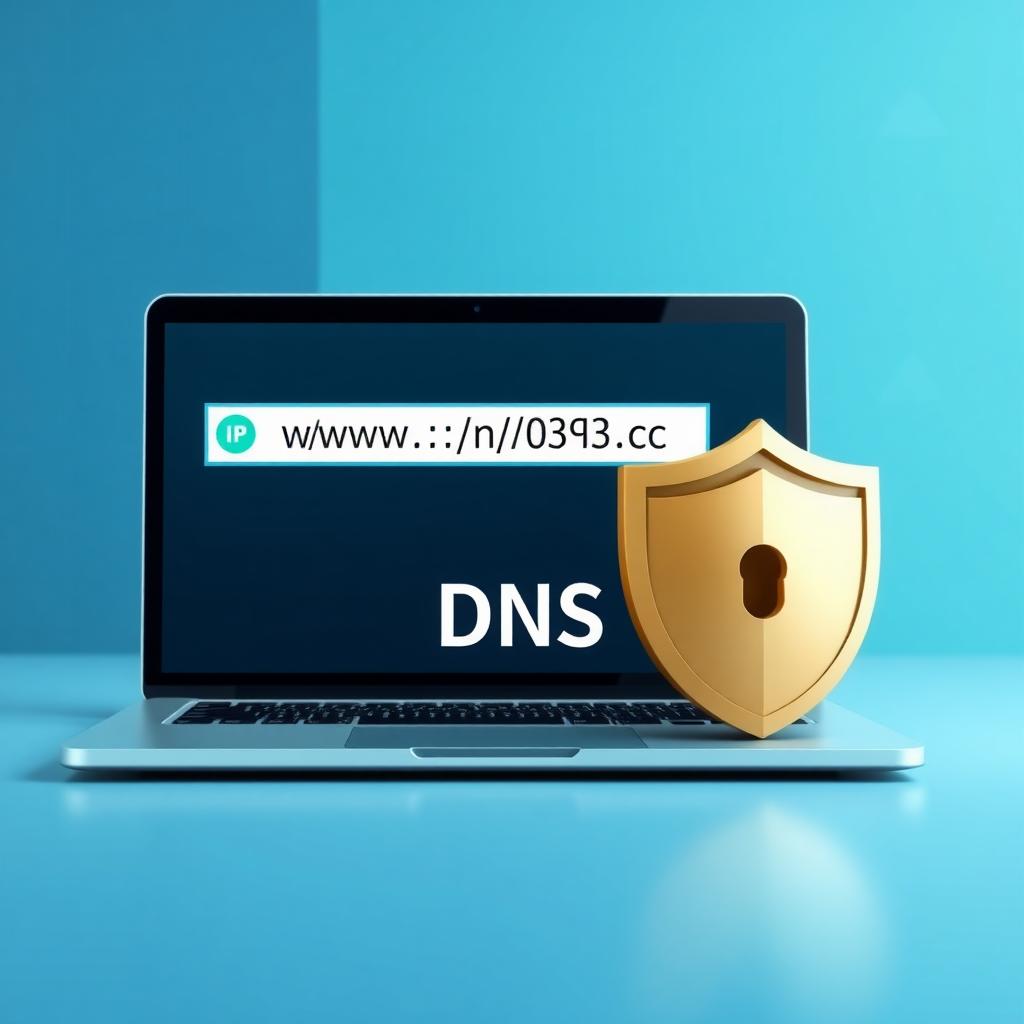
DNS, or Domain Name System, is like the internet’s phonebook. When you type a website’s name, DNS translates it into an IP address so your device can connect. But your Internet Service Provider (ISP) can see every DNS query, tracking your browsing habits.
Using a privacy-focused DNS provider hides your queries from ISPs and adds security. For example, encrypted DNS protocols like DNS-over-HTTPS (DoH) or DNS-over-TLS (DoT) ensure your requests are secure. A 2024 report by Cloudflare highlights that encrypted DNS can reduce tracking by up to 60%.
Switching to a privacy-first DNS provider like NextDNS or Quad9 is a game-changer. It’s like locking your front door instead of leaving it wide open. I switched to NextDNS last year and noticed fewer targeted ads immediately.
NextDNS Setup Guide for Blocking Ads and Trackers
NextDNS is a powerful, cloud-based DNS service that blocks ads, trackers, and malicious domains while offering deep customization. Here’s a step-by-step guide to set it up, based on my own experience:
- Create an Account: Go to nextdns.io and sign up for a free account. The free tier offers 300,000 queries per month, which is plenty for most households.
- Get Your Configuration ID: After signing up, NextDNS generates a unique ID for your profile. You’ll find it in the Setup section of your dashboard.
- Configure Your Device: On your router, phone, or computer, update the DNS settings to use NextDNS’s servers. For example, on an iPhone, go to Settings > Wi-Fi > [Your Network] > DNS, and enter the NextDNS server addresses provided.
- Customize Filters: In the NextDNS dashboard, enable blocklists for ads, trackers, and malware. I recommend turning on “Block Disguised Third-Party Trackers” for extra protection.
- Enable Parental Controls (Optional): NextDNS lets you block specific websites or apps, like social media during work hours. I use this to limit my kids’ access to certain games.
- Monitor Activity: Check the real-time logs to see what’s being blocked. This helped me spot a sneaky tracker from a shopping site I frequented.
NextDNS is easy to set up and works on all devices, from phones to smart TVs. It’s like having a Pi-hole without the hardware hassle.
Additional Online Privacy Tools
Beyond DNS and ad blockers, other tools can enhance your privacy:
| Tool | Purpose | Why I Like It |
|---|---|---|
| Tor Browser | Anonymous browsing | Routes traffic through multiple servers for anonymity. Great for sensitive research. |
| Proton VPN | Encrypts internet traffic | Hides your IP address and protects data on public Wi-Fi. Affordable and reliable. |
| Bitwarden | Password management | Stores unique, strong passwords securely. Open-source and free. |
These tools complement ad blockers and DNS solutions. For example, I use Bitwarden to generate unique passwords for every site, reducing the risk of data breaches. A 2025 study by Princeton University found that using a combination of these tools can reduce data exposure by 75%.
Practical Tips for Everyday Privacy
Here are some habits I’ve adopted to stay private online:
- Use a Privacy-Focused Browser: Browsers like Firefox or Brave block trackers by default. I switched to Brave and noticed faster load times.
- Clear Cookies Regularly: Cookies track your activity across sites. Clear them weekly or use a browser that auto-deletes them.
- Check App Permissions: Apps often request unnecessary access to your camera or location. Review and revoke permissions regularly.
- Avoid Public Wi-Fi Without a VPN: Public Wi-Fi is a hacker’s playground. A VPN like Proton VPN encrypts your connection.
These steps take minutes but make a big difference. When I started clearing cookies weekly, I saw fewer creepy ads following me around.
Summary
Protecting your privacy online doesn’t have to be complicated. By using top tools for blocking ads and trackers, understanding DNS and its importance for privacy, and following a NextDNS setup guide, you can take control of your digital life. Combine these with smart habits like using a VPN and strong passwords, and you’ll drastically reduce your online footprint. Stay proactive, and your data will thank you.