VPNs Explained: What They Are and Why You Need One
Quick Overview
A VPN, or Virtual Private Network, creates a secure, encrypted tunnel for your internet traffic. It hides your real IP address and protects your data from prying eyes. In today's world of data breaches and tracking, using a VPN is one of the smartest steps you can take for online privacy. This guide explains everything simply and shows why you need one now.
What Exactly Is a VPN?
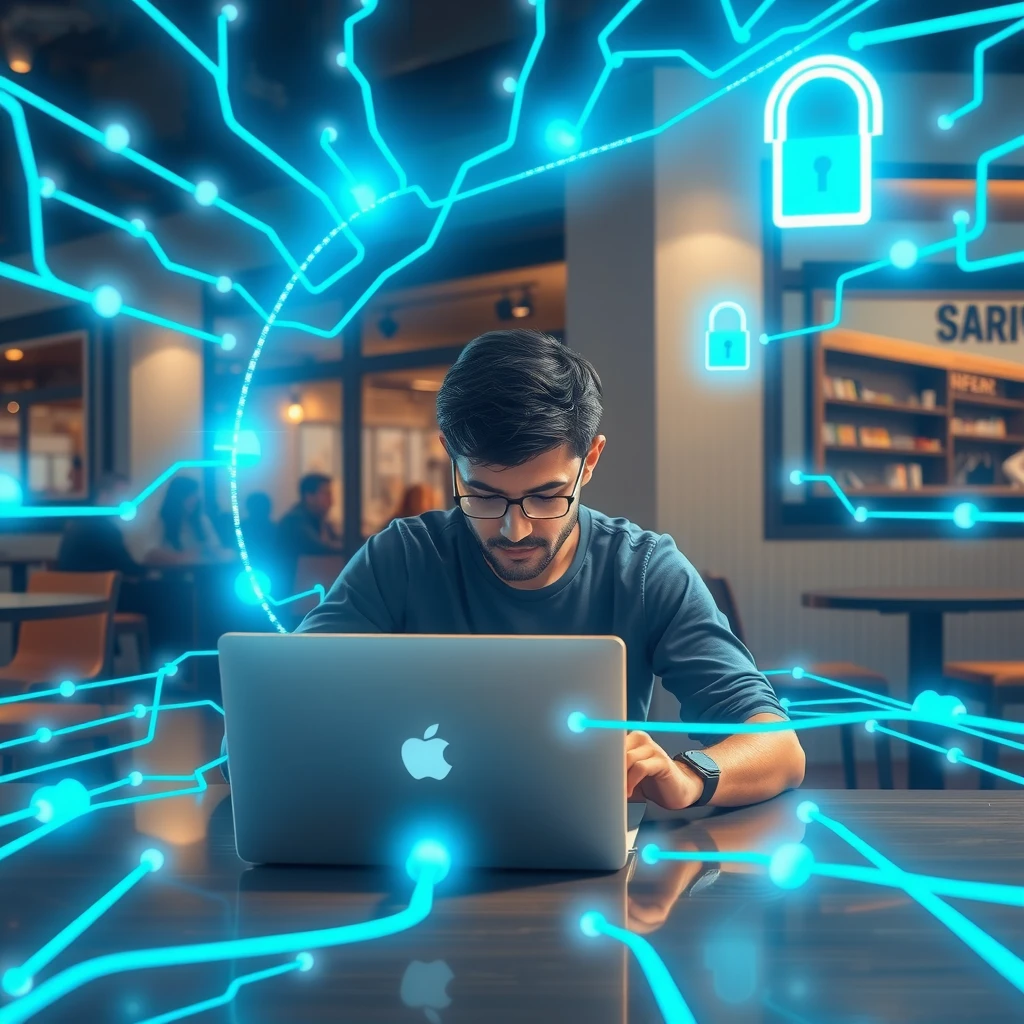
Think of the internet as an open highway. Without protection, anyone can see what you're doing—your internet provider, hackers on public Wi-Fi, or even advertisers. A VPN acts like a private tunnel on that highway.
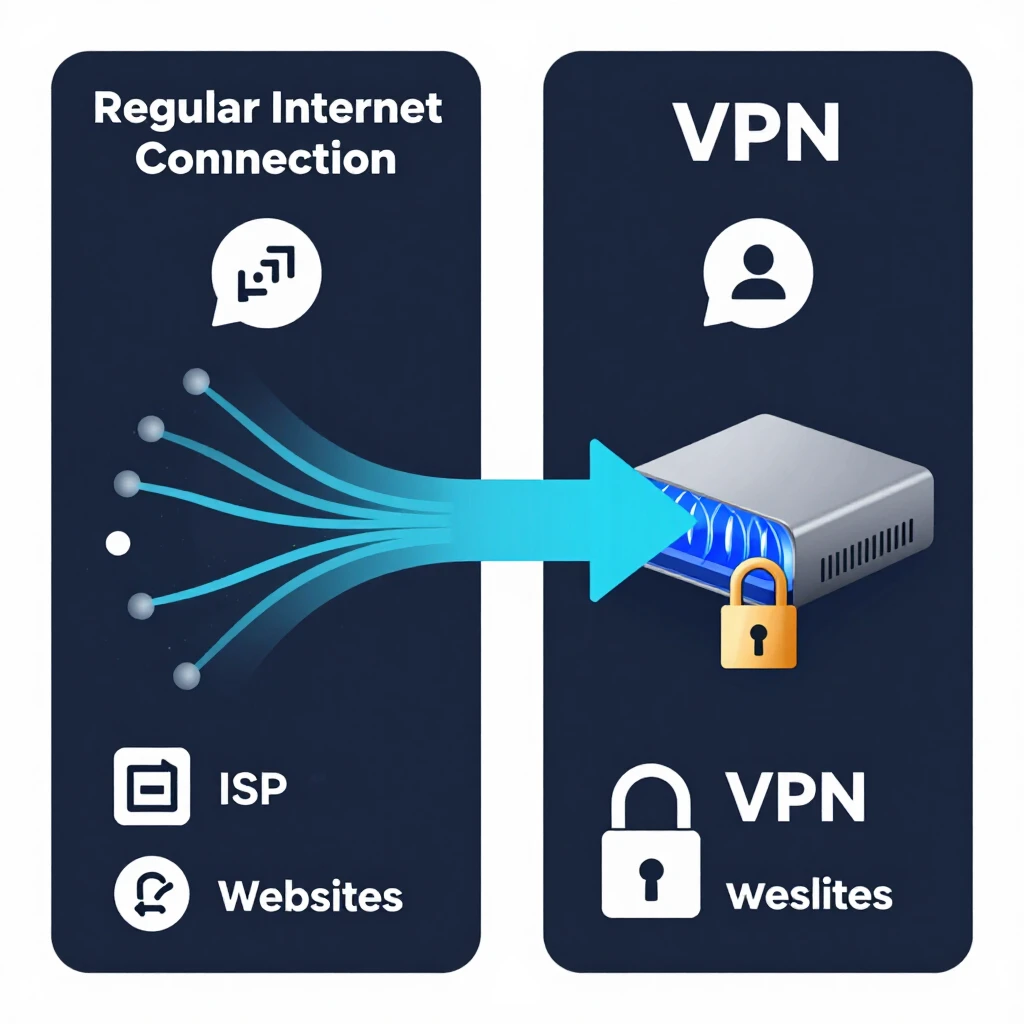
When you connect to a VPN, your device links to a remote server run by the VPN company. All your internet traffic routes through this server. Your real IP address gets hidden, and the one shown to websites belongs to the VPN server instead.
This simple change does two big things: it encrypts your data so no one can read it in transit, and it masks your location and identity.
From my own experience, I started using a VPN years ago after noticing how much my ISP slowed down certain sites. Once I switched on the VPN, those speed drops vanished, and I felt much safer browsing on hotel Wi-Fi during trips. It's not magic, but it makes a real difference in everyday use.
How Does a VPN Actually Work?
Here's the step-by-step in plain terms:
- You open the VPN app and pick a server location.
- Your device creates an encrypted connection to that server.
- All data leaving your device gets wrapped in strong encryption.
- The VPN server unwraps it and sends it to the website.
- Responses come back the same secure way.
Common protocols include OpenVPN and WireGuard—both reliable and fast. Encryption standards like AES-256 keep your info locked tight.
According to experts at the Electronic Frontier Foundation (EFF), a good VPN masks your IP address effectively, which helps protect against location-based tracking and identification. Learn more from their guide on choosing a VPN that's right for you.
Why You Need a VPN: Real Reasons in 2025
Data breaches hit record numbers every year. In 2025, the average cost of a U.S. data breach reached over $10 million, and millions of personal records got exposed. Your online activity gets tracked constantly—by advertisers, ISPs, and sometimes governments.
A VPN helps in these key ways:
- Protects on public Wi-Fi — Coffee shops, airports, and hotels often have risky networks where hackers lurk.
- Stops ISP snooping — Your provider can't see what sites you visit or sell that data.
- Bypasses censorship — Access blocked content in restrictive countries or networks.
- Reduces targeted ads — Hides your browsing habits from trackers.
- Enhances privacy overall — Works well alongside other online privacy tools.
I once used a VPN while traveling abroad and easily watched my favorite shows from home. More importantly, when I connected on an unsecured network, I didn't worry about someone stealing my login details. That peace of mind is worth it.
The Federal Trade Commission warns that not all VPN apps are trustworthy—always check privacy policies carefully. See their advice on VPN app privacy concerns.
What a VPN Cannot Do
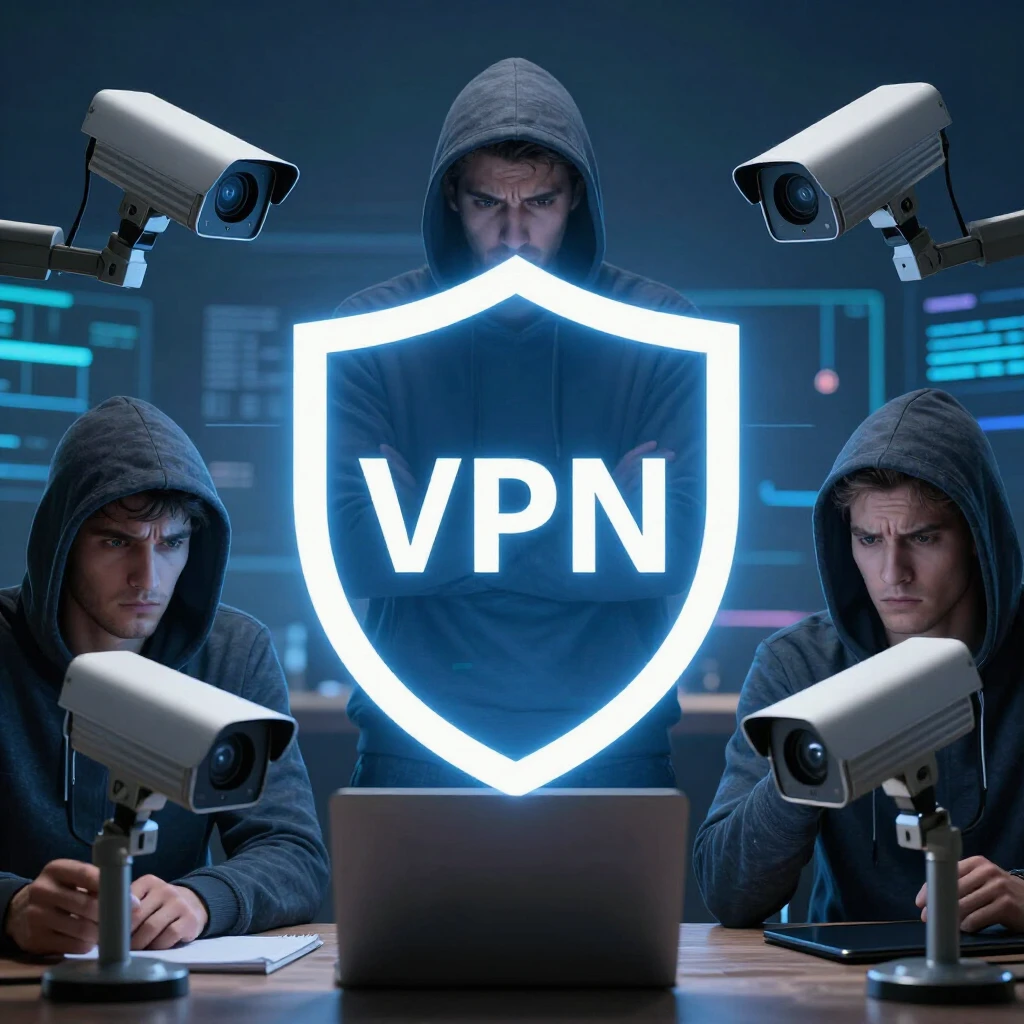
No tool is perfect. A VPN does not:
- Make you completely anonymous (your VPN provider can still see your activity)
- Protect against malware or phishing
- Stop websites from tracking you via cookies
- Secure data after it reaches the destination site
That's why you pair it with other tools. For example, check out Top Online Privacy Tools for 2023 for more options.
Choosing the Right VPN
Look for these features:
- No-logs policy (independently audited)
- Strong encryption and kill switch
- Fast speeds
- Servers in many countries
- Good apps for all devices
Avoid free VPNs—they often sell data or show ads. Paid ones from trusted companies give better protection.
Combine your VPN with smart habits like using private browsers. Compare options in articles like Firefox Focus vs DuckDuckGo: which mobile browser is more private?.
How to Protect Your Data When Using Online Tools
Start with a VPN as your base layer. Then add:
- HTTPS on every site
- Strong, unique passwords
- Two-factor authentication
- Ad and tracker blockers
These steps together build real defense. A VPN handles the connection security while other tools cover the rest.
Final Thoughts
In a world where your data is valuable, taking control matters. A VPN is simple to use and provides strong protection for your everyday browsing. It isn't the only step, but it's one of the most effective ones you can take right now.
Stay safe online—your privacy is worth the effort.