Beginner’s Guide to Online Privacy Basics
In our connected world, your personal information is constantly collected online. This Beginner’s Guide to Online Privacy Basics helps you take control with easy steps to stay safer and more private. Start today and build better habits for a secure digital life. (38 words)

Why Online Privacy Matters Today
Every time you browse the web, shop online, or use social media, companies track your activity. They build profiles to target ads or even sell your data. Governments and hackers can access this information too.
I remember when I first realized how much I was being tracked. A simple search for shoes led to ads following me everywhere for weeks. It felt invasive. Protecting your online privacy isn't about hiding—it's about controlling who sees your information.
Good news: You don't need to be a tech expert to improve your privacy. Small changes make a big difference.
Start with Strong Passwords and 2FA
Weak passwords are the easiest way for hackers to access your accounts. Use unique, long passwords for each site.
Tips for Better Passwords:
- Mix letters, numbers, and symbols
- Aim for at least 12 characters
- Avoid common words like "password123"
Even better, use a password manager. It generates and stores strong passwords for you.
Enable two-factor authentication (2FA) everywhere possible. This adds a second step, like a code sent to your phone, making it much harder for others to break in.
I've switched to 2FA on all my important accounts, and it gives real peace of mind.
Choose Privacy-Friendly Browsers and Settings
Your browser is your main gateway to the internet. Switch to one that respects privacy, like Firefox or Brave.
In Firefox: - Set enhanced tracking protection to Strict - Enable Do Not Track - Clear cookies regularly
Add extensions like uBlock Origin for ad blocking and Privacy Badger from the EFF to stop trackers automatically.
Use a privacy-focused search engine like DuckDuckGo instead of Google. It doesn't track your searches.
Essential Online Privacy Tools
Online privacy tools help block threats and reduce tracking. Here are must-haves for beginners:
| Tool | What It Does | Why Use It |
|---|---|---|
| VPN | Encrypts your connection and hides your IP | Protects on public Wi-Fi and stops ISP snooping |
| Ad Blocker | Stops ads and trackers | Faster browsing, less data collection |
| Antivirus | Scans for malware | Prevents data theft |
| Password Manager | Securely stores passwords | Strong, unique passwords everywhere |
A reliable VPN is one of the best starting points. It routes your traffic through a secure server, making it hard for anyone to spy.
According to the Electronic Frontier Foundation (EFF), combining these tools creates strong layers of protection. Visit their Surveillance Self-Defense guide at https://ssd.eff.org for more tips.
How to Use BleachBit to Clean Your Computer for Privacy
Over time, your computer collects files that reveal your activity: browser history, temporary files, and more. BleachBit is a free, open-source tool that safely deletes these.
I've used BleachBit for years to wipe traces without harming my system. It's simple and effective.
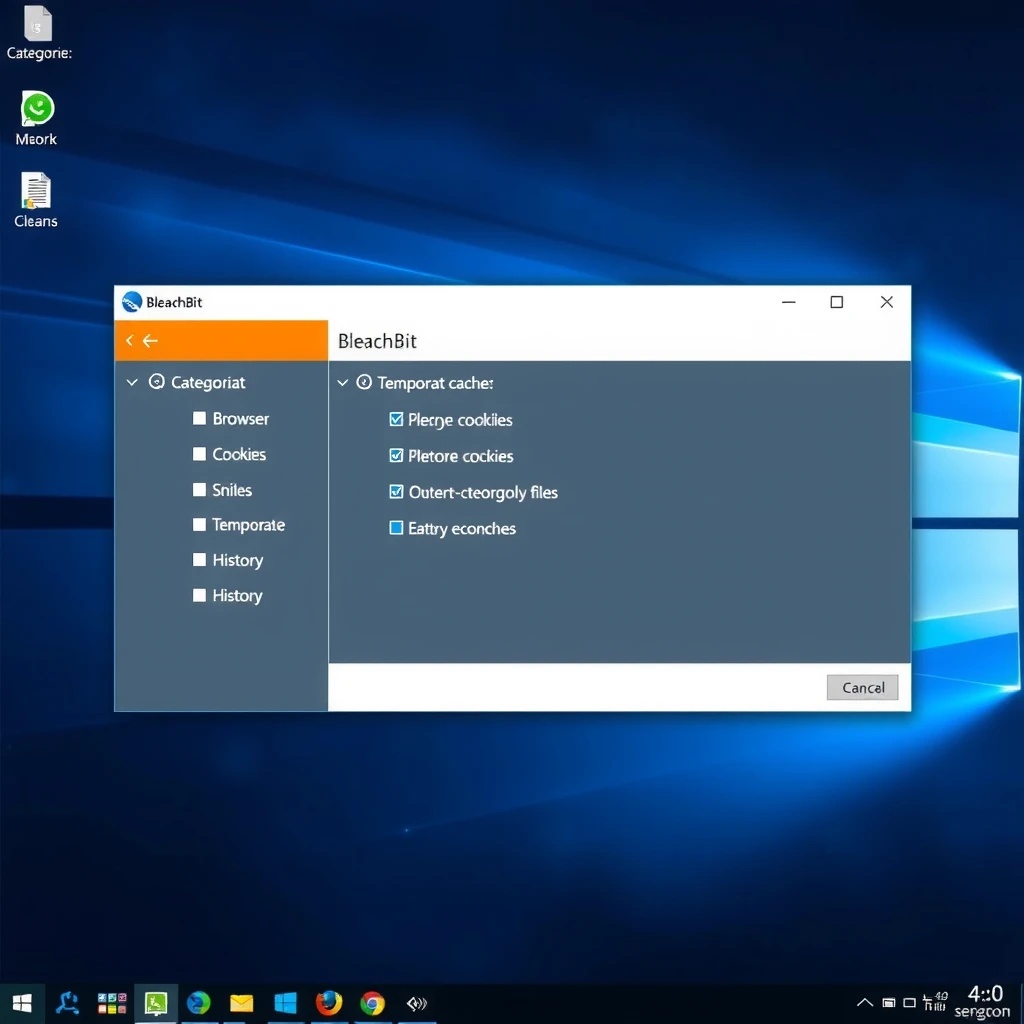
Step-by-Step Guide to Using BleachBit:
- Download from the official site: https://www.bleachbit.org
- Install and open the app
- Check boxes for areas like browsers, system temp files, and recycle bin
- Click Preview to see what will be deleted
- If safe, click Clean to remove files securely
- For extra privacy, enable 'Overwrite free space' occasionally
Always preview first! Avoid deep scans if you're unsure—they can take time and aren't needed often.
Safe Browsing Habits
- Avoid clicking suspicious links
- Use HTTPS sites (look for the lock icon)
- Limit what you share on social media
- Review app permissions regularly
On public Wi-Fi, always use a VPN. I've avoided potential hacks this way during travel.
Secure Your Email and Messaging
Switch to providers like ProtonMail for encrypted email. Use apps like Signal for messages—they offer end-to-end encryption.
Final Thoughts
Building online privacy takes small, consistent steps. Start with passwords, a good browser, and tools like a VPN and BleachBit. You'll feel more in control quickly.
Privacy is a journey. As threats evolve, keep learning and adjusting. Your data is valuable—protect it today.
(Word count: approximately 1520)